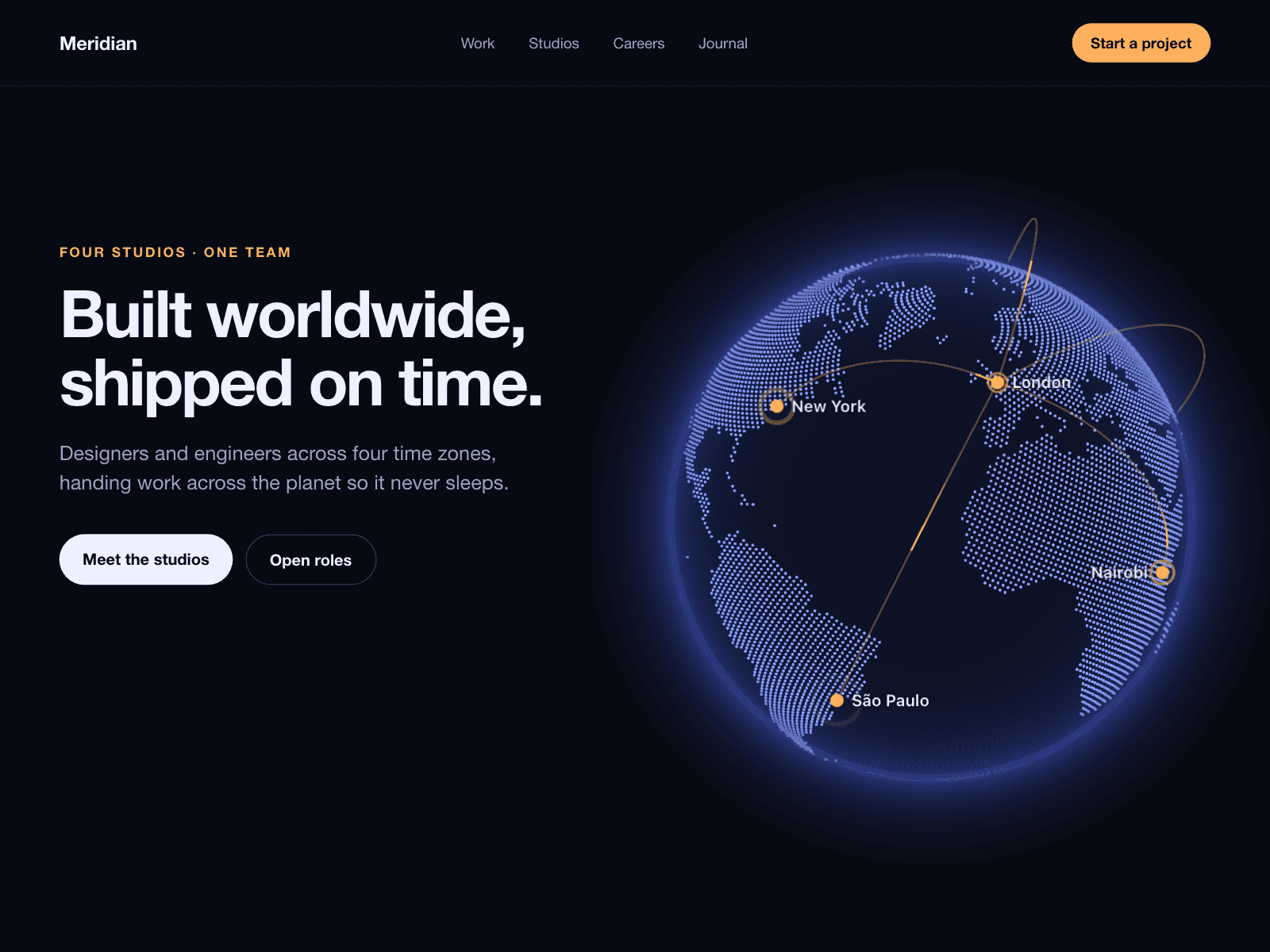
About Aisol Office Map
Aisol Office Map shows your offices, studios or stores on a dotted or solid world map drawn inside the component, next to a list with search and region filters. It loads no tiles and needs no API key. On narrow frames the list becomes a bottom sheet.
Choosing a place moves the map to it and opens a card with its photo, address, hours and a link or directions button. Nearby pins merge into a count until you zoom in.
- Search ignores accents and case ("sao" finds São Paulo).
- A plain wheel scrolls the page; Ctrl or ⌘ plus wheel zooms. On touch, two fingers move the map.
- Each office in the list is a button: arrows move, Enter opens a card, Esc closes it. With the list off, Tab reaches the map pins instead.
- Fly Time sets how long the move takes, with Drag on or off. Reduced motion jumps instantly.
- Animation stops when the map is off screen or the tab is hidden.
What you control
• Locations (up to 60): name, city, country, region, latitude, longitude, address, hours, button label, link, photo
• Map: dots or solid, colours, dot grid and size
• Pins: colour, size, pulse, labels
• Panel: title, search, region filters
• Card: photo, directions, new tab
• Interaction: open first card, drag, zoom buttons, fly time, focus zoom
• Theme: font, text size, colours, radius, label
Limits: city-level map with no streets or place names; Antarctica is not shown. Locations are typed as latitude and longitude, with no CMS binding or address lookup.