About Scroll Blur Text
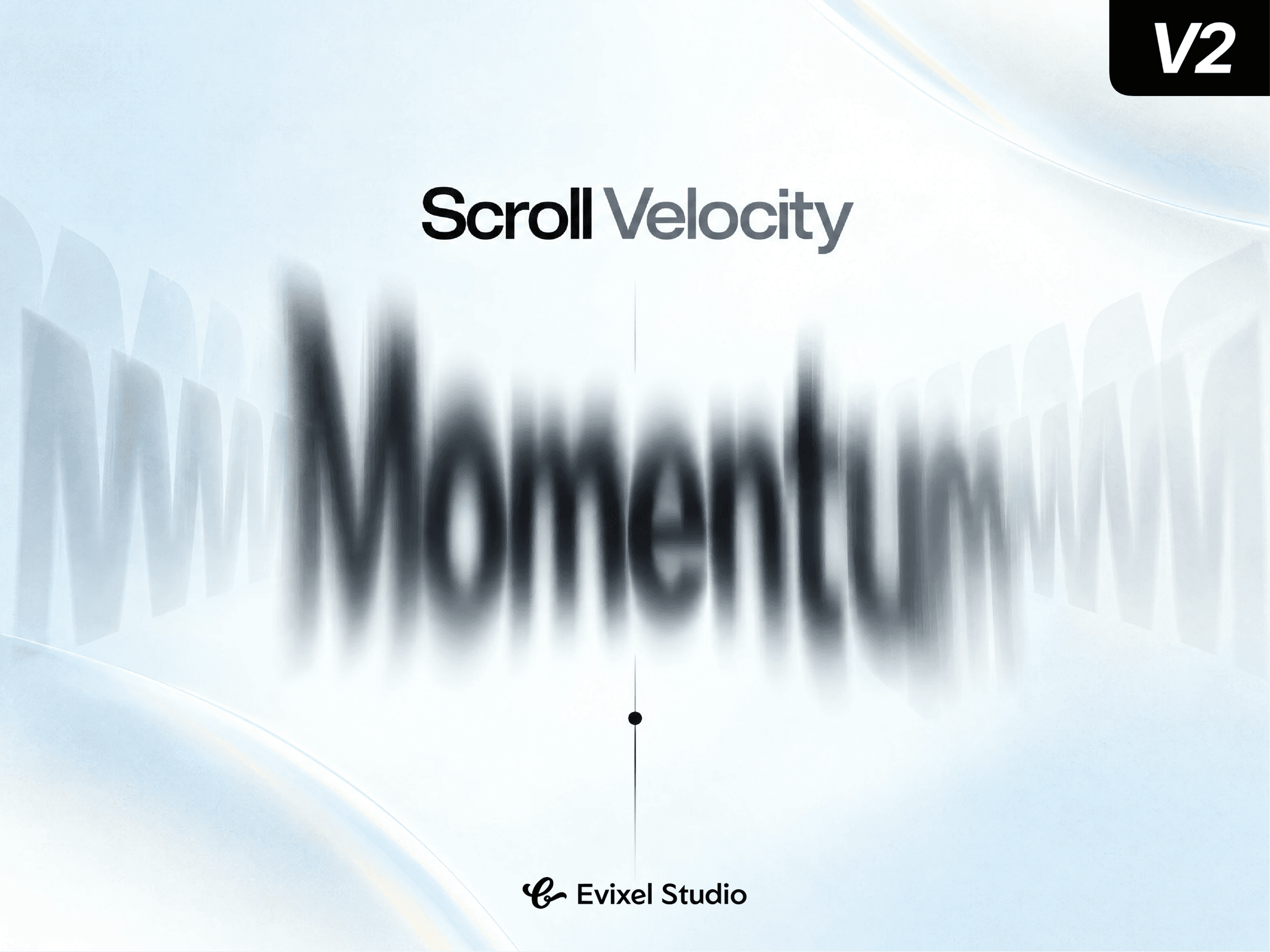
Give your typography tactile physical momentum. Scroll Velocity Text Blur reacts in real time to page scroll speed—stretching, skewing, tilting, and blurring text with optical motion blur and spring-damped recovery that settles into crisp readability the moment scrolling stops.
Key Features
Velocity-Driven Physics: Text reacts directly to how fast the user scrolls, driven by smooth, frame-synced springs that prevent jitter.
True Directional Blur: Switch between standard uniform blur or directional SVG motion blur streaks aligned to the scroll axis.
Organic Squash & Stretch: Dynamically stretches along the movement vector while squashing the cross-axis to preserve visual volume.
Weight & Momentum Lag: Add trailing positional lag and 3D perspective tilt that leans typography into the direction of scroll.
Vertical & Horizontal Tracking: Reacts seamlessly to vertical page scrolling or horizontal scroll setups.
Performance Optimized: Includes sub-pixel dead zones to eliminate micro-jitter, automatic spring sleep when idle, and full reduced-motion accessibility.
Property Controls
Typography: Full font formatting, custom color, text alignment, wrap toggles, and semantic SEO tags (H1–H4, P, Span).
Container: Box styling with padding, background fill, border controls, radius, shadow, and overflow clipping.
Tracking: Axis selection, speed sensitivity, response curve (Soft, Linear, Smooth, Sharp), spring stiffness/damping, and an in-canvas preview slider.
Effects: Adjust peak blur intensity, blur mode (Uniform vs. Directional), stretch %, squash %, skew angle, lag distance, 3D tilt, and velocity fade.
Quick Start Guide
Drop the component onto your Framer canvas.
Enter your headline in Text and style your typography.
Set your preferred Tracking sensitivity and spring feel.
Dial in blur, stretch, and skew in Effects, then preview while scrolling!