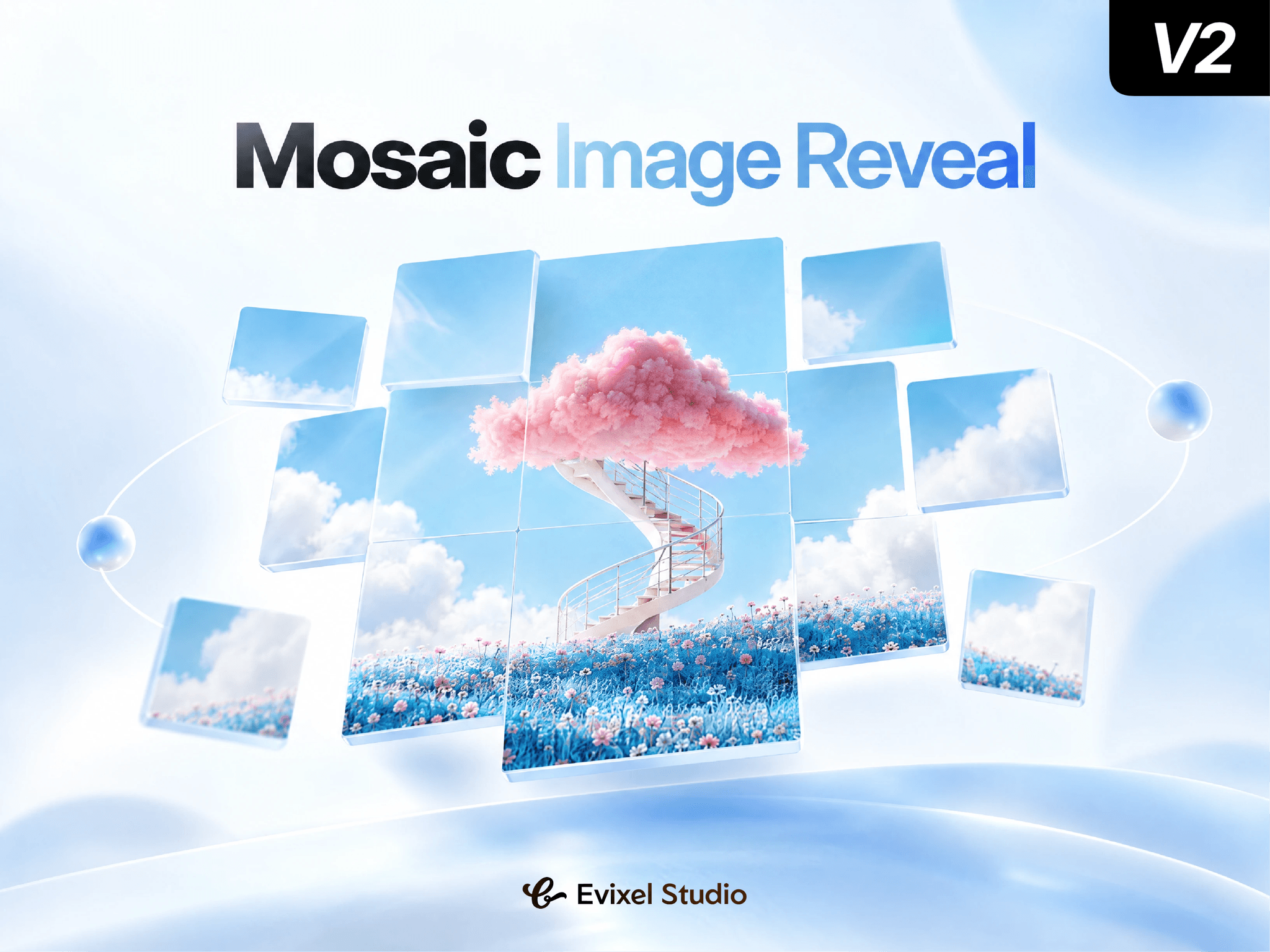
About Mosaic Reveal 3D
Transform static images into cinematic 3D visual experiences. Mosaic Image Reveal slices any image into a customizable grid and animates it into view with fluid perspective transitions, reactive cursor tilt, and spring physics—all without third-party 3D libraries or heavy assets.
Key Features
9 Cinematic 3D Styles: Choose from Explode, Vortex, Flip 3D, Blinds, Fold, Depth Zoom, Rise, Drop, and Shuffle.
13 Reveal Patterns: Animate tiles sequentially with Center Out, Spiral, Wave, Snake, Checkerboard, Diagonal, and more.
Interactive Cursor Parallax: Silky-smooth 3D tilt tracking that reacts to mouse movement, plus optional hover lift.
Versatile Triggers: Trigger automatically on scroll, on page load, or make it interactive via hover or click.
Built-In Gradient Overlays: Add linear or radial gradient overlays with 16 CSS blend modes for instant color grading.
Performance & Accessibility: Fully responsive, zero external 3D runtime overhead, and automatic graceful fallback for reduced motion preferences.
Property Controls
Layout & Grid: Configure aspect ratios (Intrinsic Image, 16:9, 1:1, custom), row and column counts, gaps, tile radii, and overflow clipping.
Reveal: Select animation patterns, sequence spread time, delay, trigger threshold, and replay settings.
3D Motion: Dial in perspective depth, scatter travel, 3D rotation angle, starting scale, and spring physics.
Interaction: Toggle cursor tilt, customize tilt strength, invert direction, and set hover lift distance.
Overlay: Customize linear or radial gradients, angles, colors, opacity, and mix blend modes.
Quick Start Guide
Drag and drop the component onto your Framer canvas.
Upload your image (or keep the default placeholder).
Pick your preferred 3D Style (e.g. Explode or Vortex) and Reveal Pattern.
Set the trigger to In View or Hover, and preview the live animation!