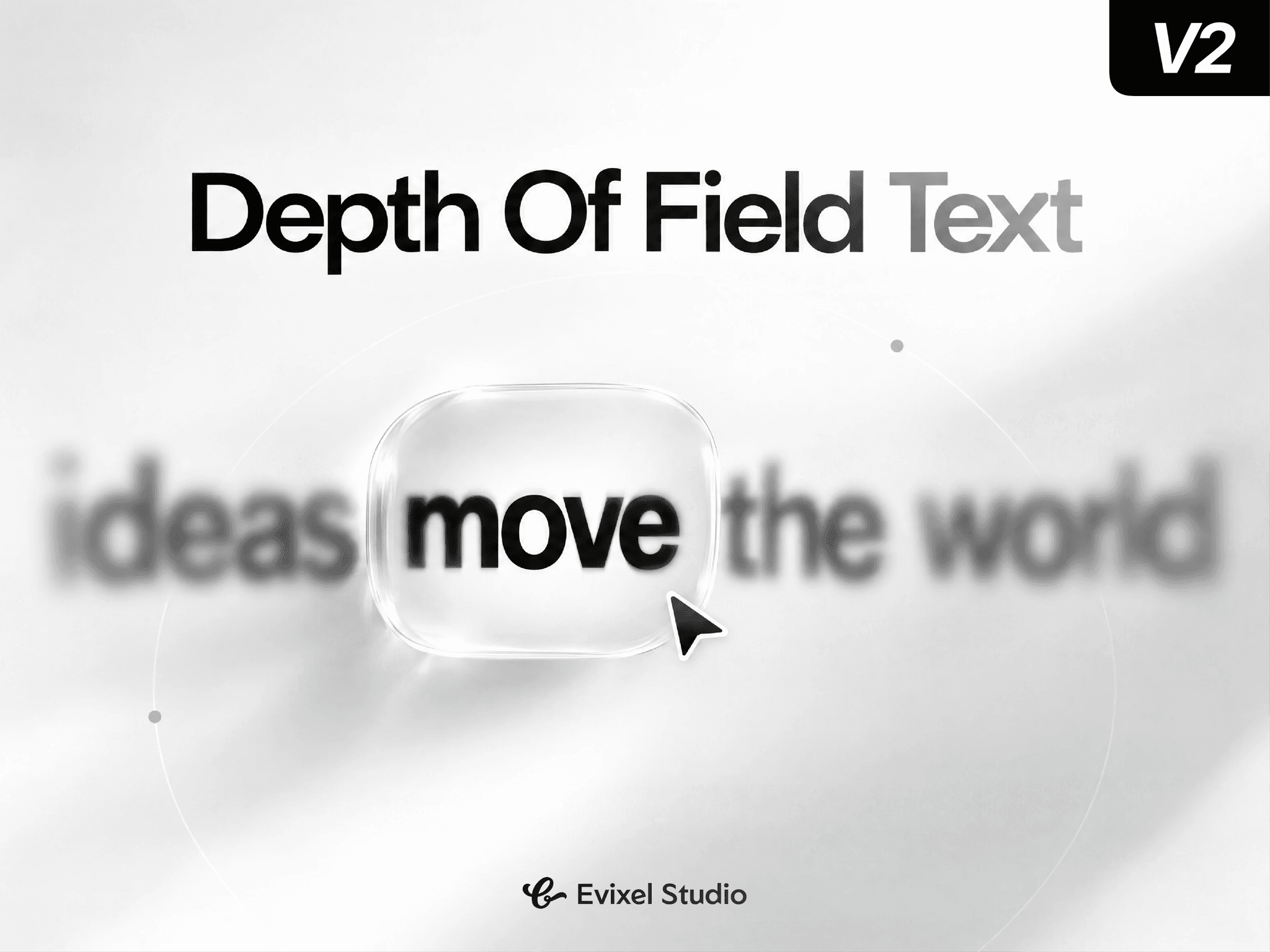
About DepthOfField Text
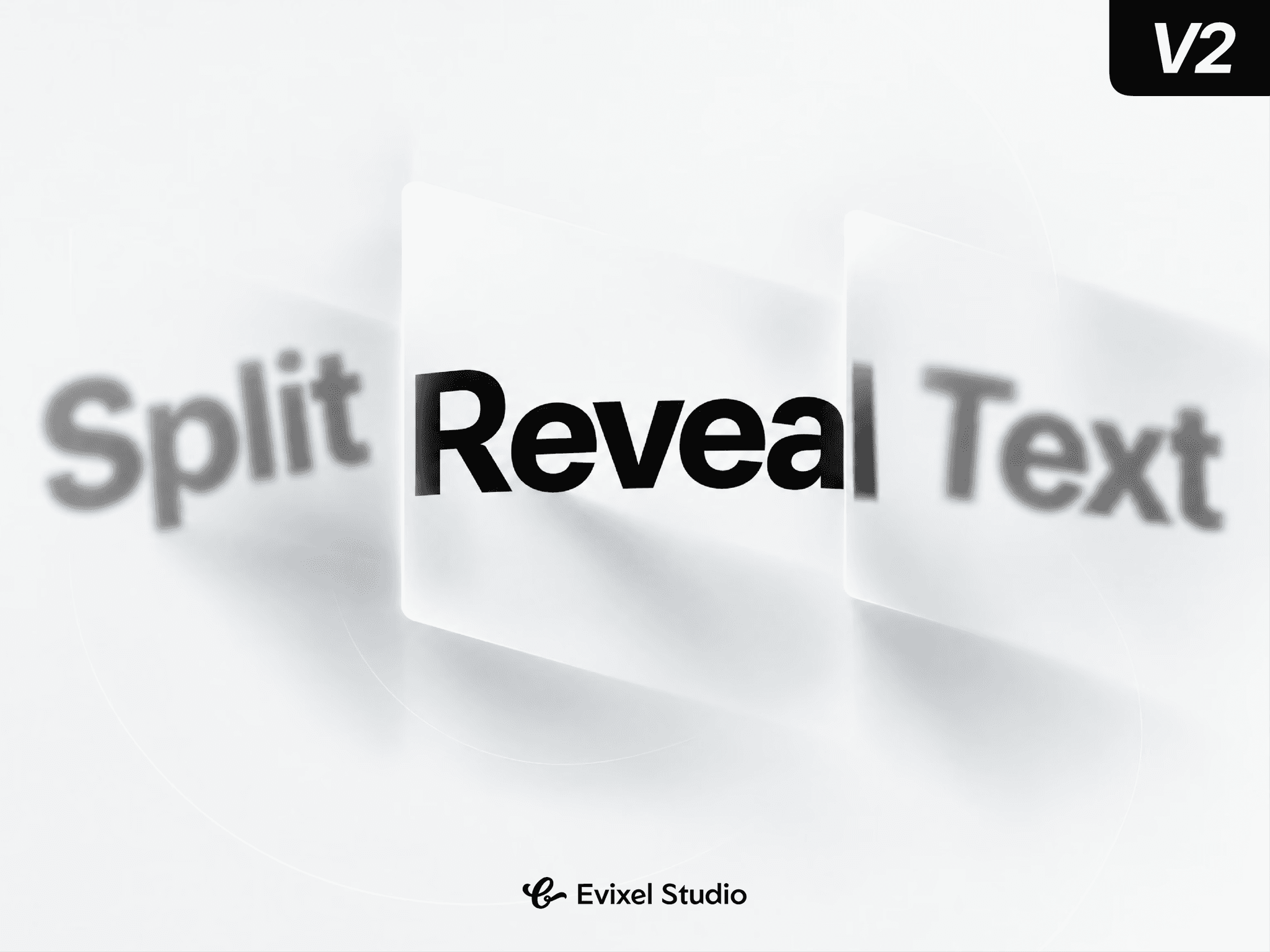
Simulate camera lens optics across your typography. Depth of Field Text brings individual words into sharp focus while smoothly blurring and dimming surrounding words with natural optical falloff. Drive the focus interactively via cursor hover, click, page scroll, or automatic sequences.
Key Features
Optical Lens Simulation: Words shift fluidly between crisp clarity and soft bokeh blur using customizable aperture reach and optical falloff curves.
4 Interaction Modes: Guide the focal point via mouse hover, click selection, scroll-scrubbed reading progress, or hands-free auto cycling (Forward, Ping-pong, Random).
Customizable Aperture: Widen the focus zone to keep neighbouring words sharp or narrow it to isolate single words with a shallow depth of field.
Focus Accents & Glow: Elevate active words with spring-scale pops, customizable multi-layer glow shadows, and distinct color shifts.
Natural Depth Falloff: Control maximum blur radius, minimum opacity, word shrinking, and blur tint color for authentic depth perception.
Property Controls
Content & Typography: Multi-line text field with full font customization (family, weight, size, line height, alignment).
Interaction: Mode selection (Hover, Click, Scroll, Auto), start word index, leave behavior, scroll range/start line, and auto playback timing.
Focus: Active word color, scale pop multiplier, aperture width (sharp range), and neon glow toggle with color/size controls.
Blur: Maximum blur radius, depth reach distance, falloff curve (Linear, Gradual, Steep), minimum opacity, shrink scale, and blur tint color.
Layout & Motion: Extra word gap spacing, cursor styles, and spring transition physics (stiffness, damping, mass).
Quick Start Guide
Drop the component onto your Framer canvas.
Enter your sentence in the Text control.
Choose an interaction mode (Hover, Scroll, or Auto).
Dial in Max Blur and Glow, then preview the live optical effect!