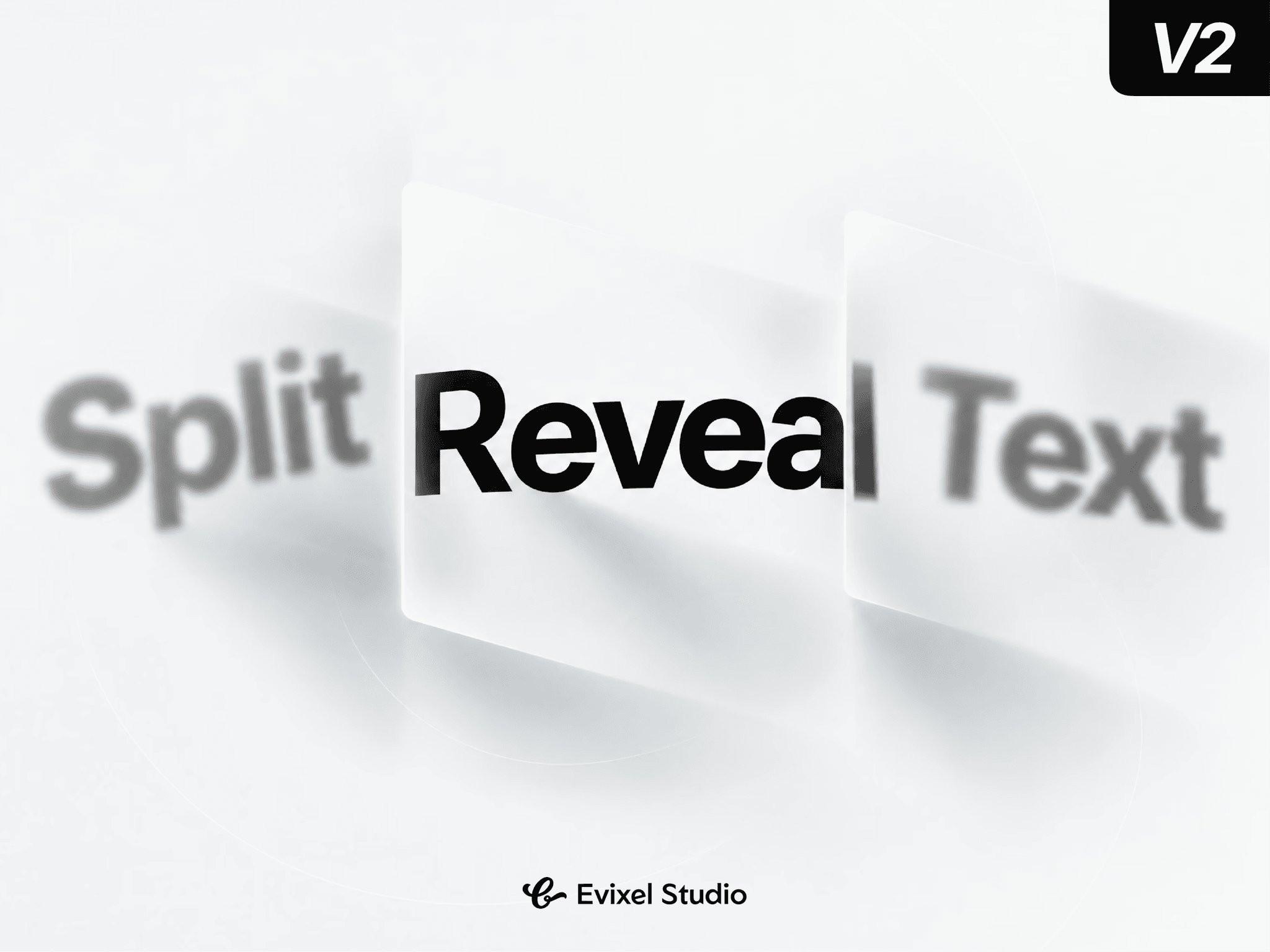
About SplitReveal Text
Turn headlines and body copy into choreographed visual statements. Split-Reveal splits your text by character, word, or line, swinging open like 3D double doors, flipping along perspectives, or scattering into place with spring physics, line masking, and viewport triggers.
Key Features
4 Motion Presets: Choose from Doors (3D swinging), Flip (3D flap reveal), Split (opposing rotational snaps), and Scatter.
Flexible Splitting: Split by Characters, Words, or Lines with automatic grapheme segmentation that preserves complex punctuation and emojis.
Directional Patterns: Direct choreography From Center, To Center, Alternating, Uniform, or Random across Horizontal, Vertical, and Diagonal axes.
Line Masking: Clip lines individually so typography rises or swings fluidly out of invisible slits without clipping outer bounds.
Spring & Tween Physics: Tune spring stiffness, damping, and mass, or switch to customizable easing curves with line-by-line staggered delays.
SEO & Accessible: Renders an accessible, un-split hidden copy for screen readers and search crawlers while visual spans handle 3D motion.
Property Controls
Content: Text string input, split level (Chars, Words, Lines), and semantic HTML tag (H1–H6, P, Div, Span).
Appearance & Layout: Typography styling, text color, line mask toggle, container clipping, and padding.
Choreography: Preset selection, direction vector, dispersal pattern, 3D perspective depth, distance, rotation angle, scale, and entrance blur.
Timing: Motion engine (Spring vs. Tween), duration, stagger timing, sequence order (Center Out, Natural, Reverse, Random), and line delays.
Trigger & Advanced: In-view threshold, viewport offset, hover/tap replay triggers, reduced-motion fallback, and performance character caps.
Quick Start Guide
Drop the component onto your Framer canvas.
Type your headline in Content and select a split mode (e.g. Chars).
Choose a choreography preset (like Doors or Flip).
Set the trigger to In View and preview the live animation!