About Wavy Text Marquee
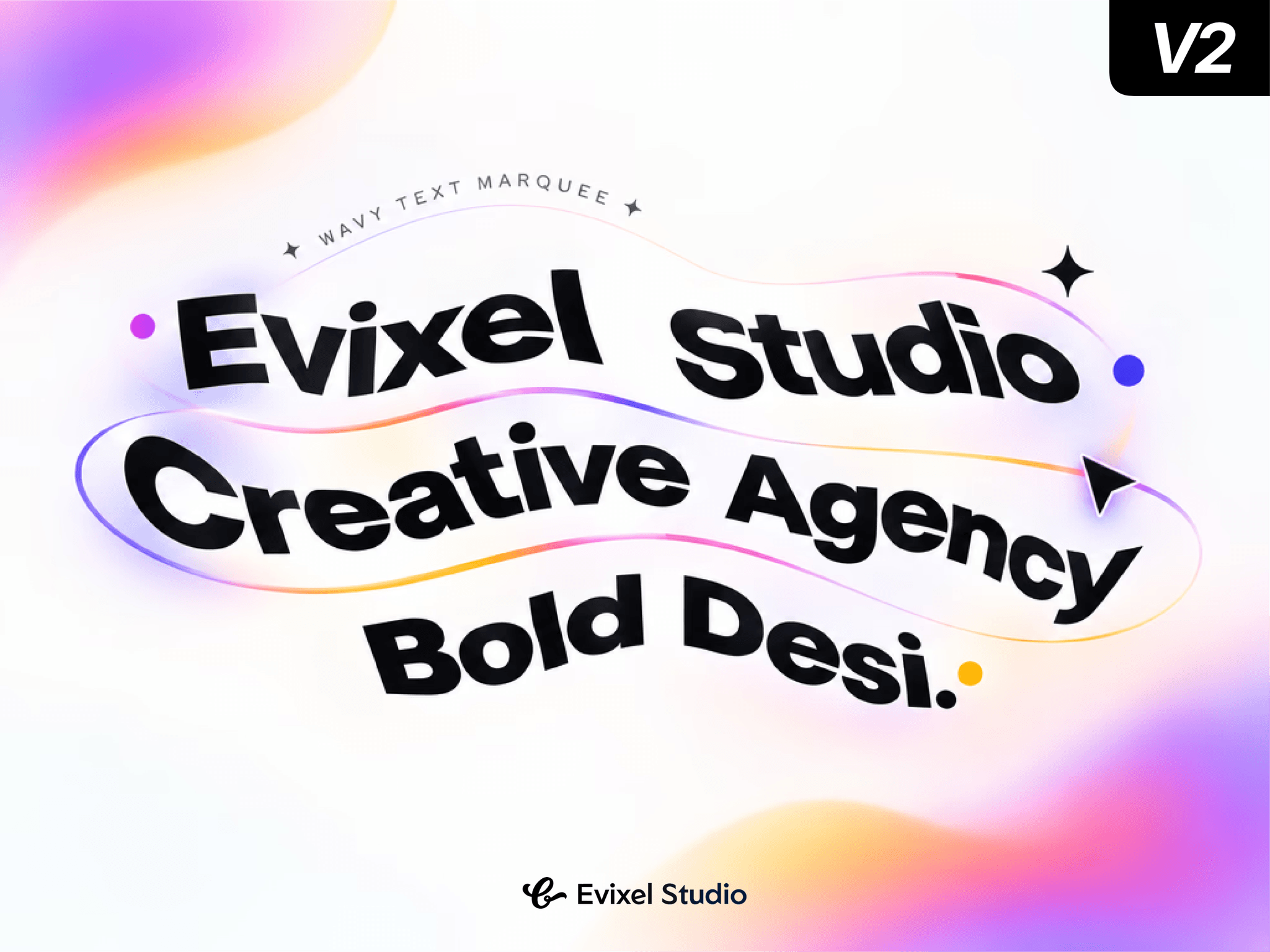
Wavy Marquee is a high-performance animated text ticker for Framer. Turn any message into a continuously scrolling, character-level wave with expressive distortion effects and optional pointer interaction.
Perfect for hero sections, announcement bars, portfolio headers, agency sites, fashion brands, editorial layouts.
Features
Seamless Infinite Marquee
Smooth, looping text scroll with adjustable speed and left/right direction.
Six Wave Styles
Choose from Sine, Triangle, Smooth, Elastic, Bounce, and Chaos wave patterns.
Per-Character Distortion
Add vertical or horizontal movement, scaling, skew, rotation, 3D perspective, opacity, color shift, and blur.
Hover Controls
Pause, slow down, reverse, or leave the ticker unchanged when visitors hover.
Pointer Interaction
Make letters repel or attract around the cursor with adjustable radius and strength.
Flexible Layout
Customize repeat gaps, separators, vertical padding, edge fades, uppercase text, and contained or bleeding overflow.
Performance Focused
Pauses while offscreen, supports reduced-motion preferences, and uses direct DOM animation for smooth rendering.
Canvas-Friendly Preview
Displays a polished static pose inside the Framer canvas, exports, and thumbnails.
Property Controls
Text & Font: Add your message and fully style it with Framer’s Font control.
Appearance: Set text color, background, uppercase mode, and edge fade.
Scroll: Control speed, direction, hover effect, and easing/smoothing.
Wave: Adjust wave type, amplitude, wavelength, speed, and hover behavior.
Distortion: Enable individual visual effects and control their overall intensity.
Pointer: Add attract or repel interactions.
Advanced: Respect reduced-motion settings and pause animation offscreen.
Quick Start
Drag Wavy Marquee onto your Framer canvas.
Enter your message in the Text property.
Choose a font, color, and background.
Adjust Scroll speed and Wave style.
Optionally enable hover or pointer effects.
Publish your site to see the live animation.