Manh Do
Manh Do

Manh Do

Framer templates under the Deckle imprint. Editorial layouts, clean CMS, no code components. Marchmont $79, Lite version free.

Creator2 Templates
Manh Do
Manh Do1mo

Most real estate templates I looked at were finished pages, not finished systems. They held together until I added the seventh property or imagined handing the CMS to someone else.

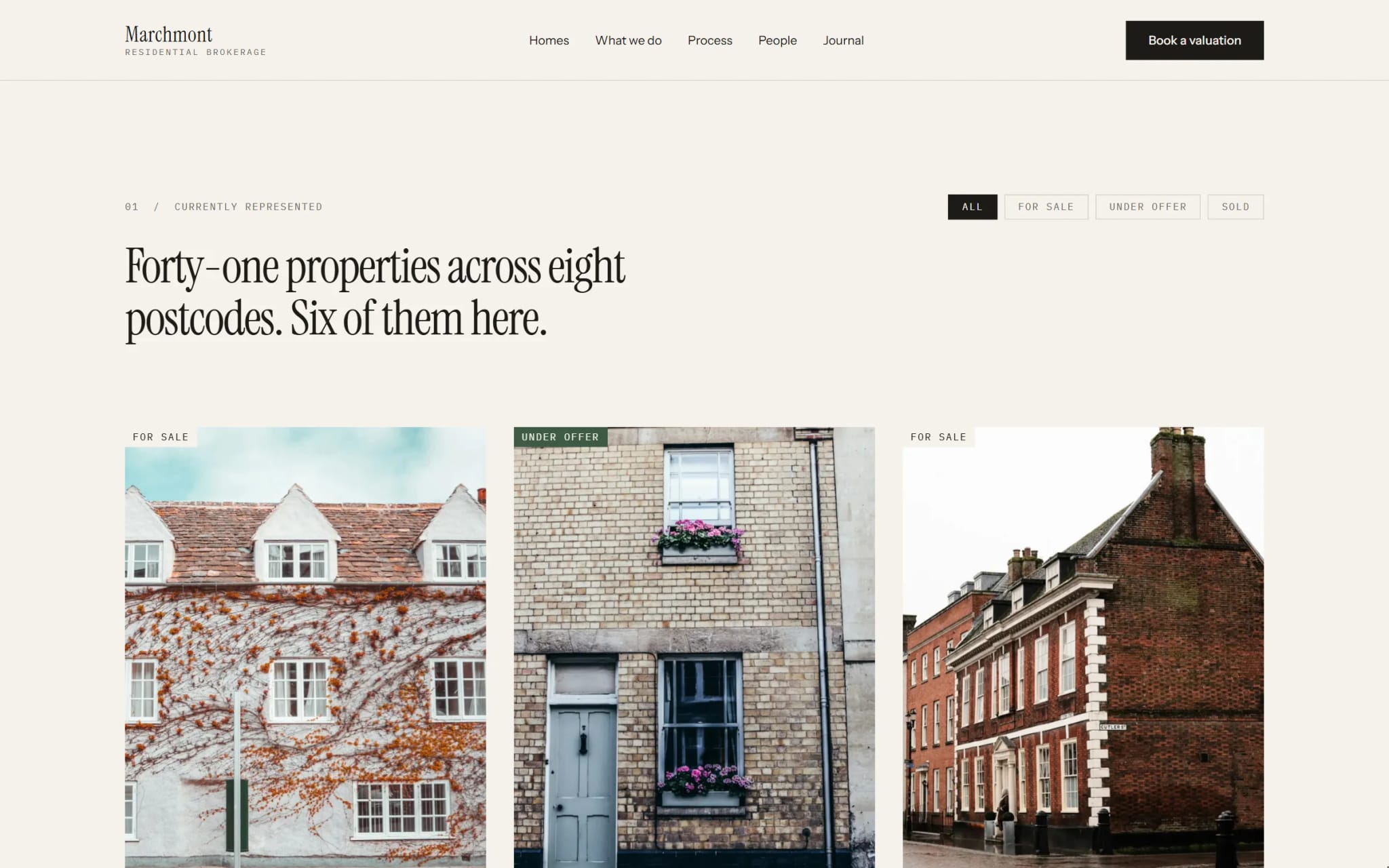
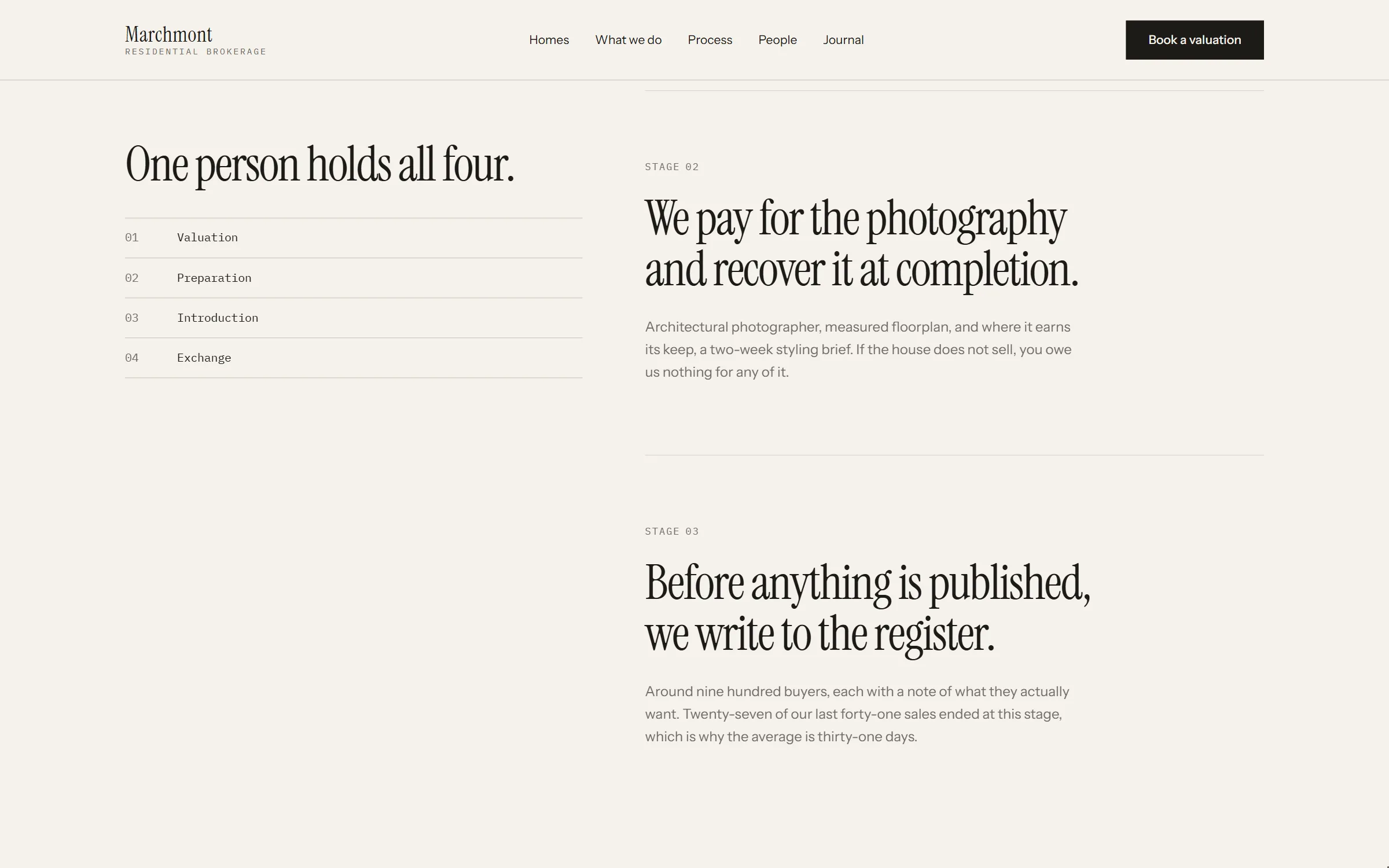
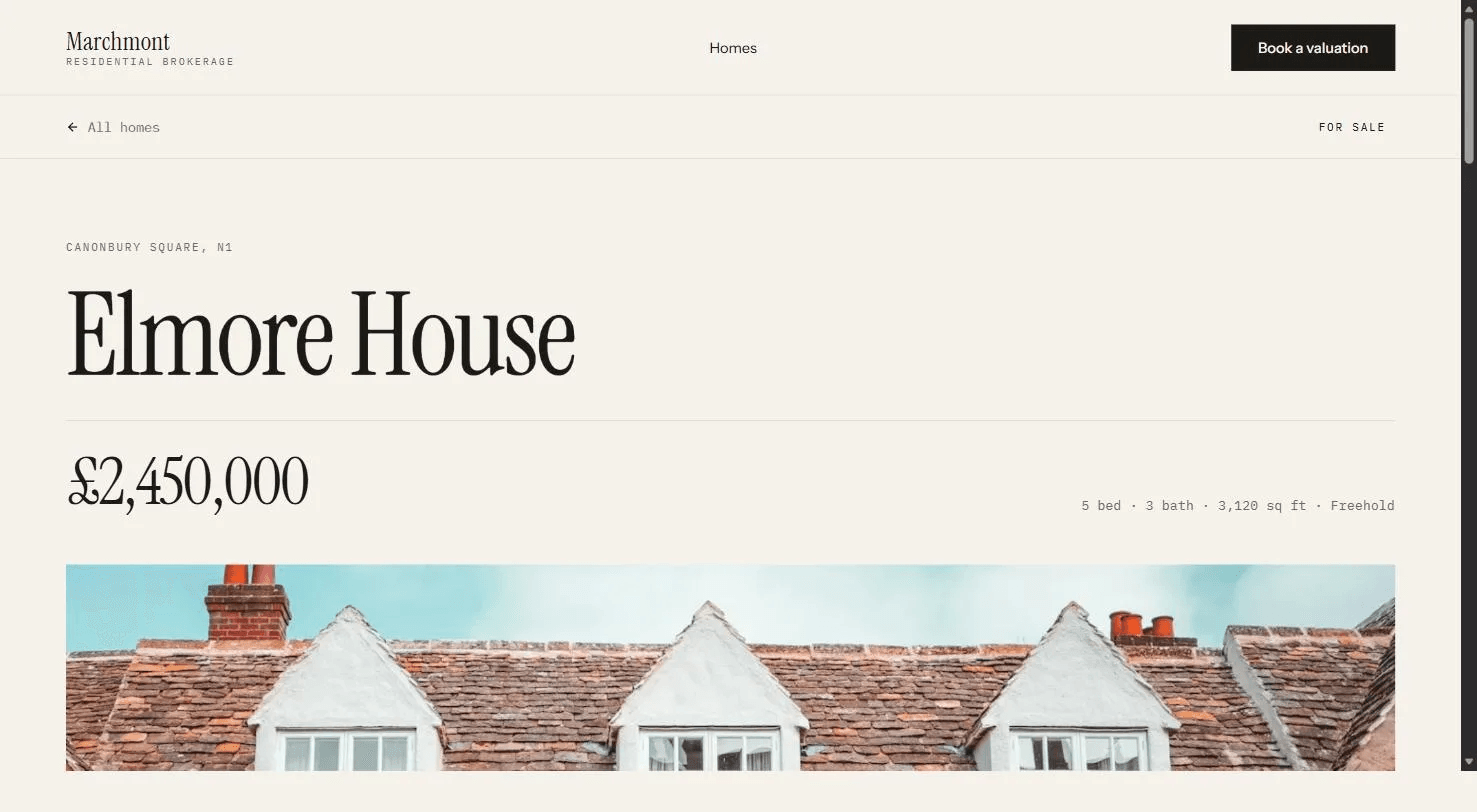
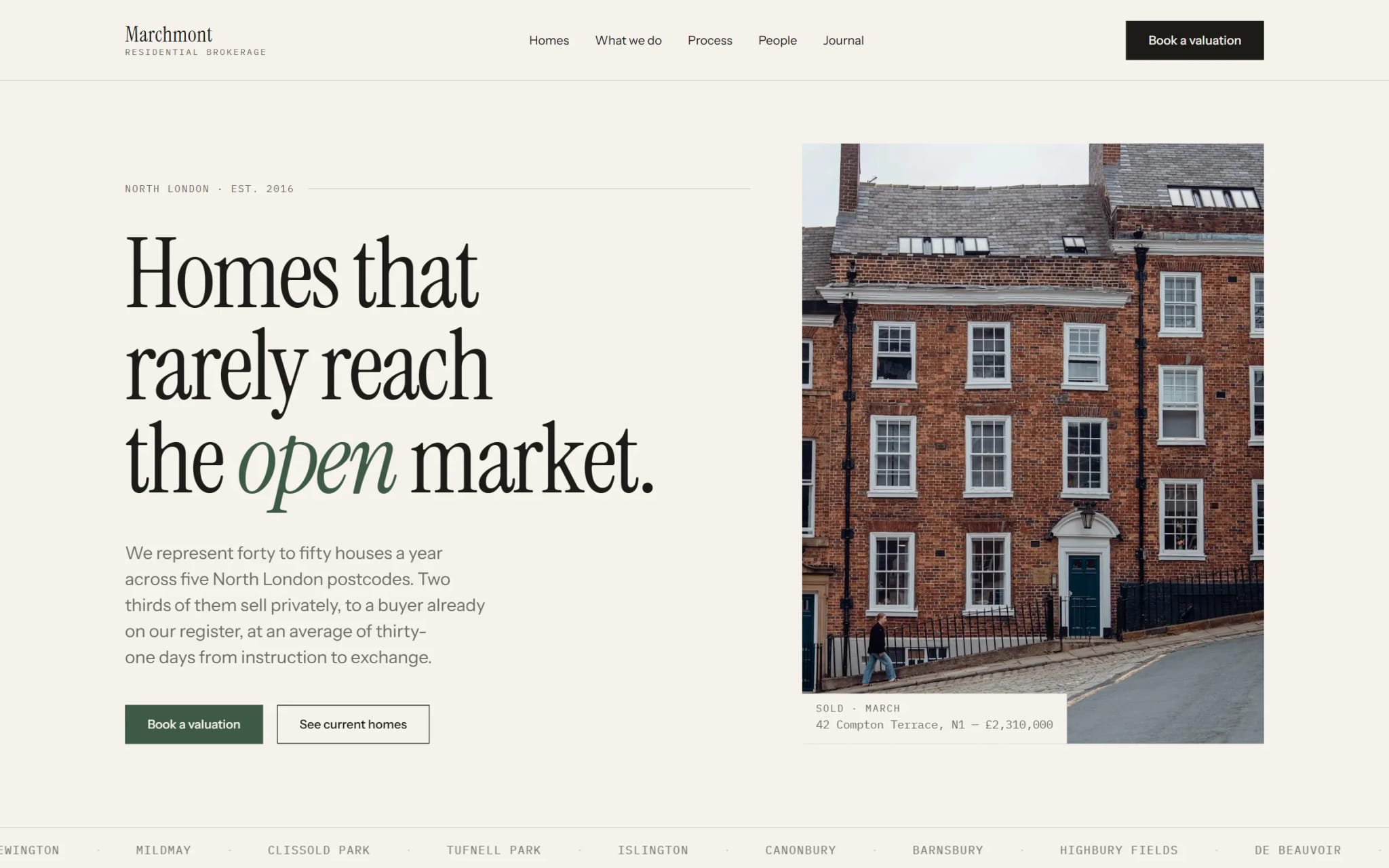
I spent the last few weeks building the version I wanted to find: 9 pages, 9 CMS collections, 60 connected fields, 3 URL-synced filter surfaces, and no code components. A filtered view survives reload and can be sent as a link. Search indexes every page and CMS entry.

I got one thing wrong that passed my own verification: I bound image alt text through CMS variables. Framer accepted it, read it back unchanged, then published raw var(...) tokens. I replaced 51 image nodes with literal alt text and checked the live DOM, not the canvas.

The result is Marchmont, a $79 Framer template for residential brokerages: https://deckle.mdtlabs.dev/t/marchmont/

The 20-second clip is the published build, not a mockup.

For designers who hand Framer sites to clients, what usually breaks first after handoff: CMS structure, custom code, or something else?
Manh Do
Manh Do1mo

Marchmont: a nine-page Framer template for property and studio sites, with CMS filters that live in the URL and zero code components. $79 on Framer Marketplace: https://hy.chujiqiqi.com/community/marketplace/templates/marchmont/

Manh Do
Manh Do1mo

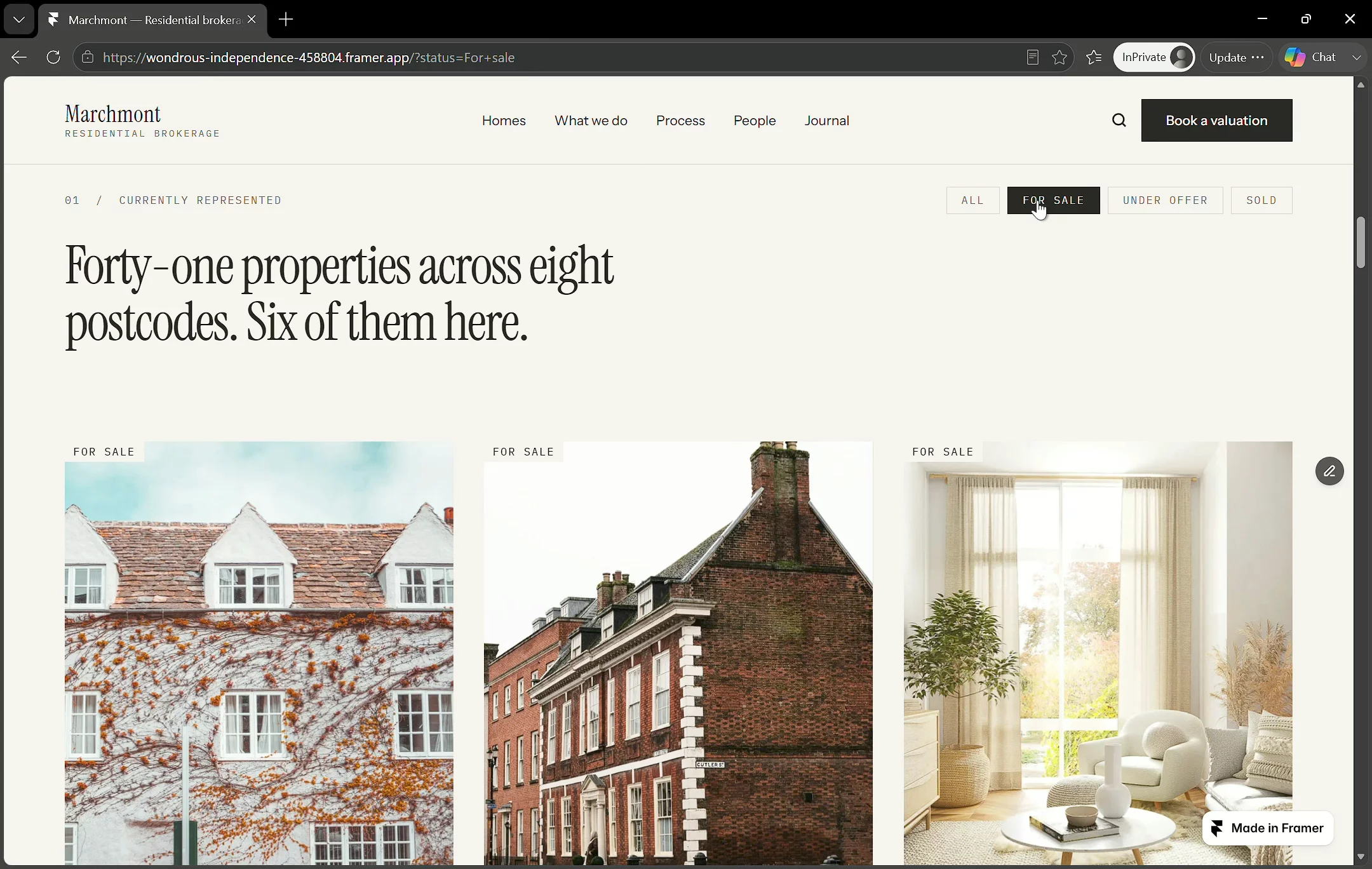
Turns out a CMS filter can live in the URL, no code component

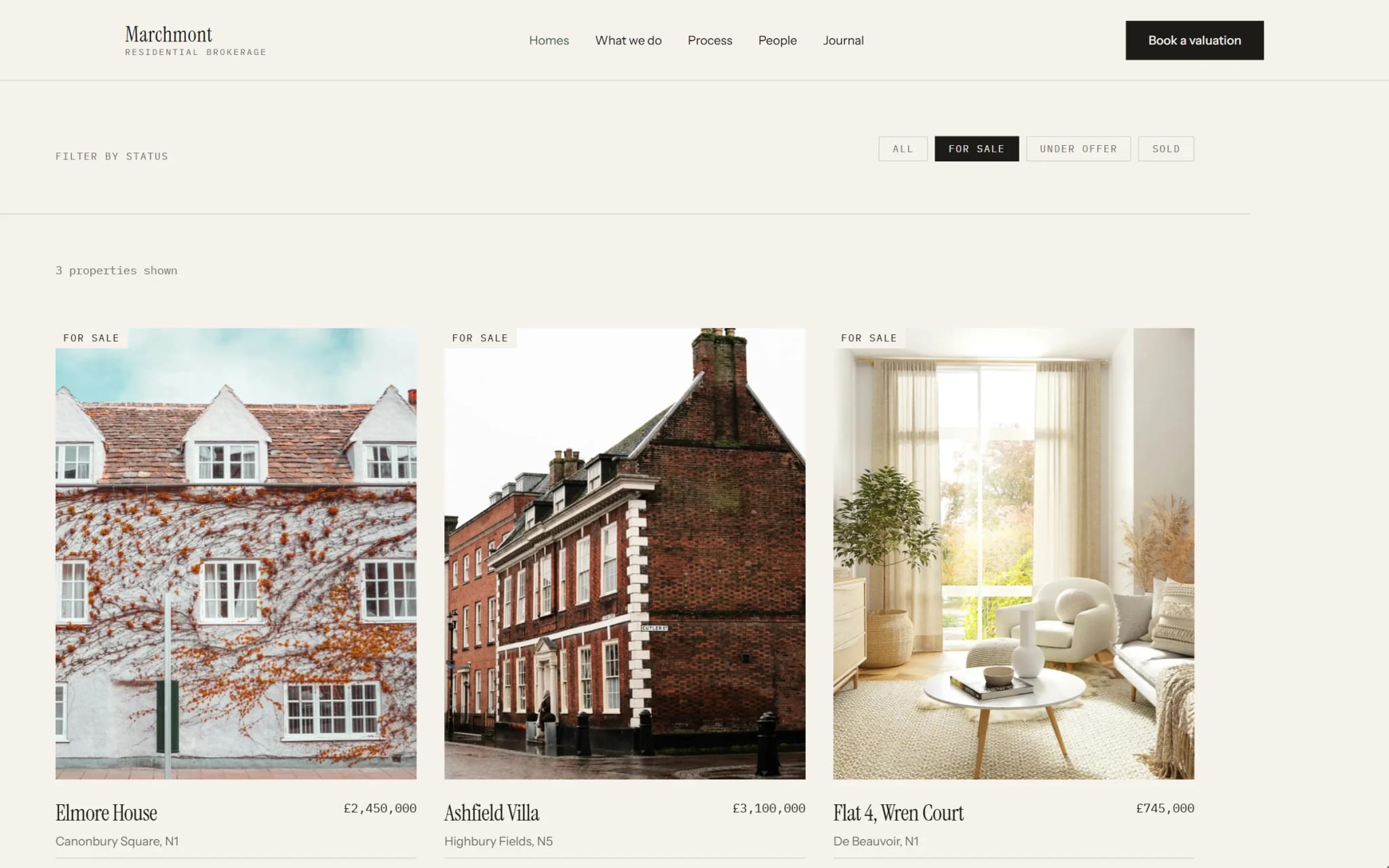
Most Framer filter demos just flip visibility with a variant. Fine in a portfolio, but send someone the filtered view and the URL never moved. There's nothing to send.

I wanted the real version: click "Sold", the grid updates, the URL updates, and pasting that URL into a fresh tab gets the same view back. Three pieces, all pointing at the same variable.

1. A page variable with Optional = Yes and a Query Param

Query param set to status, Optional = Yes. That toggle is the whole thing: unset is your "no filter" state. Without it there's no clean default view.

2. The Collection List filters on it

Field Status, Equals, then drop the variable into the value slot instead of typing one. Confusing since the CMS field and the page variable are both called Status. The blue chip is the variable.

3. Each tab sets it, then reads it back

On Click, Set Variable, Status, "Sold". The All tab clears it. The tab's own Variant is computed off that same variable: Equals "Sold", Then Convert, When Yes Active, When No Default.

No "which tab is selected" state anywhere. The URL is the state, so tabs can't drift out of sync.

Two things I got wrong:

Give the list an Empty state (Content, State, Empty). Easy to land on a filter matching nothing once people edit the query string by hand.

Don't make the tabs links. Framer's link field rejects a query string ("No page matches that path"). Tabs must set the variable, not navigate.

Live: /homes shows 6 properties, ?status=Sold shows 2 (tab already lit on load), ?status=Withdrawn shows 0 plus empty state.

Page: https://wondrous-independence-458804.framer.app/homes . Click the tabs, watch the address bar. From a real estate template I'm building, Marchmont.

Haven't cracked: two filters at once (status + price band), each with its own query param. Anyone got that working?