

About Supabase Sync
Supabase to Framer CMS Sync
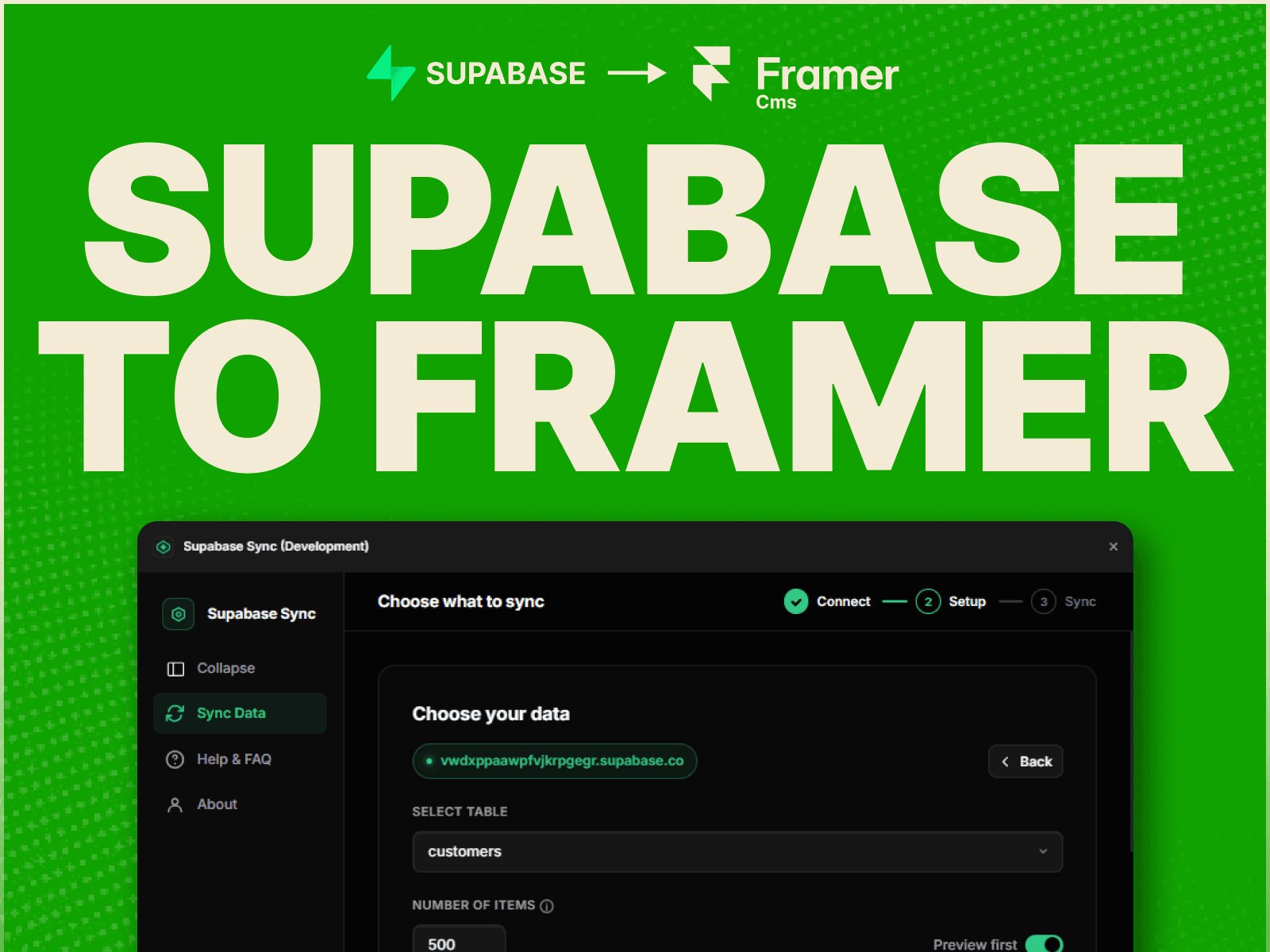
Connect Supabase directly to Framer CMS and import PostgreSQL database content into your Framer website in seconds. Supabase Sync lets you bring data from Supabase tables into Framer Managed Collections without CSV exports or manual copy-pasting.
Whether you're building a real estate directory, product catalog, blog, job board, portfolio, or dynamic website, connect your Supabase backend to your Framer CMS with a simple no-code workflow.
Key Features
Instant Sync — Import data from any Supabase table directly into a Framer CMS collection.
Smart Field Mapping — Map Supabase columns such as text, numbers, booleans, dates, and image URLs to the correct Framer CMS field types.
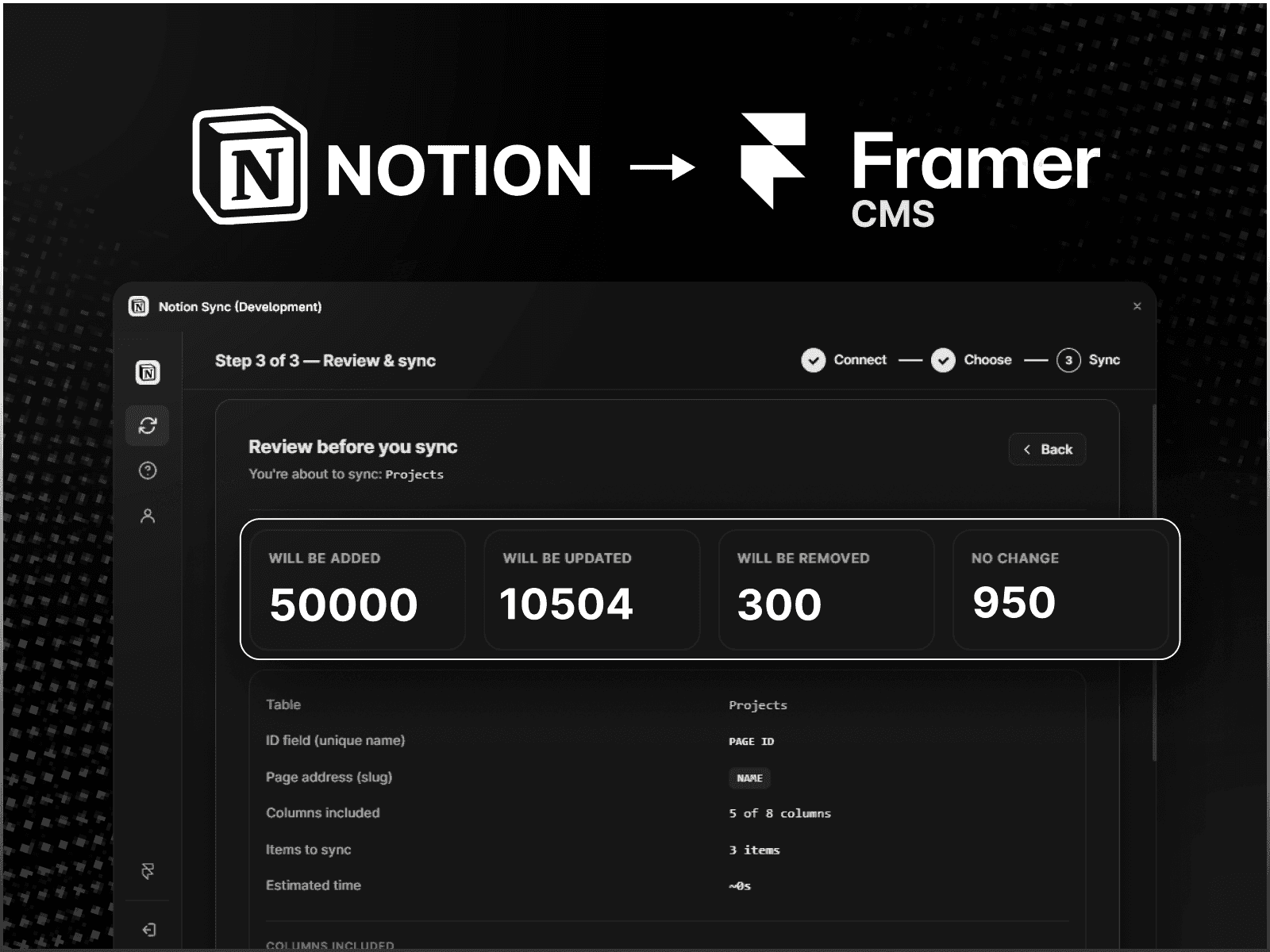
Large Dataset Support — Safely sync large databases using chunked batch processing. 50,000+ rows tested.
Safe Data Handling — Built-in validation and data coercion help prevent empty or mismatched values from breaking your CMS content.
Flexible Mapping — Automatically map your database fields or customize mappings manually.
No-Code Setup — Connect your Supabase project, select a table, configure your fields, and sync.
How It Works
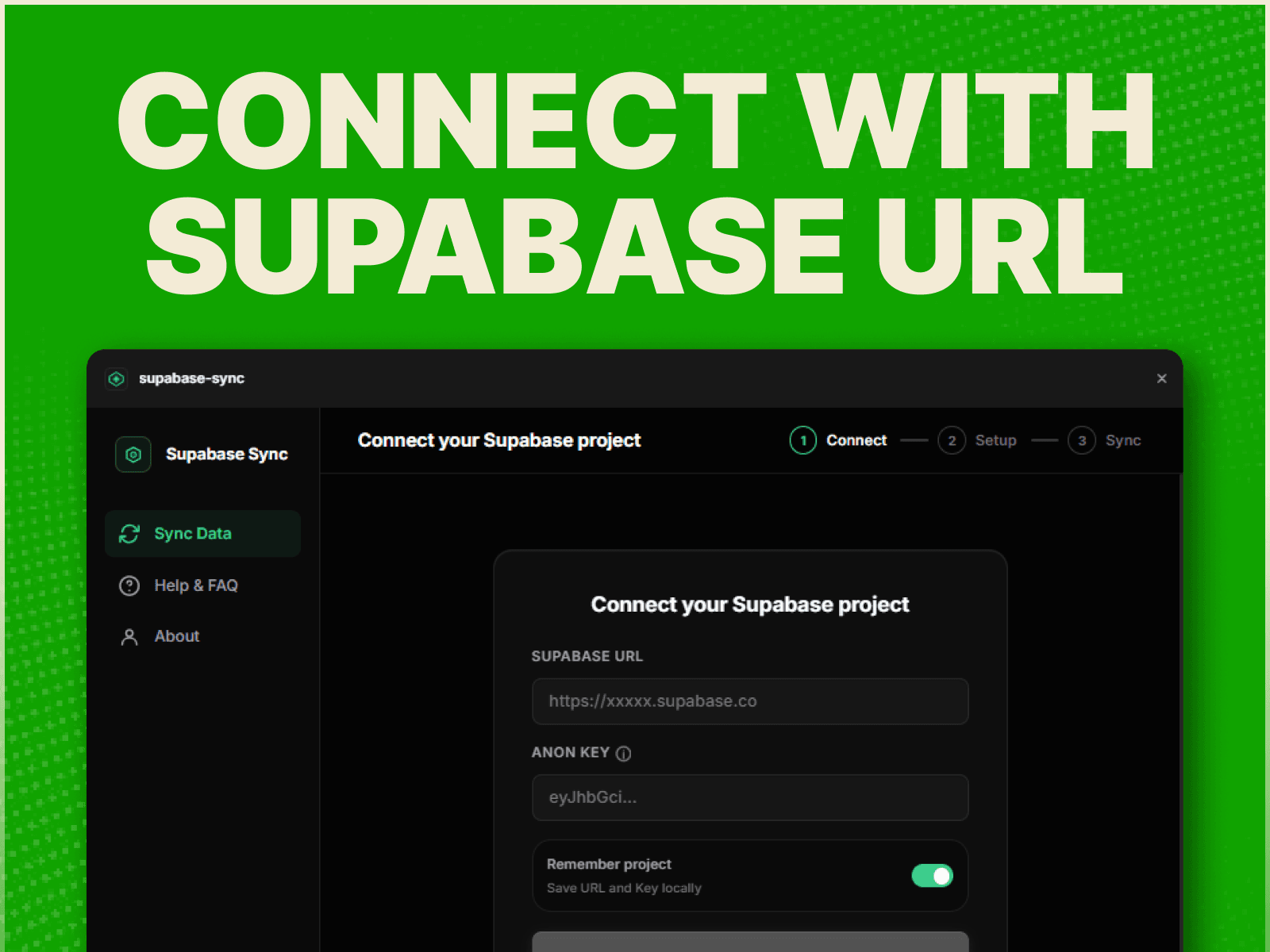
Enter your Supabase Project URL and required API key.
Select the table you want to sync.
Choose your unique URL slug field.
Map your Supabase fields to Framer CMS fields.
Click Sync.
Use Supabase with Framer to power dynamic directories, catalogs, blogs, listings, and other database-driven websites without manually maintaining CMS content.
Questions or support? Contact hello@sillyweb.in.