About Sillyweb Sheets Sync
Sync Google Sheets to Framer CMS Free
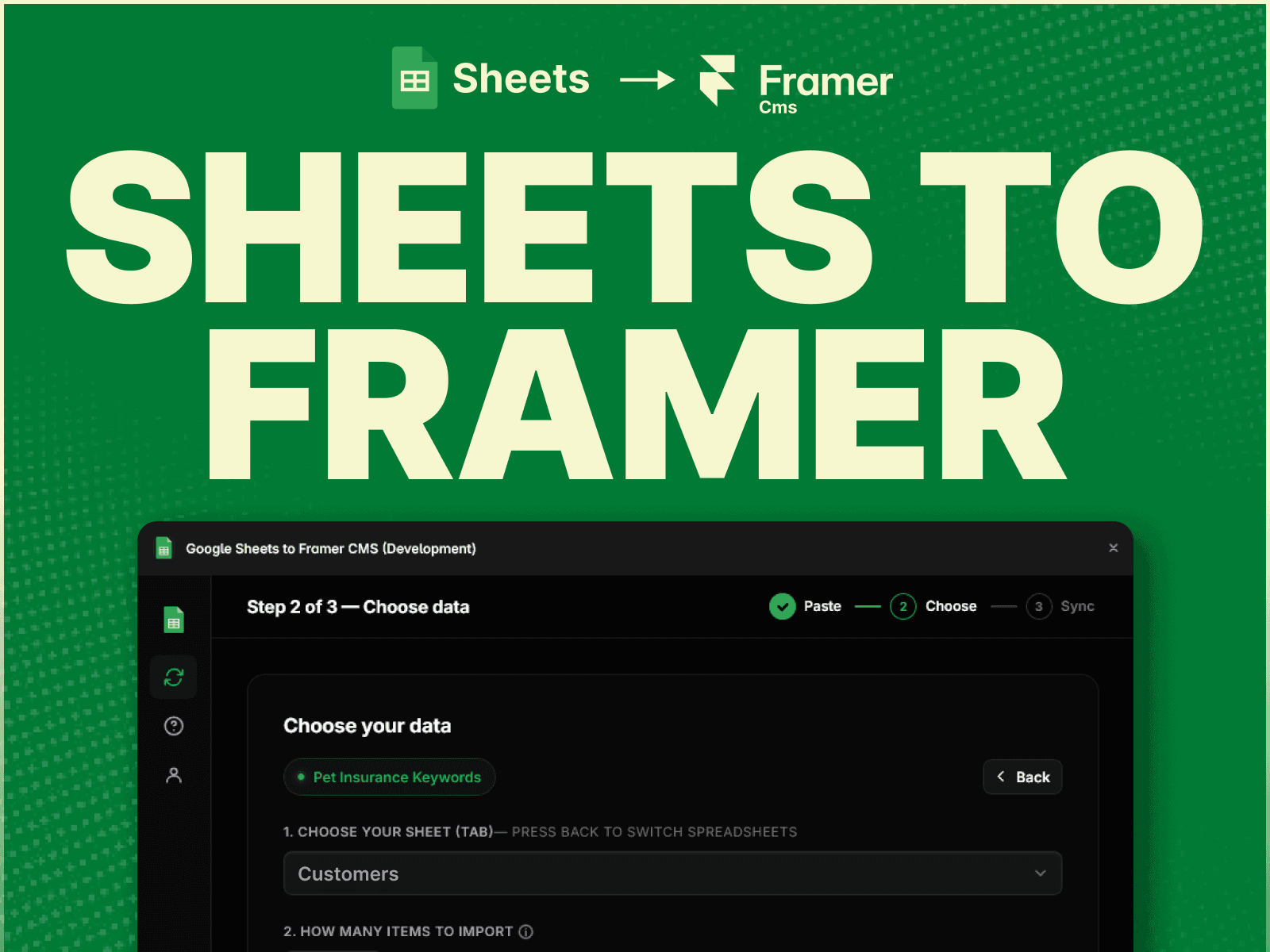
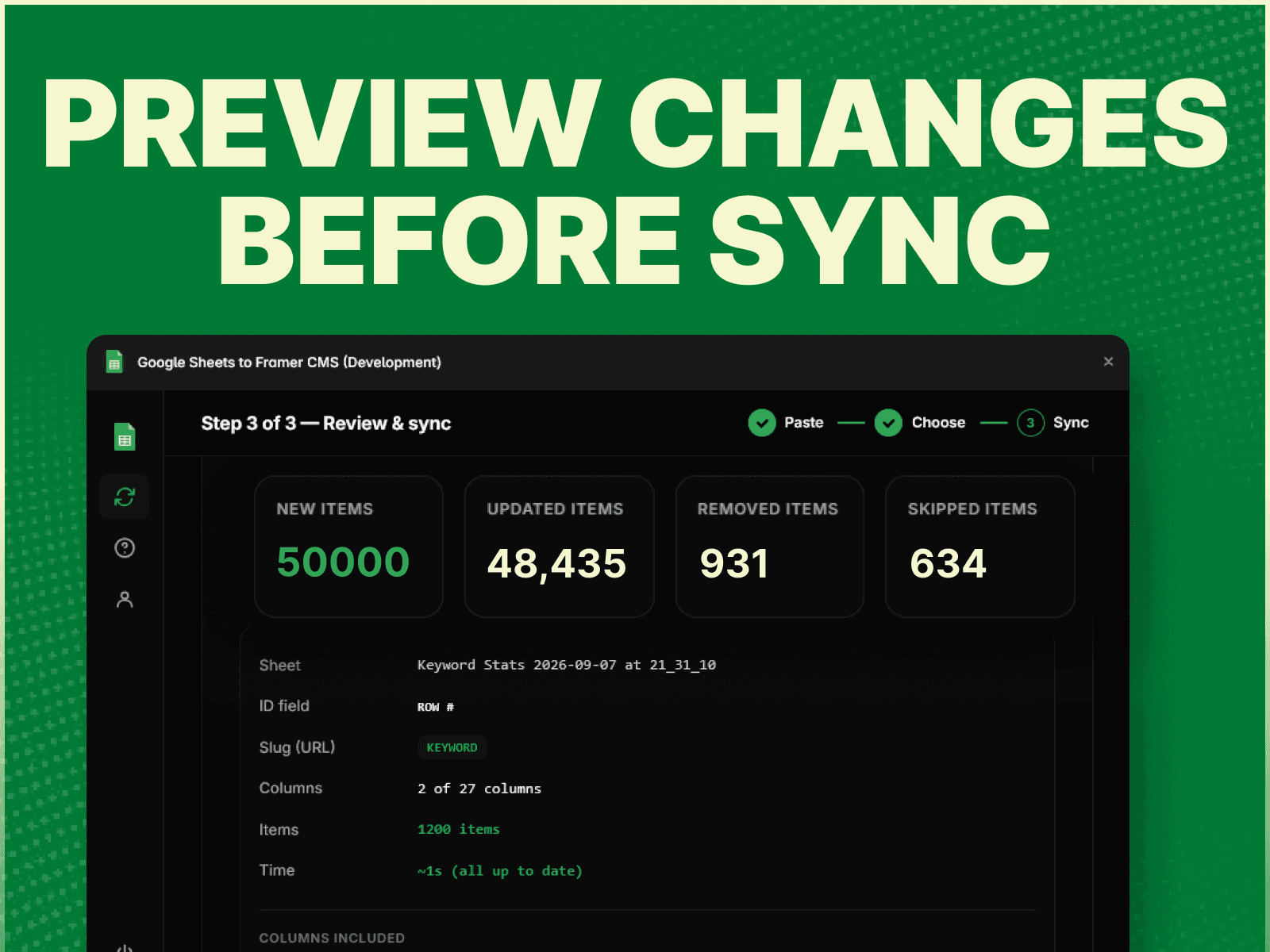
Stop exporting CSVs, copying data, and manually updating your Framer CMS. Google Sheets Sync connects your Google Sheets directly to Framer CMS, allowing you to import and update hundreds of CMS records in seconds.
Whether you're managing a product catalog, portfolio directory, real estate listings, team directory, blog content, or other dynamic data, this plugin turns Google Sheets into a simple content management workflow for Framer.
Key Features
One-Click Sync — Import data from Google Sheets directly into your Framer CMS collection in seconds.
Smart Field Mapping — Map spreadsheet columns to Framer CMS fields, including text, numbers, booleans, dates, and image URLs.
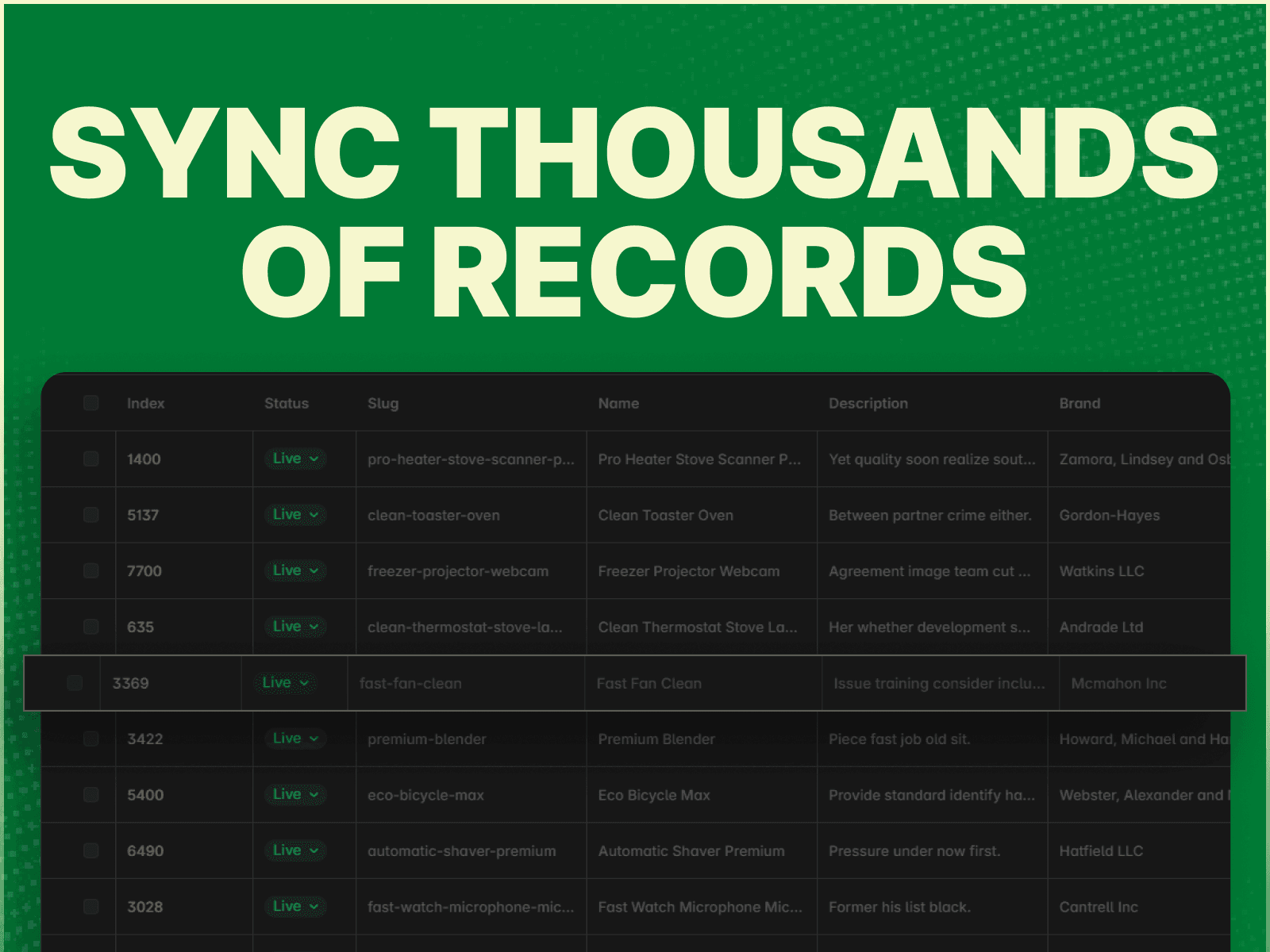
Bulk CMS Updates — Import and update hundreds of records without manually editing each CMS item.
Preserve Manual Edits — Keep selected fields managed directly in Framer without having them overwritten during sync.
Incremental Updates — Re-sync efficiently by updating only new or changed rows while leaving unchanged content untouched.
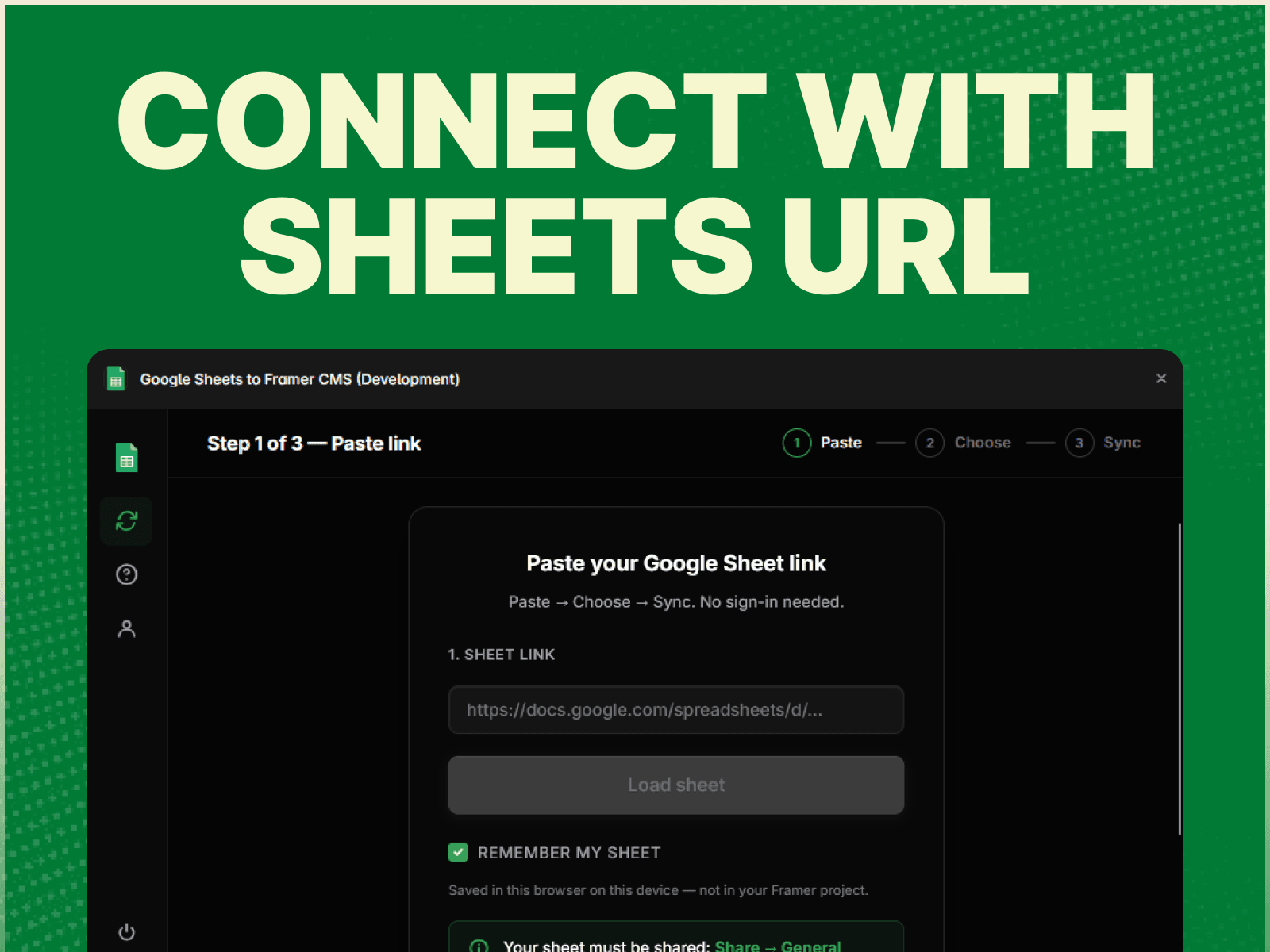
No-Code Setup — Paste your published Google Sheet URL or connect securely, select your sheet, map your fields, and start syncing.
How It Works
Open Google Sheets Sync from your Framer project.
Connect your Google Sheet or paste its published URL.
Select your spreadsheet and map columns to your Framer CMS fields.
Click Sync and bring your spreadsheet data into Framer CMS.
Keep your Framer CMS content organized, up to date, and easy to manage using the spreadsheet workflow you already know.
More Free Framer Tools
Explore more Completely free plugins from Sillyweb.
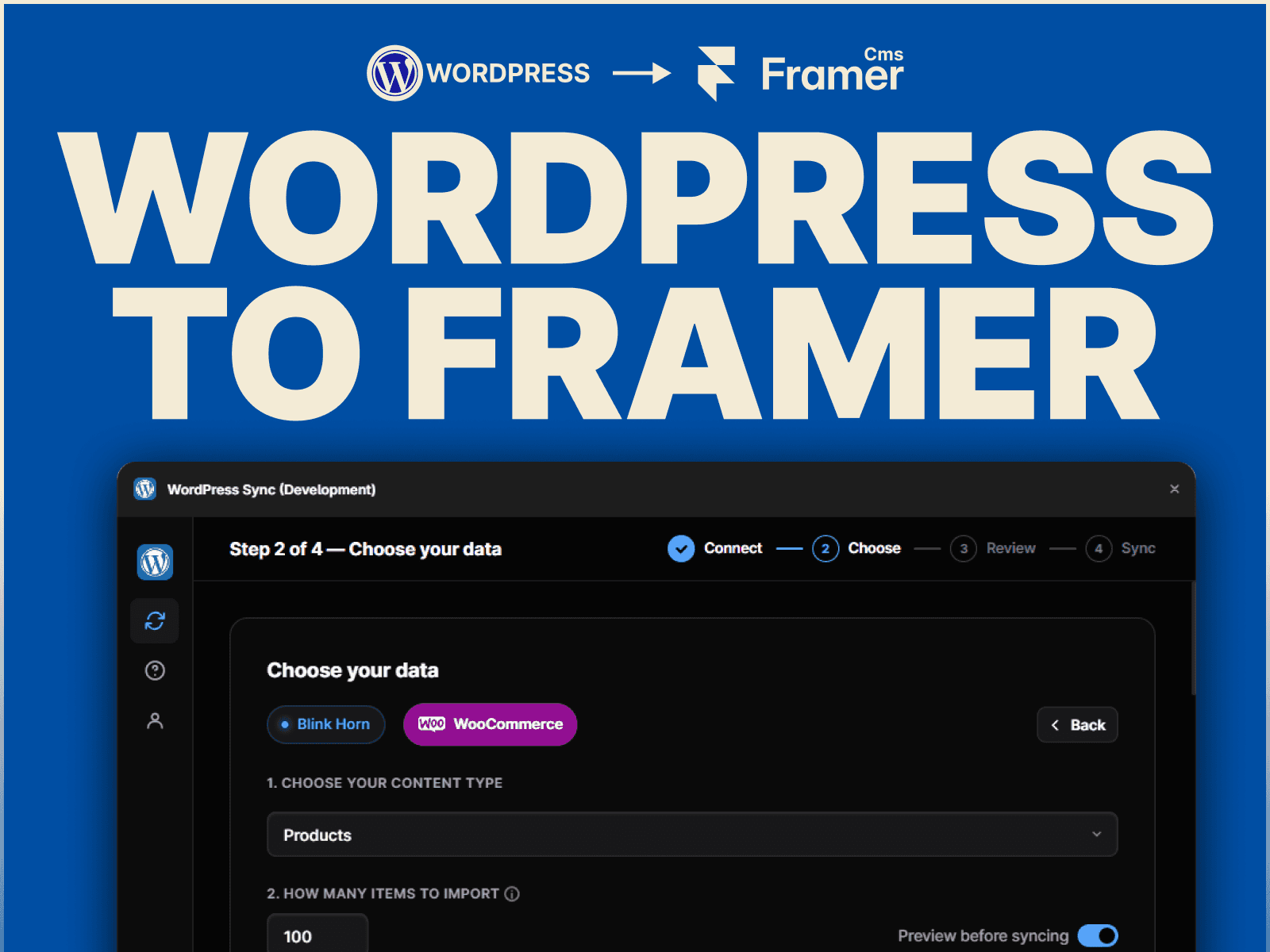
WP Sync — import WordPress content into Framer CMS
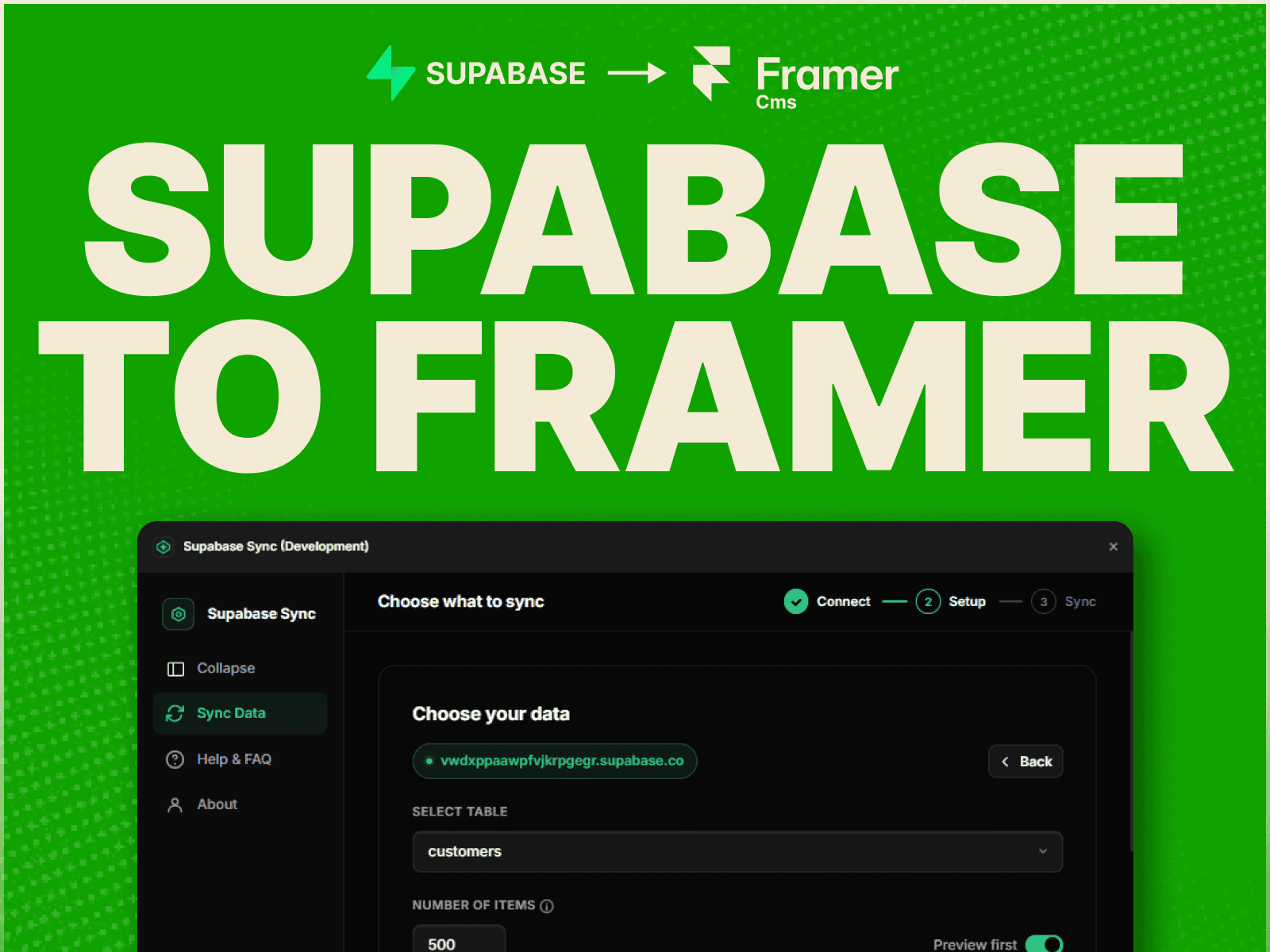
Supabase Sync - Easily bring database into Framer CMS
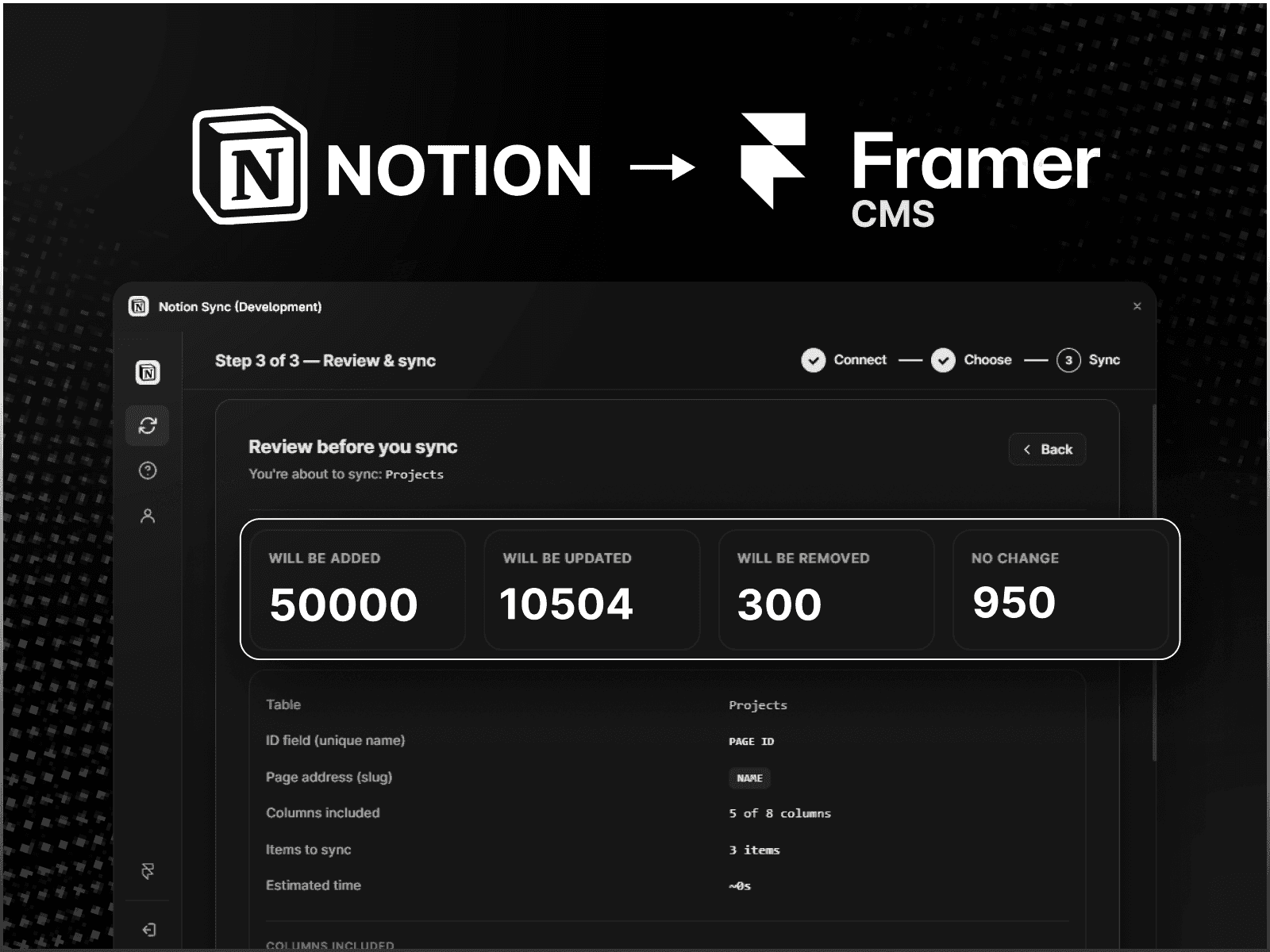
Notion Sync — bring Notion content into Framer CMS
and much more @Sillyweb
For support, contact hello@sillyweb.in.