About How It Works Steps
How It Works Steps
is a scroll-animated process section for Framer. Show your steps, stages or workflow as a pinned card stack that reacts to scroll, then switches to a swipeable slider on tablet and mobile. Perfect for "how it works", onboarding, process, timeline, features, services and product-routine sections.
Scroll animation on desktop
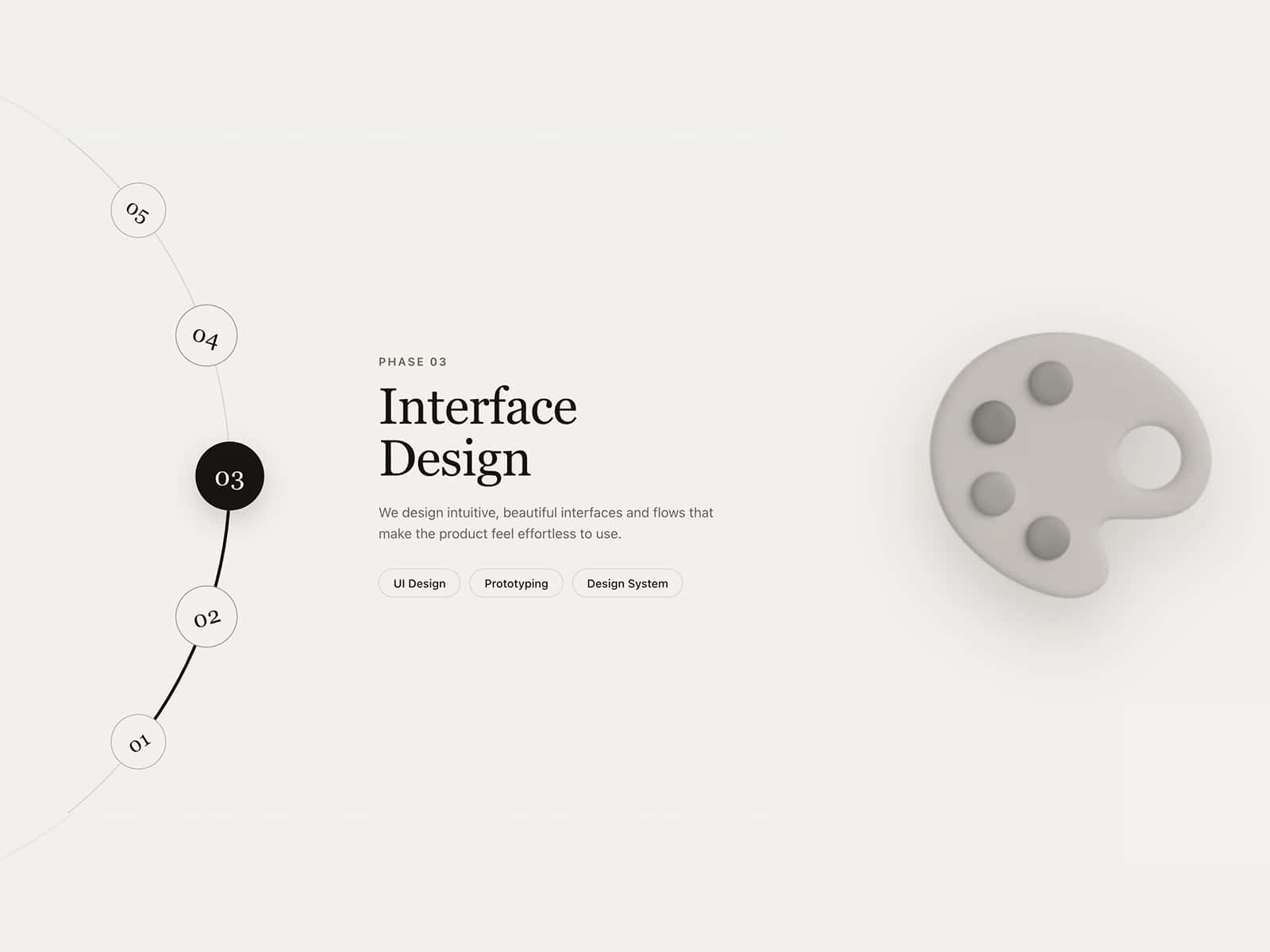
The section stays pinned while visitors scroll. The front card slides up and out, and the next card scales smoothly to the front, like a GSAP scrubbed timeline. A progress counter (01 / 03) with clickable segments shows the current step and jumps to any card.
Responsive slider on tablet and mobile
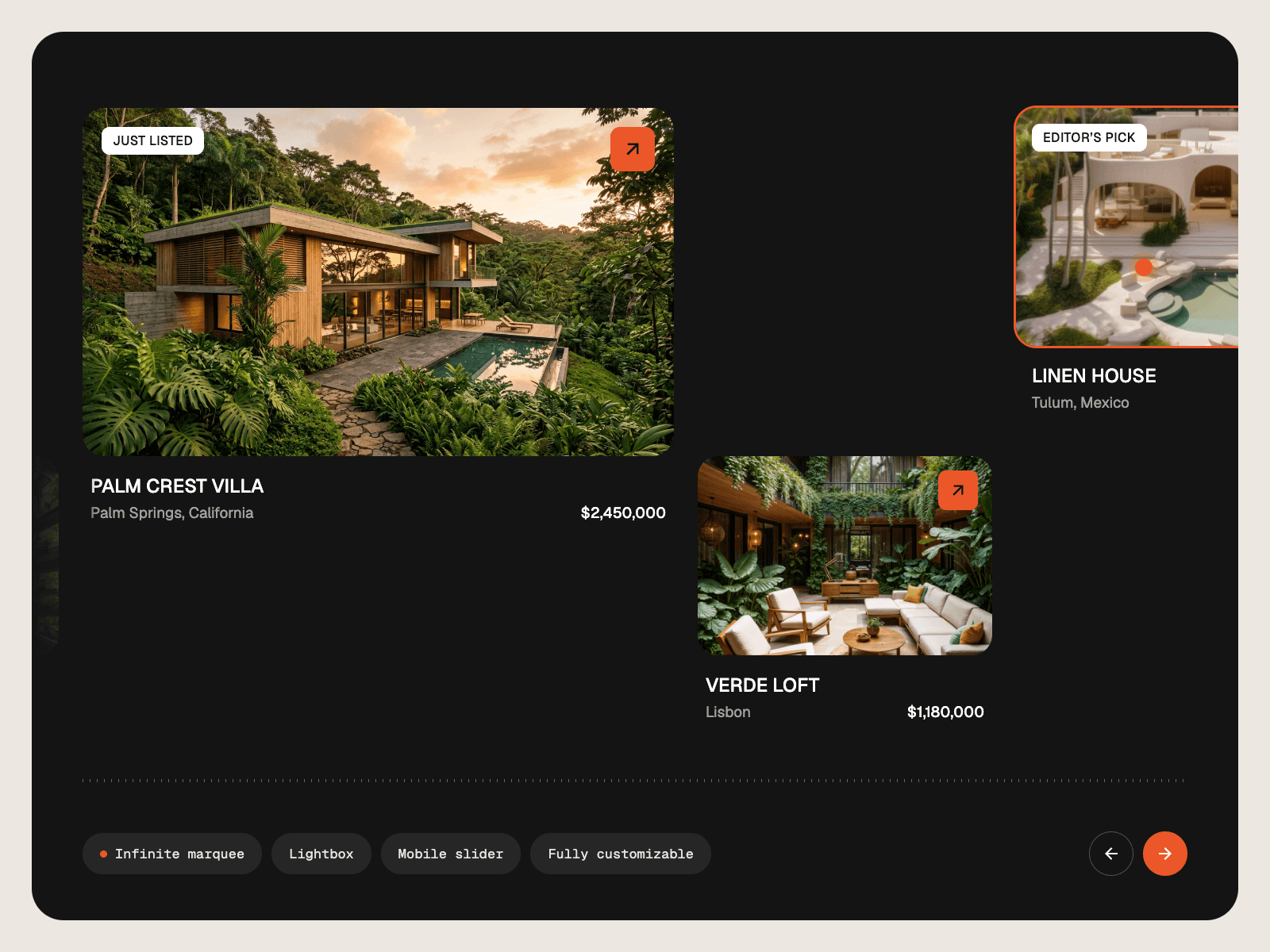
Shows 2 cards per view on tablet and 1 on mobile. Supports touch swipe and mouse drag, arrows, pagination dots, keyboard navigation, optional loop and autoplay. Autoplay pauses on hover, on focus, while dragging and when the section is off-screen.
Fully customizable
Add 1 to 8 steps, each with an image, badge, title, text and an optional link button
Heading text reveal animation, with accent words: wrap words in asterisks
Custom fonts, colors, card radius, shadow, badge, arrows and progress colors
Separate heading sizes for desktop, tablet and mobile
Adjustable scroll length per card
Image hover zoom
Built right
Responsive with container queries, so it looks correct on the Framer canvas and on first paint
Accessible: real buttons, ARIA labels, keyboard support and reduced-motion support
Lightweight: no external libraries beyond Framer Motion
Built-in placeholder images, so it looks good the moment you drop it in
Optional dummy sections above and below to preview the scroll effect, hidden with one toggle
Drag it onto your page, add your steps and publish.
Keywords: how it works, steps, process, step by step, card stack, stacked cards, sticky scroll, scroll animation, scroll cards, parallax, slider, carousel, timeline, workflow, onboarding, features, services, landing page, SaaS, skincare