About Type Mask
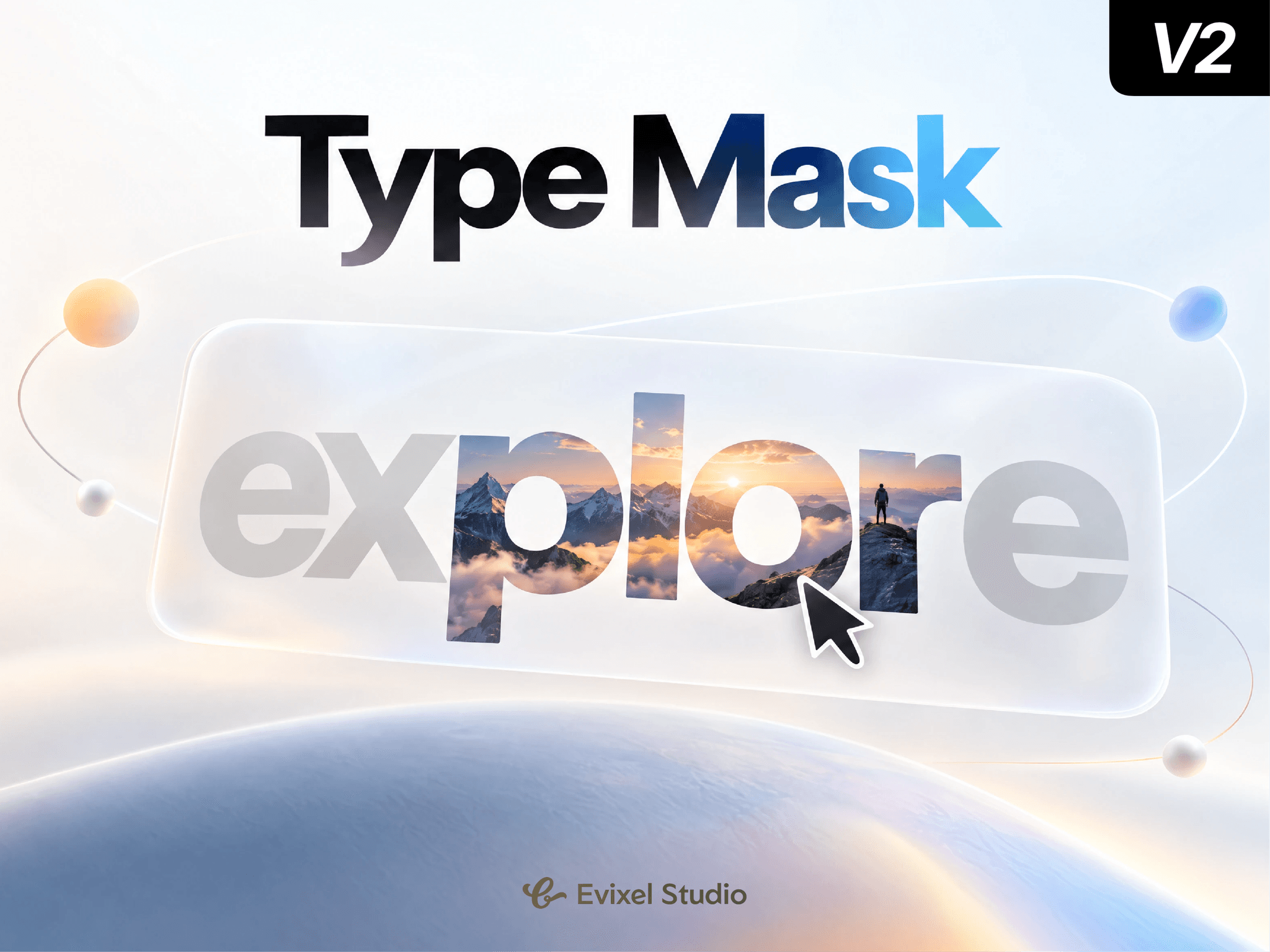
Transform standard copy into dynamic visual windows. Media Portal Text masks media directly inside words using text clipping. On hover, tap, or scroll, words reveal high-resolution imagery with spring physics, cursor parallax, and 3D tilt while surrounding text dims for maximum focus.
Key Features
Inline Bracket Syntax: Wrap words in
[brackets]to turn them into media portals. Use[word](2)to map directly to portal slot #2.Interactive 3D Motion: Responsive cursor parallax, 3D tilt, hover scale pop, and internal image zoom.
Surrounding Focus: Automatically dims and blurs non-active text to highlight the active visual.
Multiple Trigger Modes: Trigger via Hover, Click/Tap, Scroll In-View (with stagger), or keep Always Visible.
Links & Navigation: Attach internal or external URLs to any portal with new-tab options.
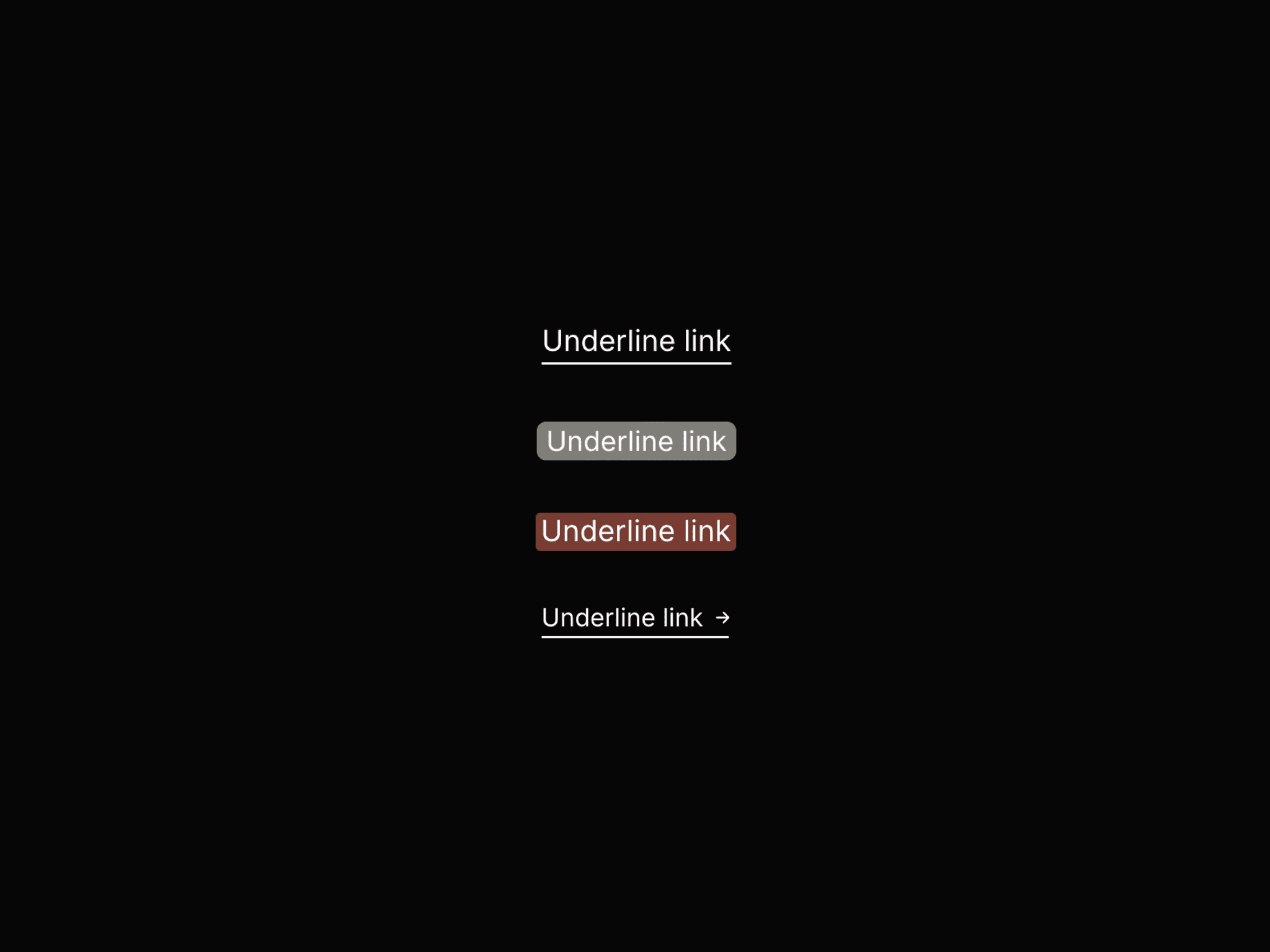
Custom Underlines: Solid, dashed, dotted, or double indicators that can auto-hide when revealed.
Touch & Mobile Ready: Tap once to reveal; tap again to navigate. Includes preloading to avoid loading flashes.
Property Controls
Text & Portals: Full typography styling, bracketed text input, and media/link assignment per slot.
Reveal: Choose trigger mode, duration, background dim opacity, blur amount, and in-view stagger timing.
Motion: Adjust image zoom %, parallax intensity/direction, 3D tilt angle, hover scale, and spring stiffness/damping.
Underline: Set line style, color, em-based thickness, vertical offset, and reveal behavior.
Behavior: Cursor type, text selection toggle, and lazy vs. preload settings.
Quick Start Guide
Drop the component onto your Framer canvas.
Enter your copy in Text:
Explore our [work] and meet the [team].Add images to the Portals list (matches brackets sequentially).
Customize your typography, hover colors, and spring effects!