About Top Drawer
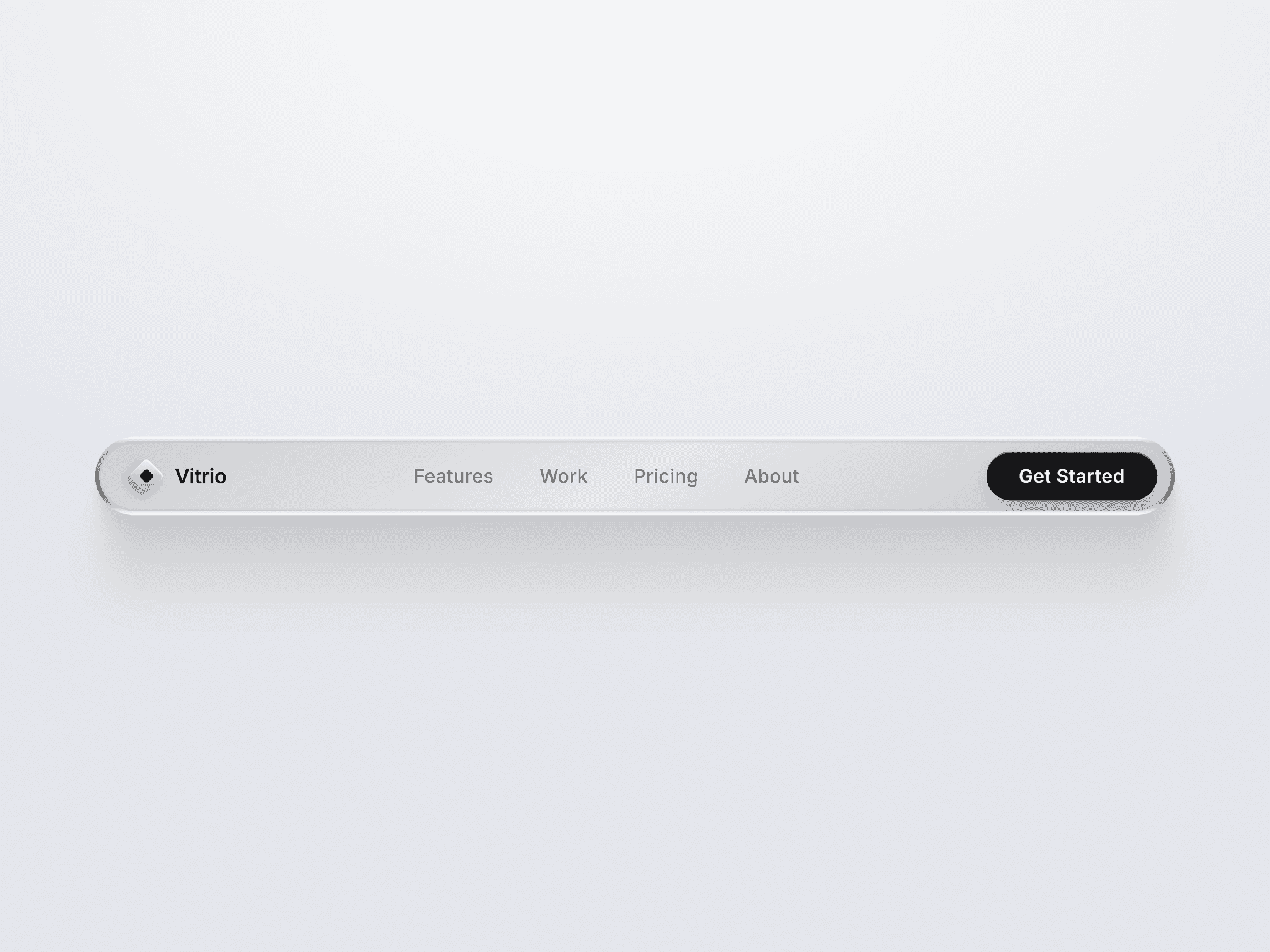
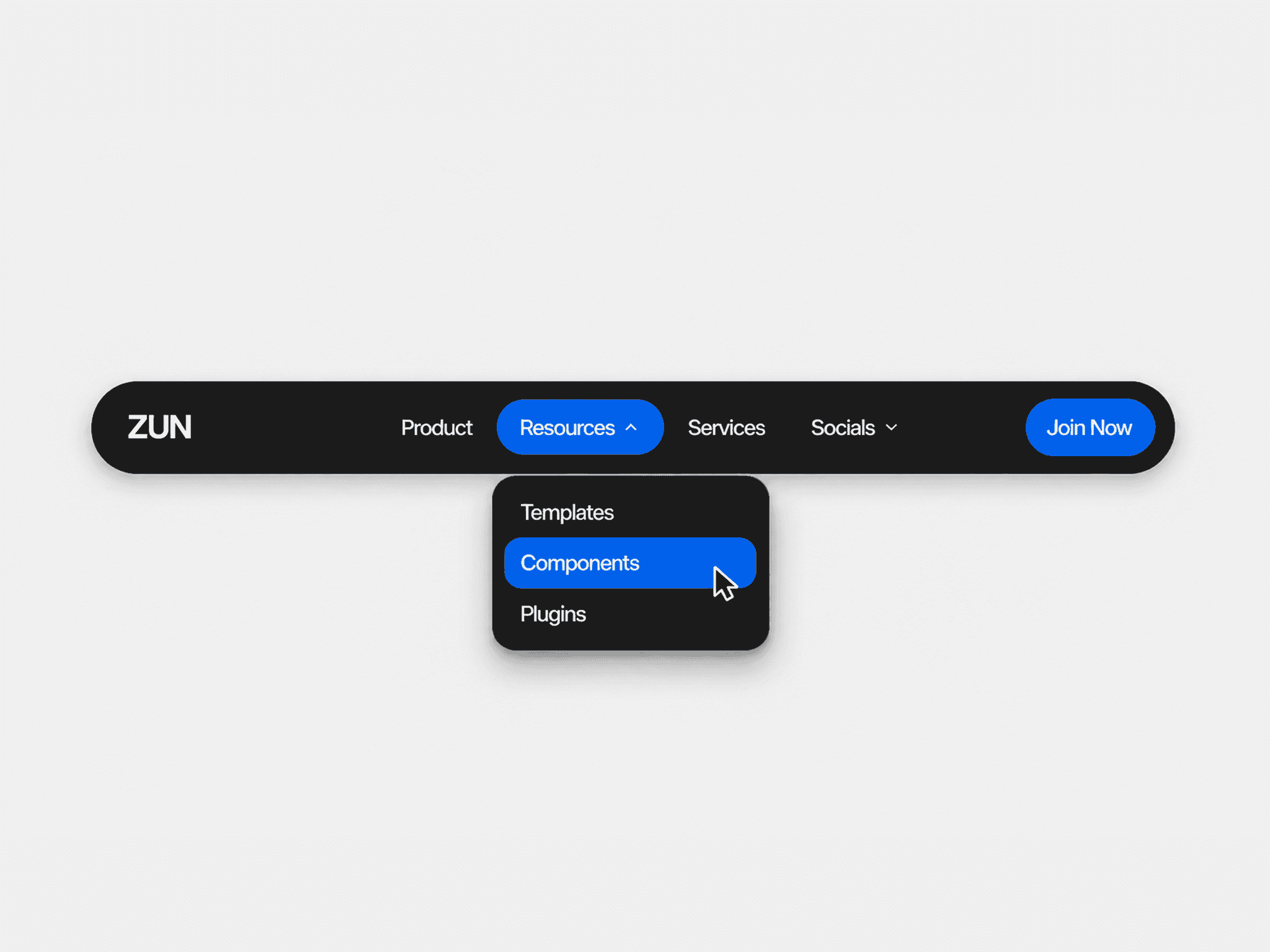
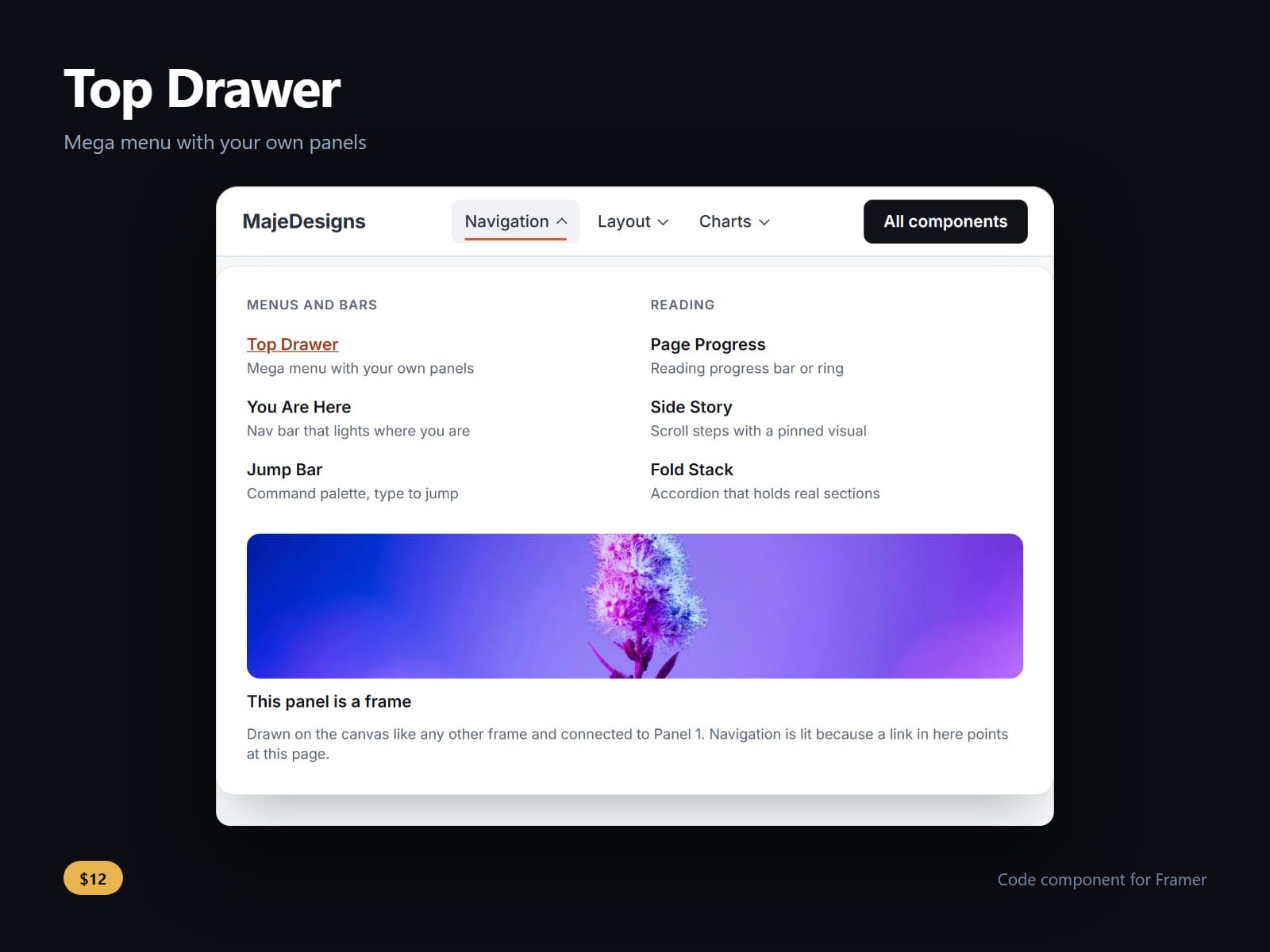
A mega menu whose panels are your own frames. Draw a panel on the canvas, any layout, with columns, pictures and buttons, connect it, and point a menu item at it: it opens under the bar when the visitor rests on the item or presses it.
A panel waits for the pointer to settle before it opens, and a pointer crossing a neighbour on its way down into the open panel does not swap it. A press right after a hover keeps the panel open. On a touch screen it opens by a press only.
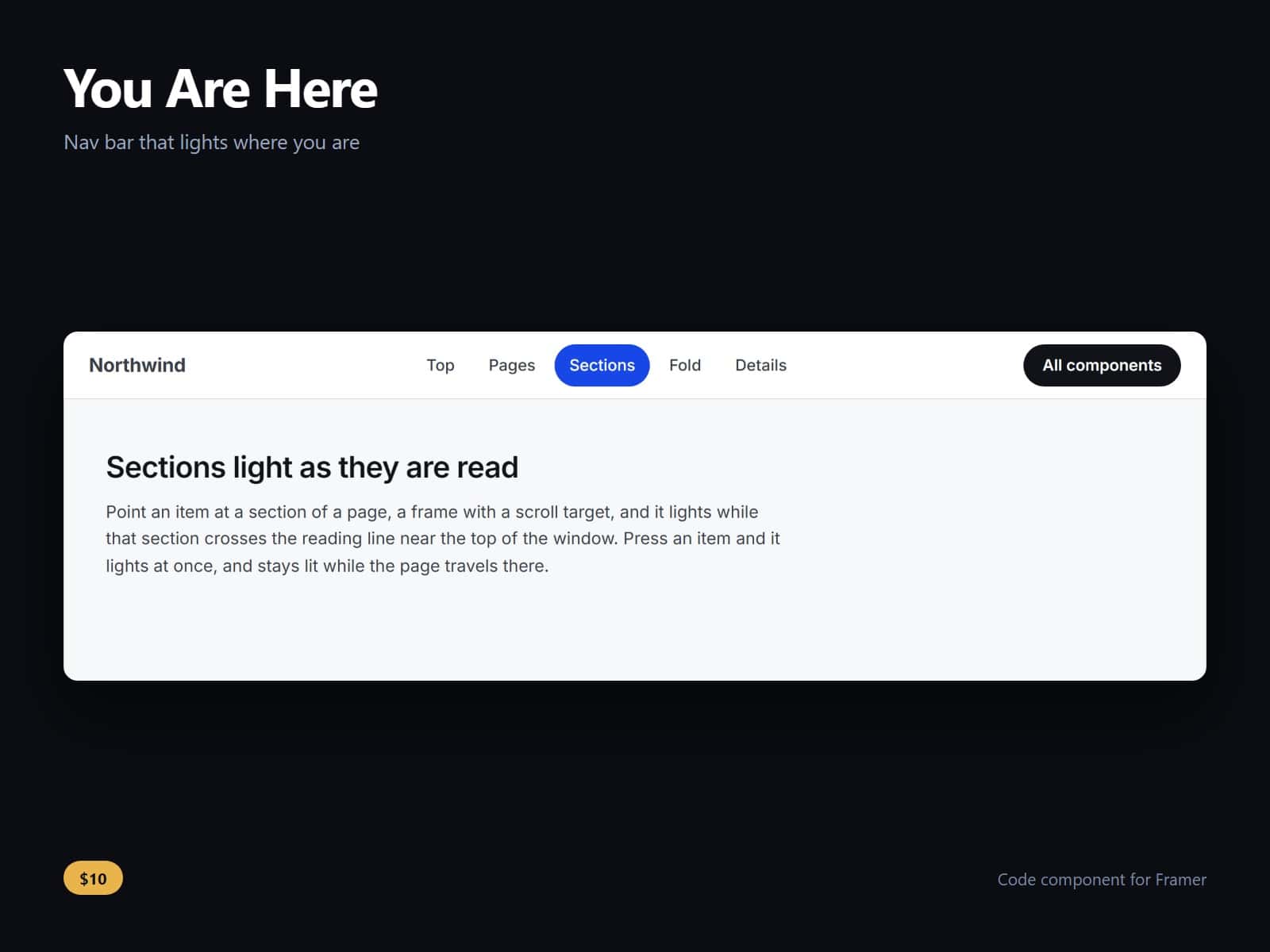
It knows where the visitor is. The item whose panel links to the page being shown lights by itself, from Framer's own page links, and an item that is a plain link lights on its own page and carries aria-current.
Below a width you set, measured on the bar itself rather than the window, the items fold into a menu and each panel opens in place under its item, at the menu's full width. The fold is in the page's stylesheet, so a phone never sees the wide bar first.
Every item that opens a panel is a real button that says whether it is open. ArrowDown opens it and moves into the panel, Escape closes it and hands focus back, and focus leaving the item and its panel closes it. Closed panels stay in the page, so search engines see their links.
Brand, logo, button, panel width (the bar's or your frame's own), panel gap, fonts and every colour are controls.
After purchase you receive the component URL. In Framer, press Insert, choose Add Component URL, and paste it.
Licence: yours to use on your own sites and on client sites, commercially, with no attribution. Not for resale or redistribution: do not share the component URL, and do not publish the component or its code anywhere, paid or free. Full terms arrive with your purchase. Questions: me@majedesigns.dev