About Jump Bar
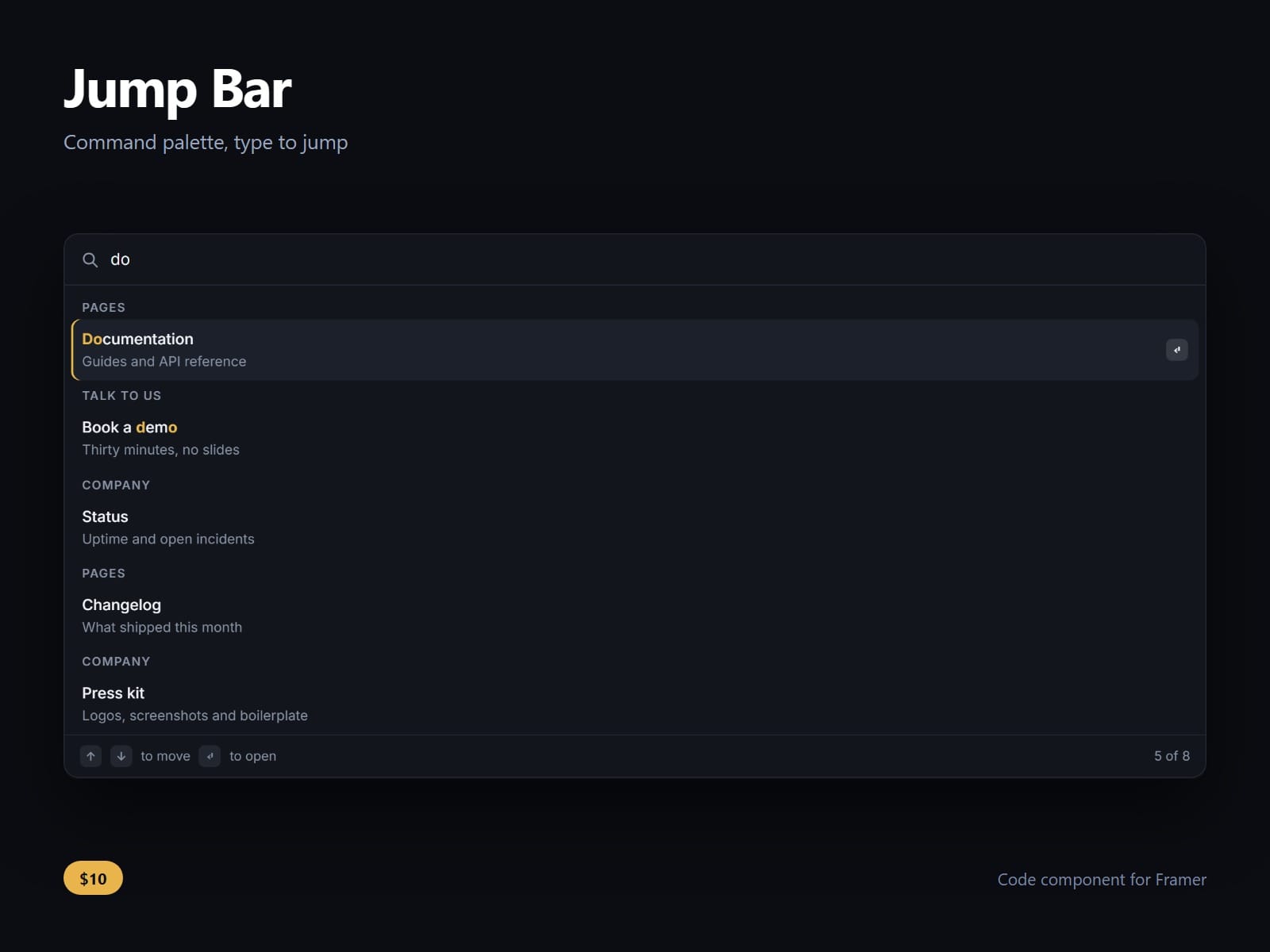
A command palette for Framer: press the key, type two or three letters, and the list narrows to the page you meant.
The matching is a scored fuzzy match, not a substring test. Typing chlg finds Changelog and bkdm finds Book a demo. Ranking prefers a match at the start of a label, then a run of adjacent letters, then a word start, then the shorter label, and the letters that matched are highlighted where they sit. A query that matches nothing in a label still matches its description, one rank below.
It is a real combobox, not a styled div. Arrow keys move the selection and wrap, Enter opens the row, Escape closes and hands focus back to whatever opened it. The input carries aria-activedescendant and every row is an option inside a listbox, so a screen reader announces the row that is selected rather than rereading the whole list on each keystroke.
Two modes, one switch. Inline is a search panel that sits in the page. Overlay is the one people mean by Cmd K: a small trigger in your nav, the panel over a dimmed page, and the shortcut bound for real, printed as Cmd on a Mac and Ctrl everywhere else.
Rows are a property control: label, description, group and link, with a heading once per group. Colours, radius, font, rows shown, placeholder and empty text are all controls.
Nothing is fetched at runtime.
After purchase you receive the component URL. In Framer, press Insert, choose Add Component URL, and paste it.
Licence: yours to use on your own sites and on client sites, commercially, with no attribution. Not for resale or redistribution: do not share the component URL, and do not publish the component or its code anywhere, paid or free. Full terms arrive with your purchase. Questions: me@majedesigns.dev