About Searchable FAQ
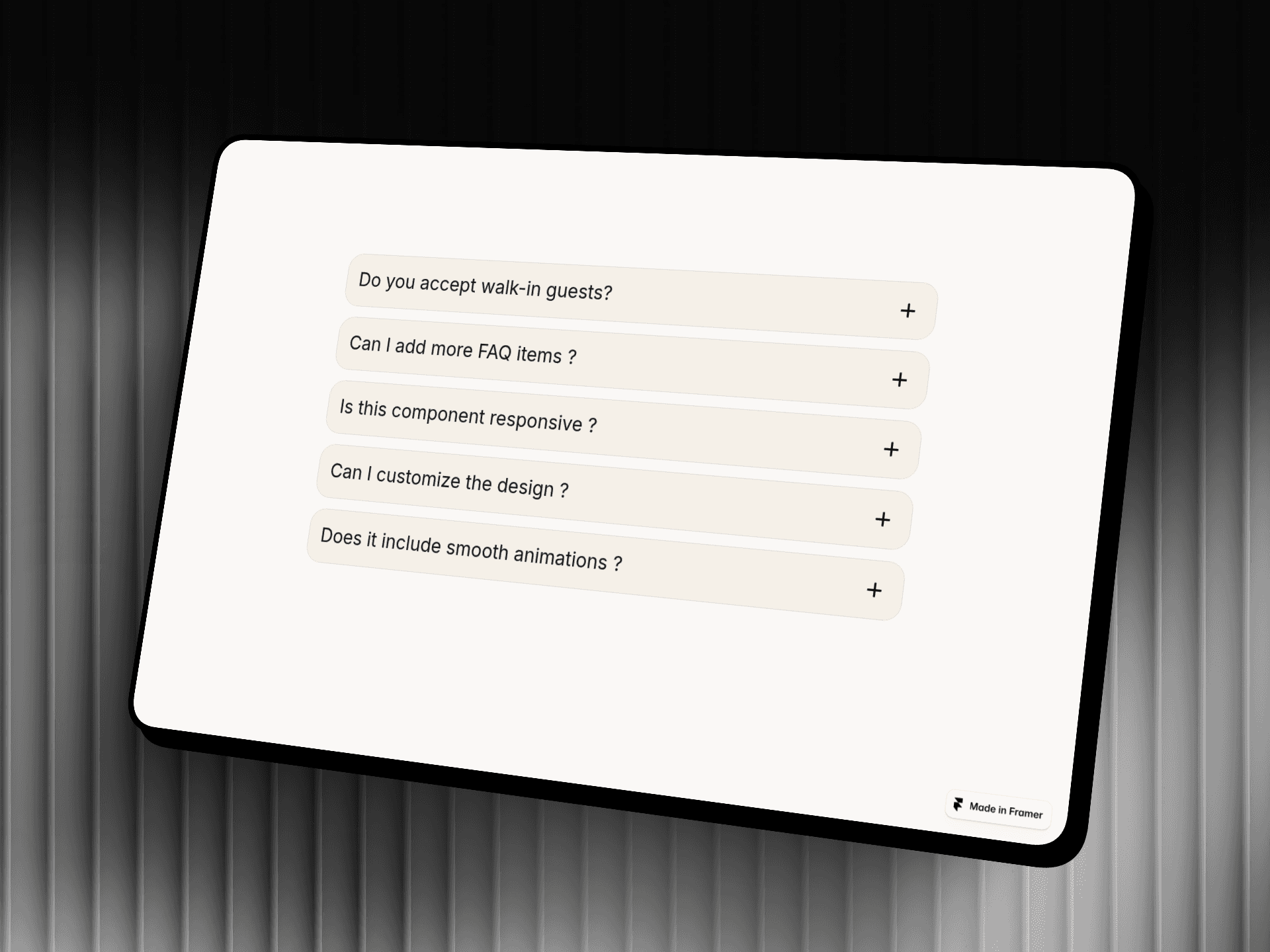
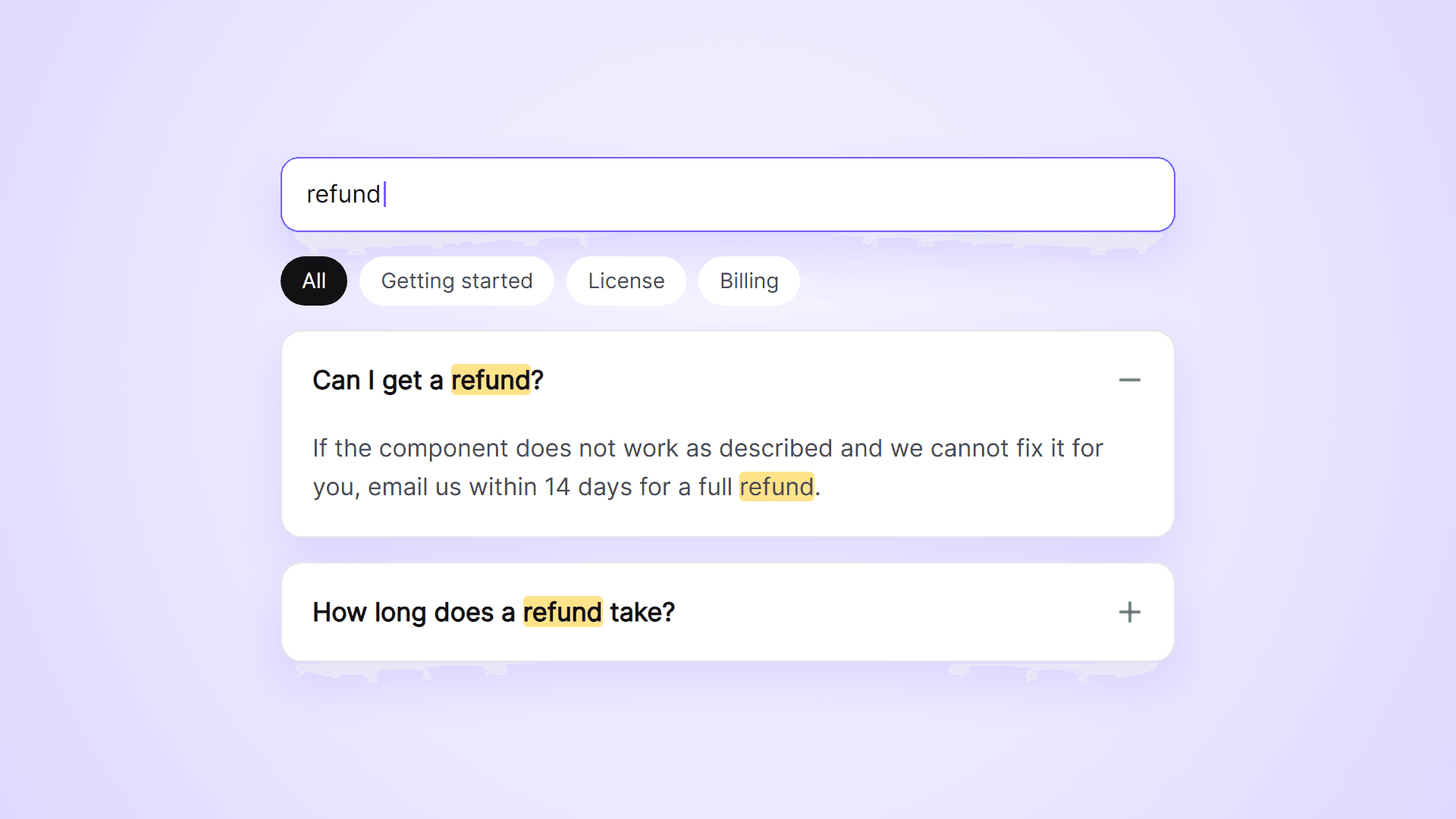
An FAQ list with a search field and category filters. Visitors type a word and see only the questions that match, with the matching words highlighted. Add your questions in the property panel.
What you can customize
Everything is set from the property panel. No code needed.
- Questions, answers and an optional category for each
- Search field: placeholder, colors and radius, or hidden
- Category buttons: labels and colors, or hidden
- One question open at a time, or many
- First question open on load
- Update URL, for links to a single question
- SEO Schema, for search engines
- Message and optional link when a search finds nothing
- Plus or chevron icon, and highlight color
- Fill, border, radius, padding and gap
- Fonts and colors for questions and answers
Details
- The search looks in questions and answers and ignores capital letters. When the match is inside an answer, that question opens by itself.
- Search and category work together, so a search only looks inside the selected category.
- With Update URL on, opening a question adds it to the page address. Visitors who open that link land on the question with its answer open.
- SEO Schema adds FAQPage structured data to the page.
- Works with keyboard and screen readers.
- Answers are plain text with line breaks.
How to use
Add the component to your page and set its width. Open Questions in the property panel and type your questions and answers. To get category buttons, give your questions a Category. On the canvas the first question is shown open so you can style the answers.
Code
This is a code component. Unlinking is not available, so the source cannot be viewed or edited. Updates arrive through the Update button in your Assets panel.
Support
Email joviseo1106@gmail.com. Replies usually take up to 3 business days. More components, including four free ones, are at https://joviseo.vercel.app