About Coupon Code Box
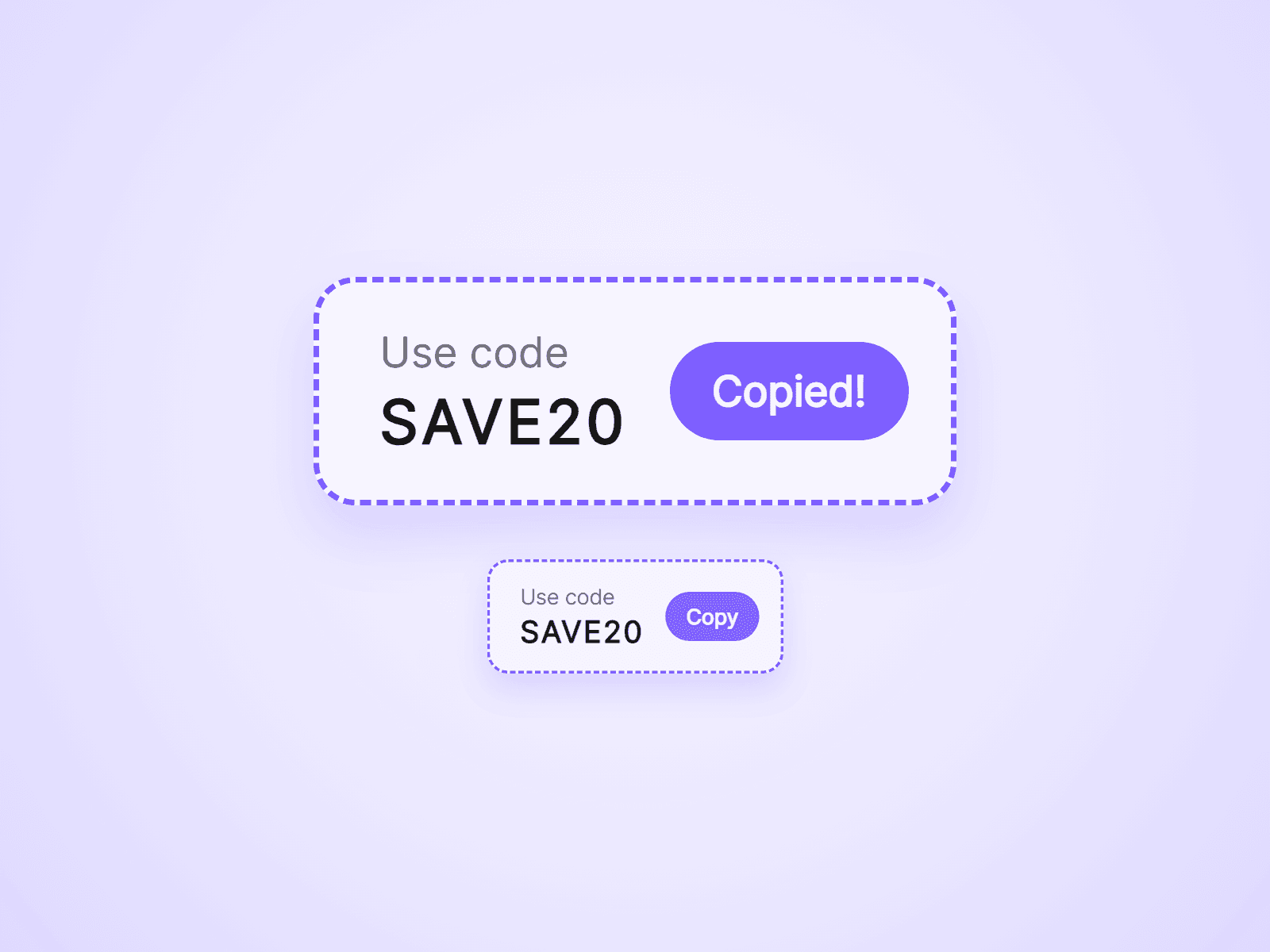
A box that shows a coupon code and copies it when the visitor clicks. The button says Copied! for a moment, so they know it worked. Use it on sale pages, in popups and in announcement bars.
What you can customize
Everything is set from the property panel. No code needed.
- Code and label text
- Code shown, or hidden until the visitor clicks
- Button label, the Copied text, colors and radius, or no button
- Expiry: an end date, then a message or nothing
- Fill and border: dashed, solid or none, with color and width
- Radius, padding and gap
- Fonts and colors for the code and the label
- On Copy interaction
Details
- The whole box is clickable, not only the button.
- With the code hidden, it is blurred and the real code is not in the page until the click. One click reveals it and copies it.
- With Expiry on, the box switches to your message at the end date, even while the page is open. Use the same date as your countdown to end both together.
- On Copy runs a Framer interaction after a copy, such as opening an overlay.
- Works with keyboard and screen readers, and on narrow screens the button moves below the code.
- The expiry changes what the box shows. It does not turn the coupon off in your shop.
How to use
Add the component to your page and type your coupon into Code. It sizes itself to fit. To place it inside a popup or a bar, put it in the layer you connect to that component. On the canvas the box cannot be clicked. Open the preview to try copying.
Code
This is a code component. Unlinking is not available, so the source cannot be viewed or edited. Updates arrive through the Update button in your Assets panel.
Support
Email joviseo1106@gmail.com. Replies usually take up to 3 business days. More components, including four free ones, are at https://joviseo.vercel.app