About Roll Call
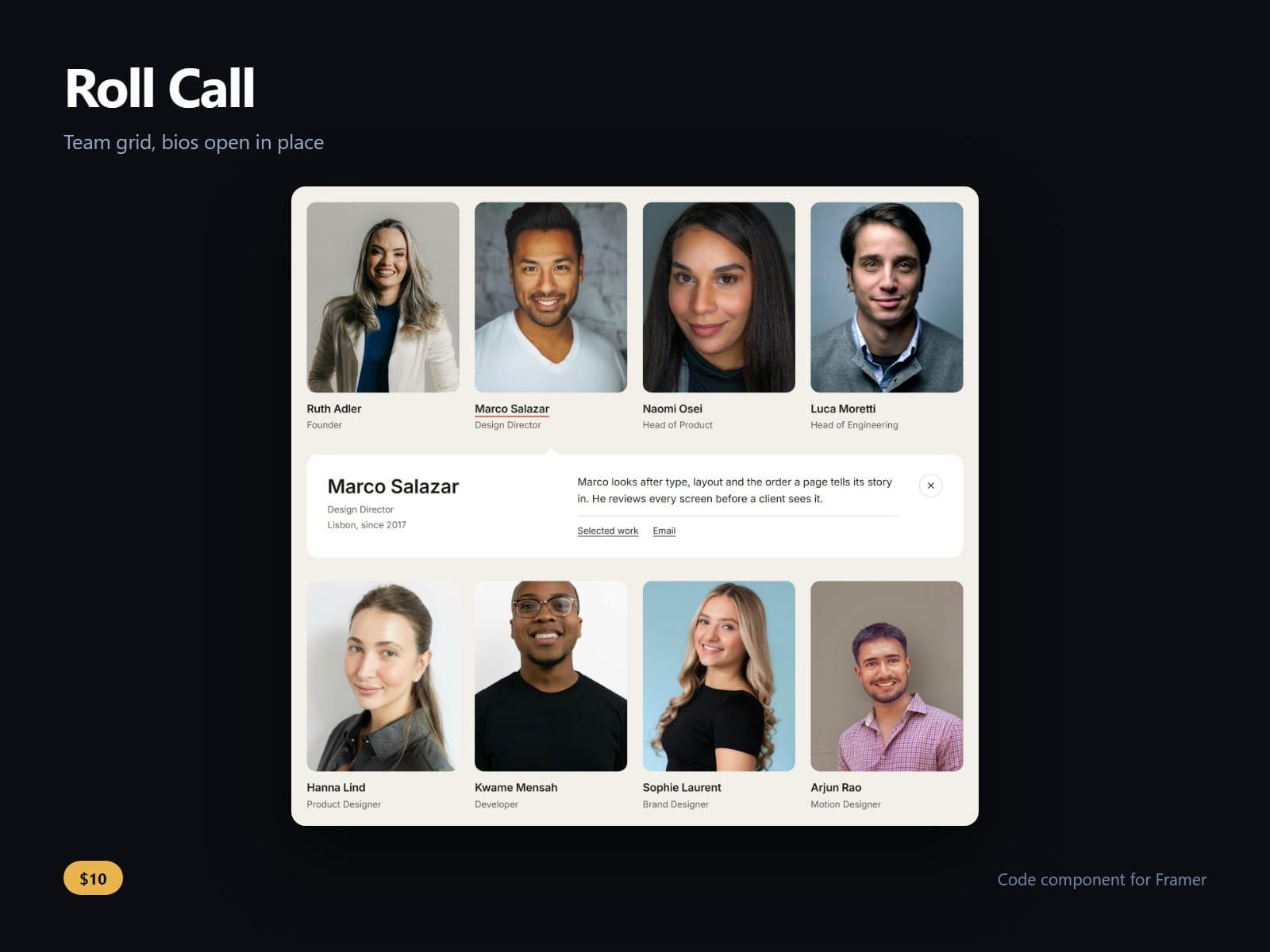
A team grid for Framer whose bios open in place. Press a face, or tab to it and press Enter, and that person's bio, a detail line and up to two links open in a panel under their row, with a pointer at their photo. Press it again, Close or Escape to shut it, and focus goes back to the card.
The panel always lands under the right row. Columns follow the component's own width at three tiers you set, placed by CSS, so the page's HTML and the first paint agree and nothing jumps on load. Every name, role and bio is in the HTML, open or not.
Photos that were never shot to match still line up. Every photo shares one shape, portrait, square or tall, and each person has their own face position and face zoom, so a waist-up shot and a close headshot sit side by side at the same size. Anyone without a photo gets a monogram.
Turn on Group by team for a heading per team, in the order you list them, and add a hiring card at the end. Links can go to a profile, an email address or a page of your own site: page links resolve like any Framer link, and mail links stay in the tab.
Photos in colour, greyscale, or greyscale until hovered or opened; zoom on hover, rounding, gaps, fonts and every colour are controls. Reduced motion is honoured. The faces in the demo and the gallery are Unsplash photographs used as placeholders: the component ships none.
After purchase you receive the component URL. In Framer, press Insert, choose Add Component URL, and paste it.
Licence: yours to use on your own sites and on client sites, commercially, with no attribution. Not for resale or redistribution: do not share the component URL, and do not publish the component or its code anywhere, paid or free. Full terms arrive with your purchase. Questions: me@majedesigns.dev