About Pricing Tiers
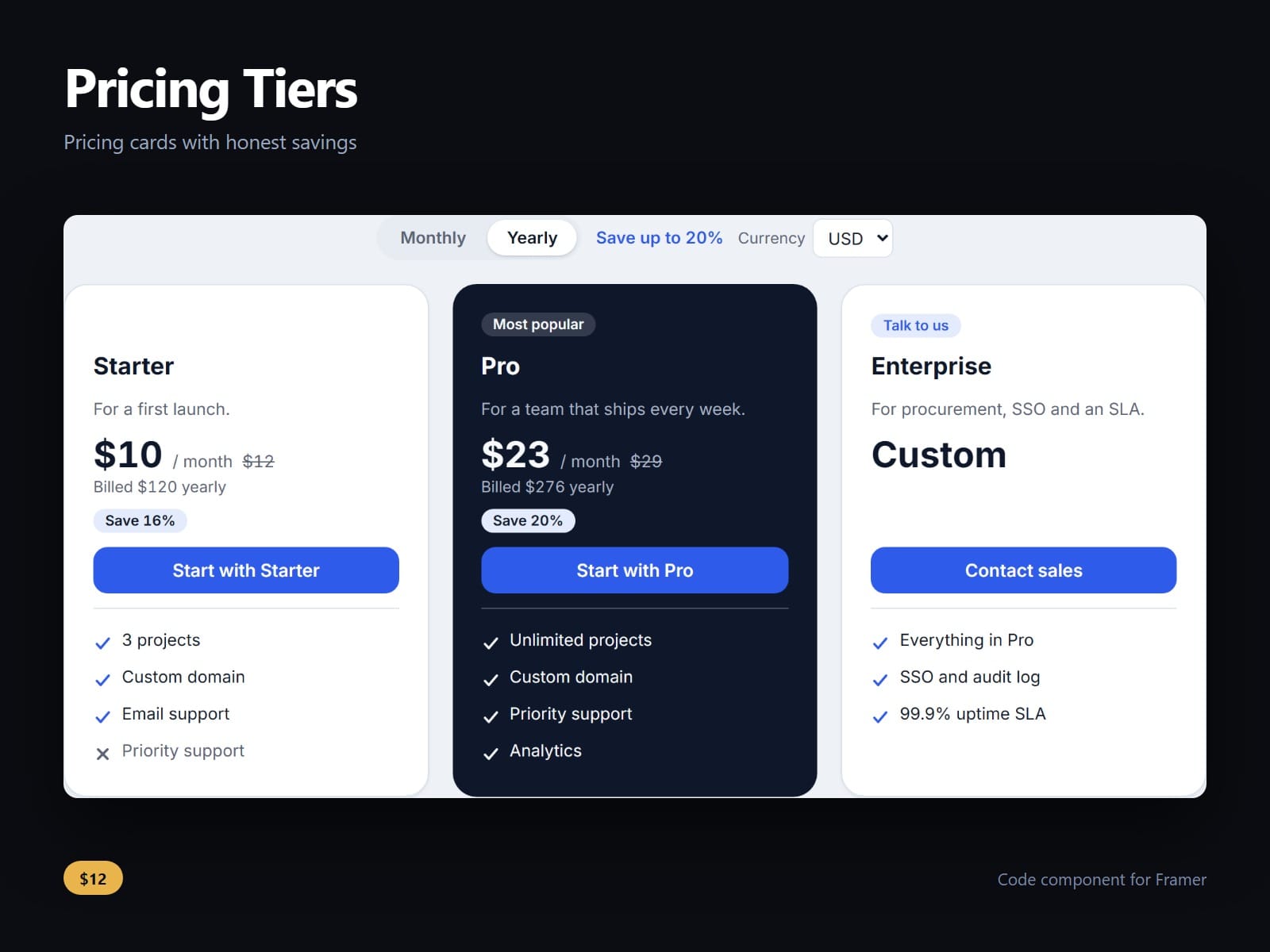
Pricing cards for Framer that do their own arithmetic, so the saving on the page is the one your prices really give.
Plans are plain lines of text: # starts a plan with its monthly and yearly price, + and - lines are included and excluded features, and > is the button. Flag a plan featured, give it a badge, or price it free or custom.
Each button takes two links, monthly and yearly, and follows the toggle, so a visitor who picks Yearly lands on your yearly checkout. An option adds the plan, billing period and currency to the link.
Every saving is worked out from your two prices and rounded down by default: as a percent, as months free or as an amount. Each card shows its own, and the toggle says Save up to only the largest a plan really gives. Yearly shows the monthly equivalent, rounded up so it is never lower than the truth, or the price for the whole year.
Give each plan prices in more currencies and visitors choose from the ones every plan has. Nothing is converted at an exchange rate, and a price that cannot be read is flagged in the canvas, never shown as zero.
Cards line up row by row, and three plans sit in one row or stack, never two and a lone third. Every colour, both fonts, every label, the radius, padding and gap are controls.
After purchase you receive the component URL. In Framer, press Insert, choose Add Component URL, and paste it.
Licence: yours to use on your own sites and on client sites, commercially, with no attribution. Not for resale or redistribution: do not share the component URL, and do not publish the component or its code anywhere, paid or free. Full terms arrive with your purchase. Questions: me@majedesigns.dev