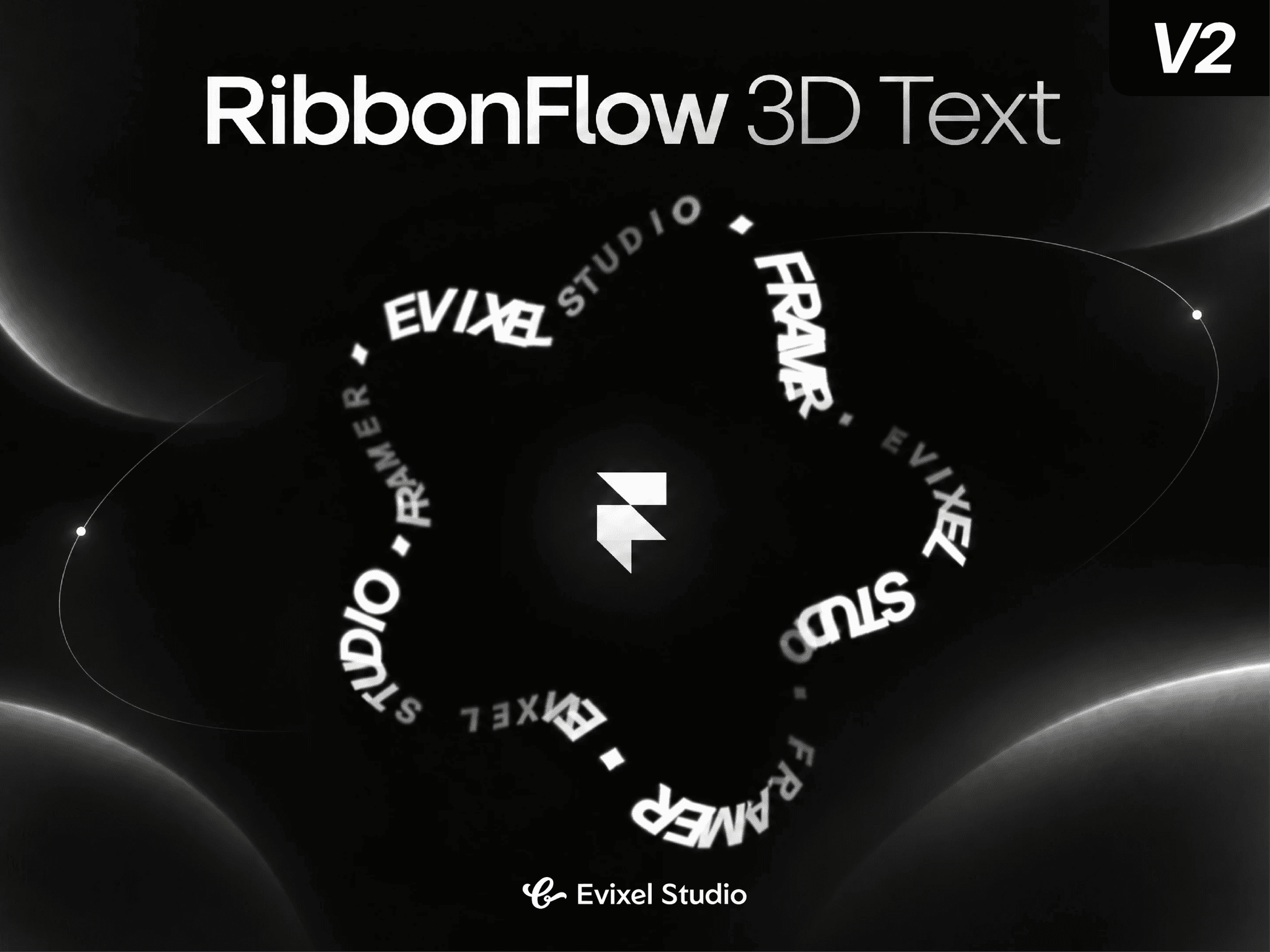
About RibbonFlow 3D Text
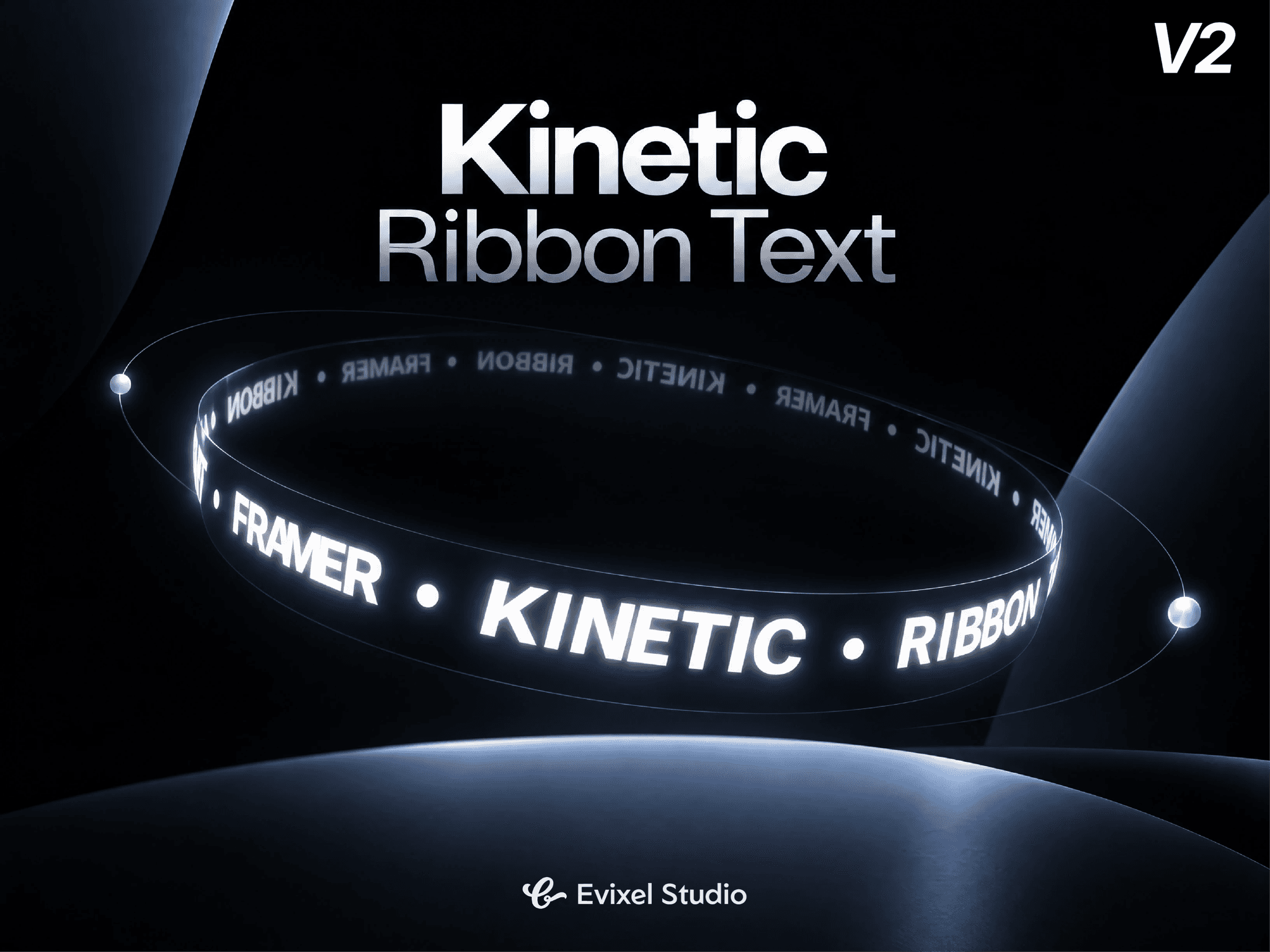
Create eye-catching, continuous 3D kinetic typography. Kinetic Circular Ribbon projects dynamic copy around a twisted torus ring using high-performance 2D Canvas rendering—delivering rich 3D perspective, depth gradients, and physics interactions with zero external 3D library overhead.
Key Features
3D Torus Geometry: Wrap text around a 3D ring with fine control over size, thickness, ribbon twist count, perspective, and X/Y tilts.
Versatile Motion Triggers: Spin continuously, scrub with page scroll, trigger when in view, or combine auto-spin with scroll velocity.
Depth Shading & Glow: Realistic perspective letter scaling, depth-aware opacity fade, near/far dual-color gradients, and optional neon glow.
Interactive Drag & Inertia: Grab and spin with smooth momentum friction, with hover reactions to pause, slow down, speed up, or reverse.
Smart Typography: Supports single phrases or item lists with separators, text casing, natural or even glyph spacing, and an automatic "Fit to Ring" mode.
Ultra Lightweight: Pure Canvas-driven 3D math provides silky 60fps performance without Three.js or heavy dependencies.
Property Controls
Content & Letters: Single string or item lists, repeats, casing, natural/even glyph spacing, and auto-fit scaling.
Ribbon Shape: Adjust outer size, ring thickness, twist count, X/Y tilt angles, perspective depth, and rotation.
Colors & Depth: Solid or depth-blended color palettes, minimum far opacity/scale, and custom glow radius and color.
Animation: Triggers (Always, In View, Scroll, Auto+Scroll), speed, scroll smoothing, direction, and reduced motion fallback.
Interaction: Drag-to-spin sensitivity, momentum inertia, and hover reactions (pause, slow down, speed up, reverse).
Quick Start Guide
Drop the component onto your Framer canvas.
Enter your copy or list items in the Content panel.
Tweak the Ribbon twist, tilt, and size to match your layout.
Select an Animation trigger (e.g. Always or On Scroll) and preview!