About Orbita Images
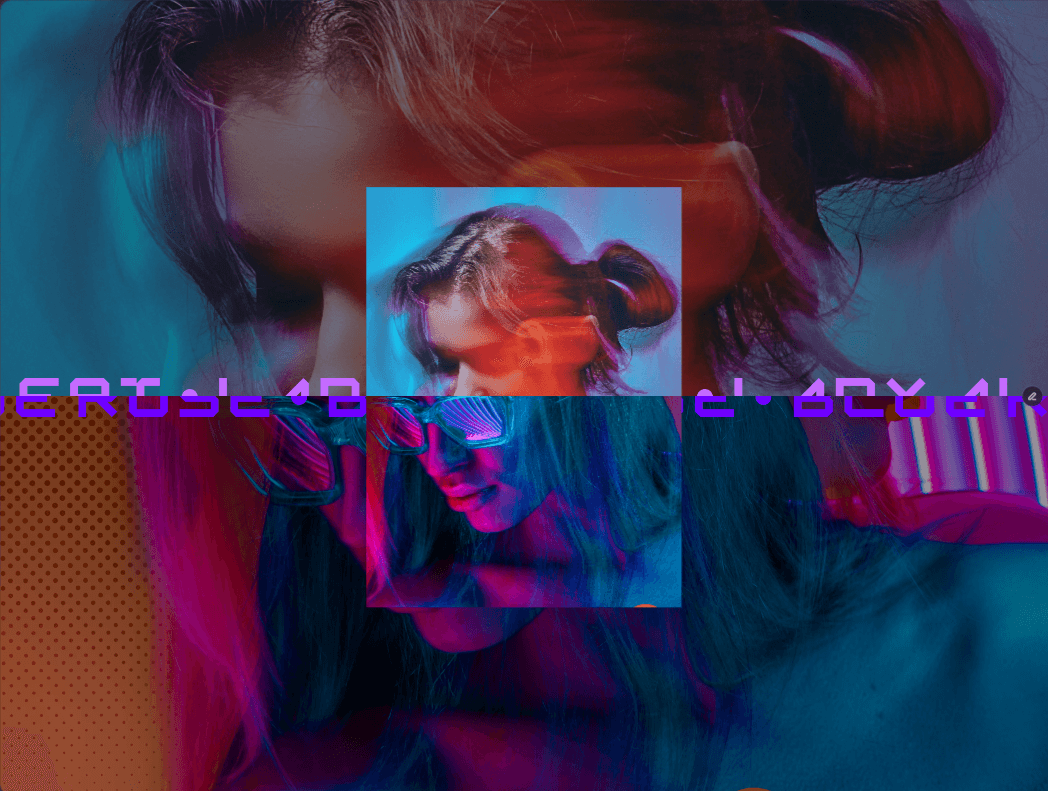
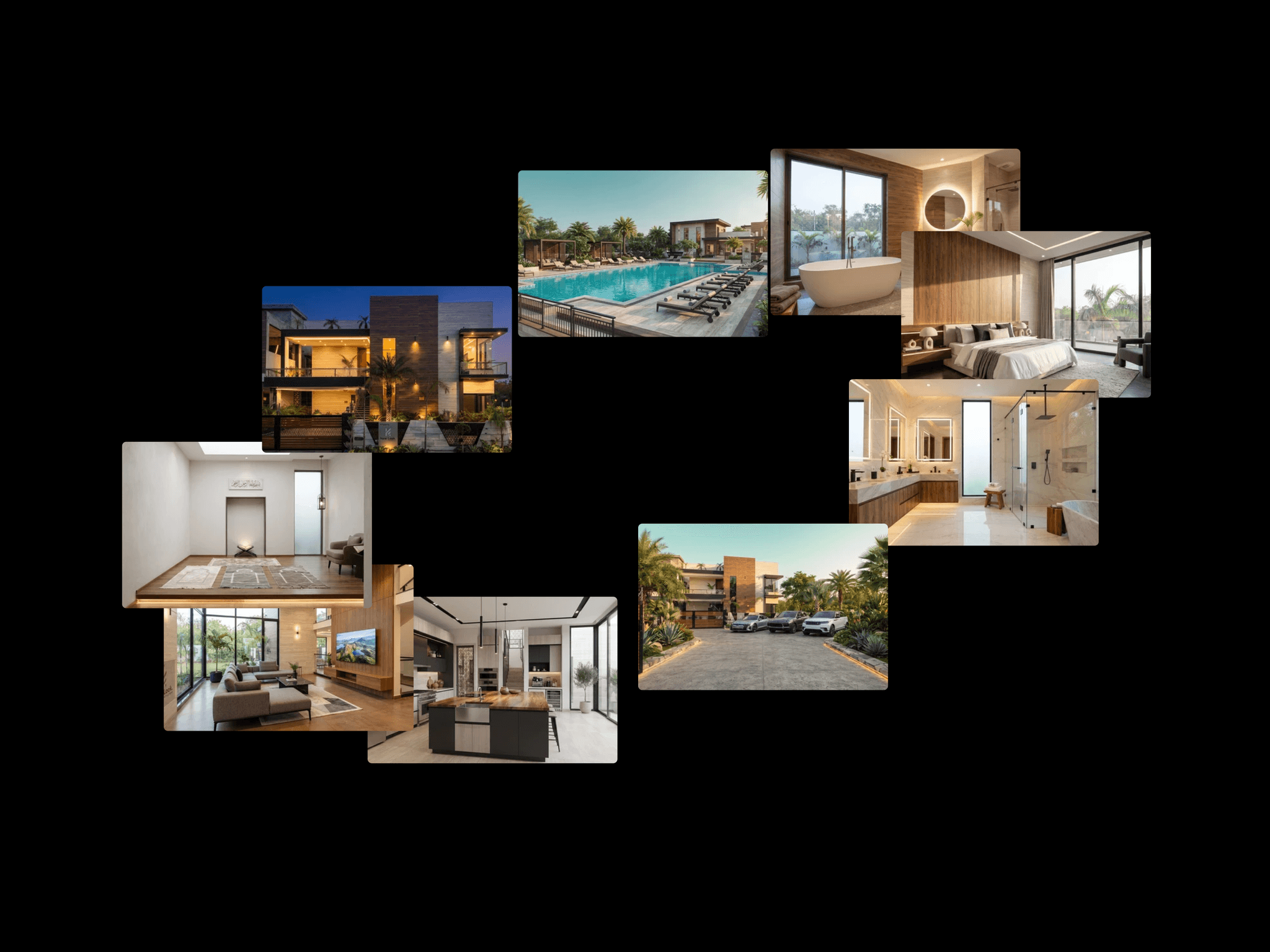
A tilted ring of images that drifts on its own, speeds up when you scroll, and focuses on whichever card you hover. Preview Link Orbita arranges your images in a tilted oval around a centered title or logo. The ring turns slowly by itself. Scrolling with the wheel or swiping on a touch screen speeds it up, and it eases back to its idle pace afterwards. Scrolling the other way reverses the spin.
Hover a card and it scales up while the rest dim and lose their color. Move away and everything returns to normal.
Add your images in the property panel and use Repeat to fill the ring if you only have a few. With no images set, Orbita shows grey placeholder tiles so you can set up the layout first.
What you can change
Title text, font, size, letter spacing and color
A logo slot above the title, which accepts any component or image
Card width, height and corner radius
Ring width, ring height and tilt
Idle speed, scroll boost and maximum speed
Image zoom, hover scale, dimming and hover duration
Background color
Responsive Cards and title scale down with the width of the frame, and the ring switches to its own width below a breakpoint you choose, so cards don't pile up on phones. Both settings can be switched off.