About Lumo Pixel Bloom
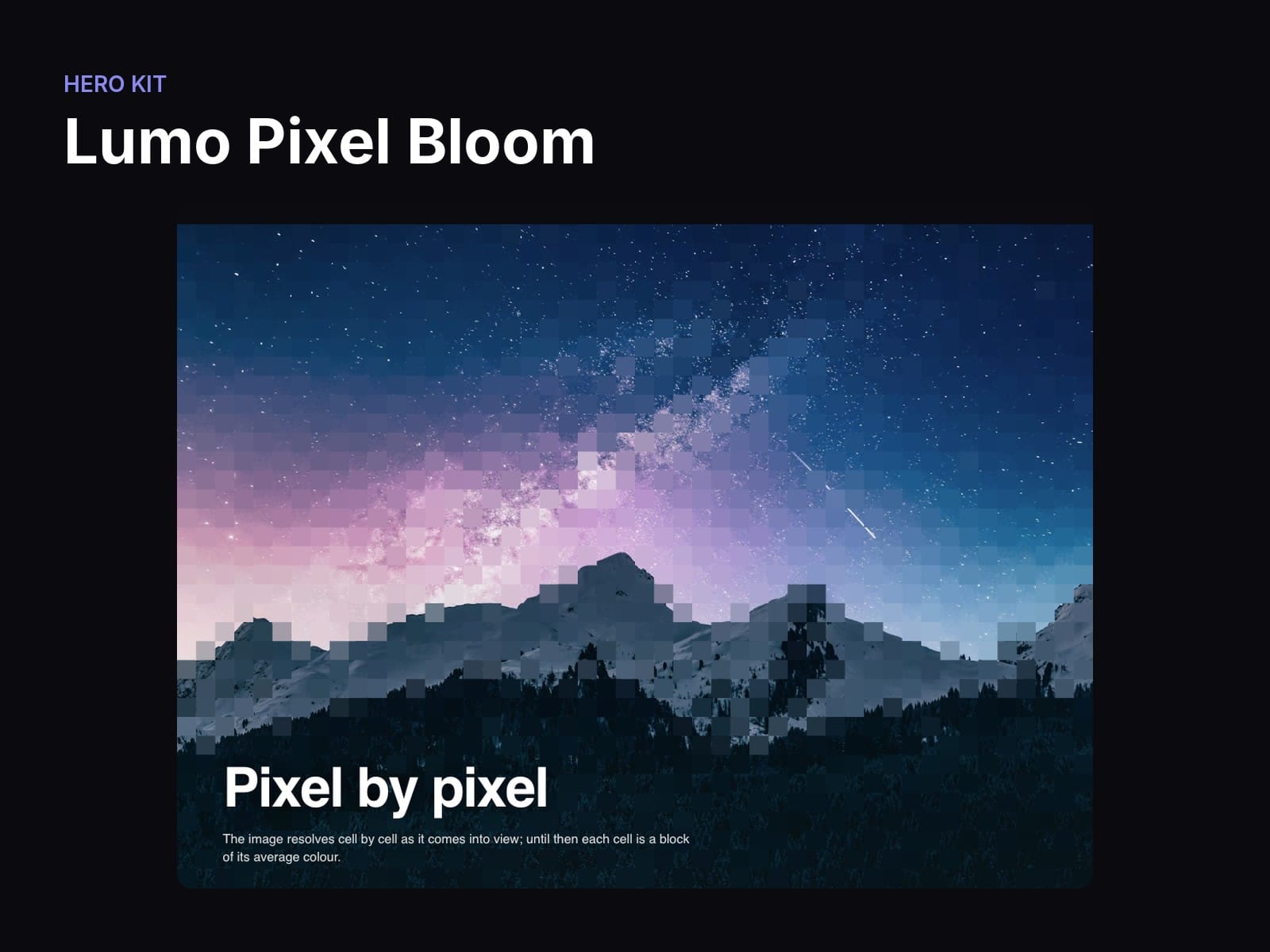
An image that starts as big pixels and resolves cell by cell into the real picture, driven by the scroll or by a timer. Choose the grid size, the order and the tint.
What you can change
Image — The source
Columns — Cells across, 4 to 160 (48); rows follow the frame's ratio
Order — Random, Sweep (by column), Center (outwards) or Rows
Trigger — Scroll, or Time
Duration — How long the clock takes, in ms, Time only (2400)
Tint — Colour of the pending cells; empty uses the image's own colours
Background — Behind the canvas
Title / Subtitle / Text — Copy over the mosaic and its colour
Good to know
Every option lives in the properties panel; no code needed.
Respects reduced motion: visitors who ask for less motion get a calm static version.
Responsive: no horizontal scroll at phone, tablet or desktop widths.
Samples the image pixels: the source must be same-origin or served with CORS (files uploaded to Framer work).
Installs from one link; its shared Hero Kit helpers come with it.
Licence: Framer's single-use commercial licence (one project).