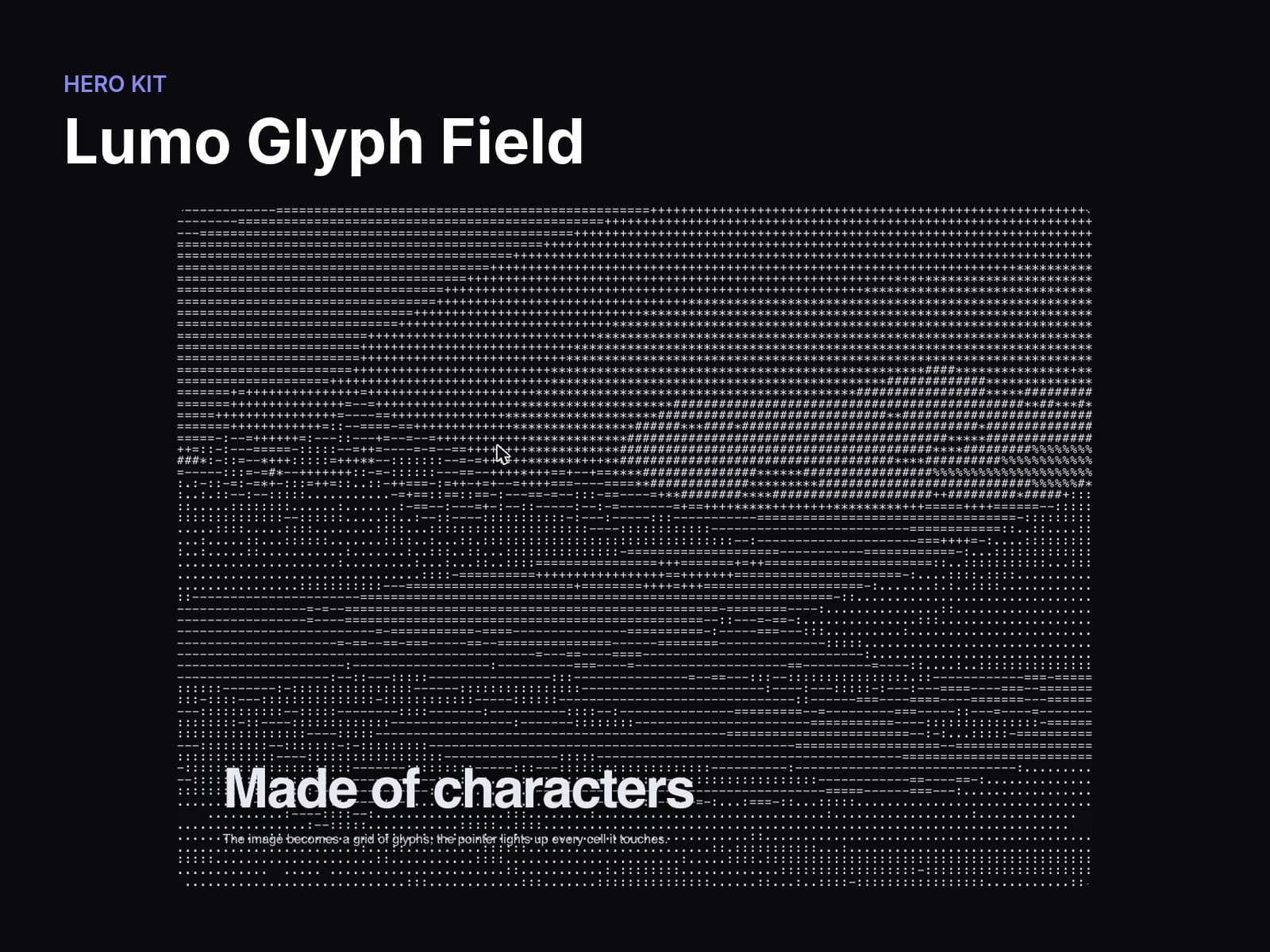
About Lumo Glyph Field
Turn any image or video into a living grid of characters. Each cell picks a glyph by brightness, and the cells around the pointer light up as visitors move across it. Pick the columns, rows, character ramp and colours; still images only redraw when something changes, so it stays light.
What you can change
Image / Video — The source; when a video is set it is sampled and the image becomes its poster
Columns / Rows — The character grid (120 × 60)
Ramp — Glyphs from dark to bright ( .:-=+*#%@)
Glyphs / Background — Glyph colour and the colour behind them
Font family — Monospace stack the glyphs are drawn in
Pointer radius / Pointer brightness — How many cells around the pointer light up (10) and how much (0.5)
Video fps — Redraw rate for video (24, max 30)
Title / Subtitle — Copy over the grid
Good to know
Every option lives in the properties panel; no code needed.
Respects reduced motion: visitors who ask for less motion get a calm static version.
Responsive: no horizontal scroll at phone, tablet or desktop widths.
Samples the image/video pixels: the source must be same-origin or served with CORS (files uploaded to Framer work).
Installs from one link; its shared Hero Kit helpers come with it.
Licence: Framer's single-use commercial licence (one project).