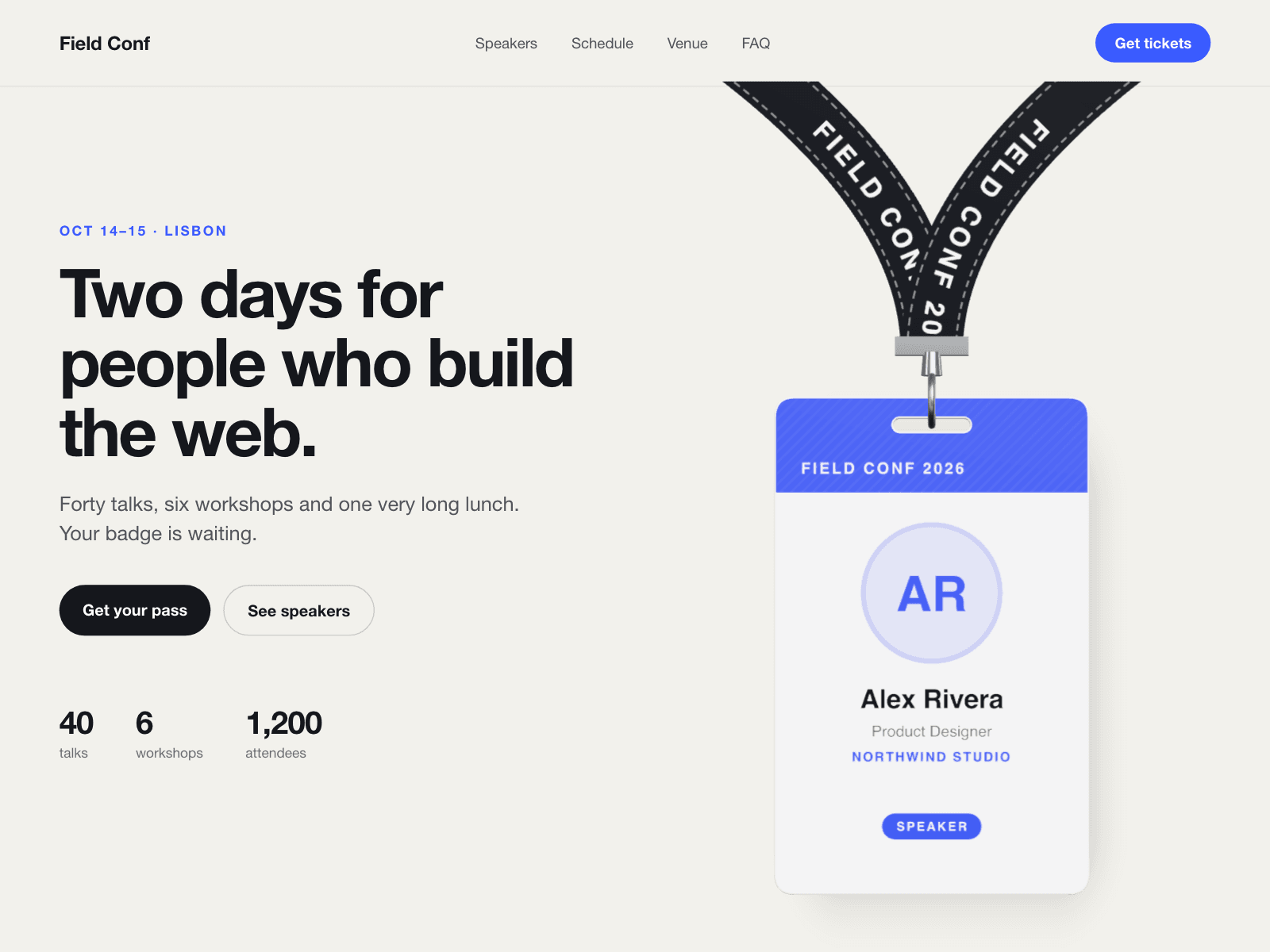
About Lanyard Badge
A name badge hanging from a lanyard, rendered in three.js. Visitors can grab it, swing it and throw it; flicking an edge turns it over to the back.
Card faces
- Front image and Back image are always in the panel, so you can connect them to CMS image fields. When an image is set, it covers that face. When it is empty (or cannot be loaded), the face is drawn from your fields instead.
- The drawn front uses Name, Role, Organisation, Event, Tag and an optional round Photo (initials without a photo). The drawn back uses Organisation, Event and Tag.
- Portrait, landscape or square card in Gloss, Matte or Holographic.
- The strap takes your colour, width, length and printed text.
Motion
- Drops in when it first scrolls into view and sways gently at rest.
- Only a press on the badge grabs it, so page scrolling keeps working.
- Arrow keys push and flip the badge once it has focus. With a link set, a click (not a drag) or Enter opens it.
- Reduced motion turns off drop-in and sway but keeps dragging.
- The animation stops while the badge is off screen or the tab is hidden, and sleeps once the badge has settled.
Fallbacks
- Shows a flat badge on the Framer canvas and where WebGL is unavailable, using your front image when one is set.
Notes
- Images must allow cross-origin loading to appear on the 3D card.
- Upgrading from v1: the Card (Template / Images) switch is gone. A set Front or Back image now always shows; clear it to go back to the drawn face.