About Article TOC
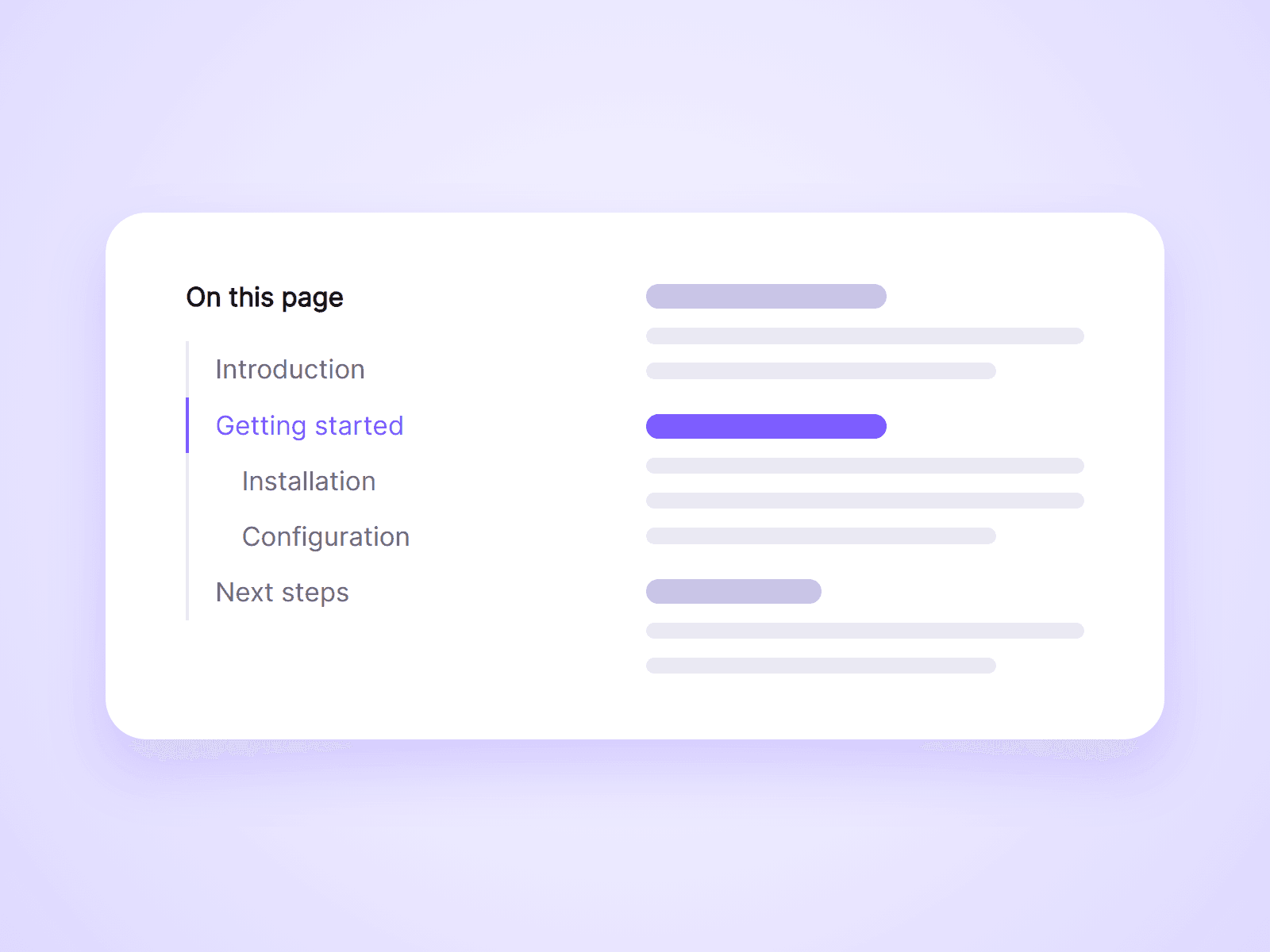
An automatic table of contents for articles and blog posts. It reads the headings on your page, builds the list, and highlights the section the visitor is reading. Add it once to your CMS page and it works for every post.
What you can customize
Everything is set from the property panel. No code needed.
- Section ID, to list only the headings inside your article
- Heading levels to include, from H1 to H6
- Title text, or no title
- Numbers, such as 1, 1.1, 1.2, 2
- Top offset, to leave room for a sticky navigation bar
- Smooth or instant scrolling
- Update URL on click, for shareable links
- Indent and gap
- Indicator line colors and thickness
- Fonts and colors for the title, items, hover and active states
Details
- The current section is highlighted as the visitor scrolls, and the last item is highlighted at the end of the page.
- With Update URL on, a click adds the heading to the page address. Visitors who open that link land on the same heading.
- Headings without an ID get one automatically, so there is nothing to set up in your content.
- The list updates when the page content changes, and it skips headings hidden on the current breakpoint.
- The component hides itself on pages with no headings.
How to use
Add the component to your article page and place it beside your content. Set its Position to Sticky to keep it on screen. To leave out headings from your navigation and footer, give your article layer a Scroll Section ID and enter the same ID in Section ID. On the canvas the list shows sample headings. Open the preview to see your real ones.
Code
This is a code component. Unlinking is not available, so the source cannot be viewed or edited. When an update is released, an Update button appears next to the component in your Assets panel.
Support
Email joviseo1106@gmail.com. Replies usually take up to 3 business days.
More components, including four free ones, are at https://joviseo.vercel.app