About CMS Bento Wall
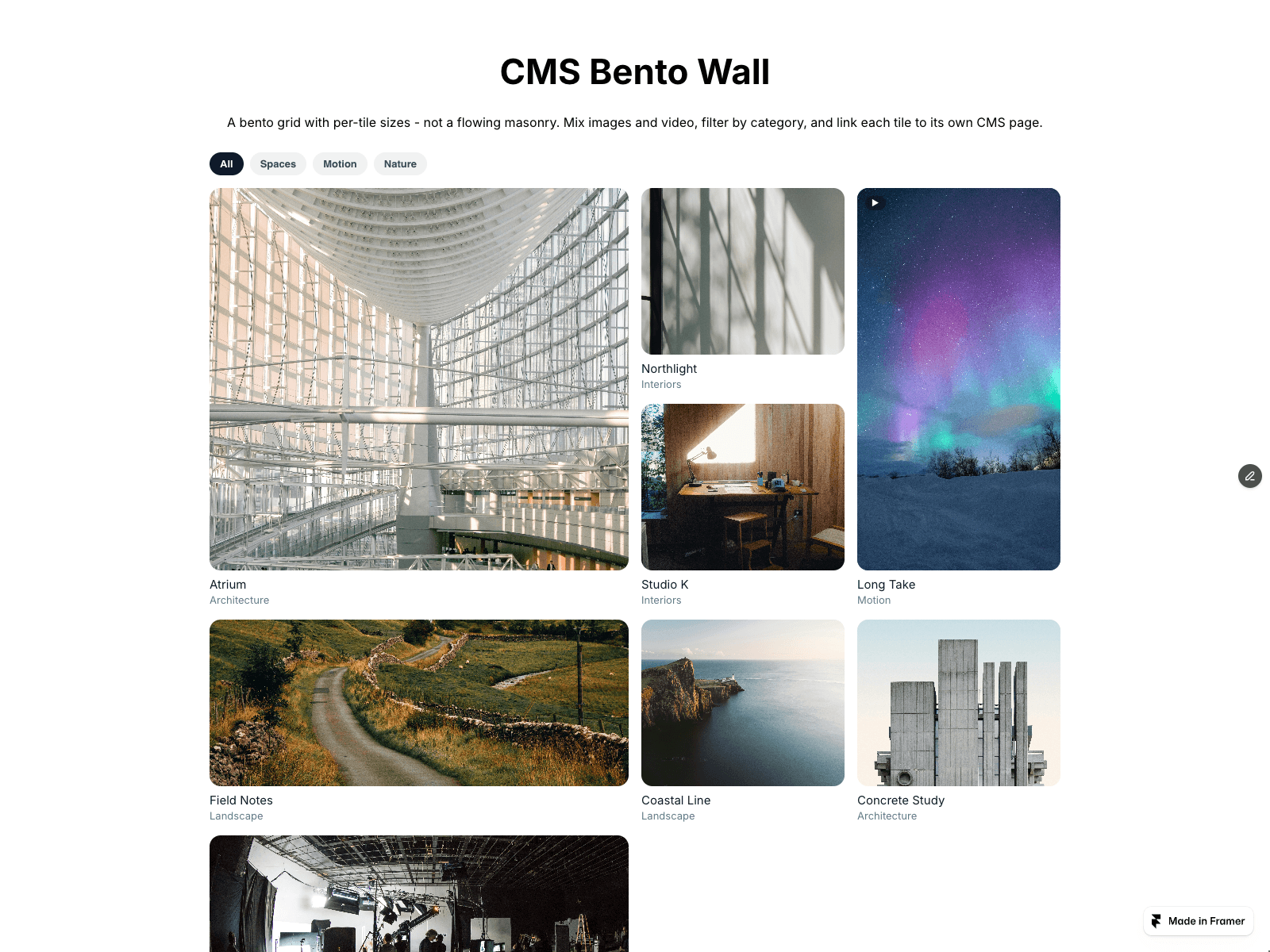
Build a bento grid from your CMS in three steps. Drop a Collection List into the Tiles (CMS) slot and turn off its Pagination; each loaded item becomes one tile. Set Size Pattern, for example "2x2, 1x1, 1x2, 2x1", and the tiles take those sizes in order, repeating. Name the layers in your item Image, Title and Tag: the image fills the tile and zooms on hover, and each Tag becomes a filter chip.
Layer names can be changed in the panel; a missing layer leaves that part out. Separate several tags with commas. A Framer Video layer plays muted on hover. Items that link to their CMS page open it; the others open the focus view. Turn off Style CMS Layers to keep your own item design.
The grid shows copies of your CMS items, so Framer hover and press effects and interactive components inside an item do not run there. A Load more button is not shown; when the list changes, the tiles and filters update. Initial count shows the first N CMS tiles per filter with a Show more button that reveals N more per click; 0 shows all.
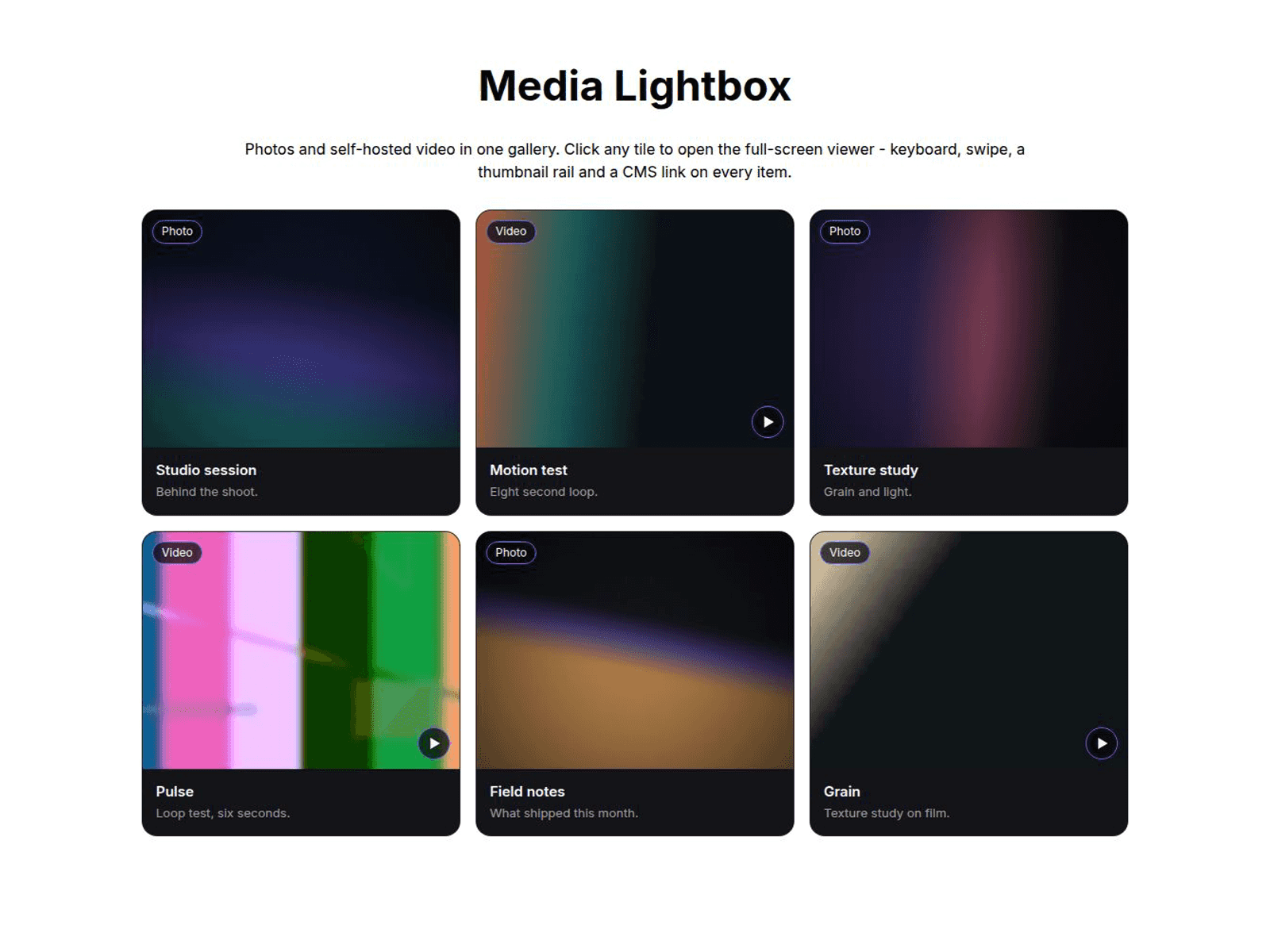
Focus view shows the image or video full size; arrow keys browse, Esc closes.
No CMS yet? Leave the slot empty and fill the Tiles list: pick Square, Wide, Tall or Large, upload an mp4 or webm, add a poster, a category and a link.
Separate desktop, tablet and mobile column counts; wide tiles shrink to fit. Reduced motion turns off the zoom and hover video. The canvas shows a still preview; tiles appear in Preview and on the live site.