About Topographic Contour
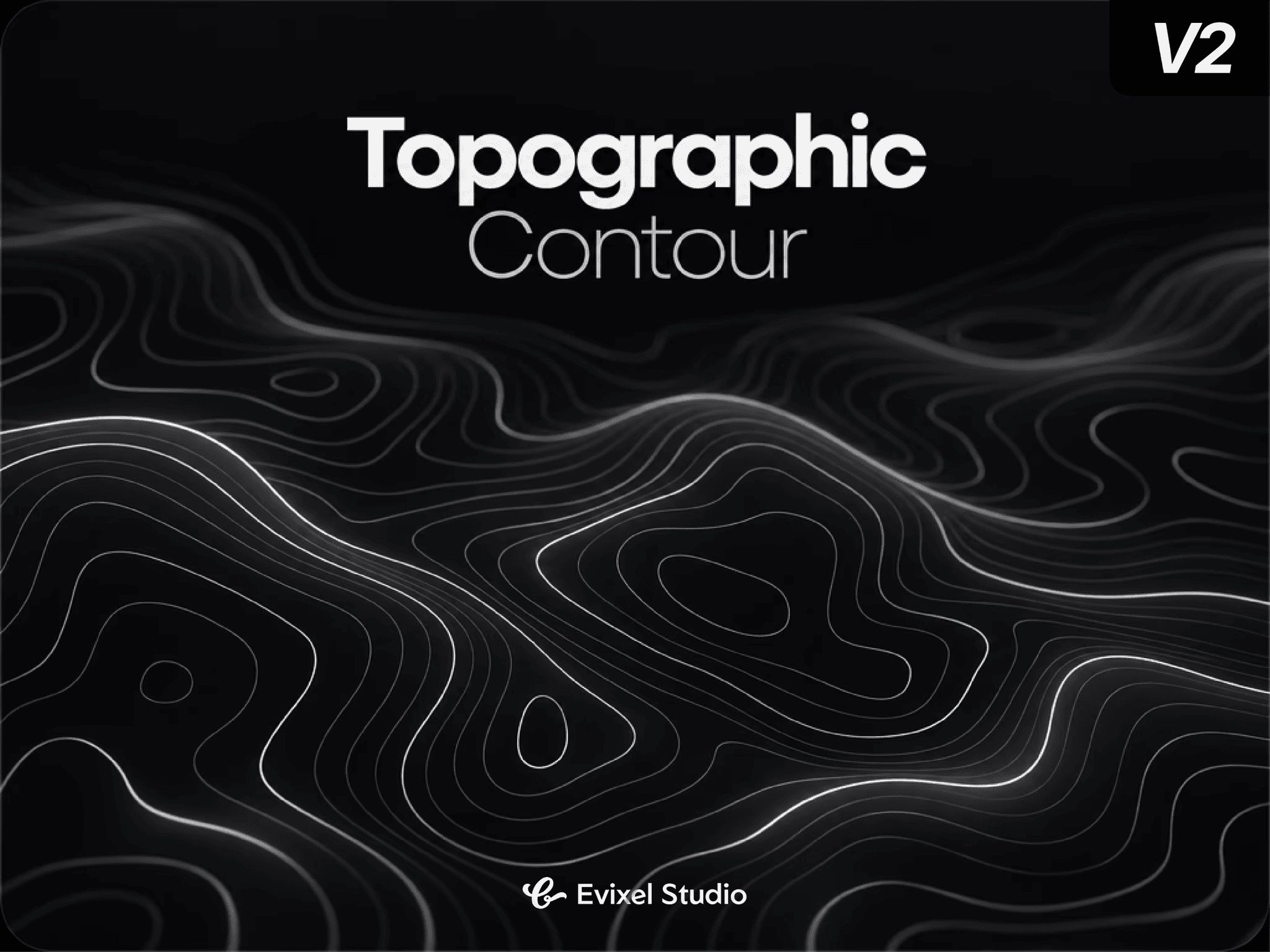
Topo Contour for Framer renders procedural topographic contour maps using fast 3D Simplex noise and marching squares algorithms on a raw HTML5 Canvas—no external 3D libraries required.
Key Features
Procedural Landforms: Build organic landscapes using Simplex noise, domain warping, roughness controls, and 3 surface styles (Smooth, Ridged, Turbulent).
Interactive Cursor Physics: Raise mountains, sink depressions, or trigger acoustic ripples radiating through lines as visitors move their cursor.
Authentic Cartography: Customize line counts, valley-to-peak weight tapering, major index contours (every Nth line bolder), and dashed strokes.
Palette & Depth FX: Select monochromatic strokes or multi-stop elevation gradient heatmaps with depth fading, edge vignettes, and soft line glow.
Fluid Animation: Animate terrain to slowly morph over time or drift infinitely across customizable angles.
High-Performance Canvas: Built with typed memory buffers, adaptive grid resolution, FPS caps, and automatic offscreen pausing.
Property Controls
Terrain: Seed number, landscape density, noise octaves, roughness, terrain style, domain warp, elevation contrast.
Lines: Contour count, stroke weight, peak tapering, major index line frequency/weight, dashed styling, quality presets (Fast to Ultra).
Appearance: Solid or gradient elevation colors, background, opacity, depth fade, edge vignette fade, line glow halos.
Motion & Pointer: Morph speed, drift direction/velocity, cursor modes (Raise, Sink, Ripple), radius, force, smoothing.
Performance: DPR cap, FPS throttling (Auto, 30, 24), offscreen auto-pause.
Quick Start
Drop the component onto your Framer canvas and set your frame size.
Select an appearance mode: Mono for minimal lines or Gradient for elevation heatmaps.
Adjust Density and Count to tune the landform scale.
Enable Motion and Pointer to activate live interactive topography.