Isaac Yi2d
September recap: three new components, and two emails that became updates the same day
Hey everyone, solo creator here, shipping panel-driven code components
since June. Quick September recap.
The part I liked most this month wasn't a launch. It was two emails.
An agency creative director bought my Google Sheets table and asked one
thing: could a link typed into a sheet cell show up as a real link on the
site? It could not. A few hours later it could: paste a URL, or
[Label](url), into a cell and it renders as a link. They wrote back
"Thanks!" the same afternoon.
The next day, someone who hadn't bought anything yet asked whether
Scorecard Quiz could hand its final result to their own form. Same day,
it got a Save Results option: off by default, it keeps the finished score
in the browser session and fires an event your own form or script can
pick up. Nothing is sent anywhere unless you wire it.
Neither change was on my roadmap. Both were the right call.
Also updated: Quiz Funnel now has a "most picked category" result mode,
for personality-style quizzes instead of score totals.
New in September:
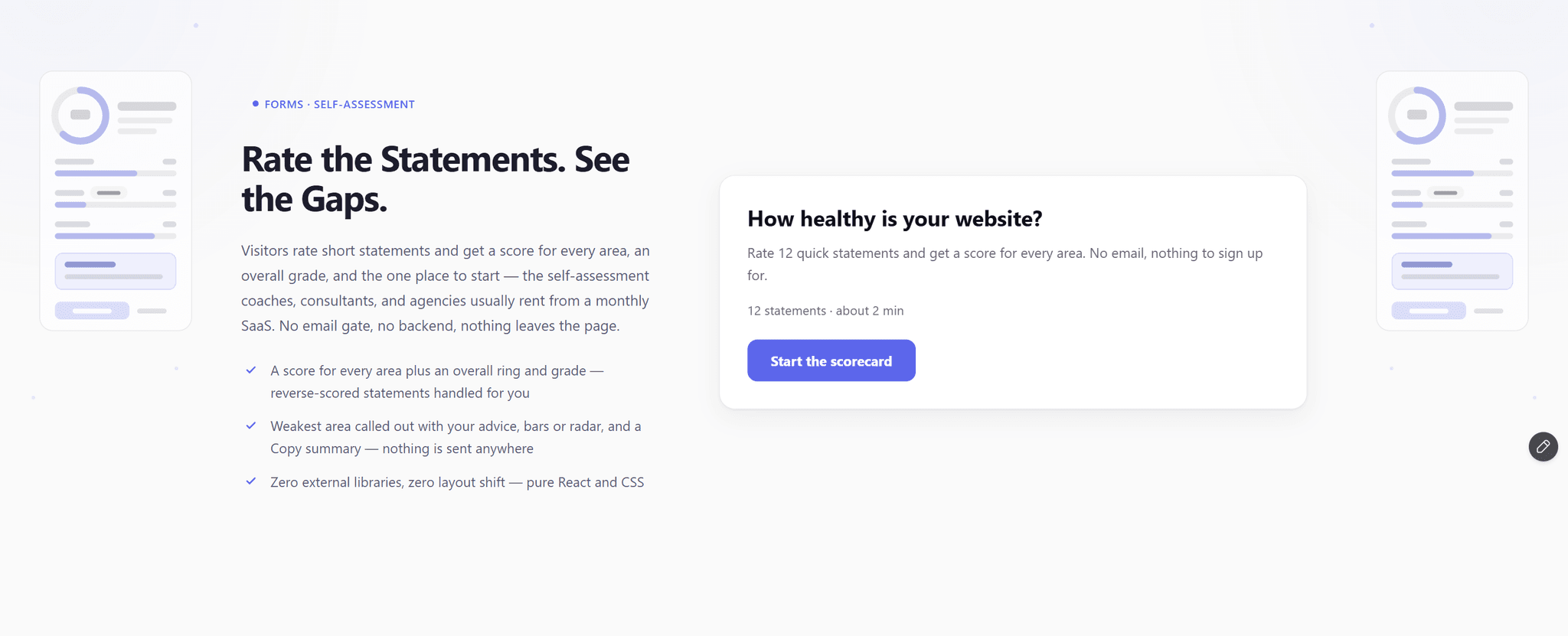
- Scorecard Quiz: a self-assessment that scores every area, shows an
overall score ring, and names the weakest area.
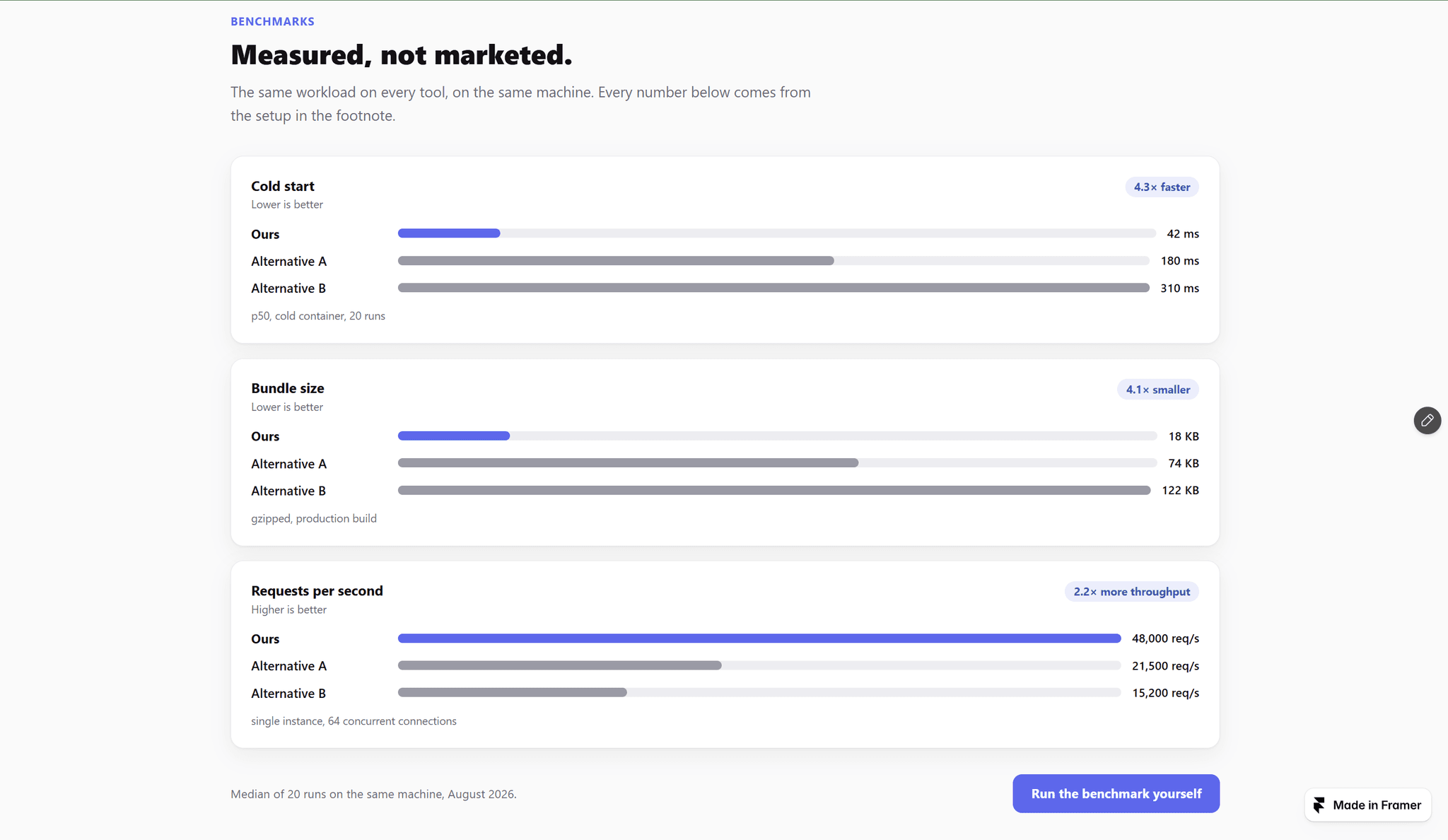
- Benchmark Bars: your product vs. the alternatives, as bars that grow on
scroll. One row is highlighted, the rest are the field.
- Prompt Library: search, category chips, fill-in [variables], one-click
copy.
All single .tsx files, zero external libraries, everything from the
properties panel. They're on my profile if you want a look.
Question for the room: what's one section you keep rebuilding by hand on
client sites because no component quite fits? I'm picking next month's
build from the replies.

Isaac Yi1mo
Hey everyone — solo creator here, shipping panel-driven code components
since June. Quick August recap.
Made free: Mini Poll, the three-step lead-capture poll. It's free for
everyone now.
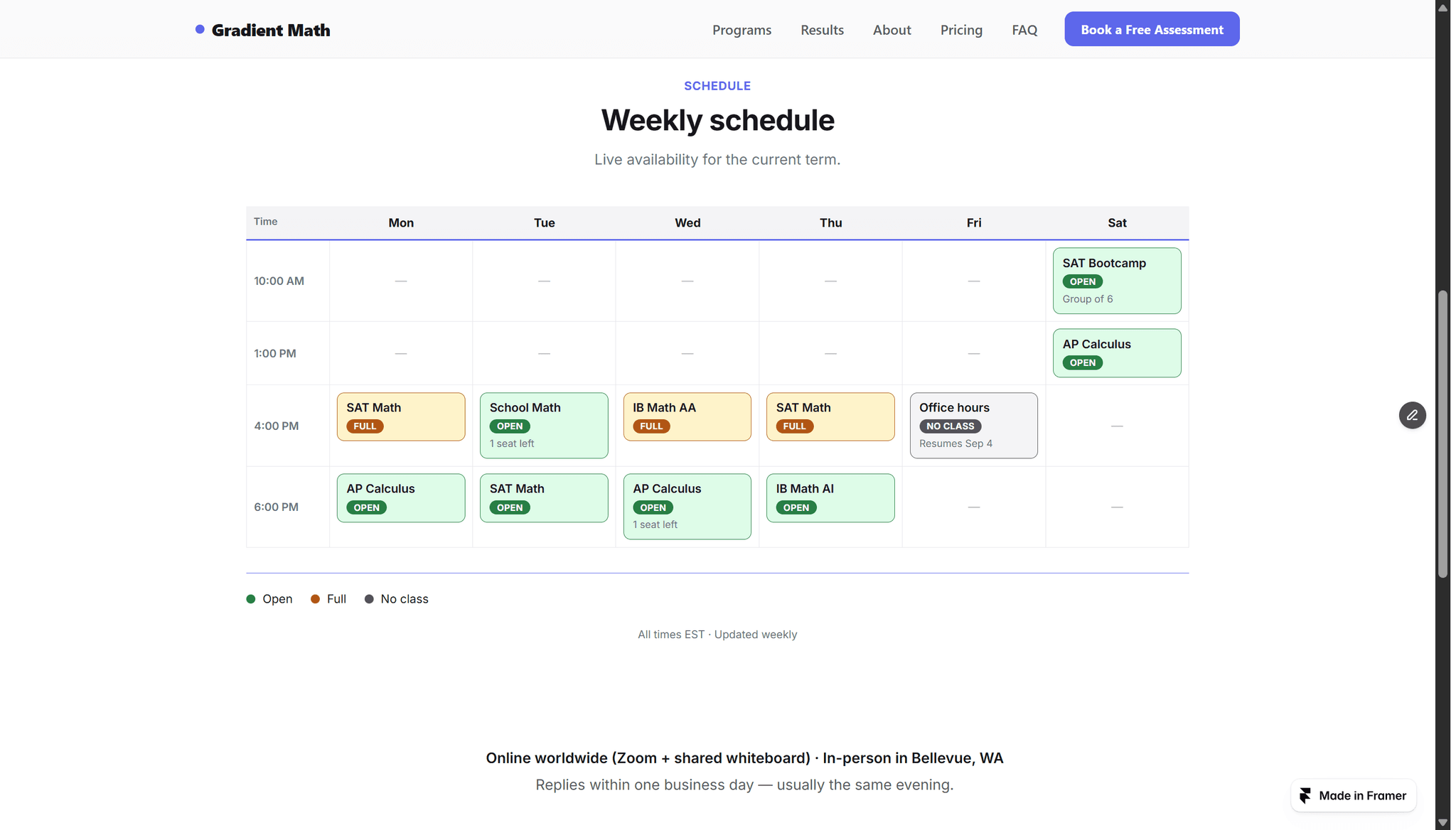
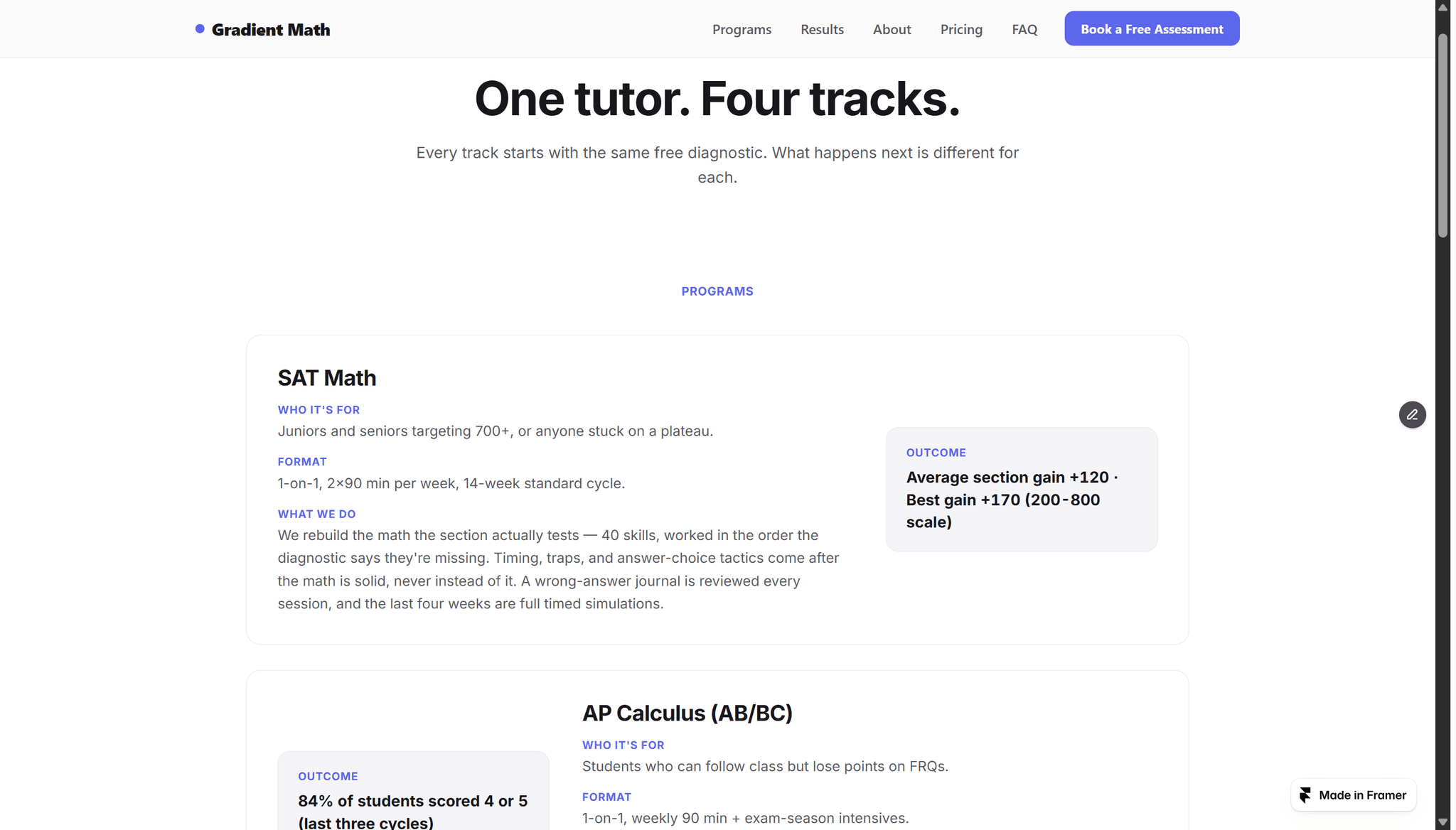
The template: I tutor math for a living, and every "education" template I
found was built by someone who had never run a class. So I built Mathlift
— the site I'd actually want: results, a weekly schedule, programs,
pricing, real legal pages, a contact form that sends. It's my first paid
template.
The interesting part was what happened next. Three blocks inside it turned
out to be things every course, coaching, or tutoring page needs, so I
pulled them out as standalone components:
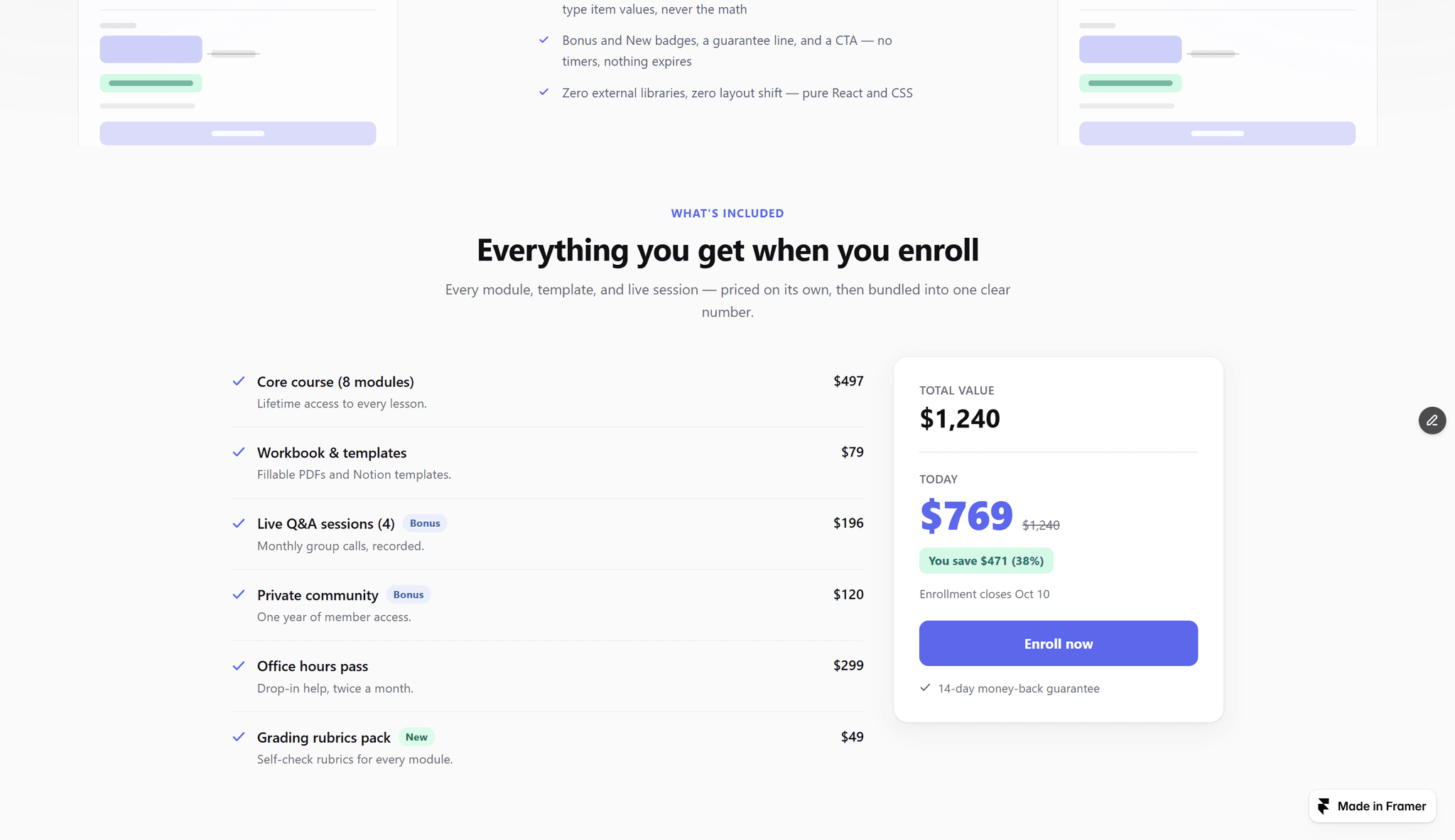
- Course Curriculum — the "what you'll learn" accordion. One lesson per
line in the panel ("Title | 12:30 | free"), and module numbers, lesson
counts, total hours, and badges compute themselves. No CMS collections.
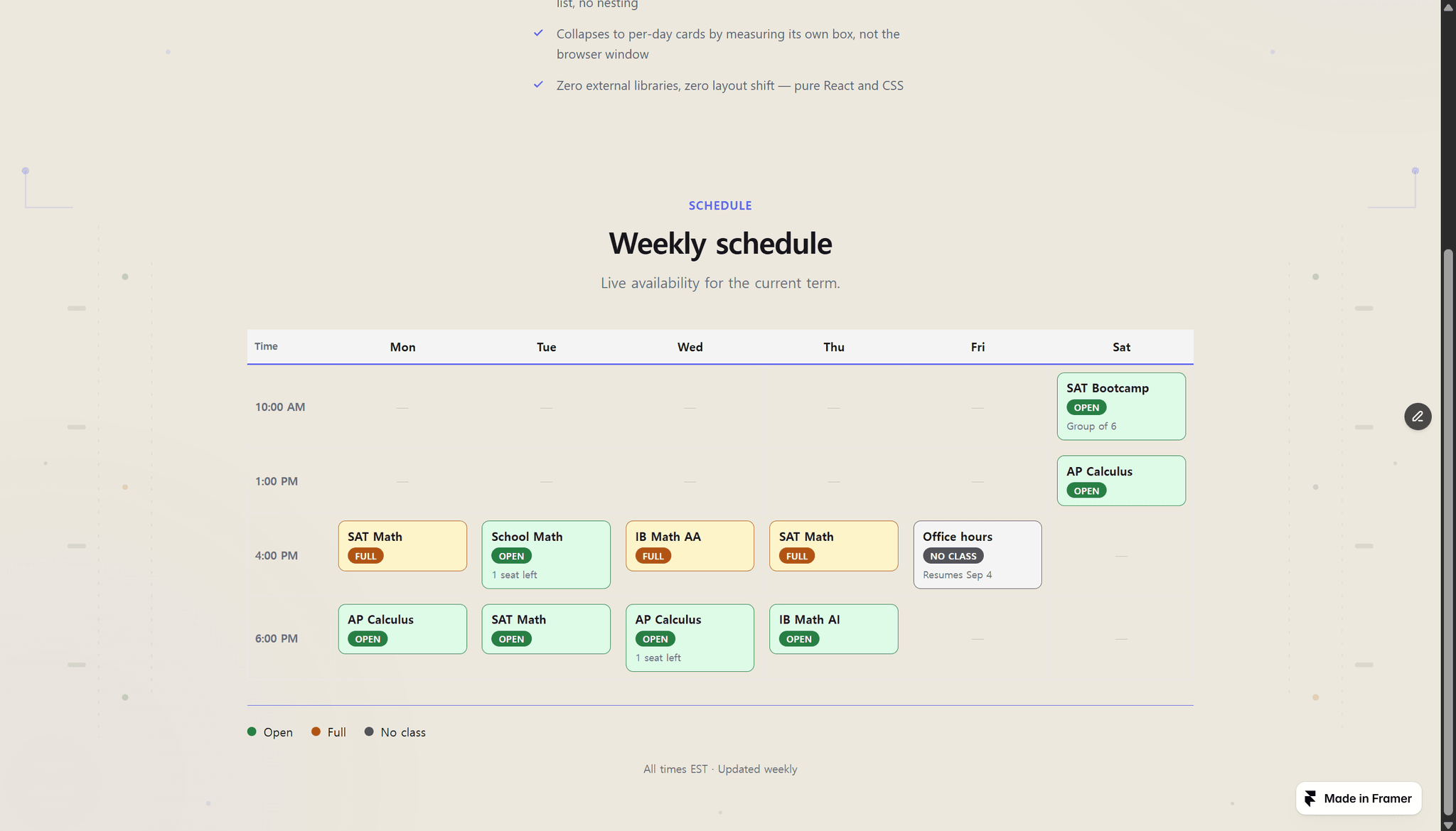
- Weekly Timetable — a day × time grid with open / full / no-class states.
A timetable, not a booking widget: most sites only need to show the week.
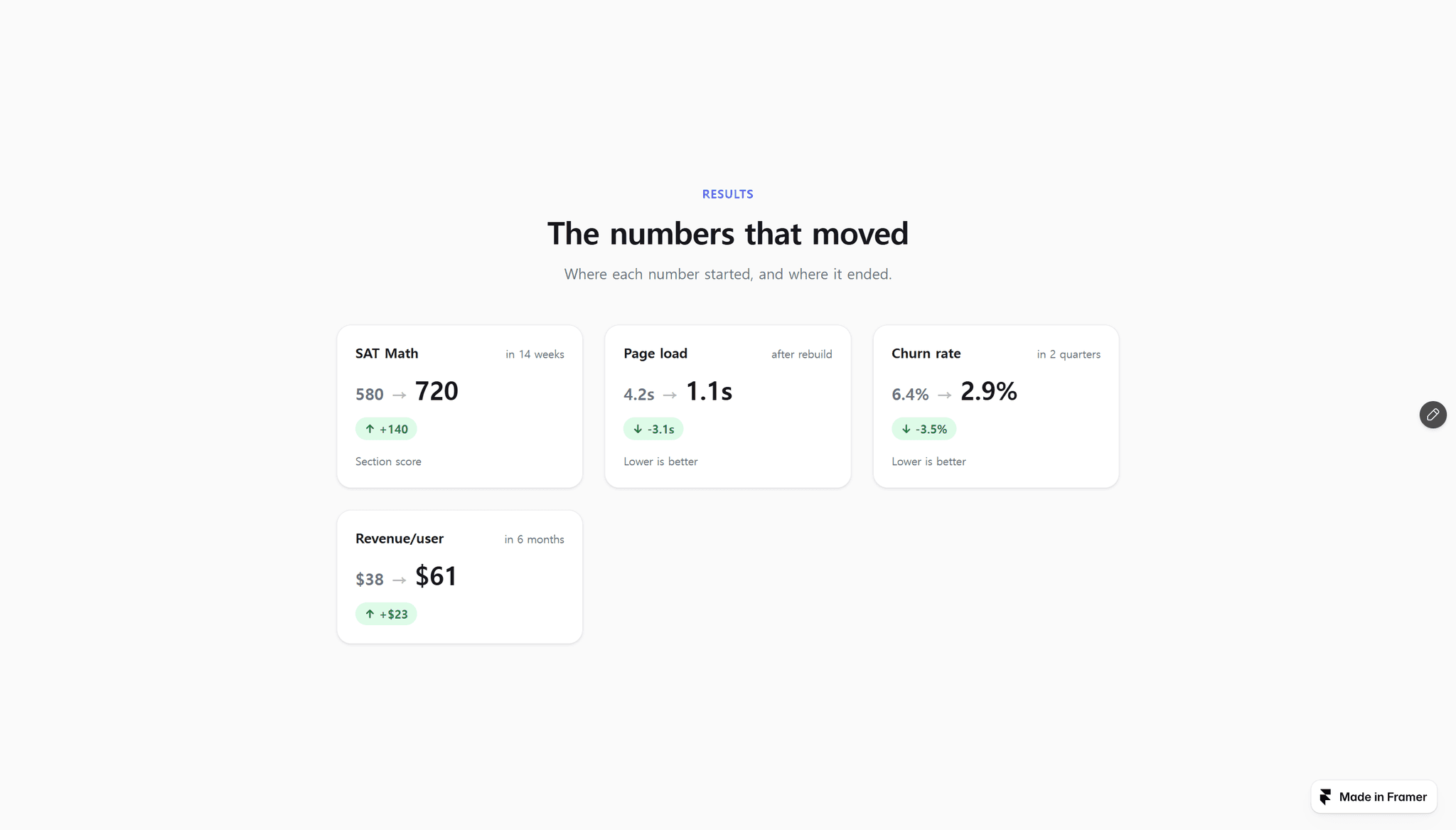
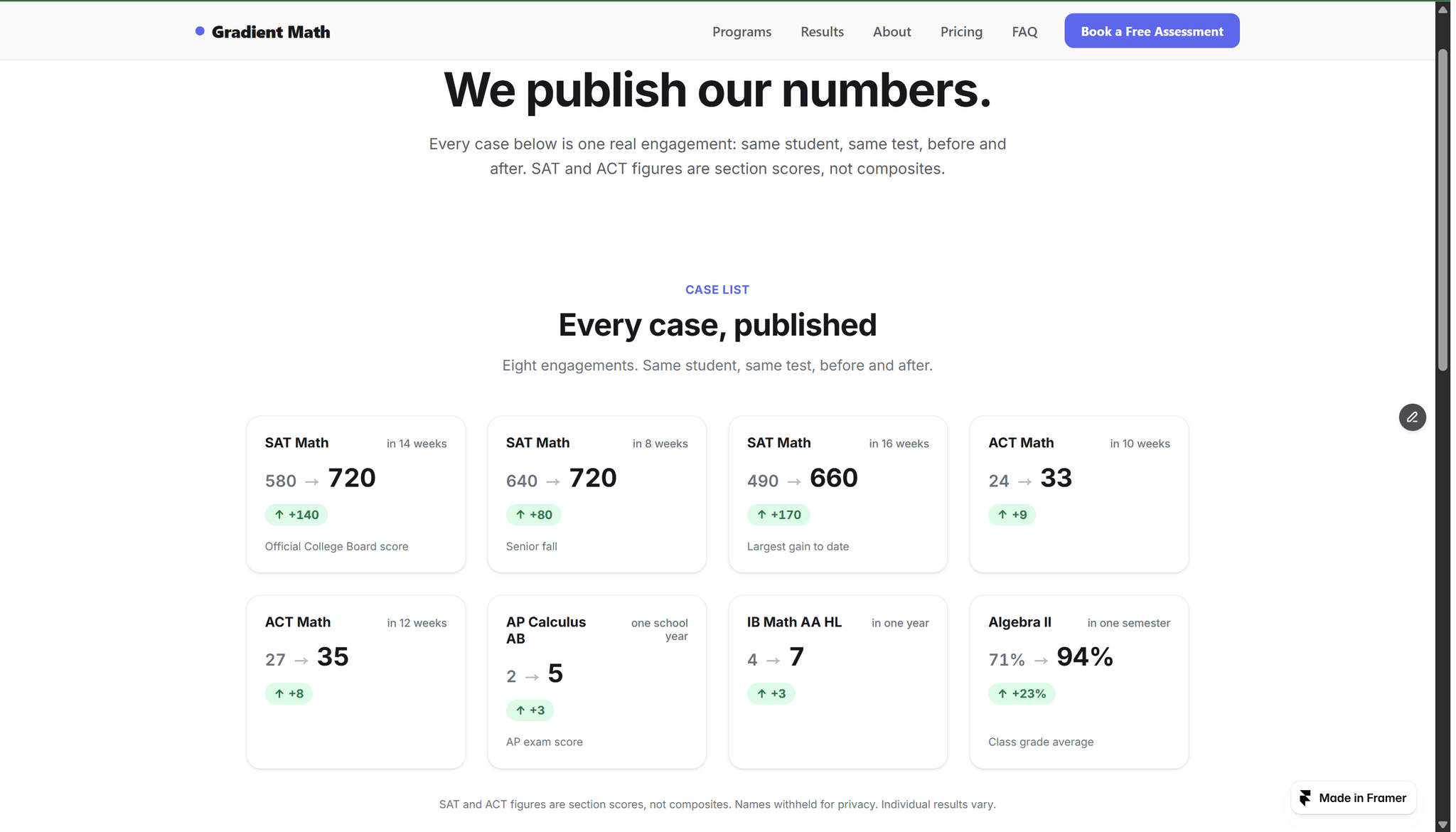
- Before After Counter — two numbers, not one. Before, after, and the gain
counting up on scroll. Works for scores, revenue, load time.
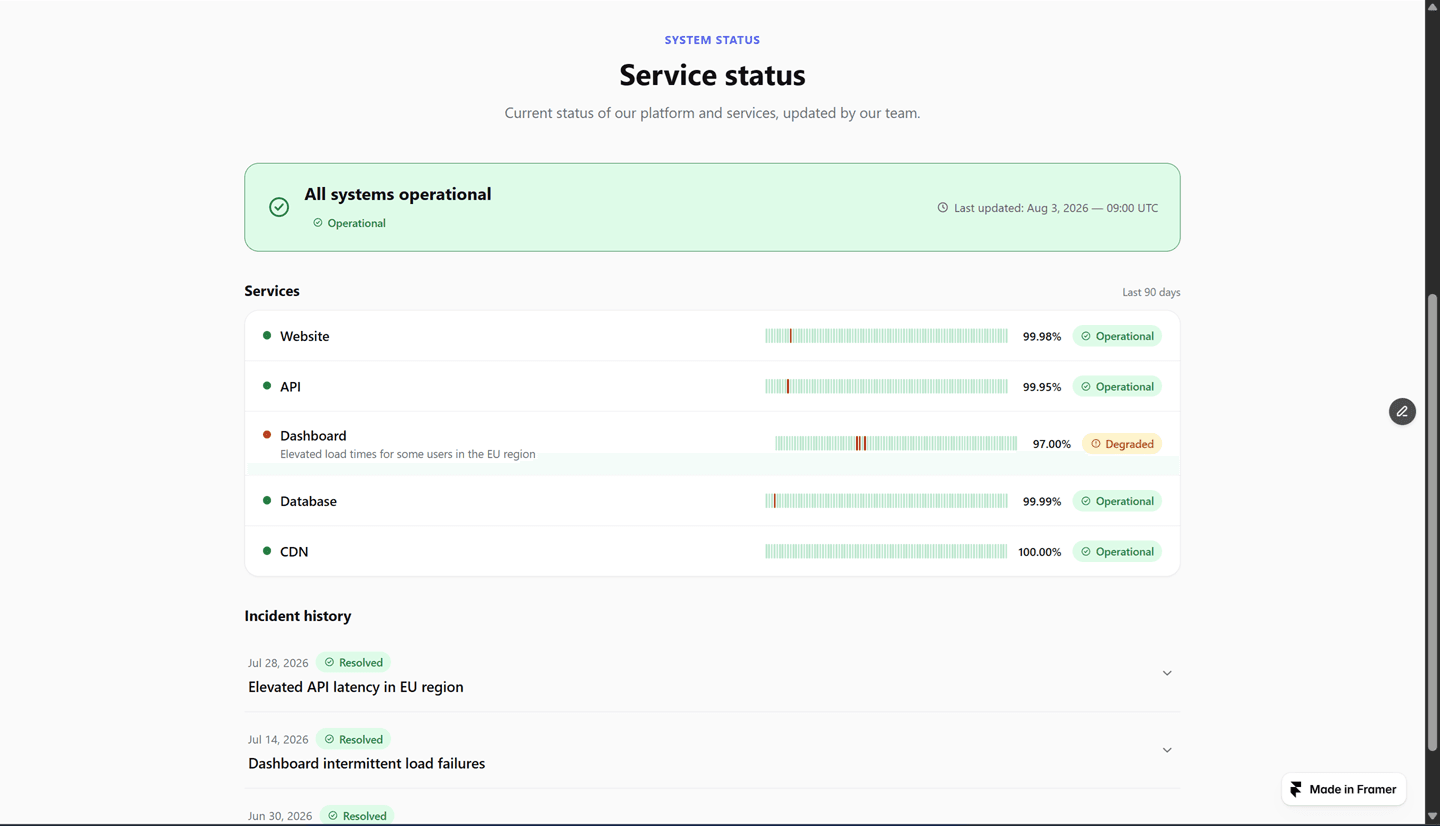
Also new: Status Page — a whole /status page in one drop, the sibling of
the Trust Center I shared last month.
All pure React + CSS, zero external libraries, zero layout shift,
everything from the properties panel. The paid ones are on my profile if
you want a look.
Question for the room: if you build for coaches, courses, or schools —
what's the block you still end up hand-building every time?


Isaac Yi2mo
Hey everyone — solo creator here, shipping panel-driven code components
since June.
A quick July recap, in case any of these help your projects:
Made free this week: Activity Toast, the rotating social-proof popup.
It was one of my most-installed components, so it's now free for everyone.
New in July:
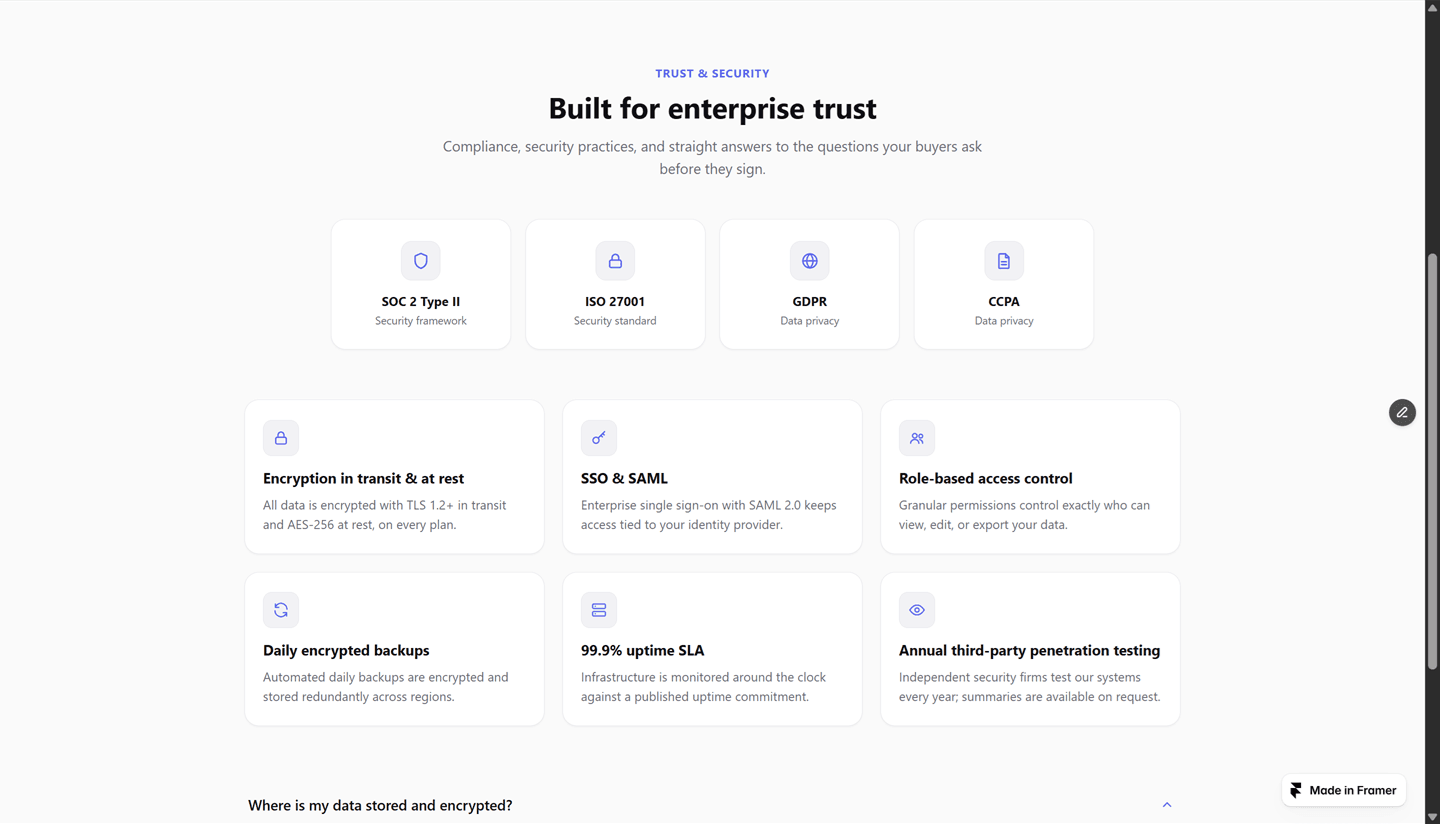
- Trust Center — while researching the marketplace I realized there was no
component for the /security page every B2B SaaS ships (compliance badges,
security features, a trust FAQ). So I built one: three blocks in a single
drop, each with its own toggle.
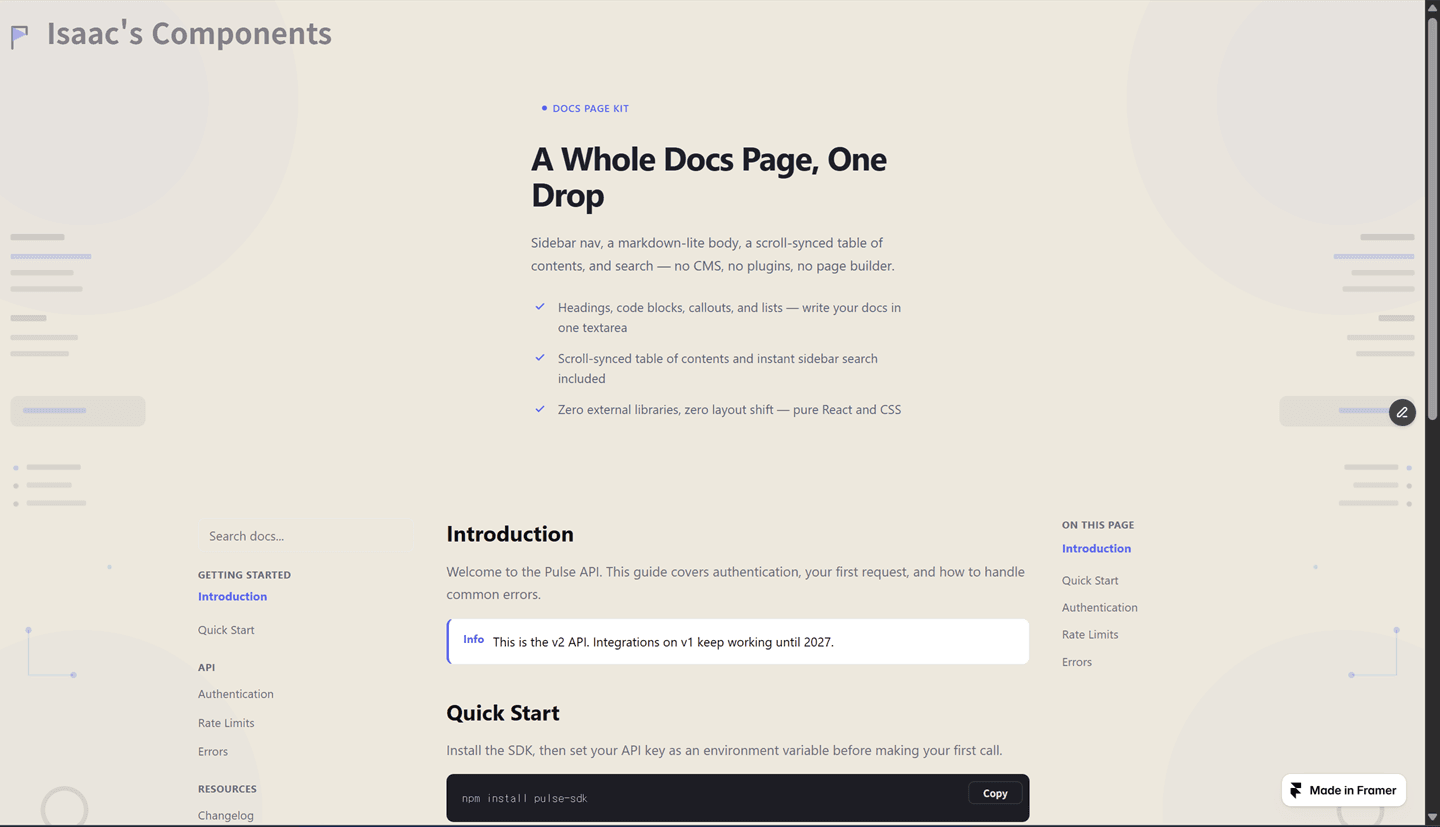
- Docs Kit — a whole docs page (sidebar nav, body, scroll-synced TOC,
search) written from two textareas. No CMS collection to set up.
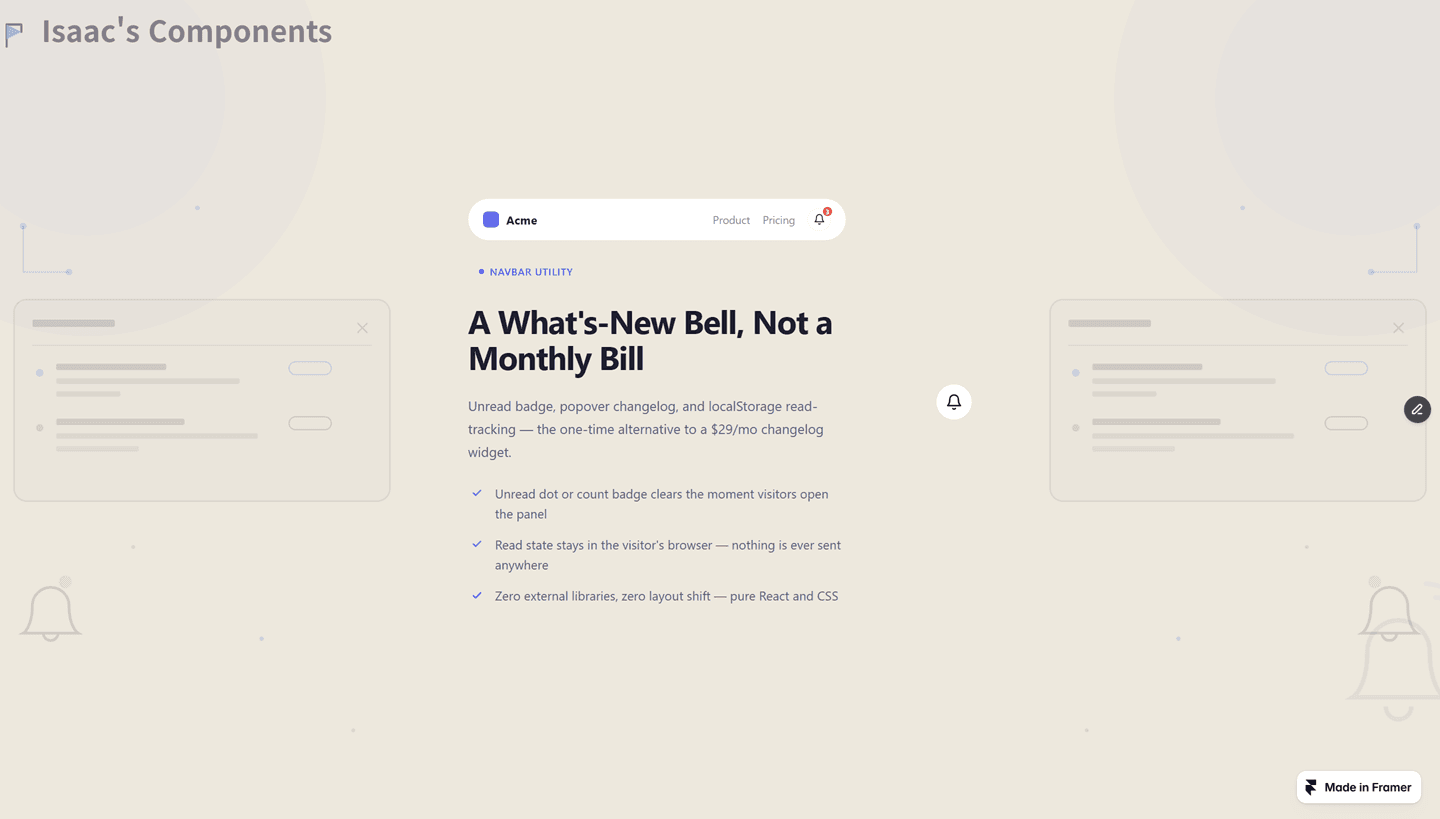
- Announcement Bell — a navbar what's-new bell with a popover changelog.
One-time purchase, no monthly fee.
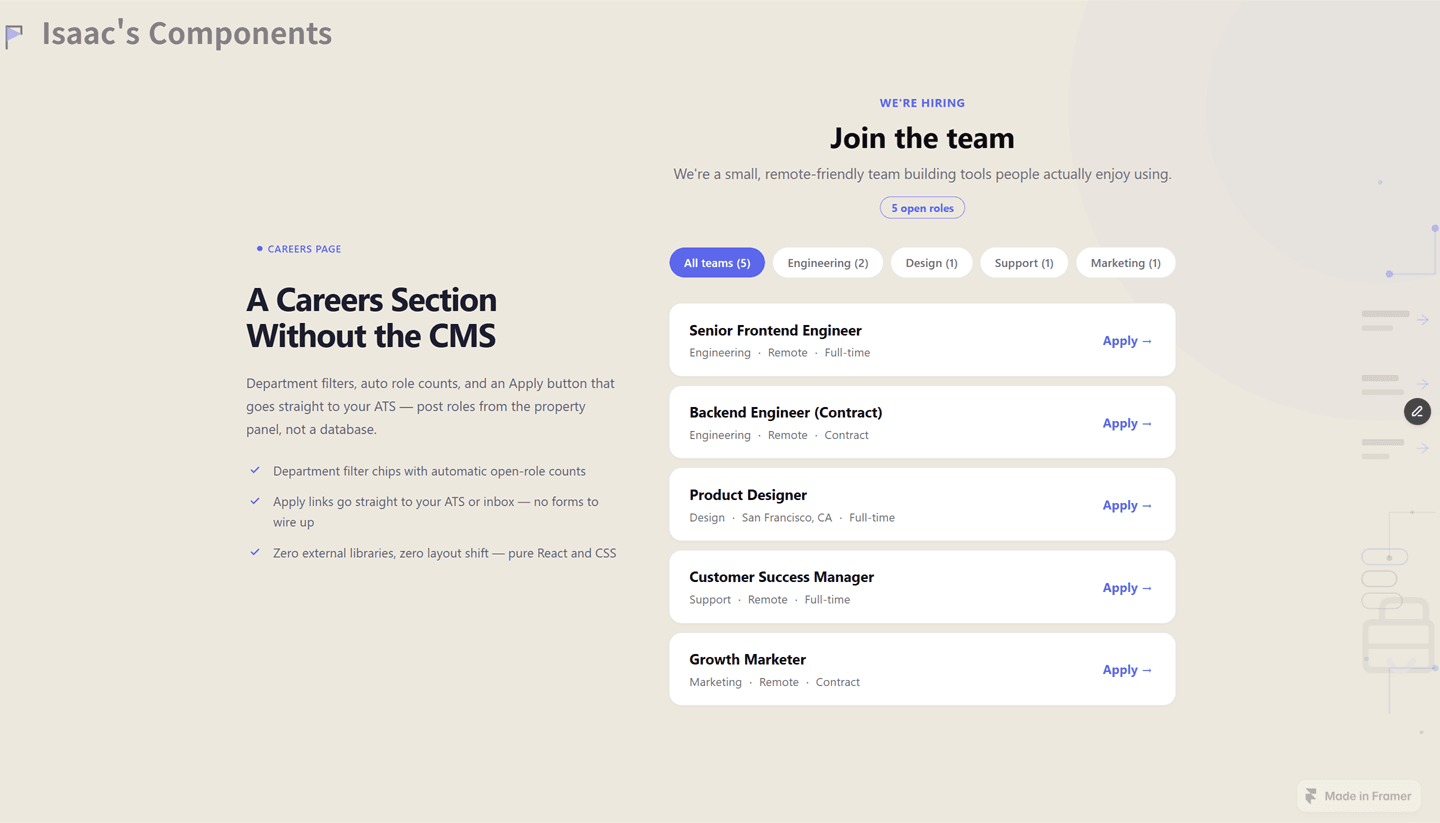
All of them are pure React + CSS — zero external libraries, zero layout
shift, everything configured from the properties panel. The paid ones are
on my profile if you want a look.
Curious to hear from you all: what section or widget do you keep
rebuilding by hand on client sites? That's usually where my next
component comes from.