Mathis Biabiany
Mathis Biabiany

Mathis Biabiany

Creative Technologist: mathis-biabiany.fr

Creator1 Plugin
Mathis Biabiany
Mathis Biabiany1mo

Hey everyone 👋

New effect just landed: Magnetic Particles 🧲

Layerwave's third effect, and the one I redesigned until it earned its place. The rule it follows: your image stays intact until something disturbs it. Move the cursor through and the picture tears into particles — each one carrying the pixel it came from — flies out, and heals back the moment you leave.

6 presets: Iron Filings, Repulsor, Stardust, Sandstorm, Pixel Swarm, Portrait Mist

Emergence sets how easily the image gives up its pixels — from "sheds at a breath" to "solid until you push hard"

Cavity Color decides what shows where the image tore open — black reads as a punched hole; match your section background and the particles peel off the page

Scroll reactivity built in, so it animates on phones. Sandstorm is the scroll-led preset.

Also in this update: a fix that keeps every slider in sync with a running instance — changes now apply live in all three effects, no re-insert needed.

To update: open the plugin and insert once ("component updated" notice) — existing instances pick it up automatically.

Scroll + play: https://layerwave.netlify.app/

Have fun & show me what you make with it 👀
Mathis Biabiany
Mathis Biabiany1mo

Hey everyone 👋

New in Layerwave: scroll-driven effects 🌊

Just shipped an update that adds scroll as an input alongside the cursor — which means the effects now animate on phones and tablets too, where there's no pointer to follow.

Two new presets:

Scroll Current (Liquid Media) — the image liquefies as the section travels past

Reading Glass (Glass Lens) — the lens holds its place on screen while the media scrolls beneath it

Two new sliders, available on any preset:

Scroll Influence on Liquid Media

Scroll Follow on Glass Lens

Both default to off, so your existing setups look exactly as they did — turn them up on any instance when you want scroll to drive it.

To get the update: open the plugin and insert an effect once. That rewrites the component file in your project (you'll get a "component updated" notice), and every existing instance picks up the new code. You can delete the throwaway instance afterwards — the updated code file stays. Instances you inserted as Custom keep their frozen values, by design.

👉 Get it via my profile

🌊 Try it live in your browser:

Layerwave — Realtime WebGL effects for Framer
layerwave.netlify.app · Interactive distortion and refracti…
Mathis Biabiany
Mathis Biabiany2mo

Hey everyone 👋

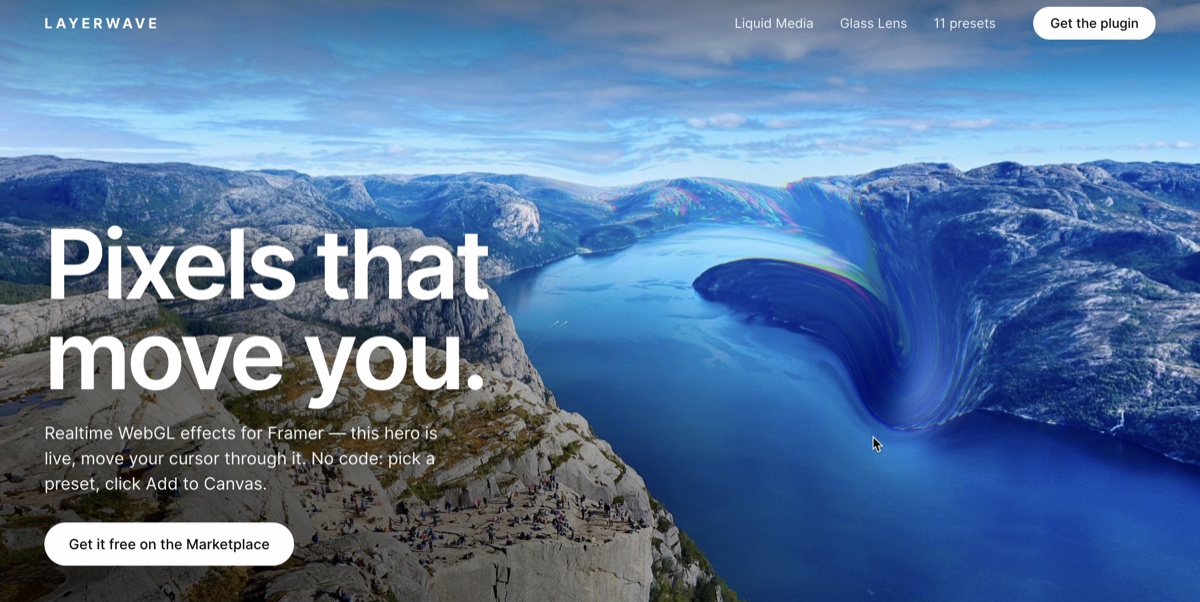
I just released Layerwave, a plugin that adds realtime WebGL effects to your Framer site — the kind of interactive distortion and refraction that normally needs a WebGL developer on the team.

Two effects to start:

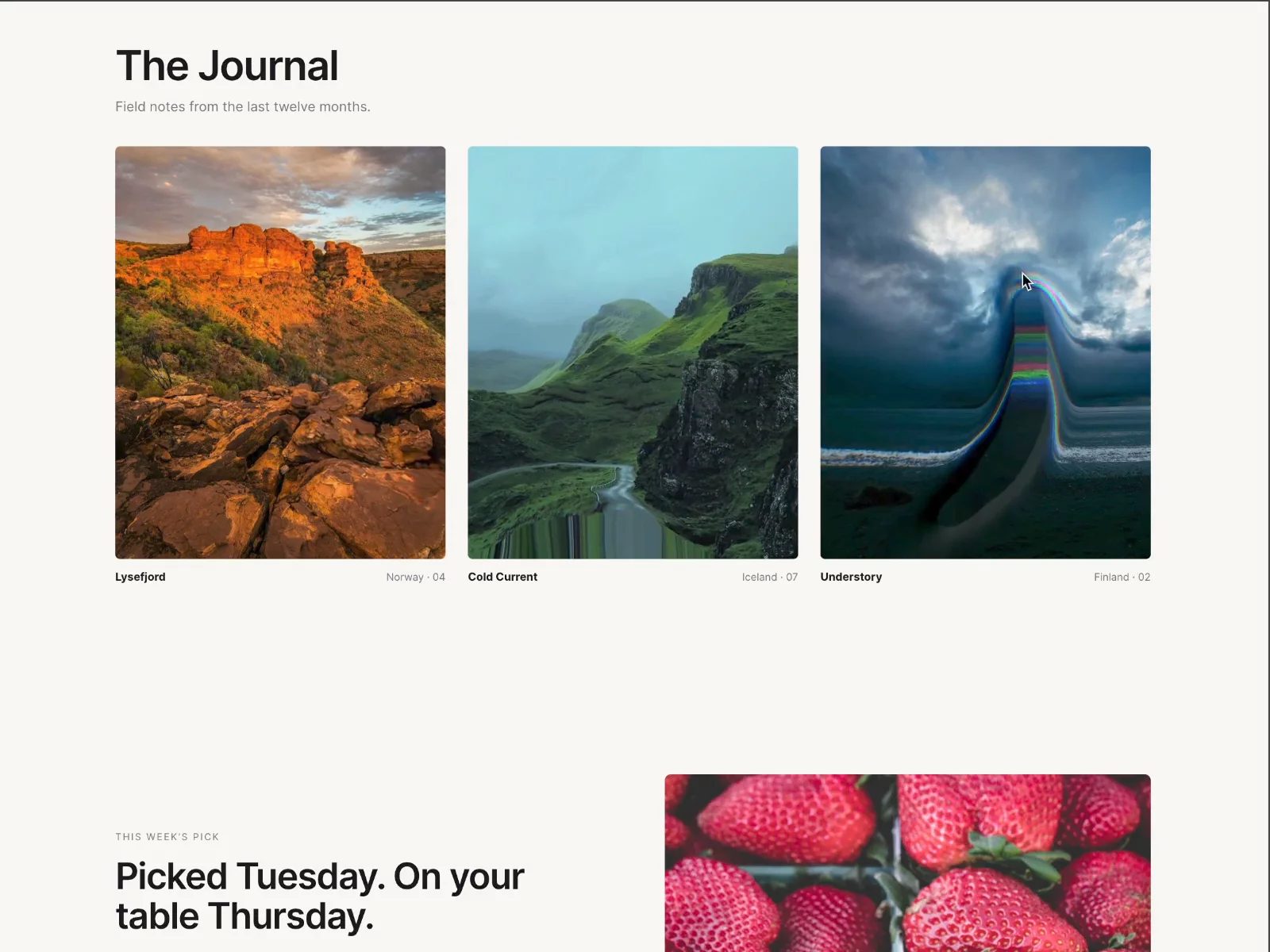
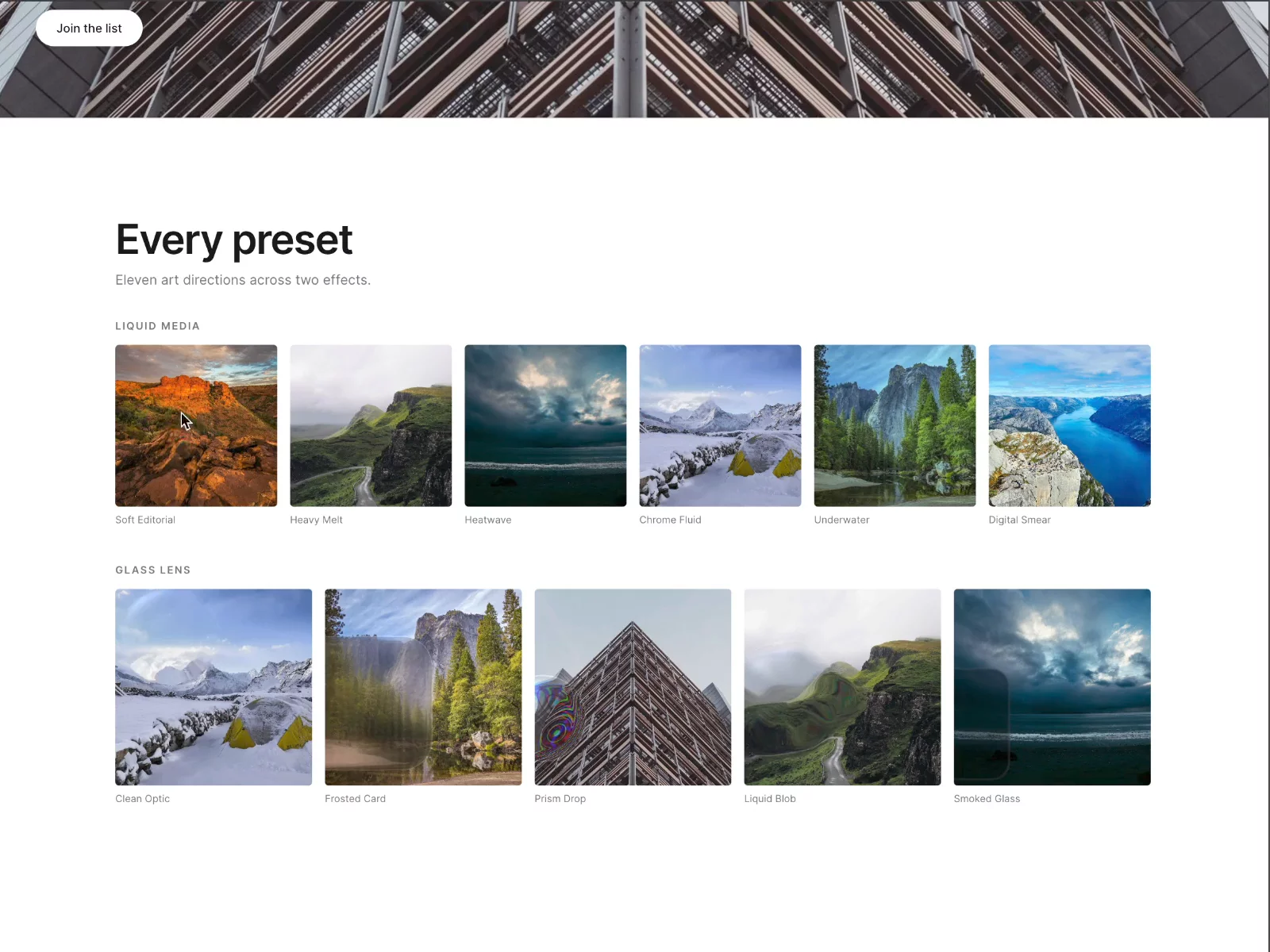
Liquid Media: an image or video that deforms under the cursor: velocity-driven flow, chromatic aberration, idle motion. 6 presets.

Glass Lens: a refractive pane of glass floating over your media: shaped silhouettes, dispersion, frost, highlights. 5 presets.

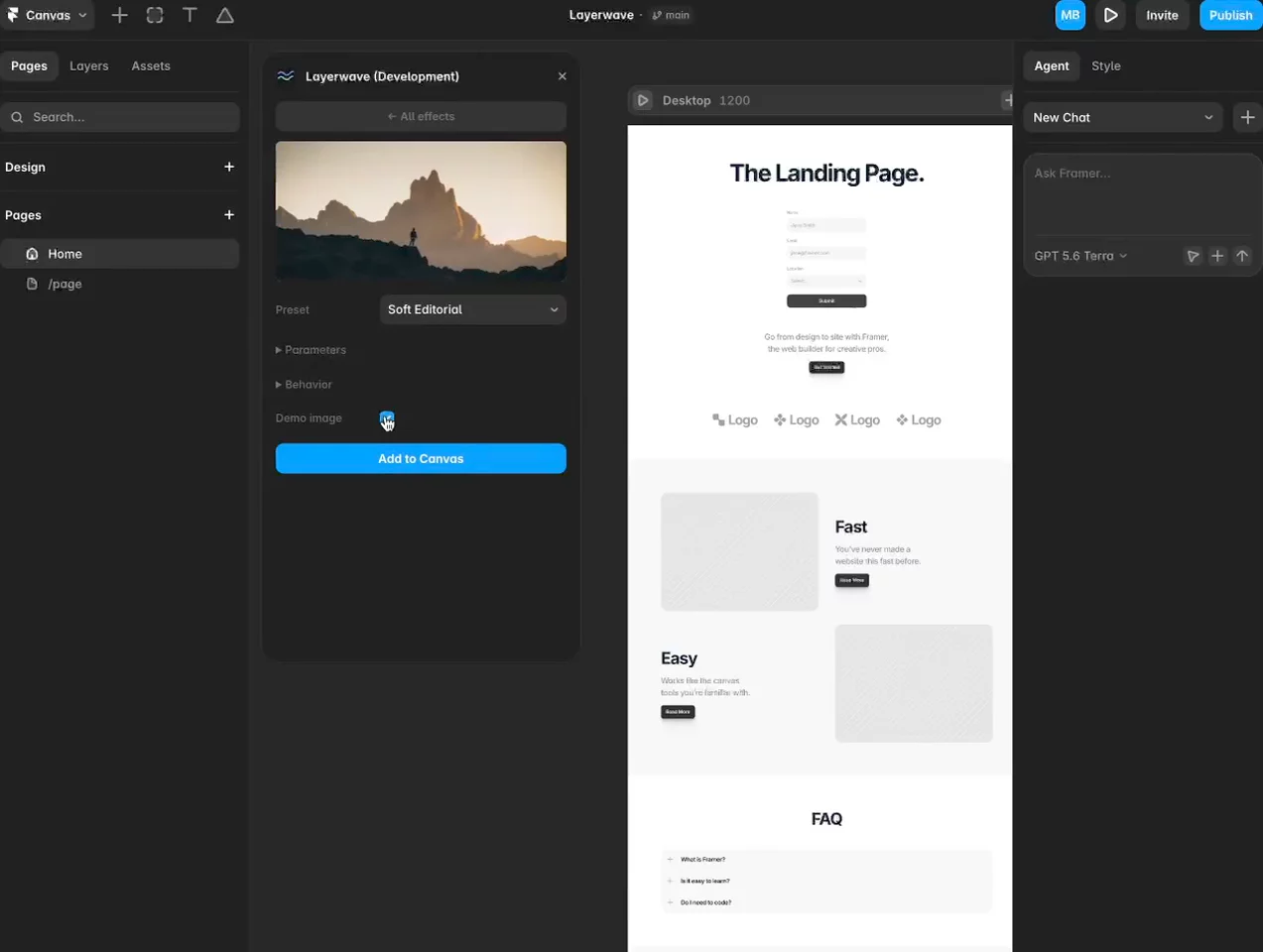
How it works: browse the gallery, preview live, pick a preset, click Add to Canvas. The component installs itself into your project — no pasting code, no copying URLs — and every parameter stays editable from the property panel afterwards. Tweak a preset before inserting and it lands as Custom with all your values in the sliders.

Built for real sites, not demos: pauses off-screen and on hidden tabs, lazy media loading, capped pixel ratio, automatic quality tiers, prefers-reduced-motion support, and a mobile off-switch.

It's free while in beta. I'd genuinely love three things from you: rough edges you hit, and — most of all — links to what you make with it. That feedback decides which effect I build next. Finally, have fun with it!

👉 Get it via my profile

🌊 Try it live in your browser: https://layerwave.netlify.app/