getseo.pro _
getseo.pro _

getseo.pro _

Creator17 Plugins
getseo.pro _
getseo.pro _3mo

A longer reader interaction can work wonders for your SEO, and here is why.

Reader engagement often drops off with long-form content. Visitors may not feel motivated to scroll without knowing how much content remains. A progress bar solves this by providing immediate feedback and encouraging continued reading, a proven way to reduce bounce rates and improve engagement metrics.

How to Implement the Smart Progress Bar Plugin

1. Access Your Framer Project: Open your Framer project where you intend to implement the progress bar.

2. Open Plugin Panel: Navigate to the plugin panel within Framer.

3. Search and Add: Enter "Smart Progress Bar by getseo.pro" in the search field.

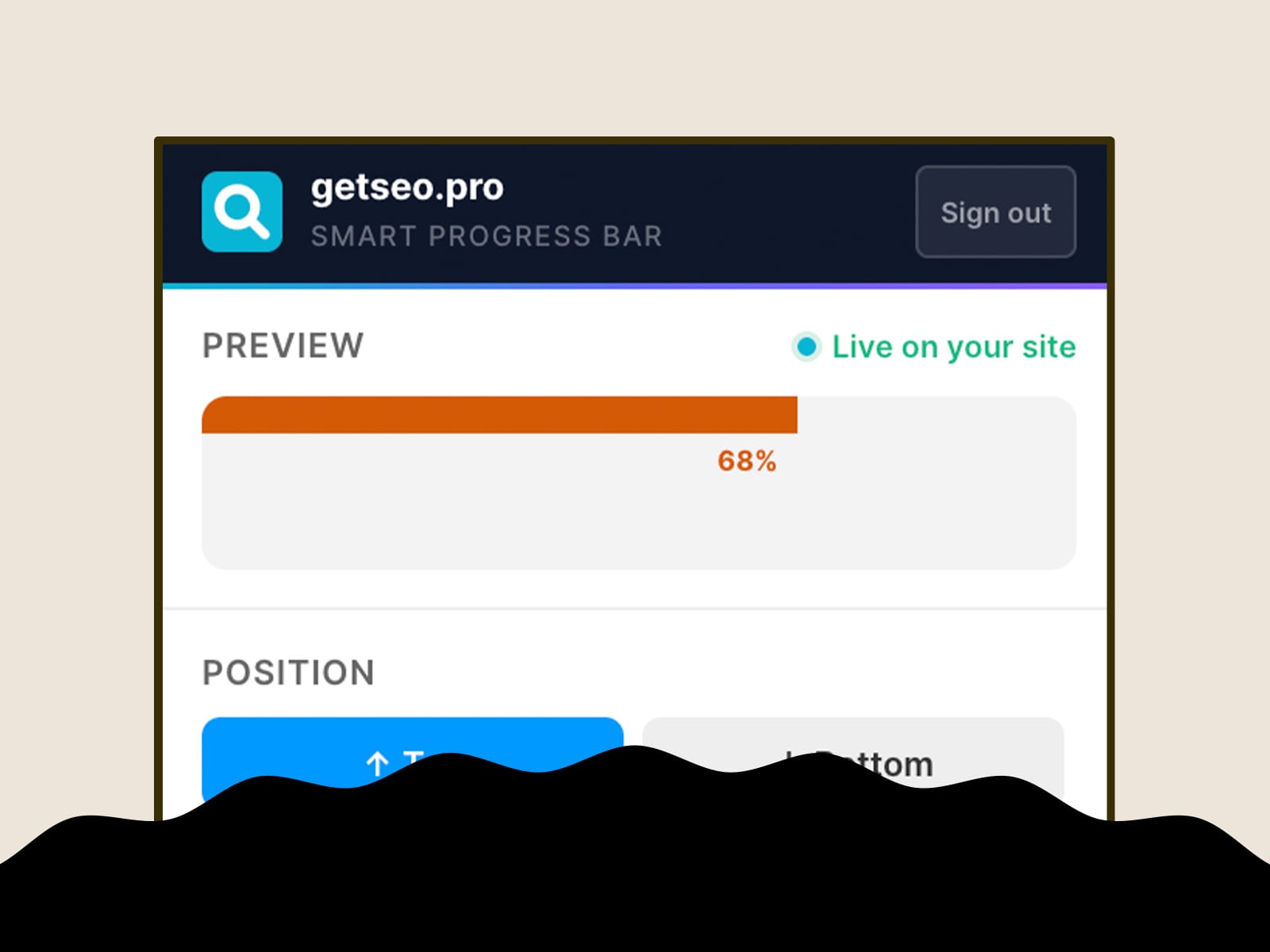
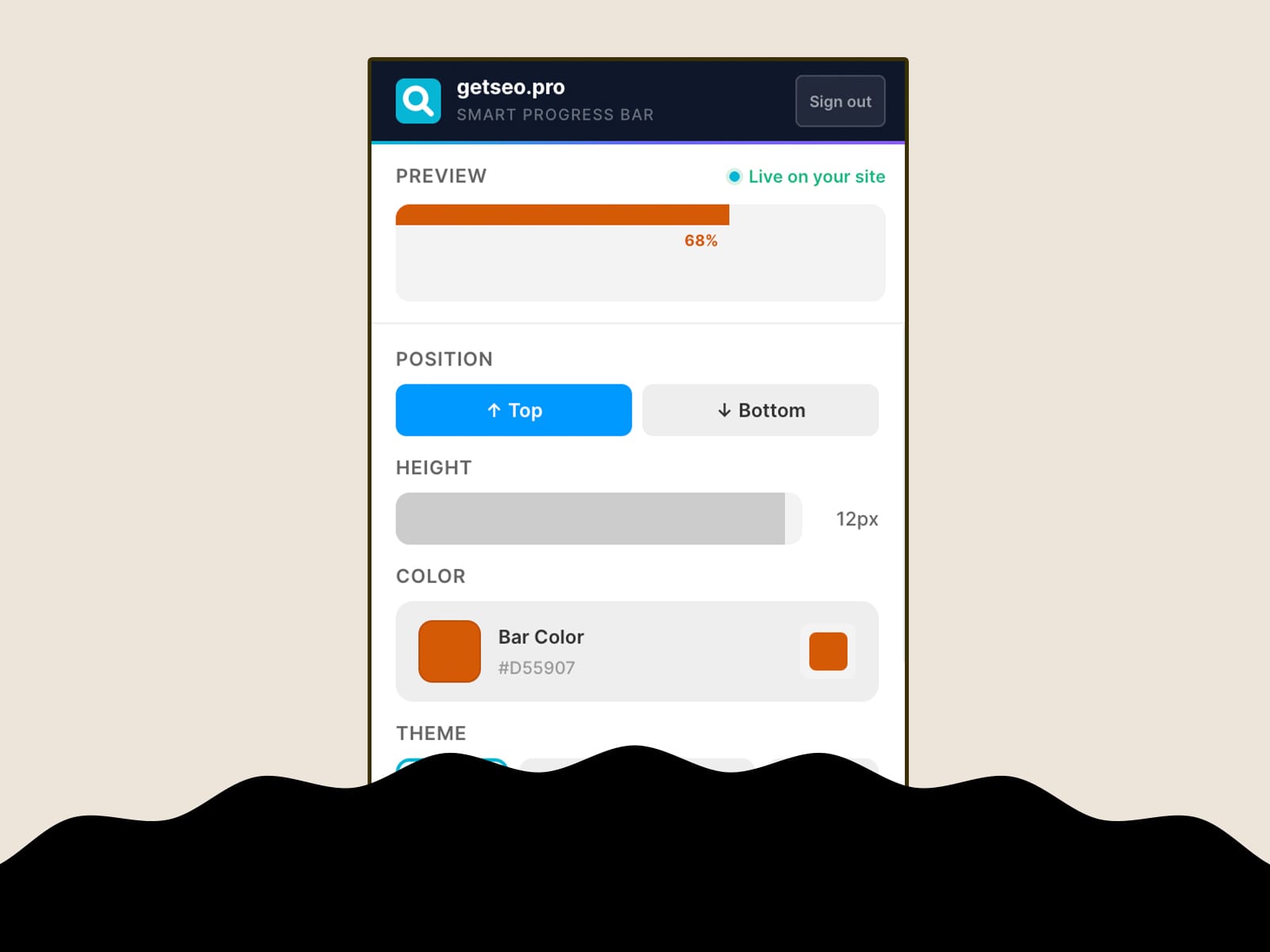
4. Customize: Tweak the bar's color, position, and style to harmonize with your site's design. No coding is required, just intuitive adjustments.

6. Preview and Publish: Preview how it looks in real-time and then hit publish.

How This Plugin Solves the Problem

The Smart Progress Bar is more than a visual aid—it's a tactical tool in your SEO arsenal, designed to boost engagement by improving user experience. By maintaining reader interest for longer periods, it indirectly optimizes your site for search engines. Integrate this powerful tool today and transform how users interact with your long-form content.

getseo.pro _
getseo.pro _3mo

Feedback is what propels improvement, and SEO-friendly improvement is where getseo.pro steps in.

How Missing User Feedback Affects Your SEO

1. User Behavior Drives Rankings: Google rewards sites that users engage with. If visitors don't stick around, your aesthetically pleasing site won't mean squat.

2. Real-Time Feedback Matters: Waiting for analytics reports means you're always playing catch-up. Direct feedback allows faster iterations.

3. Actionable SEO Scores: Ignoring user feedback means missing out on critical opportunities to optimize your site for both humans and search engines.

Collect Feedback Seamlessly with the Feedback Widget

1. Install with Framer Simplicity:

- Open your Framer project.

- Navigate to the Plugin panel → search for "Feedback Widget by getseo.pro".

- Click "Install" and watch your engagement possibilities multiply.

2. Customize without Code: Zero coding involved. Tailor questions and design to fit your brand aesthetic right within the Framer ecosystem.

3. Immediate Insights: Feedback collected is immediately analyzable, enhancing your ability to respond quickly to visitor needs.

Showcase: How the Feedback Widget Elevates Your Site

Having stunning design is expected; creating an engaging experience is what sets successful sites apart. With the Feedback Widget, you’ll seamlessly incorporate user feedback into your SEO strategy. Not only does it help tailor content based on real visitor input, but it also keeps users on-site longer, an essential metric your design can now influence.

Ready to Level-Up Your SEO Game?

getseo.pro _
getseo.pro _3mo

Problems we did not need to solve Part 40: Imagine bugs running around your framer website and your visitors can't catch them. Introducing Bug Runner by getseo.pro Plugin.

getseo.pro _
getseo.pro _3mo

Your Framer Site's Missing Link: The One Plugin That Actually Connects Visitors

Most Framer designers overlook an obvious SEO opportunity: simple, direct communication. Here’s the hot take: a WhatsApp chat button is the ultimate unsung hero of Framer SEO strategy. While everyone else is busy tweaking keywords and chasing backlinks, you can drive engagement and conversions with a tool that most designers ignore.

1. Why WhatsApp is a Game-Changer for User Engagement

Let's cut to the chase: Visitors respond to accessibility, not just content. By adding the WhatsApp Chat Button to your Framer site, you’re not just placing a contact option; you’re humanizing your communication channel. Think about it: faster responses mean more conversions. It’s psychology layered over technology, your visitors want to feel connected.

2. Step-by-Step: Installing the WhatsApp Chat Plugin

- Open Framer - Navigate to your project dashboard.

- Access the Plugin Panel - Head straight to the "Plugins" side panel.

- Search & Install - Type "WhatsApp Chat Button by getseo.pro" in the search bar and hit "Install". It’s not a maze; it’s a quick stop to user convenience.

- Configure the Plugin - Enter your WhatsApp number → Customize your button’s appearance → Save changes.

3. Addressing the Obvious Argument: Won’t Email Always be King?

Sure, email has its place, but when was the last time you received an instant response from an email? Exactly. WhatsApp offers immediacy, it’s what converts your visitors from curious to committed. Nobody has the patience to fill a contact form and wait. We've built this plugin to replace that outdated process entirely.

getseo.pro _
getseo.pro _3mo

Do you know that one plan can give you access to 36 premium plugins?

getseo.pro _
getseo.pro _3mo

What's the best plugin in framer marketplace? Don't say Claude MCP

getseo.pro _
getseo.pro _3mo

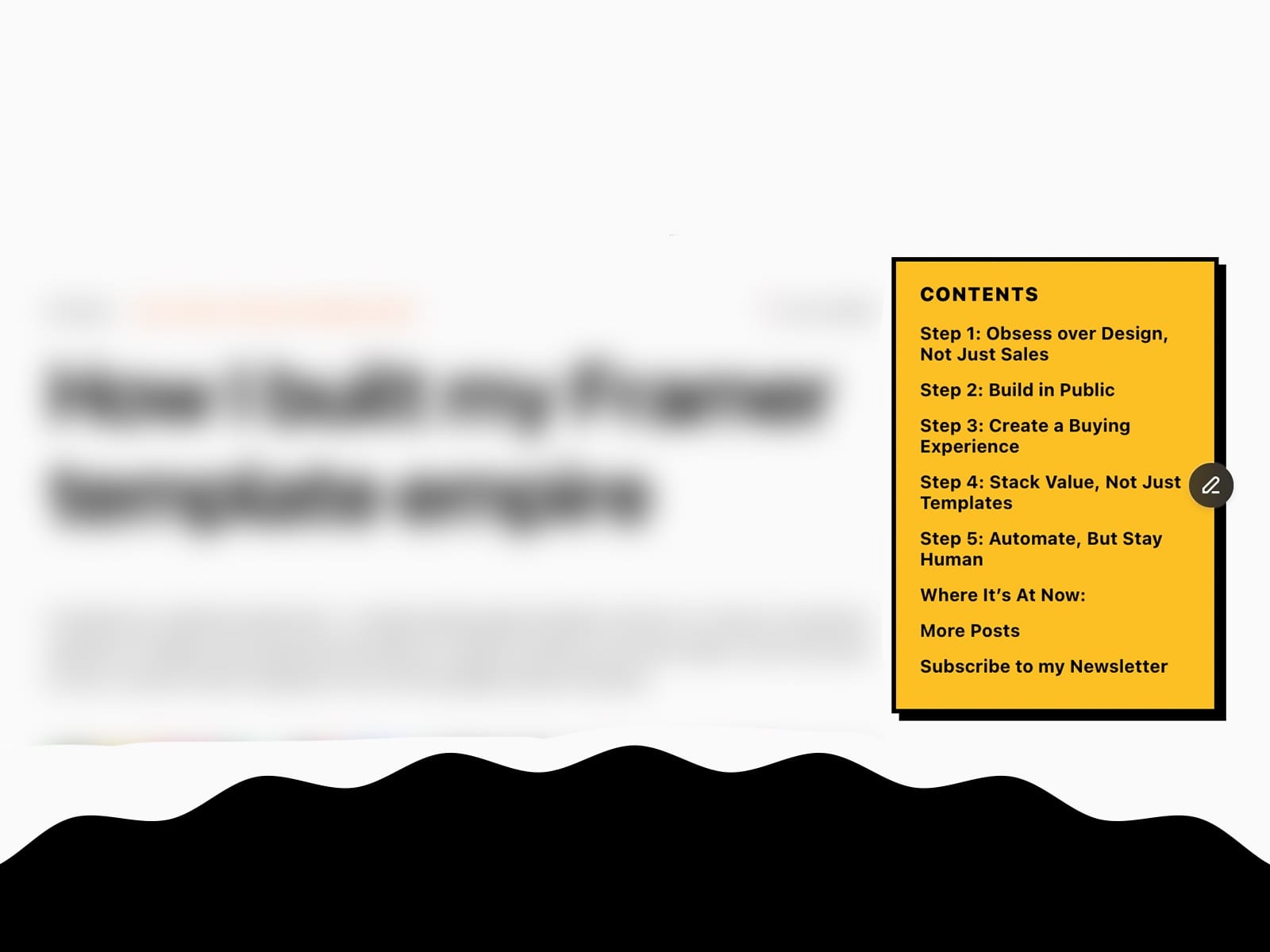
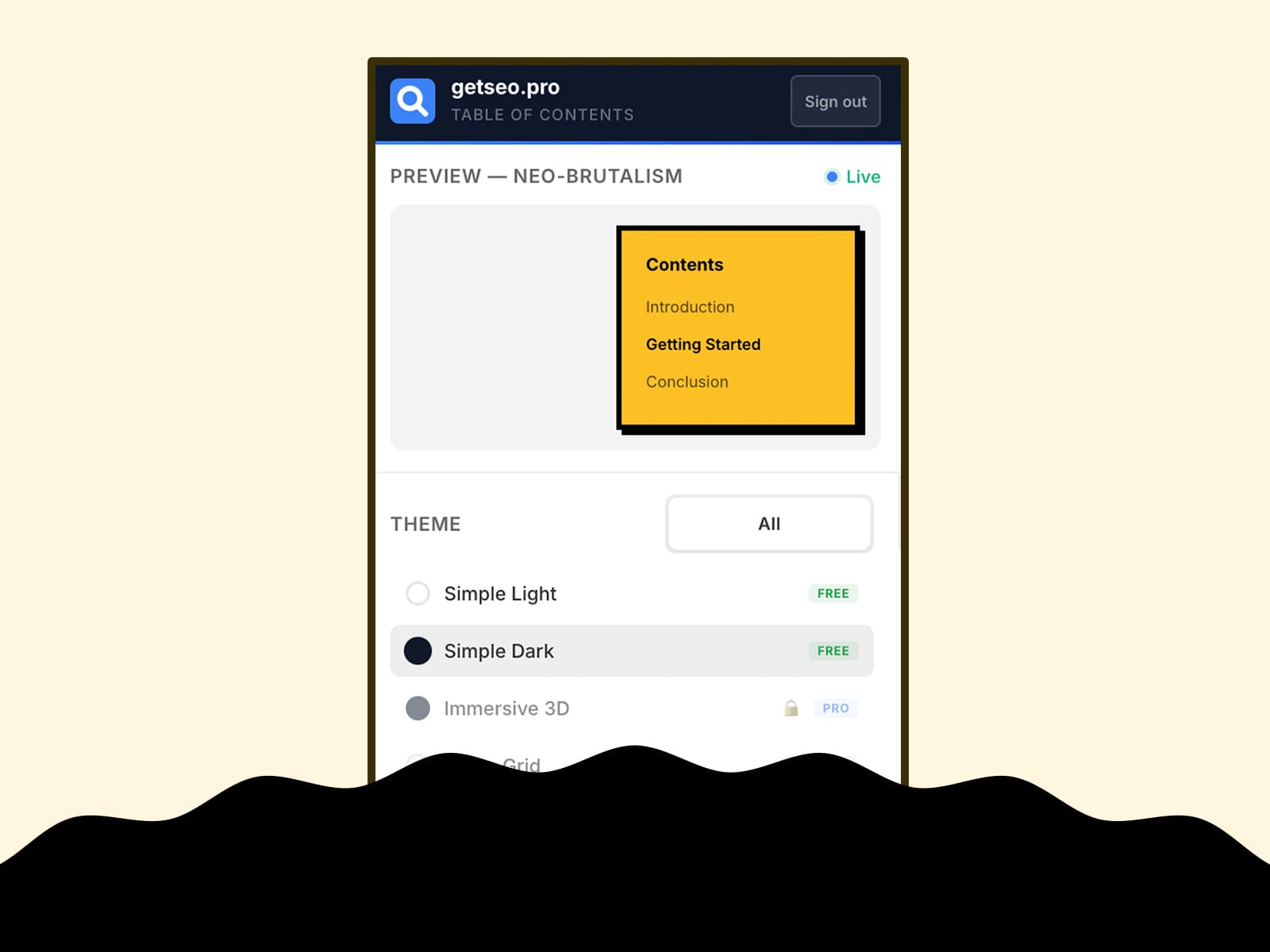
Imagine having to add a floating Table of Contents. We made this because we used it on one of our client's website