About Slug Guard
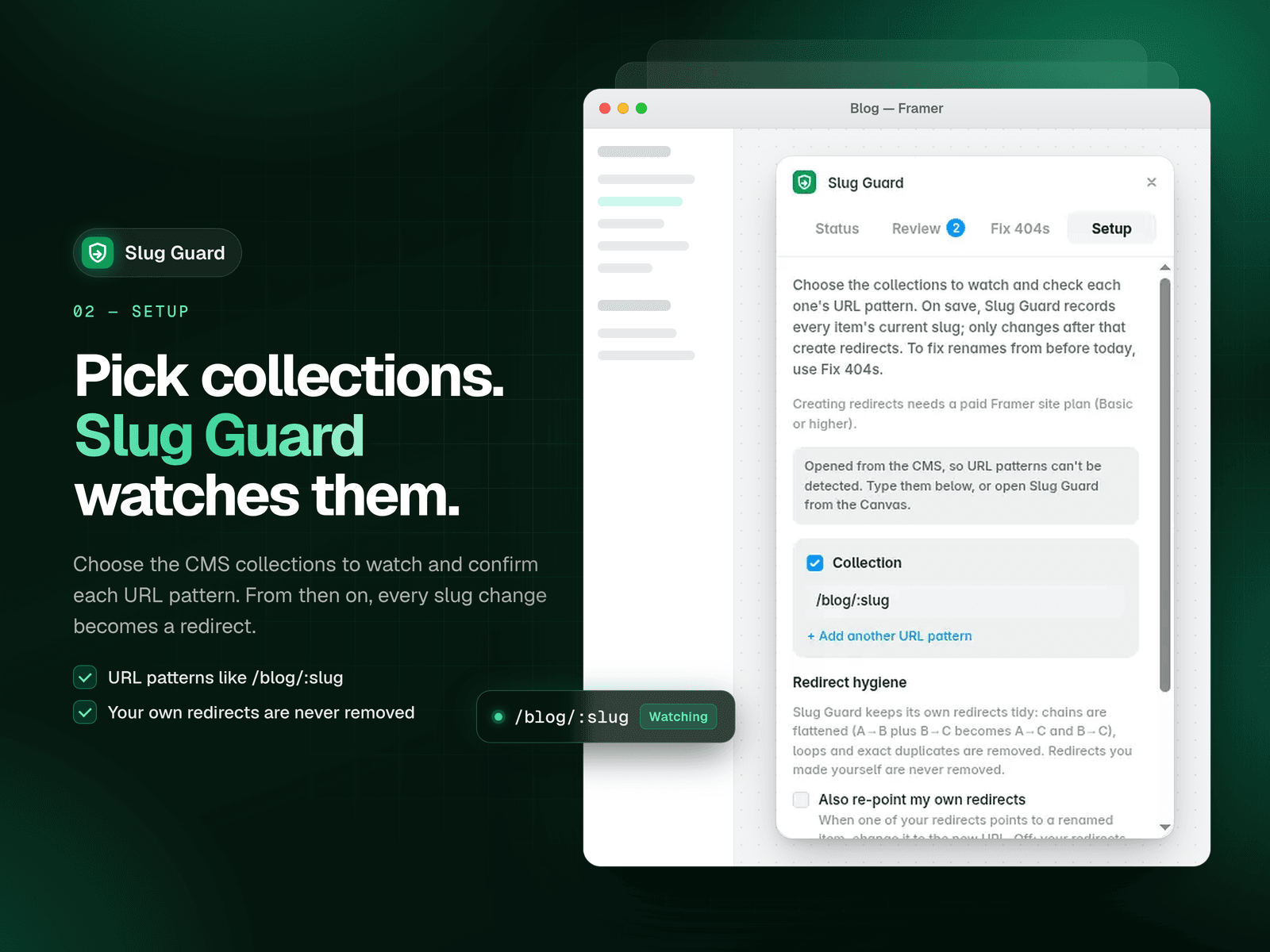
Renaming a CMS item's slug in Framer breaks its old URL. Anyone who follows an old link or search result lands on a 404. Slug Guard watches the CMS collections you choose and, when an item's slug changes, creates a redirect from the old URL to the new one.
You decide how it works. You can review every change first: the plan screen lists each old URL new URL, and you remove anything you don't want before you Apply or Apply & Publish. Or you can let Slug Guard apply redirects automatically. Slug Guard checks for changes while its window is open, and finds renames made while it was closed the next time you open it.
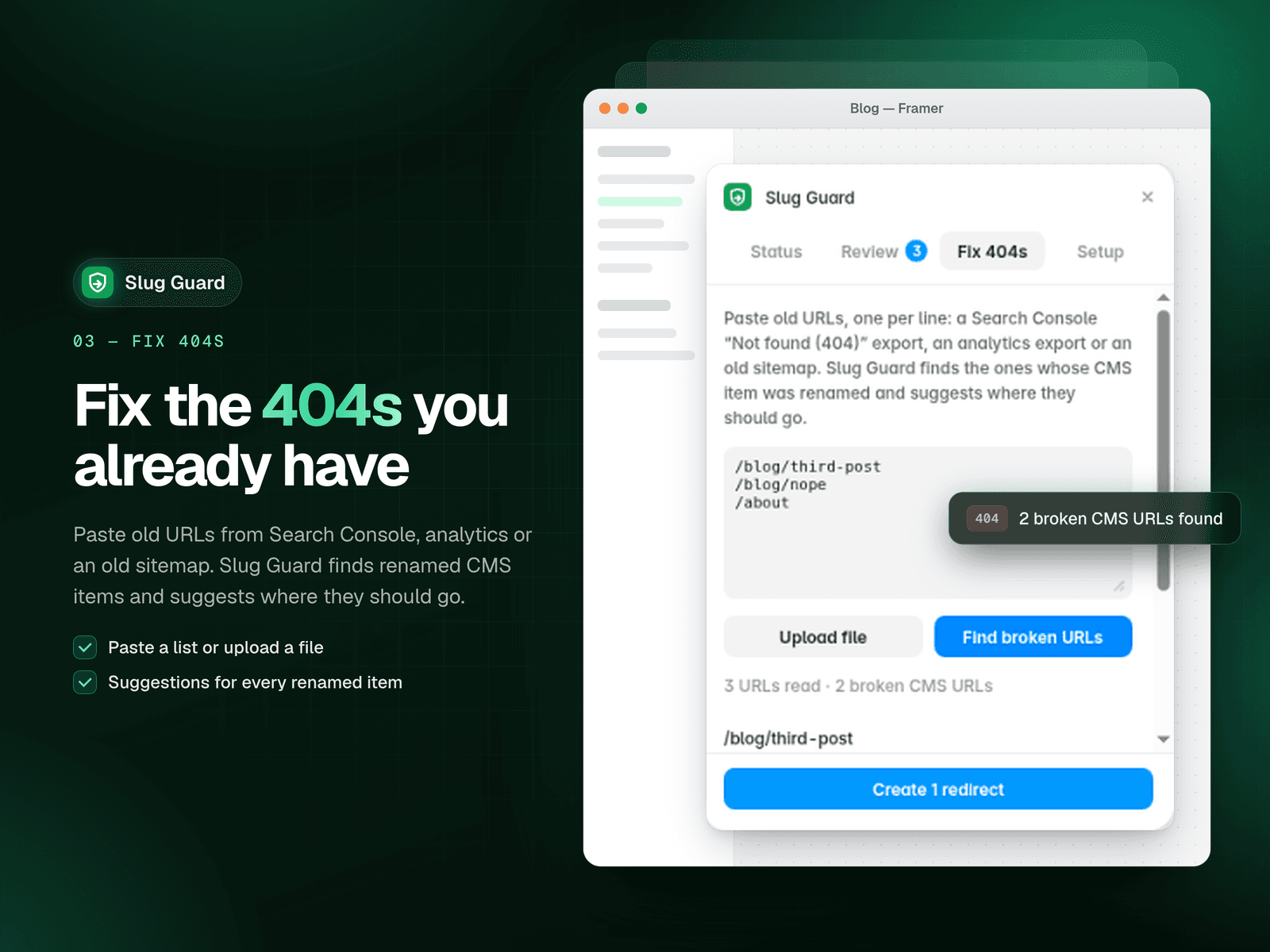
For renames from before you installed it, the Fix 404s tool takes a pasted list of old URLs, finds the ones that belong to renamed CMS items, and suggests where each should go. You can also export your redirects, and a troubleshooting report helps when you contact support.
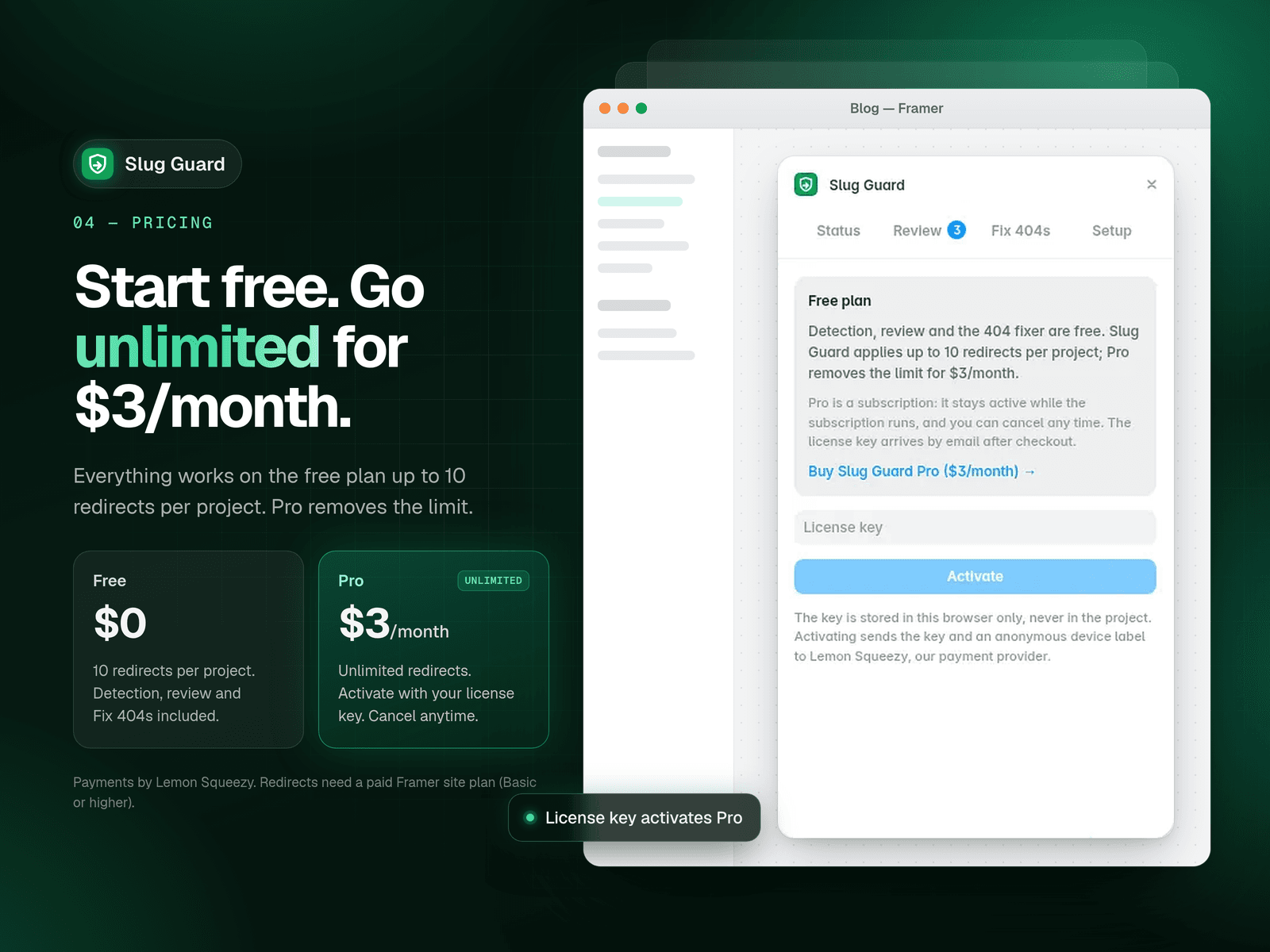
The free plan includes 10 redirects per project. Pro is $3/month and removes the limit. Payments and license keys go through Lemon Squeezy. Creating redirects needs a paid Framer site plan (Basic or higher).