About Lyba
Keep client feedback attached to the work.
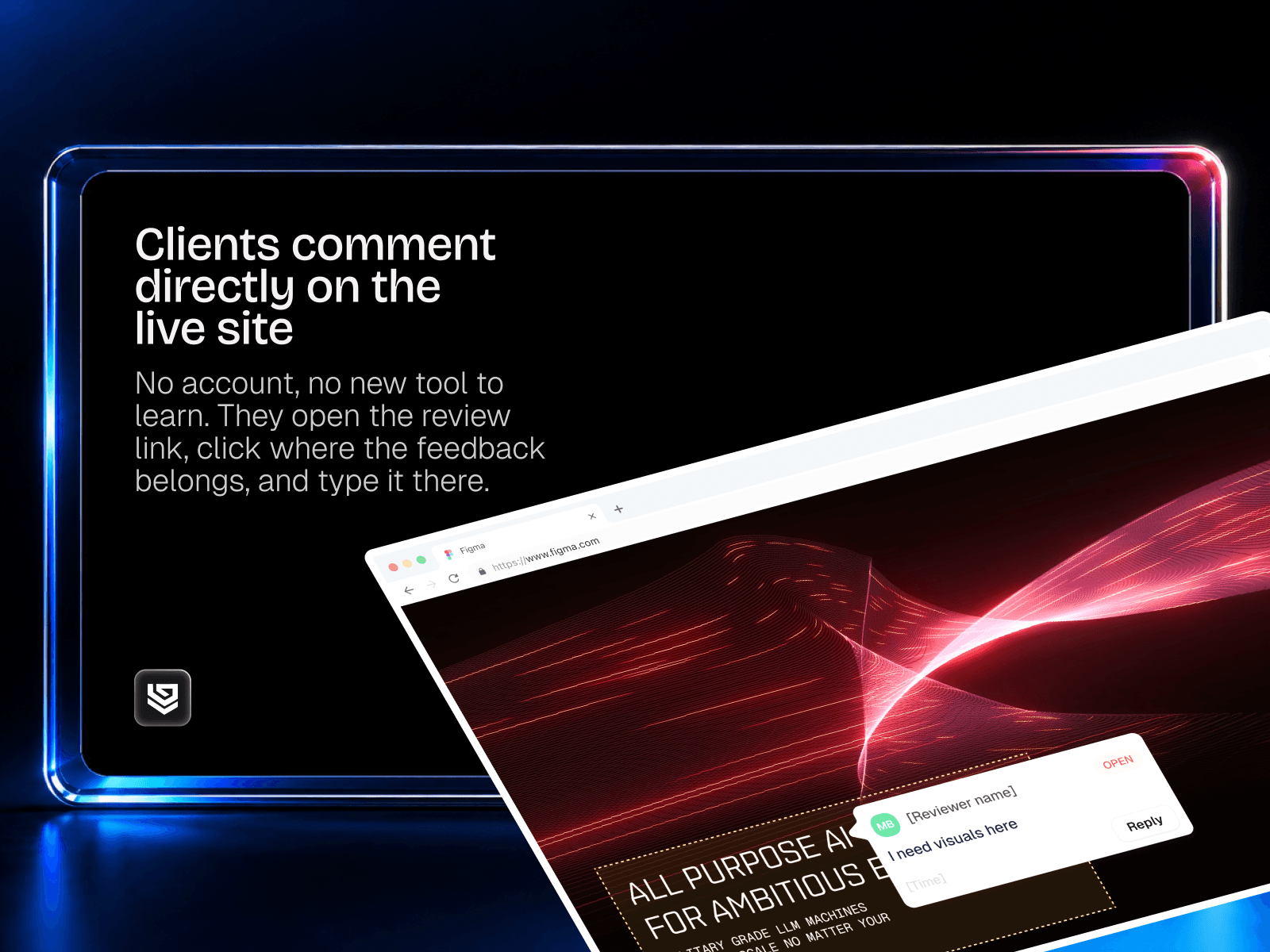
Lyba lets your clients review your published Framer site, leave comments where changes are needed, and approve a finished round. They follow a review link — no Framer account required.
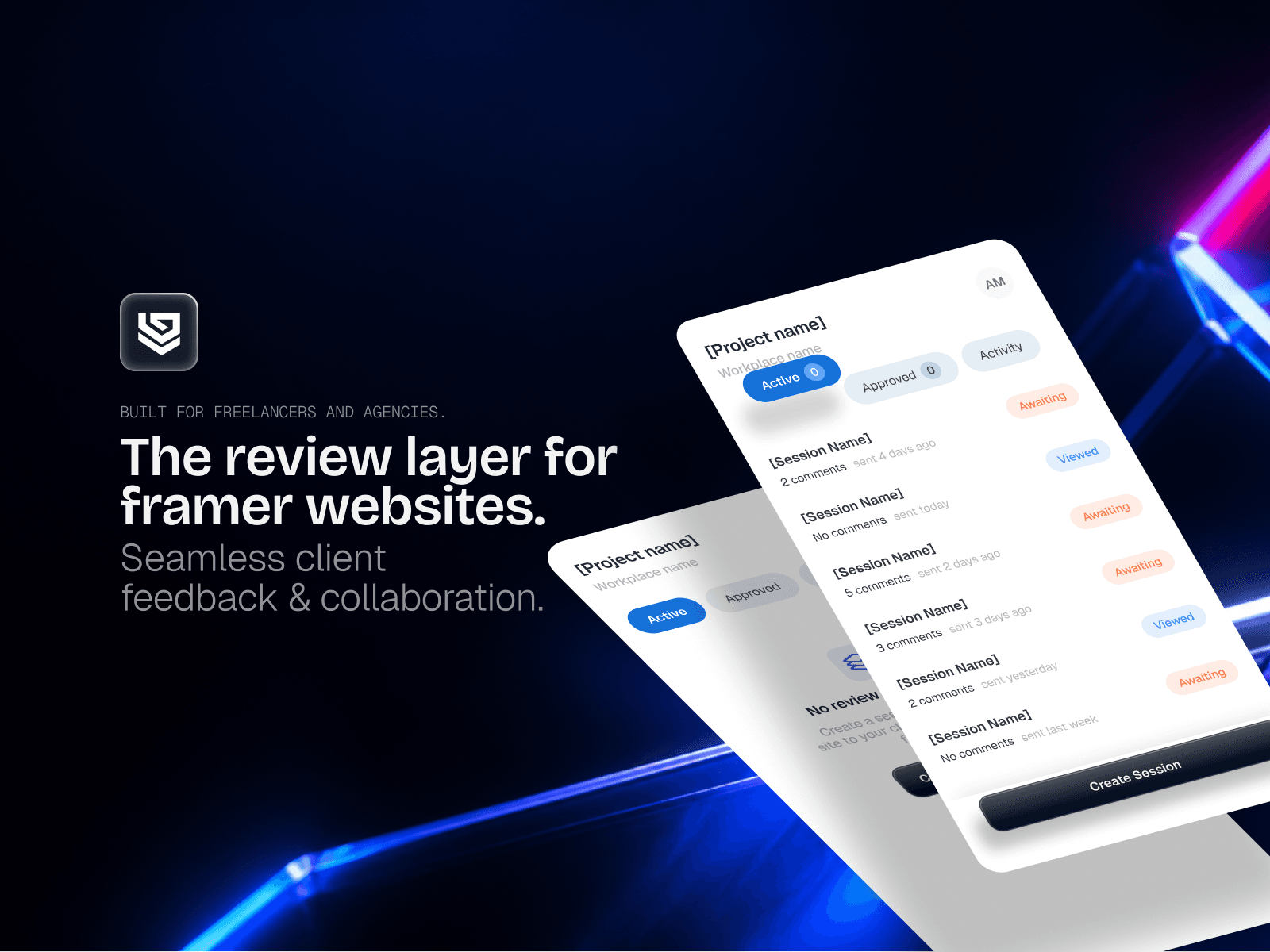
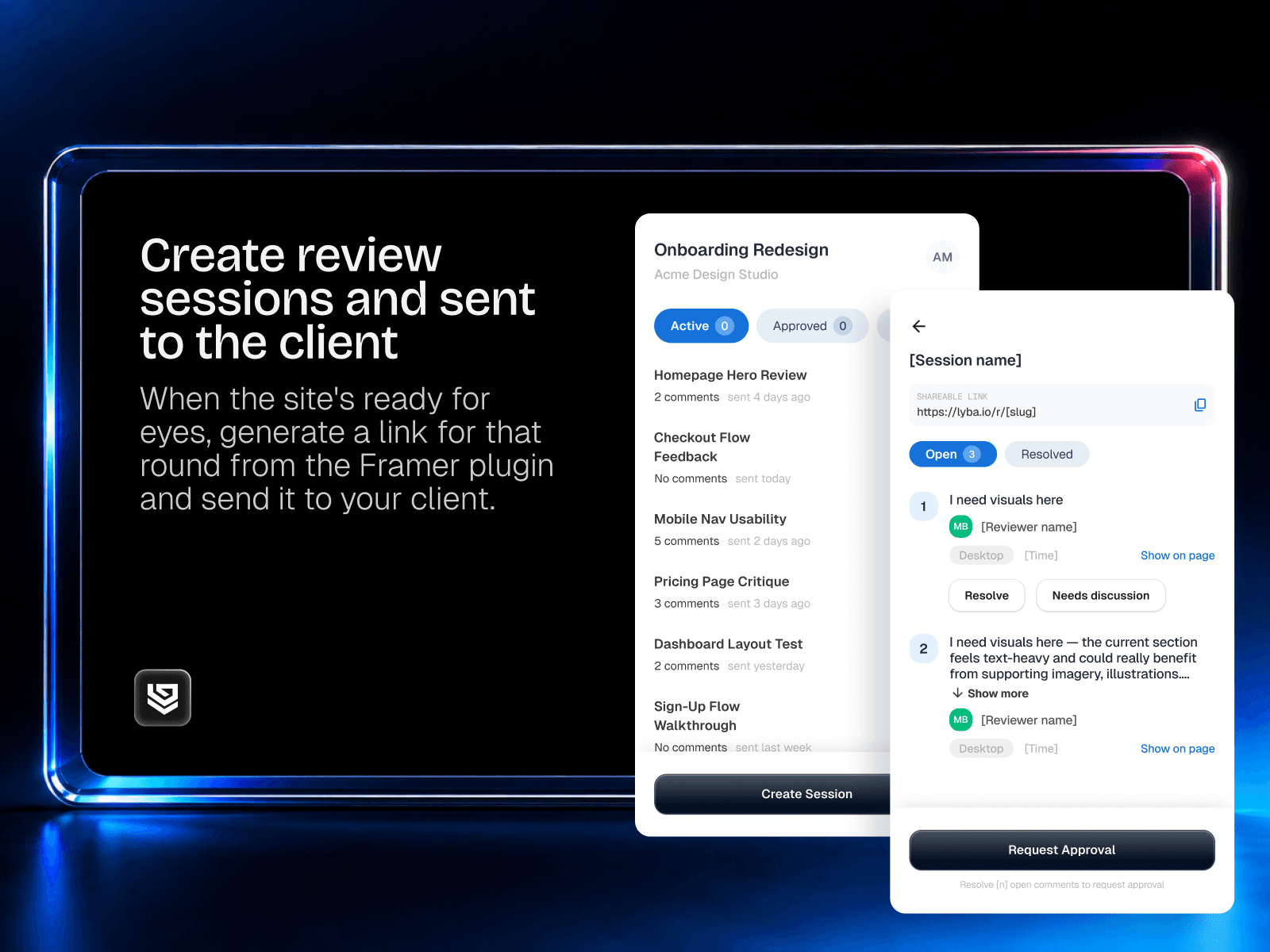
Create a review session from your Framer project, share the link, and work through feedback in the plugin. Comments stay organised by session, so you can see what needs attention and what has been resolved. When the round is ready, request approval and keep a timestamped record of the sign-off.
Collect feedback on the published site, including its responsive layouts and interactions.
Keep comments together by review round.
Reply to and resolve feedback directly from Framer.
Request client approval when the round is ready.
Keep your projects and approval history in the Lyba dashboard.
Sign in with Lyba, connect your Framer project, and choose when to install the review script. Lyba explains which project details it shares before you connect. The script remains inactive for visitors without a Lyba review link.
Built for freelancers and agencies managing client reviews and handovers.
Account and pricing
Requires a Lyba account. New accounts receive a 14-day trial, with no card required. Continued use requires a paid Lyba subscription. Clients do not need a paid Lyba seat. See current plans.
Privacy policy · Terms · Support: review@lyba.io