
About Layerbox — Image & Video Lightbox
Create customizable image and video lightboxes directly in Framer.
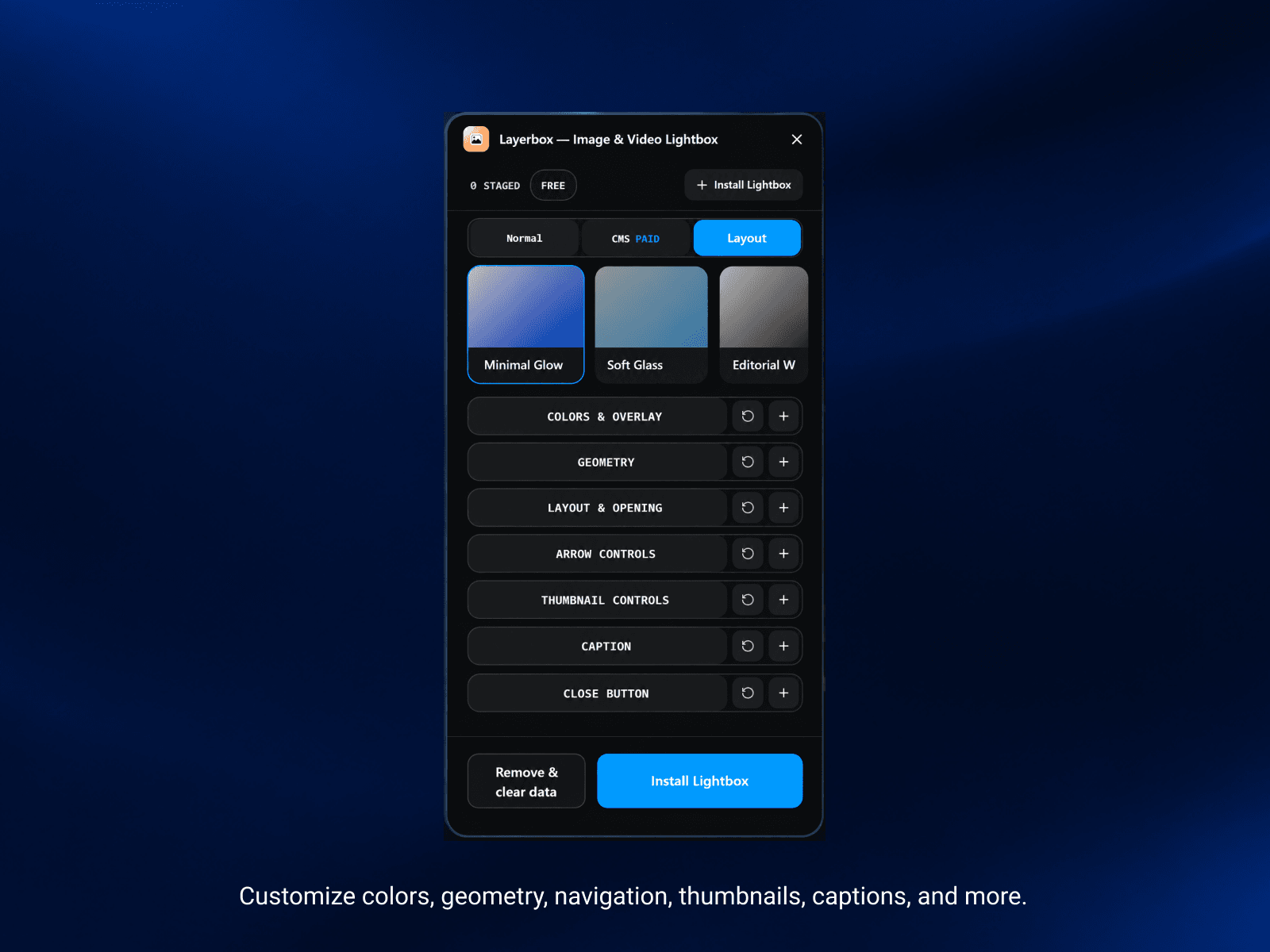
Layerbox turns your existing Framer layers into interactive fullscreen lightboxes. Select the layers you want, choose a preset, customize the experience, and publish without rebuilding your existing layout.
Create everything from simple image viewers and connected galleries to portfolio showcases, product presentations, case studies, and CMS-powered media galleries.
Build your lightbox your way
Select Framer layers directly from your canvas
Choose from 17+ lightbox skins and customize the experience
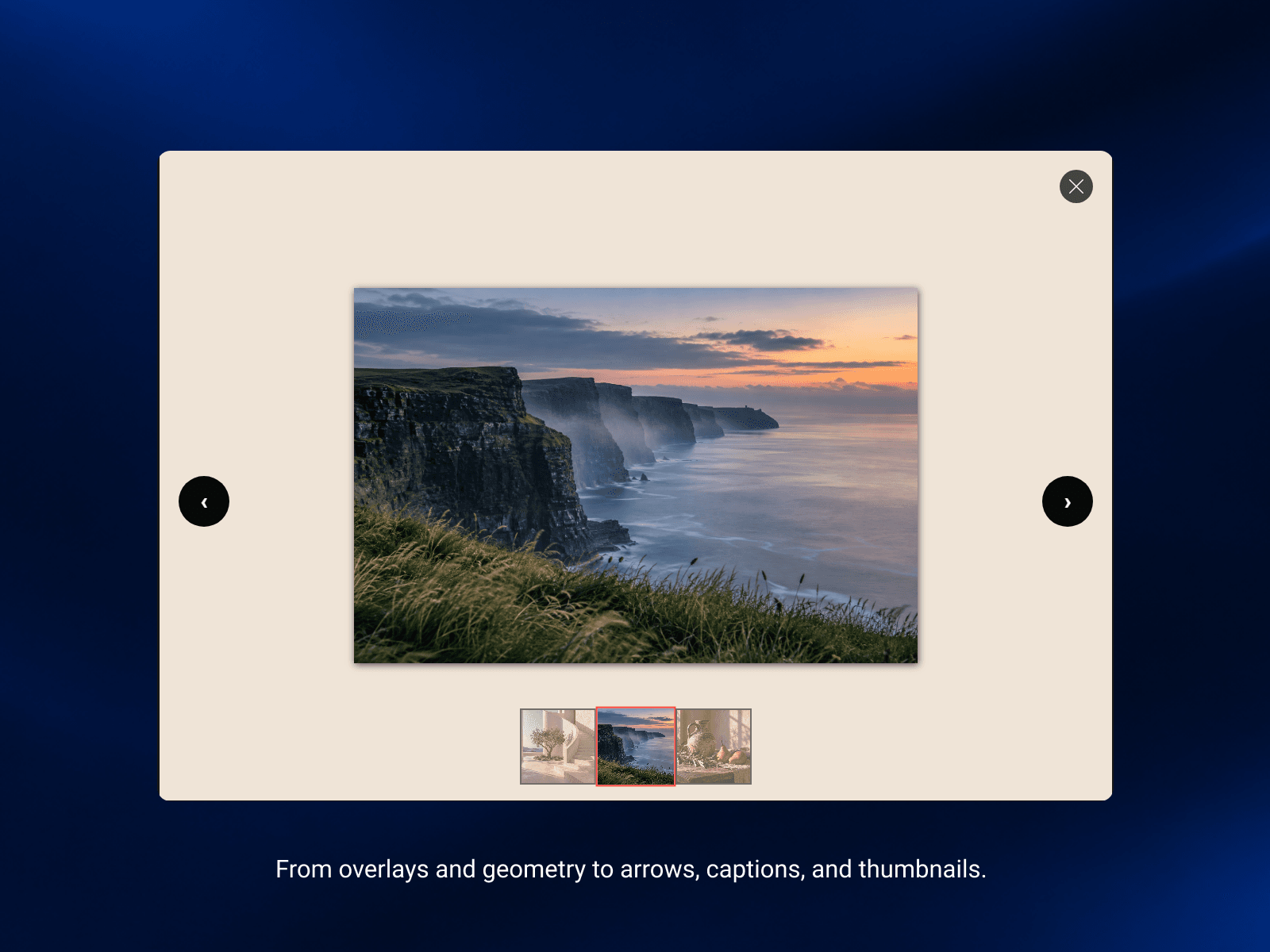
Customize every detail — overlay, blur, radius, spacing, captions, animation, and navigation
Mix images and videos in the same lightbox gallery
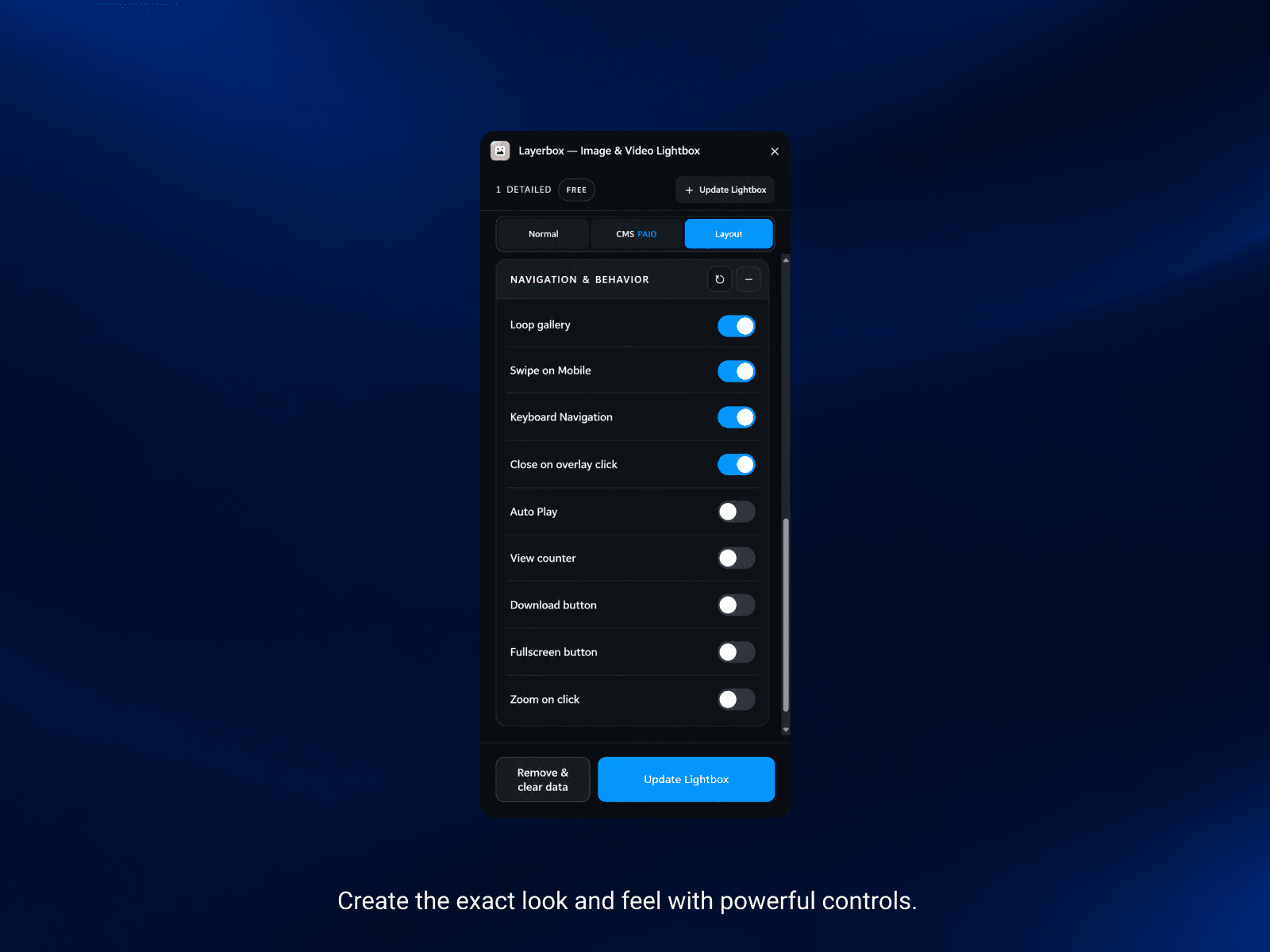
Add gallery navigation with arrows, thumbnails, keyboard controls, and touch gestures
Enable zoom and fullscreen viewing with optional download controls
Use layer names or alt text for accessible captions
Preview directly in Framer and see your changes instantly
Publish one managed Code Component to your live website
Connect Framer CMS for dynamic image and video galleries
Map CMS media fields to build flexible gallery experiences
Link to CMS detail pages using item slugs
One workflow. Multiple gallery styles.
Layerbox fits directly into your existing Framer workflow. Select your media, choose a style, customize the experience, and publish.
Build a minimal image viewer or a fully customized media gallery - without replacing your existing design.
More Demo Templet: Upcomeing