Bulk Rename
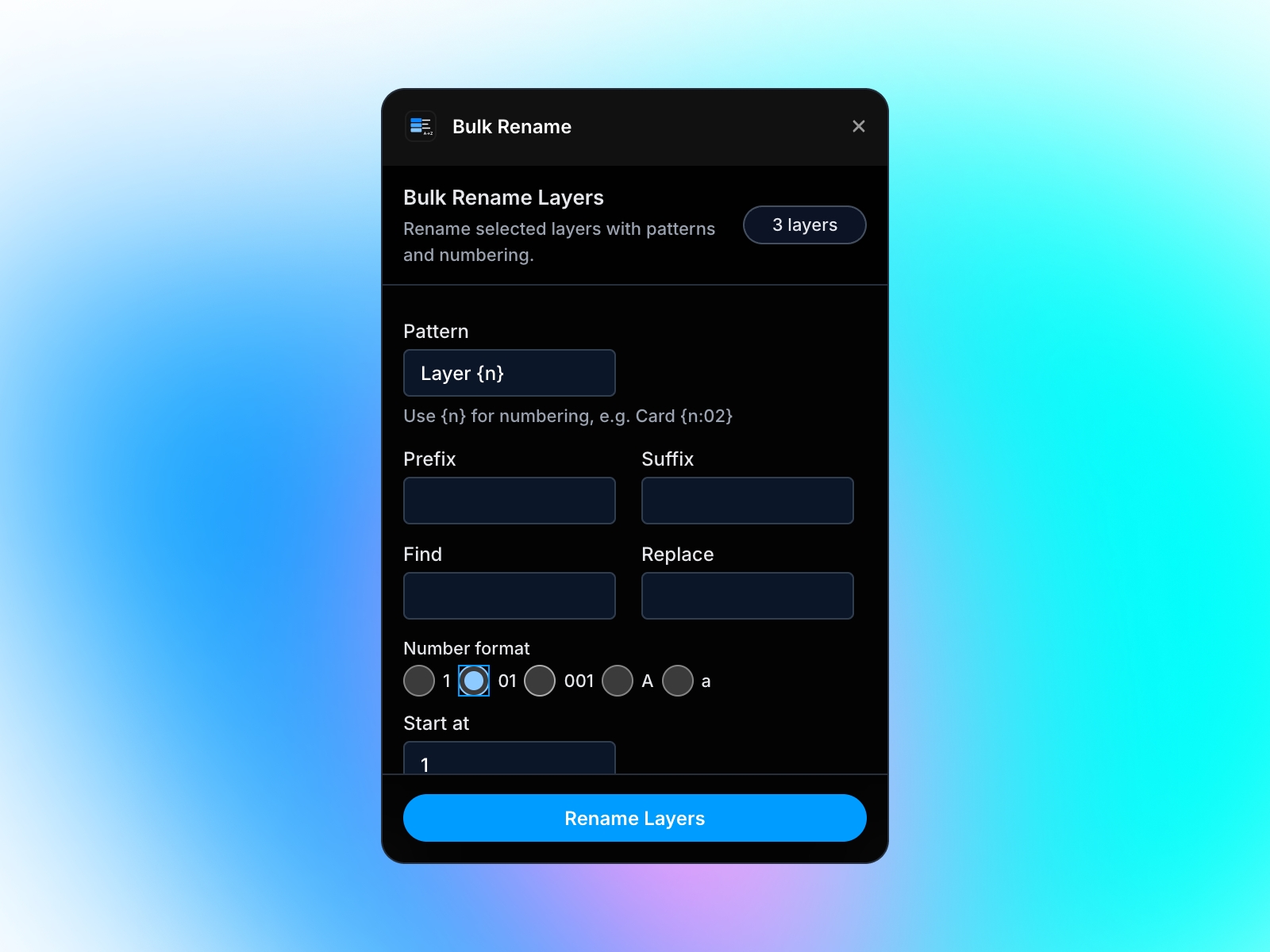
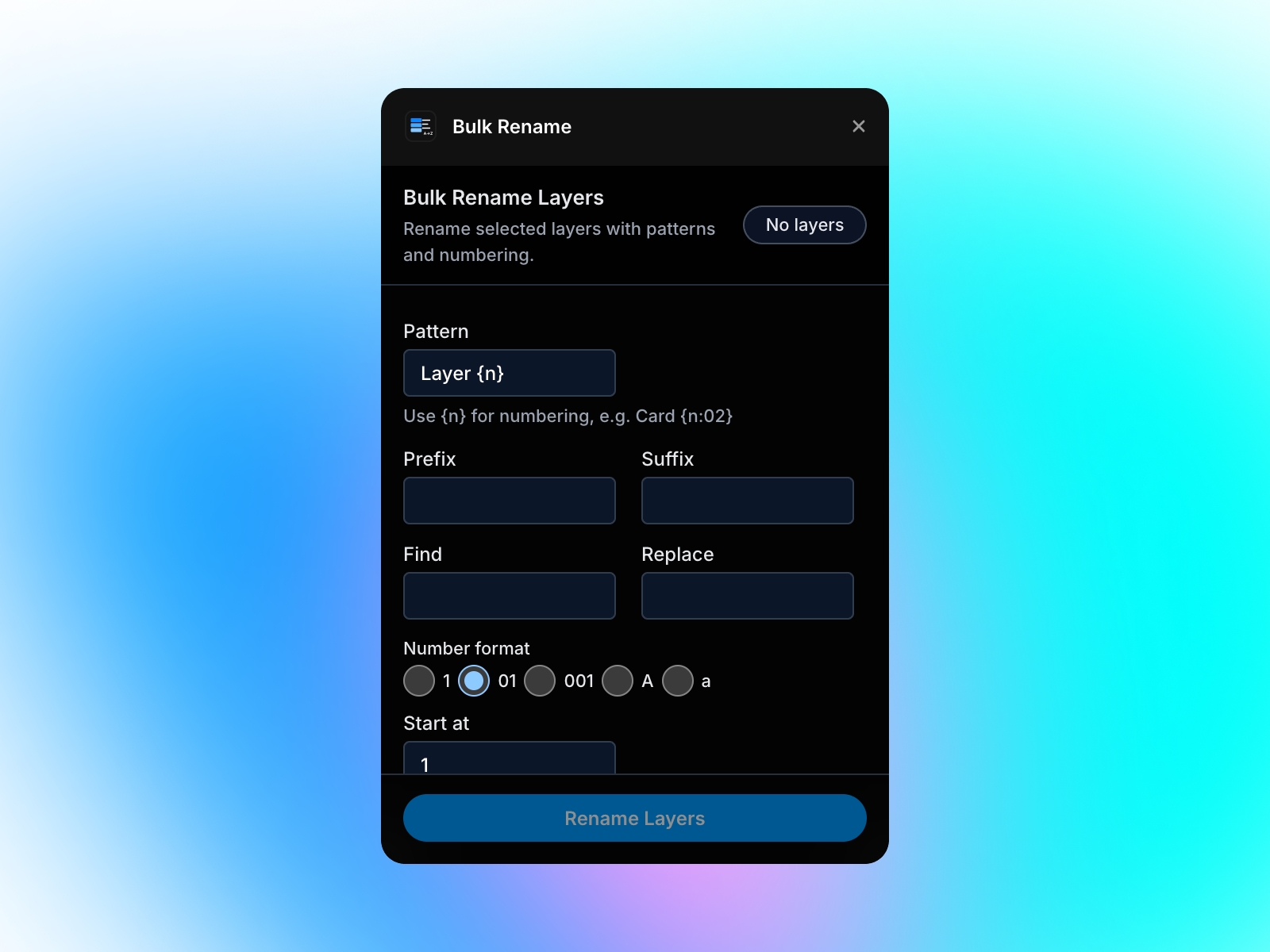
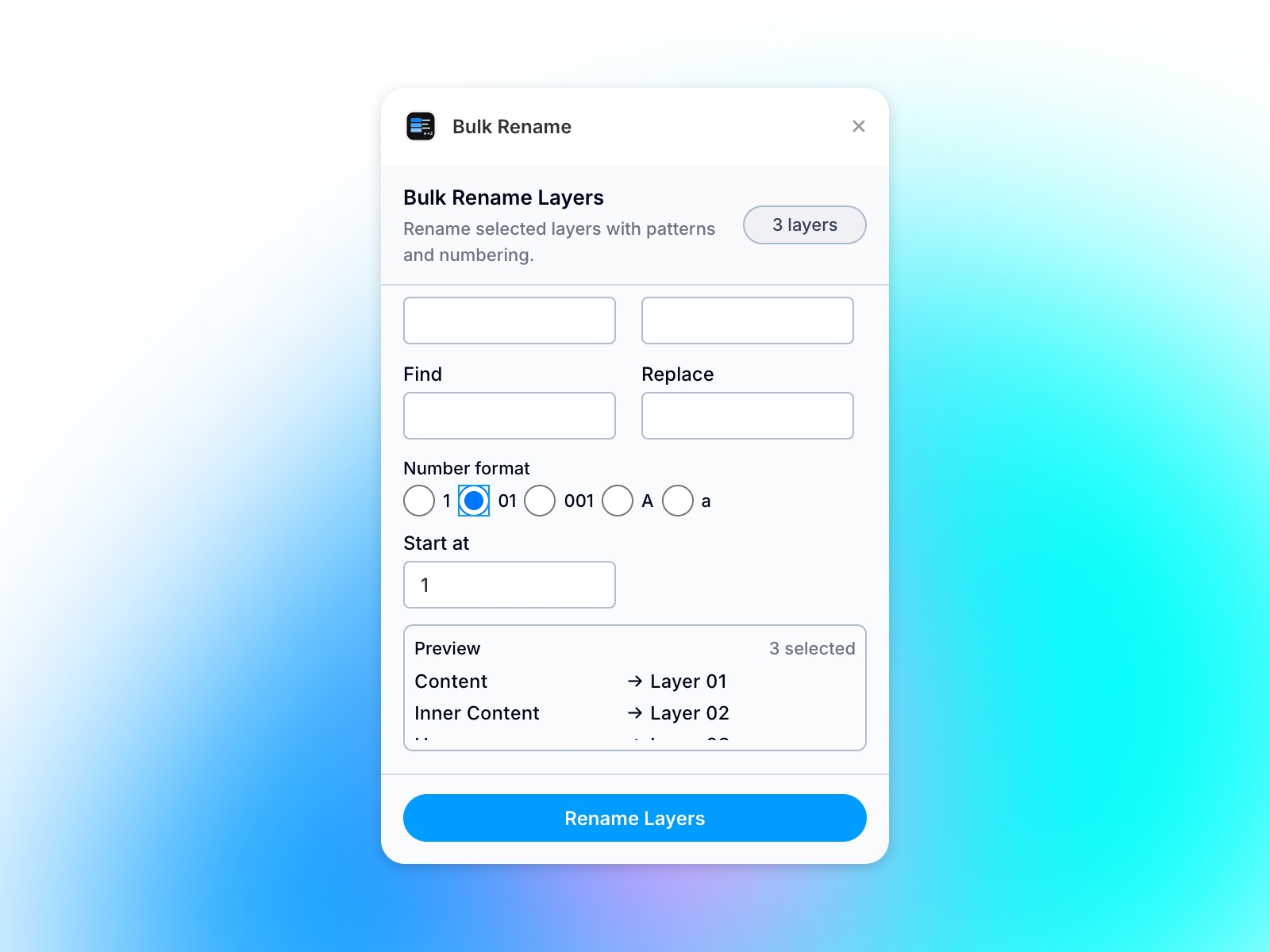
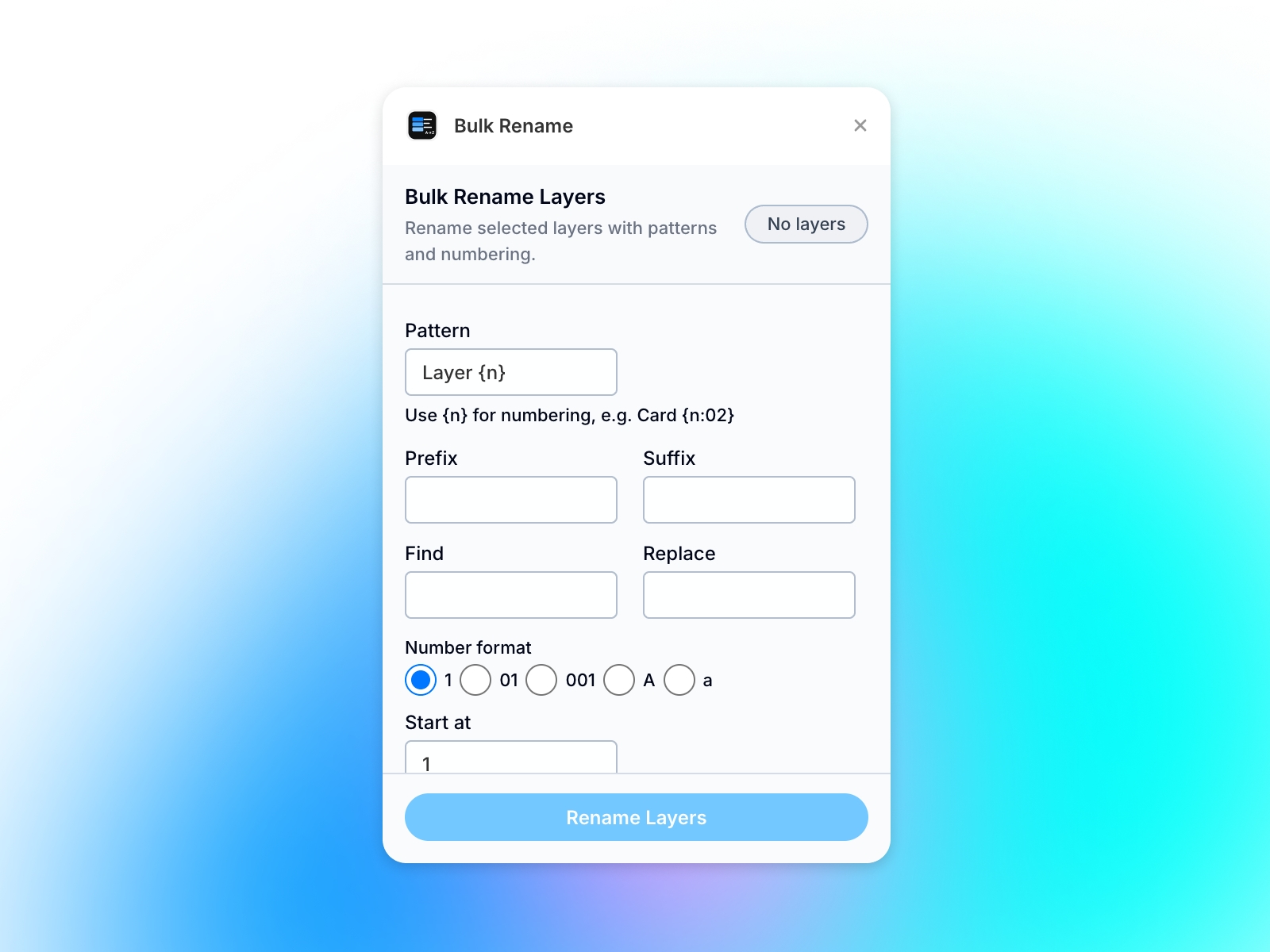
Bulk Rename Layers lets you rename many selected Framer layers at once using patterns ({n}, padding), prefix and suffix, find-and-replace, and flexible number formats. A live preview shows every old → new name before you apply, so your canvas stays organized w
About this Plugin
Bulk Rename Layers is a Framer canvas plugin for designers who work with large, messy layer trees. Instead of renaming layers one by one, you select everything you want to update and apply a consistent naming scheme in a single step.
What you can do
Pattern rename — Use tokens like {n} for a running index and {n:02} (or similar padding) for zero-padded numbers (e.g. Card 01, Card 02). Combine text and tokens to match your team’s naming conventions.
Prefix and suffix — Add shared text before or after the generated name (e.g. Hero- or -mobile) without editing each layer manually.
Find & replace — Replace repeated substrings in existing names (e.g. turn every Rectangle into Card) before or alongside pattern logic, depending on your workflow.
Number formats — Choose how the index is rendered: plain digits (1), padded (01, 001), or alphabetic (A, a) for sequences that read clearly in the layers panel.
Start index — Control where numbering begins so you can align with an existing sequence or design-system rules.
Live preview — See every old → new name before you commit, reducing mistakes on large selections.
Why it matters
Clear layer names make handoff, collaboration, and maintenance easier. Bulk Rename Layers is built to stay fast and predictable: you see the full result in the preview, then apply renames only when you’re ready.
How to use (quick flow)
Select the layers you want to rename on the Framer canvas.
Open Bulk Rename Layers.
Set your pattern, optional prefix/suffix, find & replace, and number format.
Review the preview list.
Tap Rename Layers to apply.
Notes
The plugin works on the current selection and updates layer names only; it does not change layout, styles, or content.
For very large selections, use the preview to confirm behavior before applying.
Fuel new features — Buy me a coffee ☕
Details
 Zouk Design