About Brand Kits 2.0
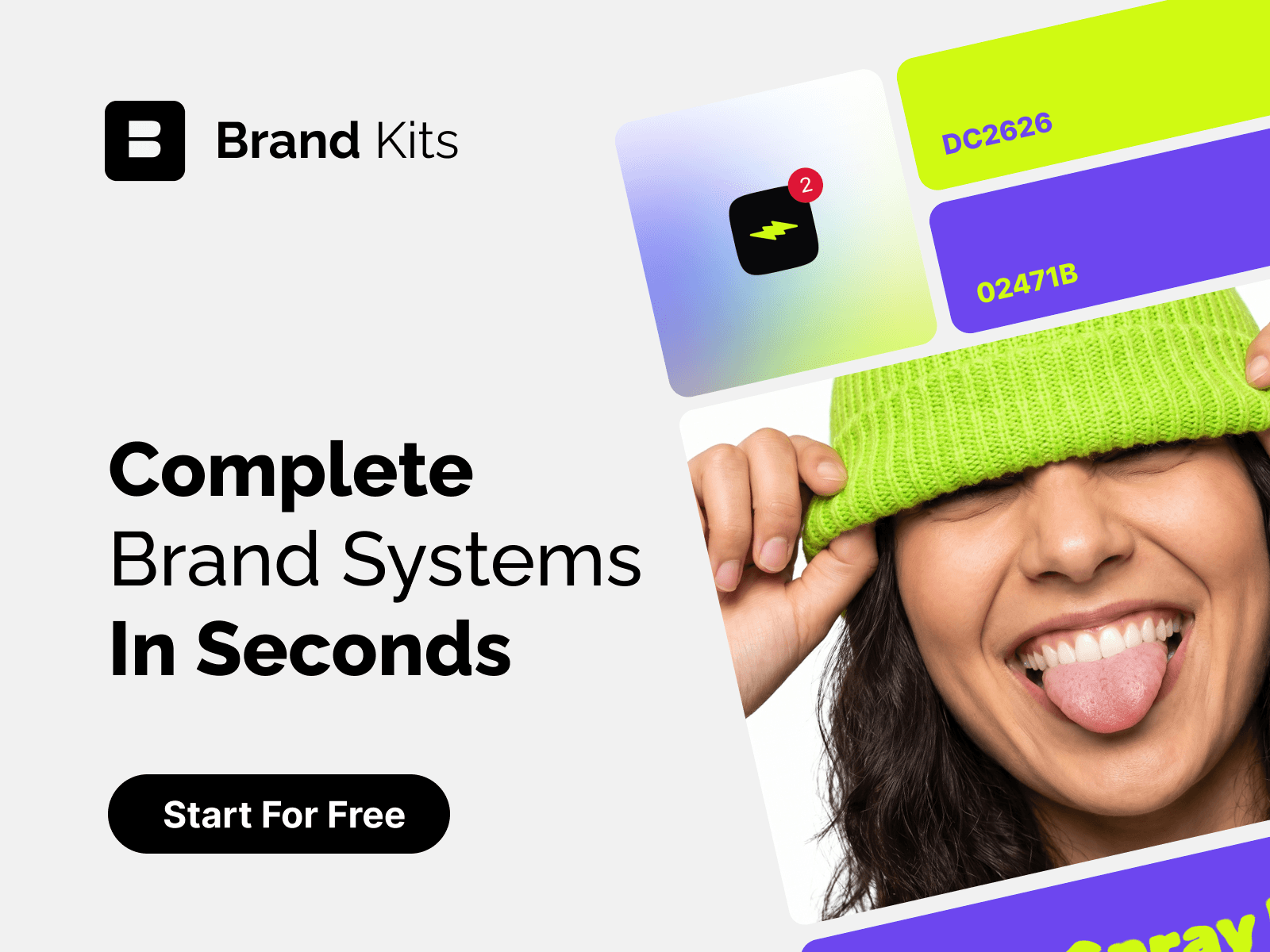
Stop manually re-styling components and chasing asset folders. Brand Kits brings your entire visual identity directly into your Framer workflow. Simply select any layer or component on your canvas and apply instant brand updates across your design.
Key Features
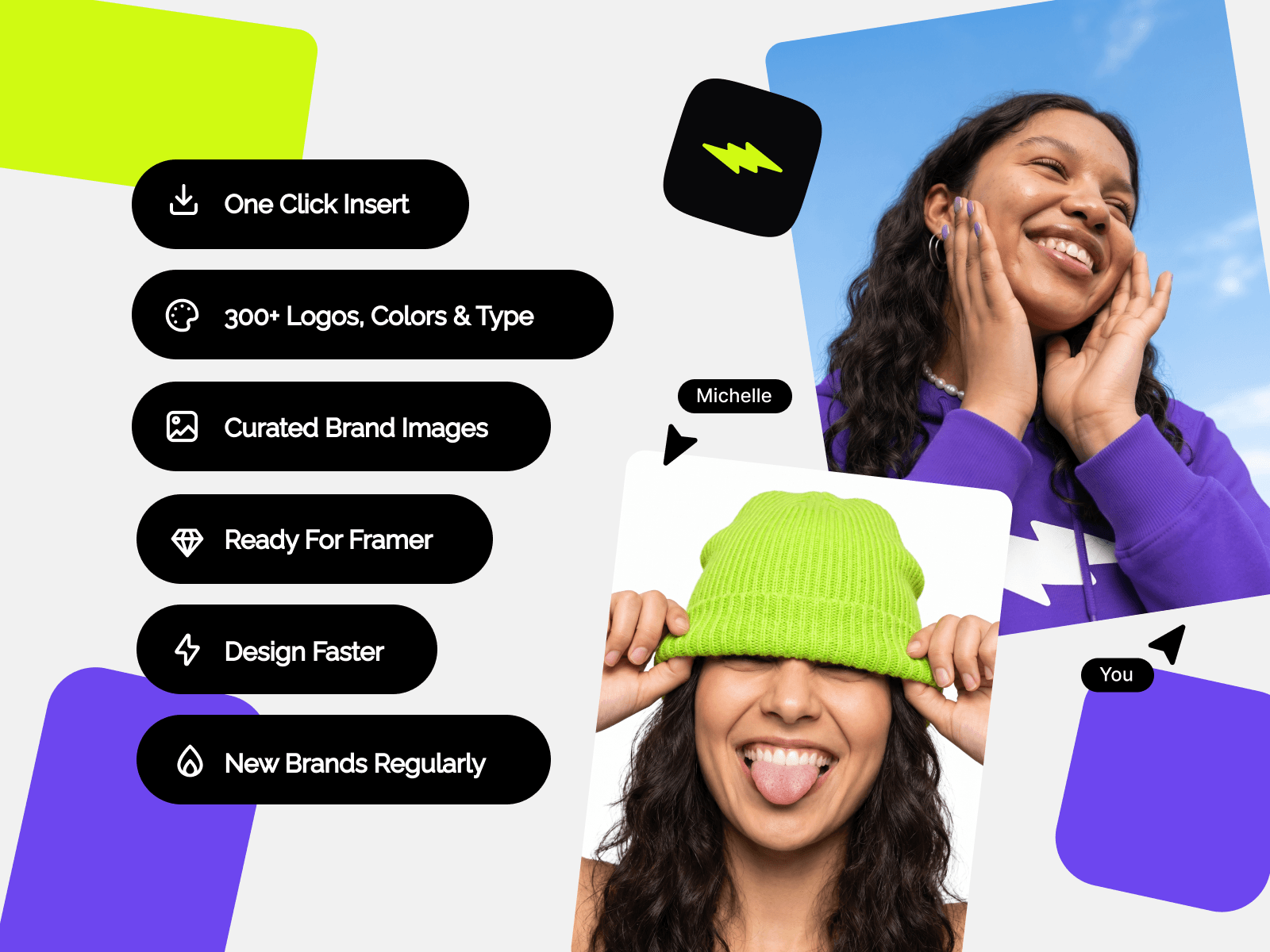
1-Click Selection Update: Select any frame, text layer, or element, click an asset in Brand Kits, and watch it instantly update on your canvas.
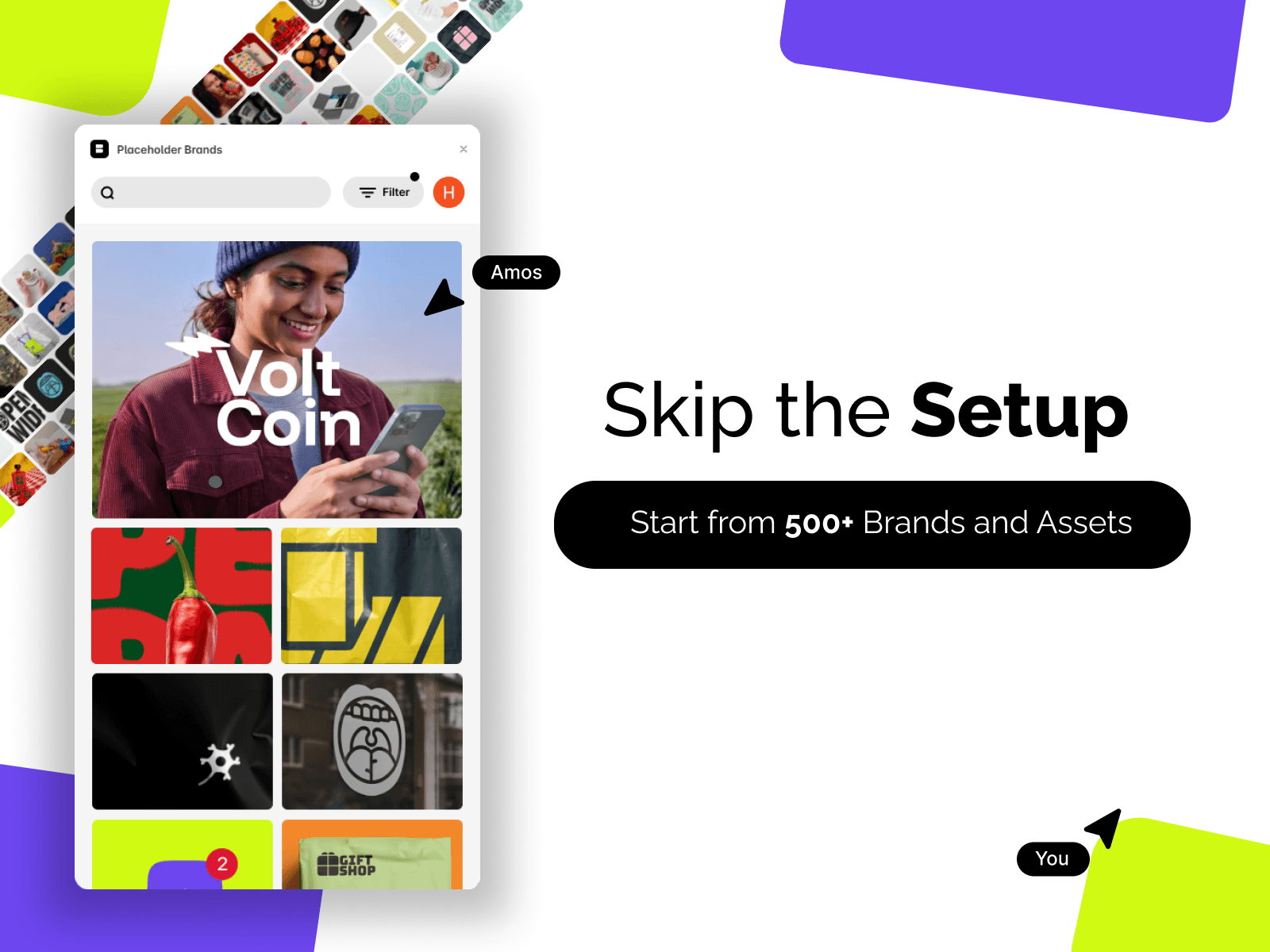
Complete Asset Collections: Access and swap curated brand assets including:
Logos & Vectors: Inject official brand logos and marks effortlessly.
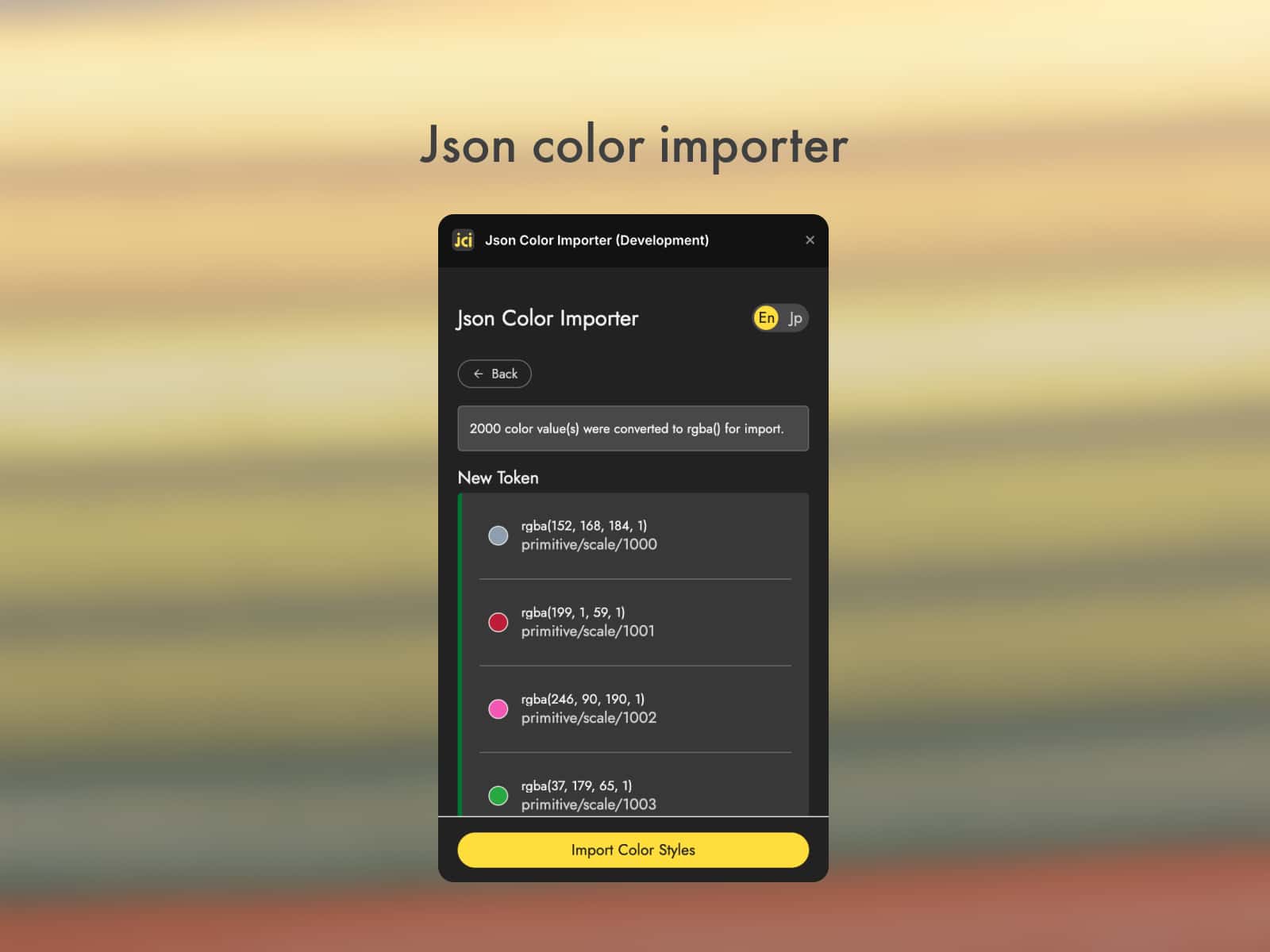
Color Palettes: Instantly apply primary, secondary, and accent colors to layers or text.
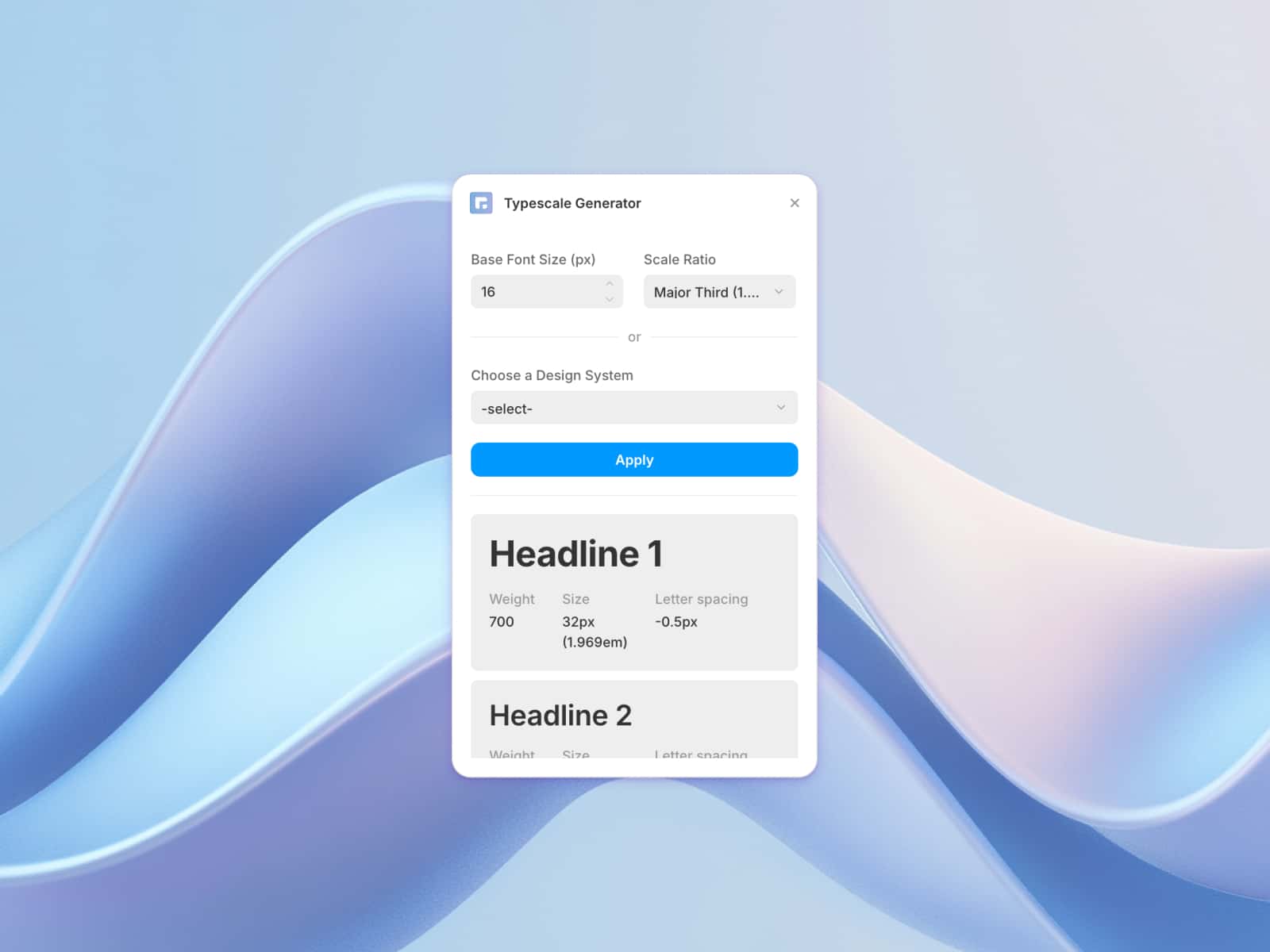
Typography: Swap font styles and weights across your components in real time.
Imagery & Media: Replace image placeholders with official brand photos and visual assets.
Custom Shaders: Apply dynamic shader styles and background textures for stunning visual effects.
Seamless Workflow: Eliminate tedious copy-pasting and asset hunting. Keep all your brand guidelines at your fingertips inside Framer.
How to Use
Select any element or component frame on your Framer canvas.
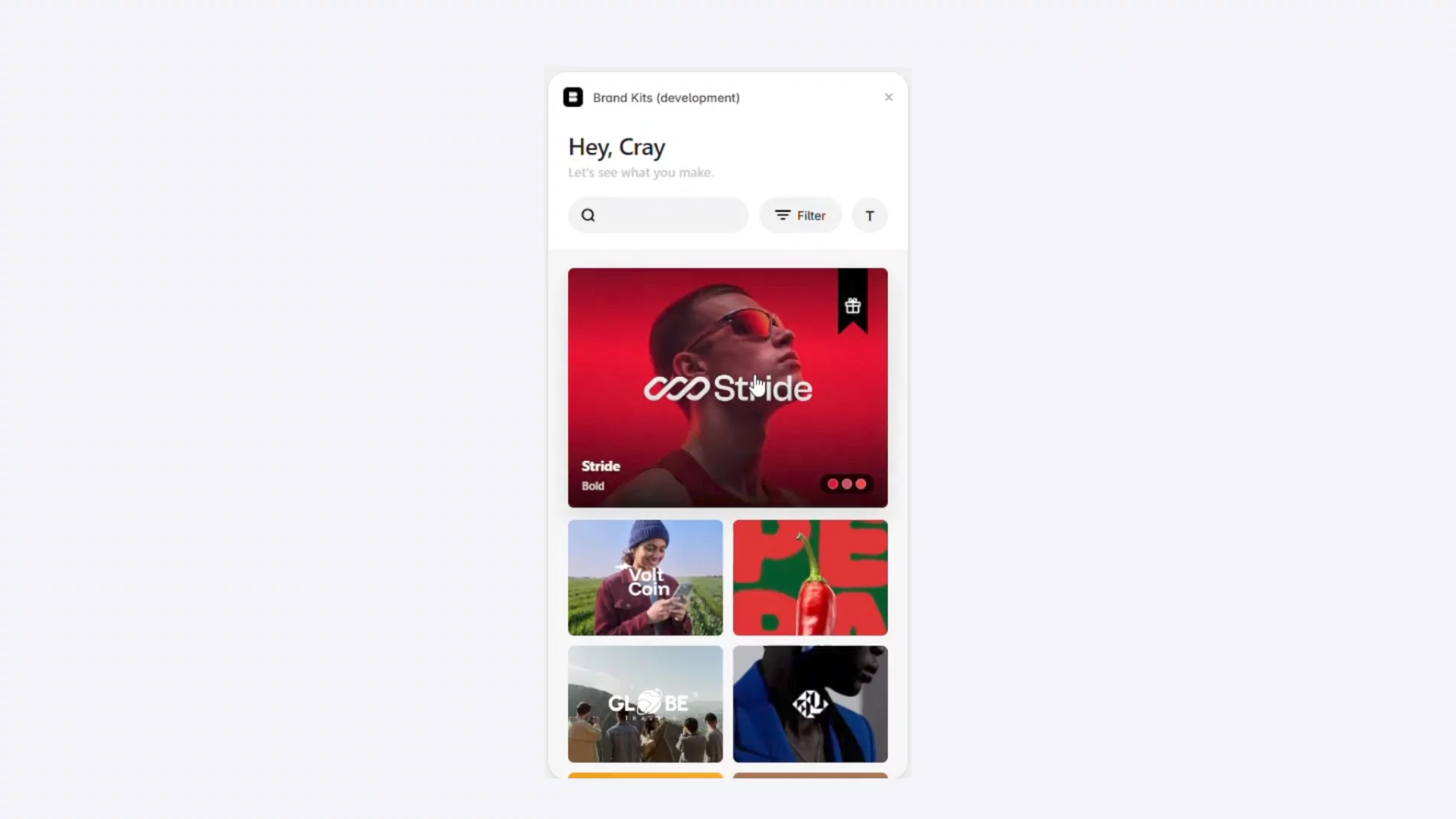
Open the Brand Kits plugin panel.
Click on any color, font, logo, image, or shader from your library to instantly update the selected element.