
About Airtable Forms
📊 Airtable forms for Framer. Native, no backend, no Zapier.
Drop a form on any Framer page that posts submissions straight to your Airtable base via the official REST API. No middleware, no monthly subscription, no webhook setup.
✨ WHAT YOU GET
• Customizable form fields (comma-separated, quoted CSV supported)
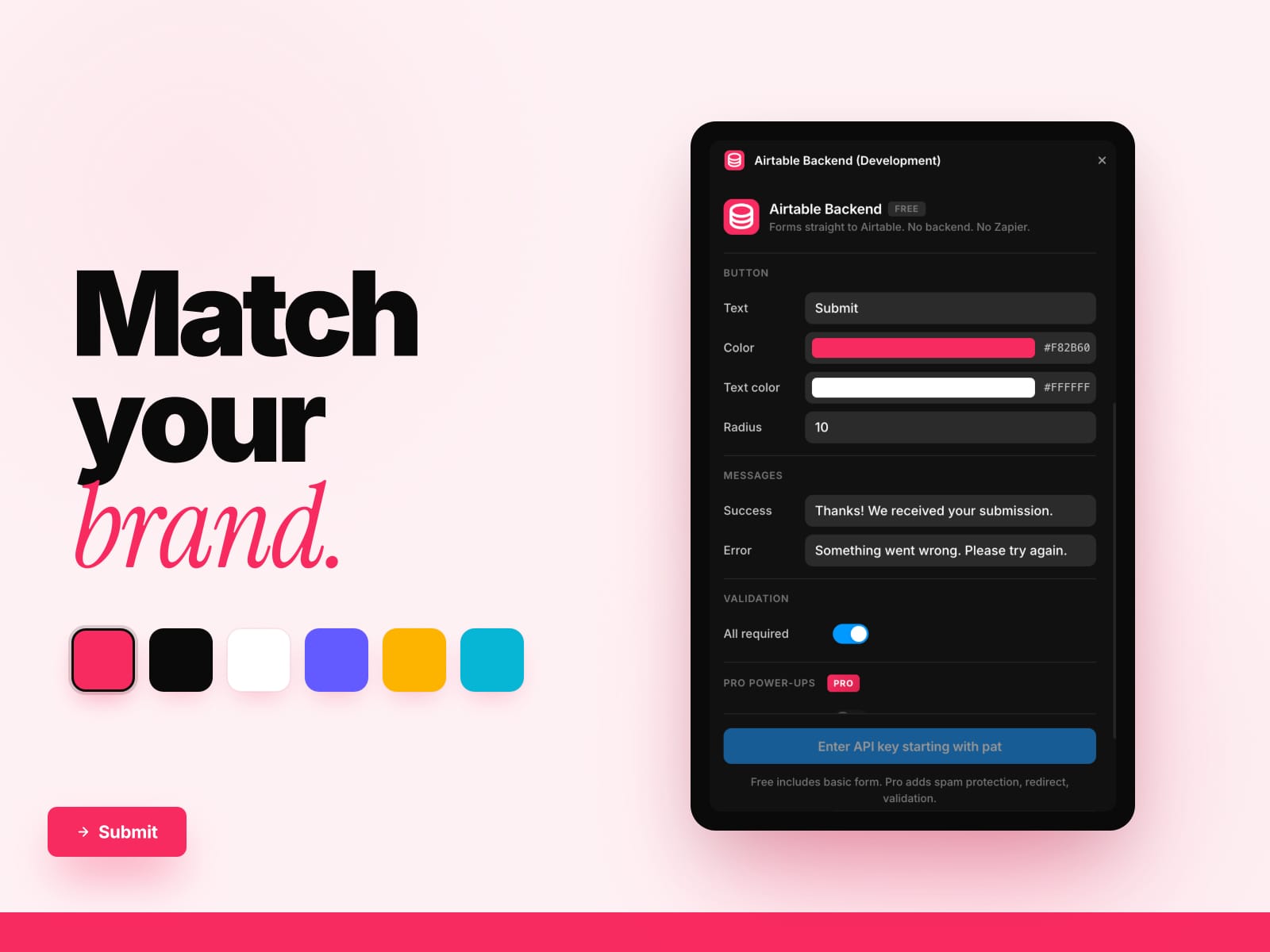
• Button styling — color, text color, radius, gap
• Custom success and error messages
• Required-field validation
• Native fetch() to Airtable's REST API — your data stays between Framer and Airtable
• Component-property panel — every setting editable on the canvas
⚡ HOW IT WORKS
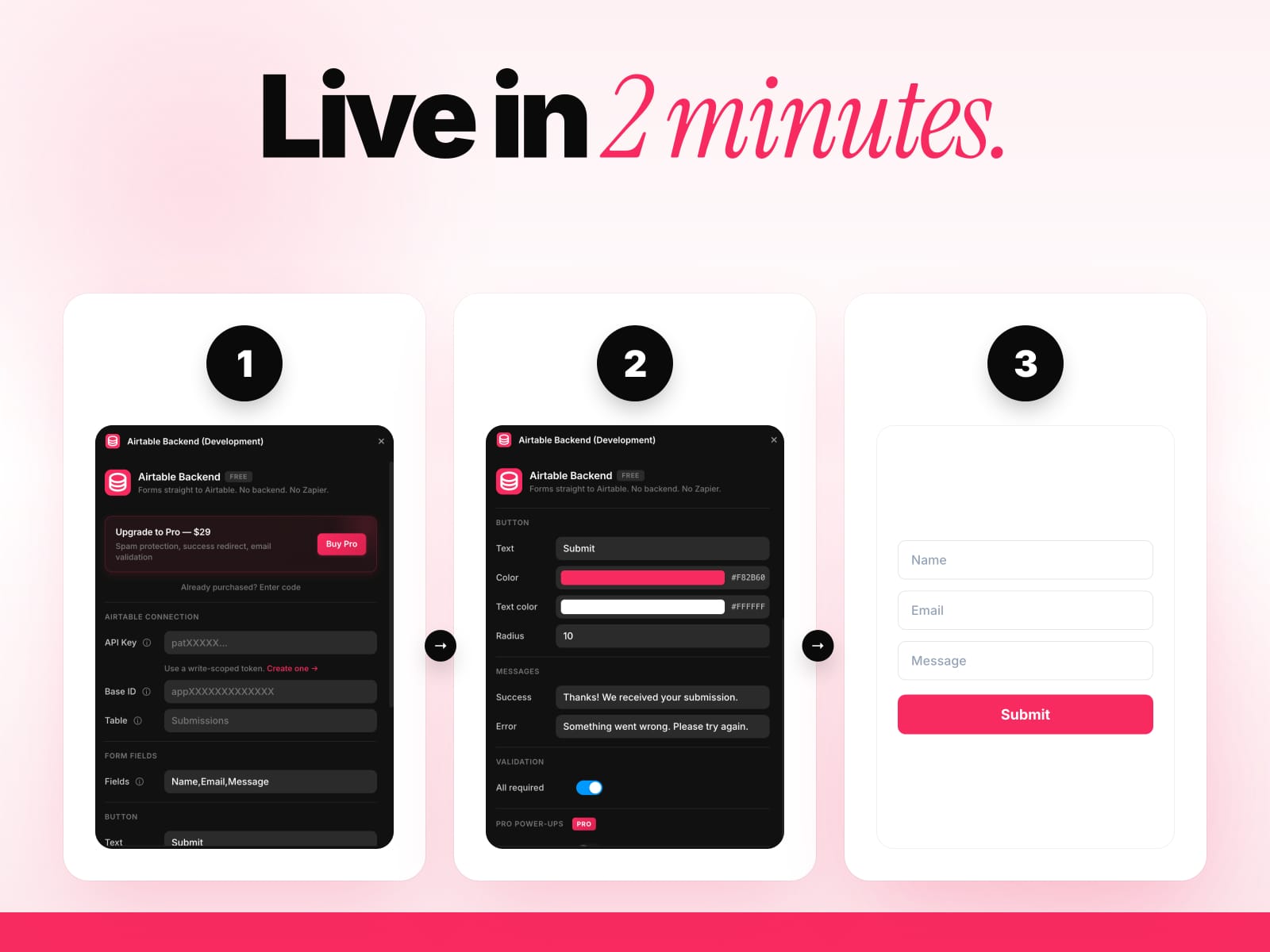
1. Create an Airtable Personal Access Token (write-scoped to one table)
2. Paste your PAT, base ID, and table name
3. Pick the field names that match your Airtable columns
4. Insert the form on your Framer canvas
5. Submissions land in Airtable instantly
🚀 FREE vs PRO
• Free — basic form, customizable styling, required validation, native API submit
• Pro ($29 lifetime) — honeypot anti-spam, rate limiting (1 per 30s), success redirect URL, email format validation
🎯 WHO IT'S FOR
• Framer designers building lead-capture, contact, registration, and signup forms
• Agencies shipping client sites without burning Zapier subscriptions
• Indie hackers who want their forms to land in Airtable in 2 minutes
• Anyone who'd rather paste a PAT once than configure a webhook every project
🛡 WHY THIS PLUGIN
• No backend, no Zapier, no monthly fees
• Native Airtable REST API — official endpoint, fast and reliable
• Pro adds the production hardening you need to ship public forms safely
• 30-day money-back guarantee
• Built by KDX Studios
Questions? 📩 thekhushaldewra@gmail.com
🔒 LICENSE ACTIVATION — To verify Pro access, the code you enter is sent to one service only: Polar (purchase keys) or our license server (legacy unlock codes). Nothing else is transmitted.