About Kibi Forms
Add a finished, native Framer form section in one click and make it match your site. Free to use; no account needed.
Marketplace edition — 1.2.3
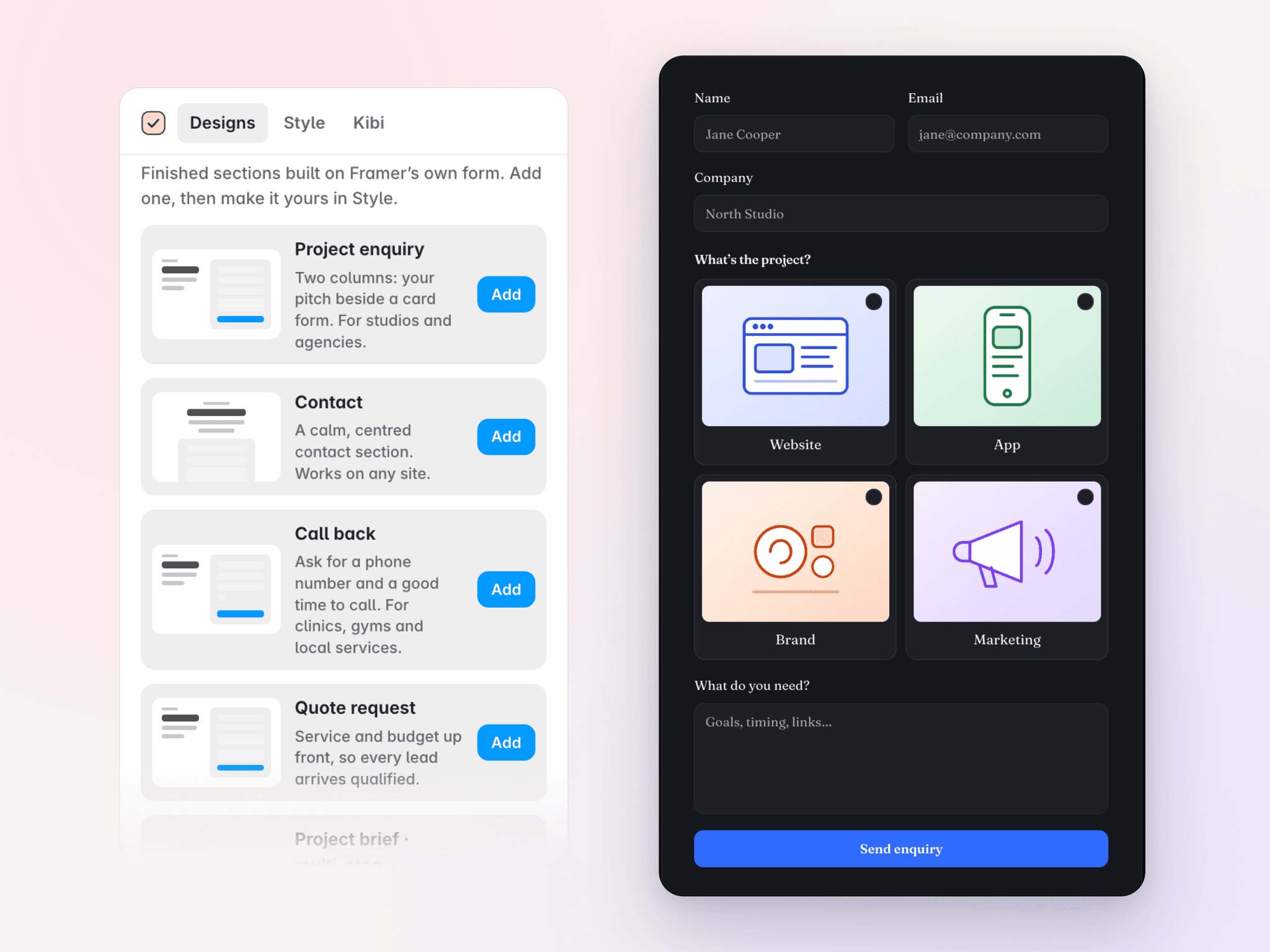
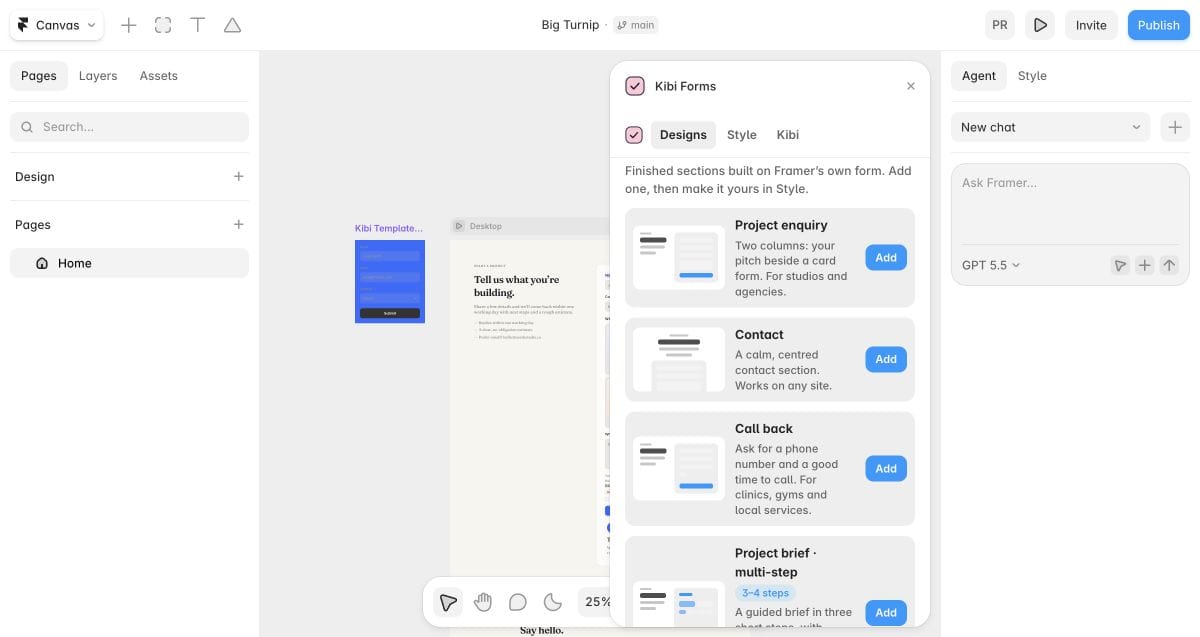
Designs, not blank boxes
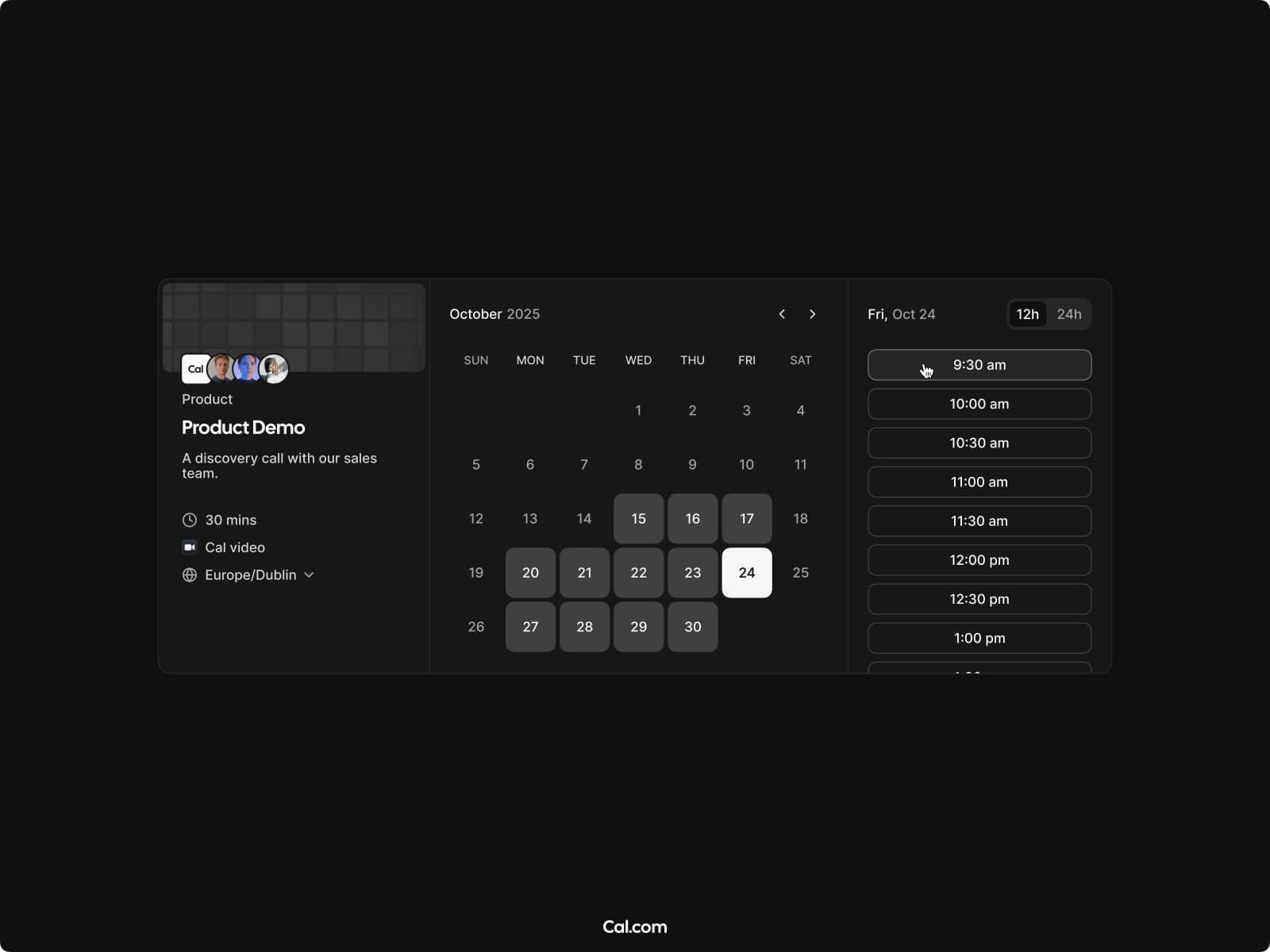
Nine editable sections: project enquiry, contact, call back, project brief, quick quote, feedback, consultation booking, waitlist and event registration.
Your style
Set colours, typography and field shapes across your forms through Framer colour and text styles, or match your site in one click. Light and dark both work.
Fields beyond the basics
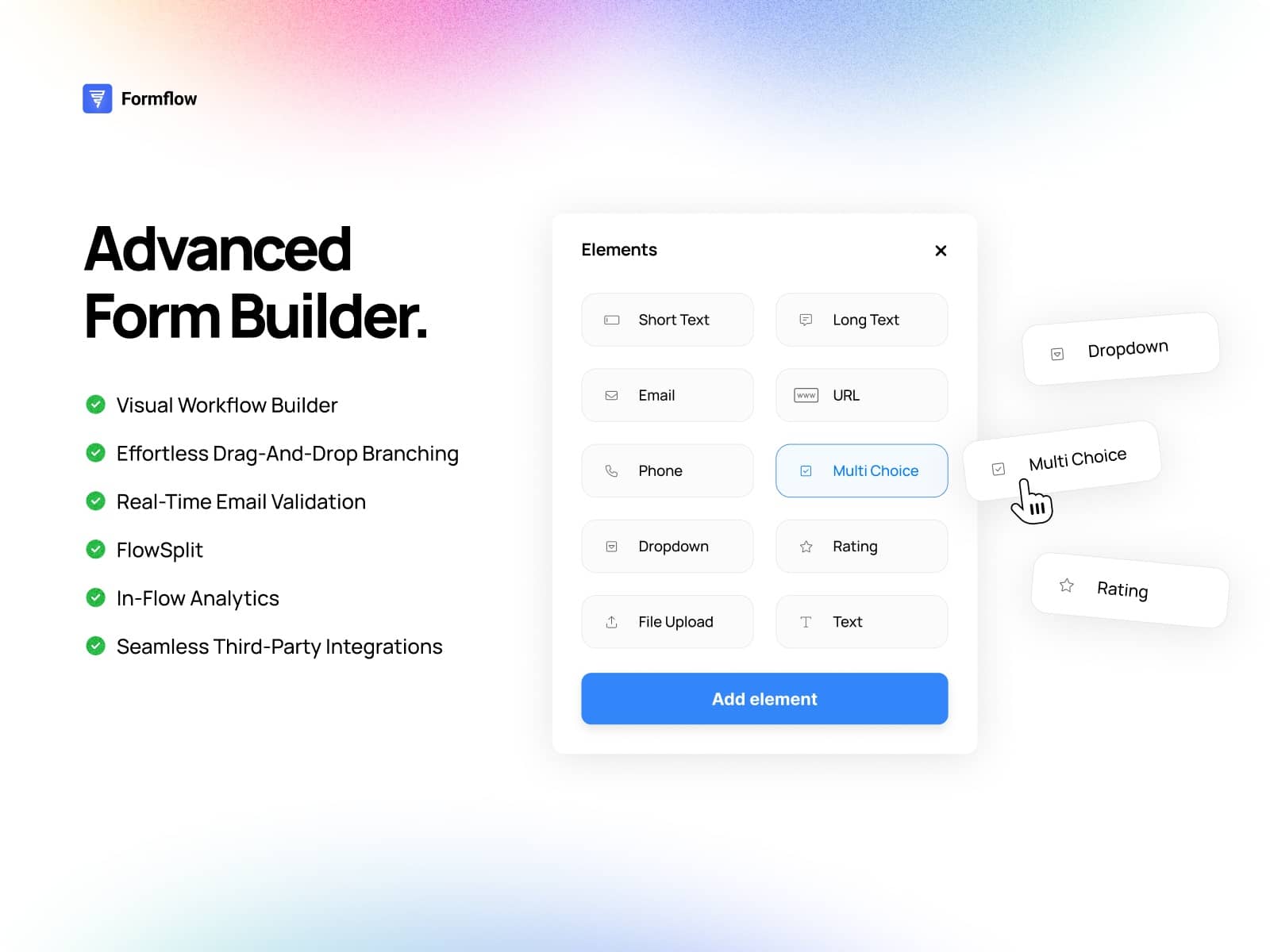
Add phone with country, choice pills and cards, picture choices, star rating, 0–10 score and slider to a form you already have.
Multi-step forms and logic
Use steps with progress and Back, show or skip questions based on answers, and move on when a visitor picks an answer. Answers can survive a reload on the visitor’s own device, with link pre-filling and errors under each field.
Data and privacy
The Marketplace plugin has no external-service connection: no Kibi sign-in, API calls, file uploads or test entries. Forms use Framer’s own submission settings. Kibi Send and Kibi File are not included in this edition. Existing published forms are not silently changed.
What’s new in 1.2.3
Editing controls respect project permissions, failures show helpful messages, and readable React/TypeScript source is included with the package.
Support: hello@kibihq.com
By Kibi: https://kibihq.com
Privacy: https://kibihq.com/legal/privacy/