About Adside
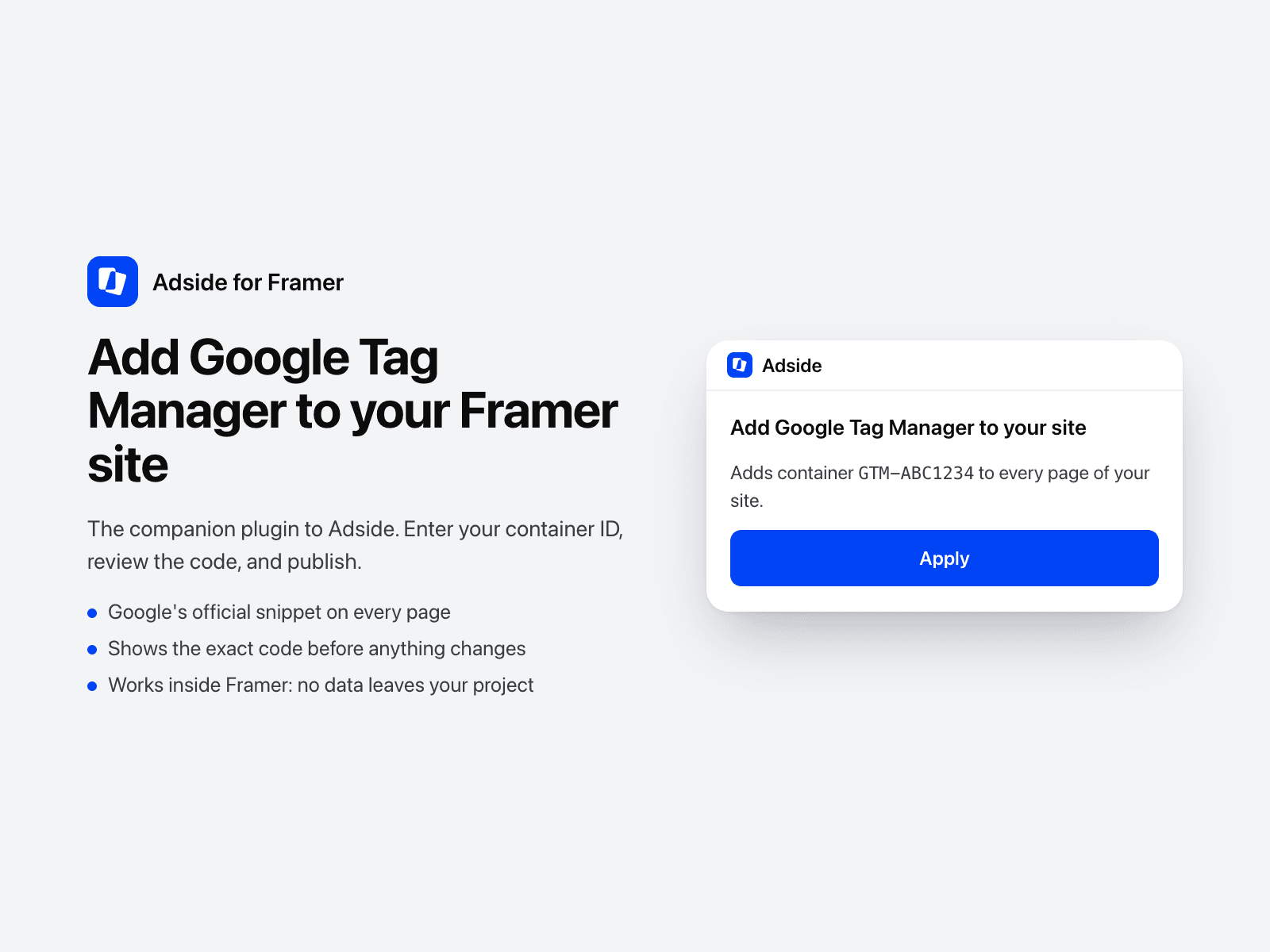
Adside for Framer adds Google Tag Manager to your Framer site. It is the companion plugin to Adside (https://www.adside.ai), the AI teammate that sets up your ad tracking, and you review every change before anything goes live.
What it does
- Adds your Google Tag Manager container to every page, using Google's official snippet.
- Publishes your site when you click Publish, or leaves it for later.
How it works
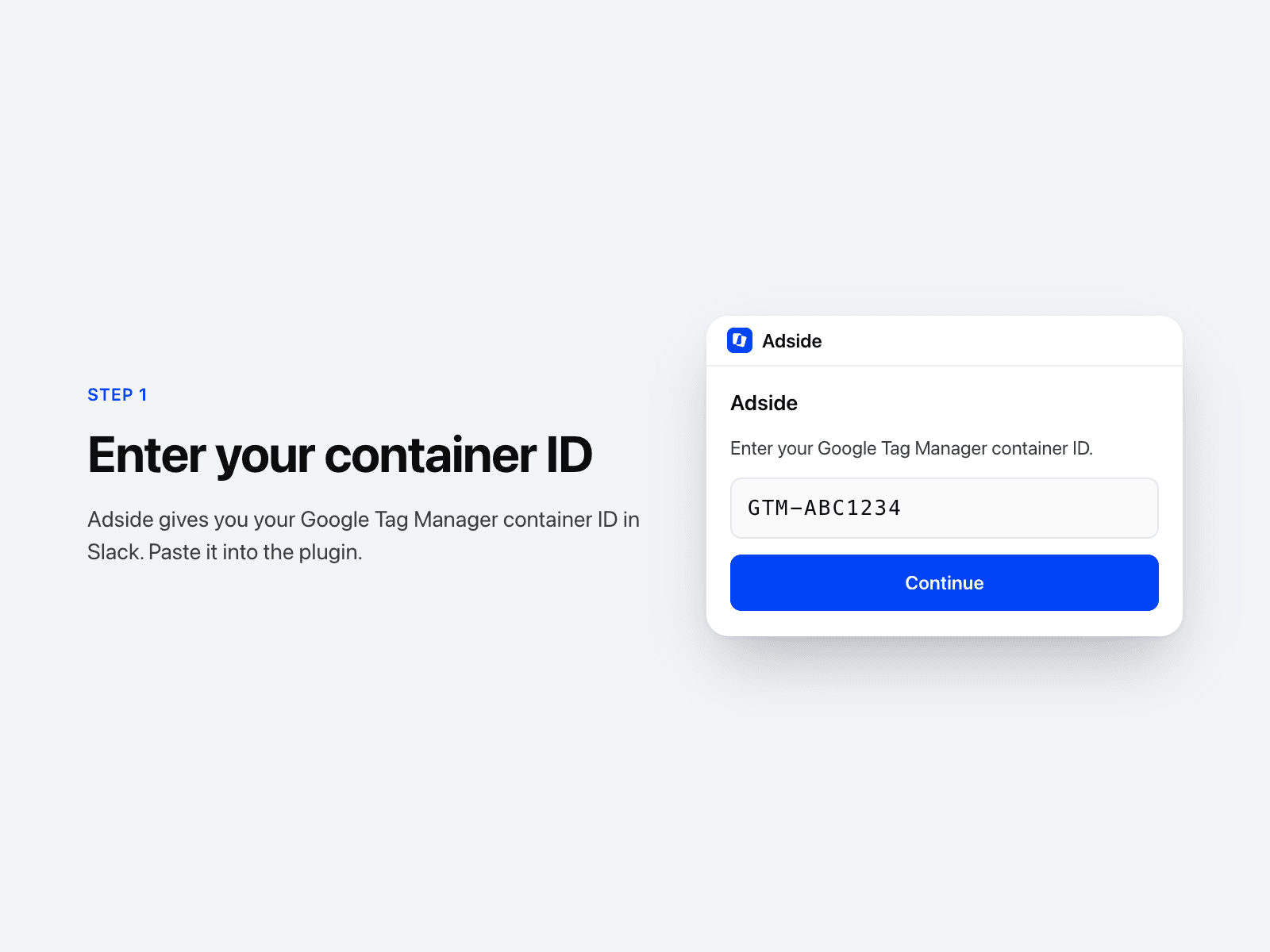
1. Adside gives you your container ID in Slack, for example GTM-XXXXXXX.
2. Open this plugin in your project and enter the ID.
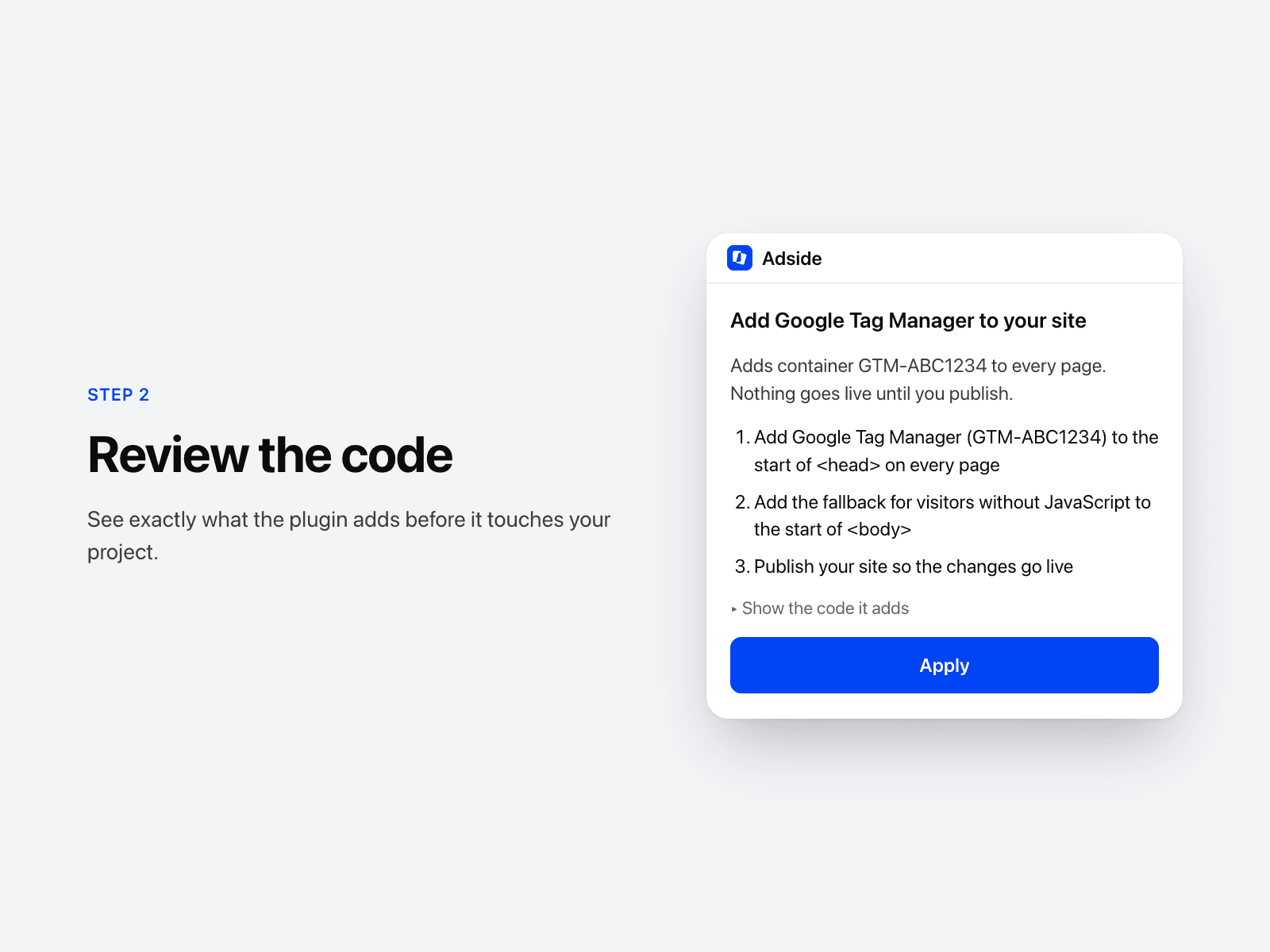
3. Review the exact code it adds, then click Apply.
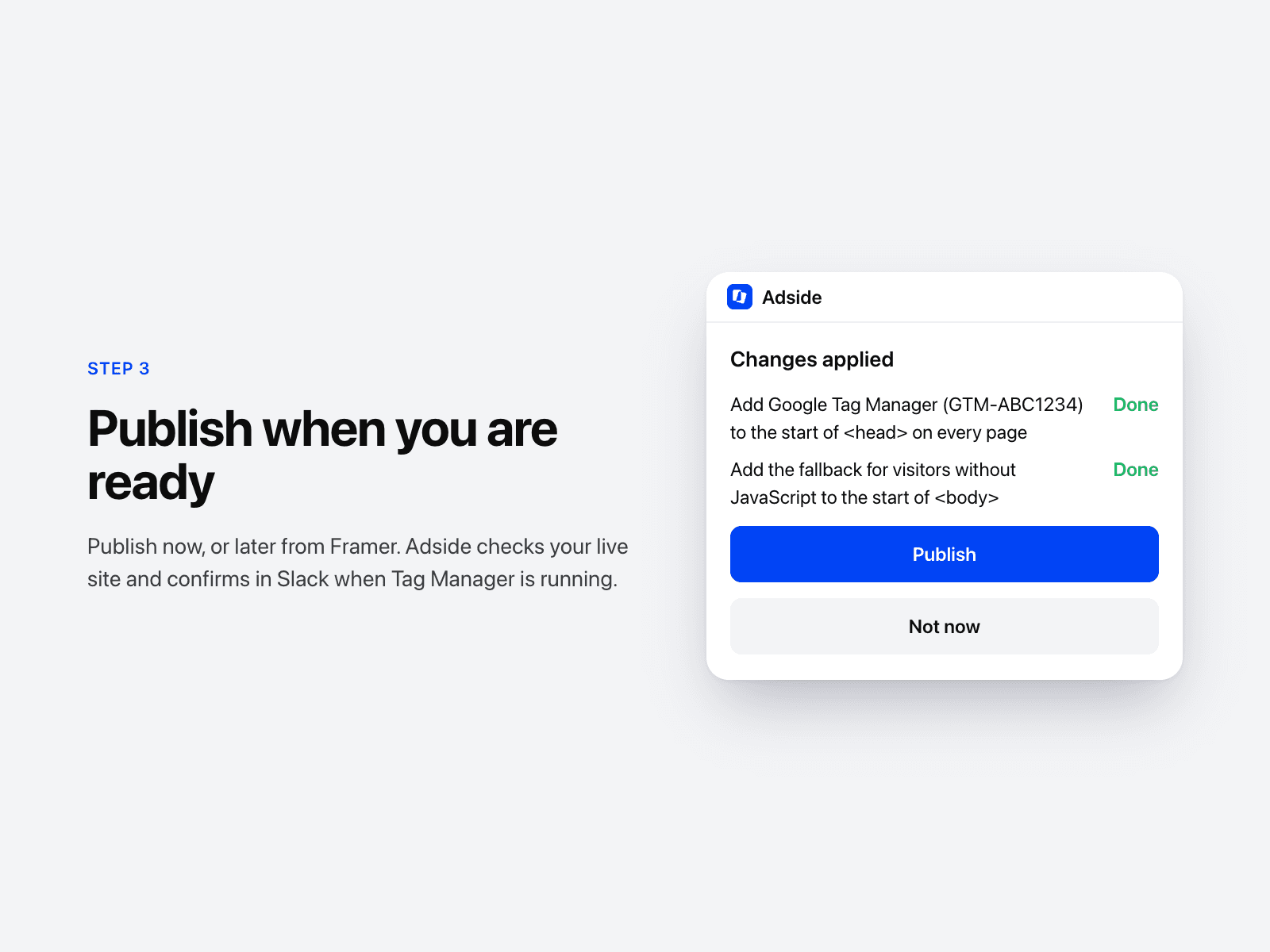
4. Click Publish or Not now. Adside checks your live site and confirms in Slack when Tag Manager is running.
What it never does
- Change anything before you click Apply.
- Add any code other than Google's Tag Manager snippet, which is built into the plugin.
- Edit or read your pages.
Requirements
- A Google Tag Manager web container (Adside can create one for you).
- A paid Framer site plan, because Framer only allows custom code on paid plans.
Privacy
The plugin works entirely inside Framer. It makes no network requests and sends no data about you, your project or your visitors to Adside or anyone else.
Privacy policy: https://www.adside.ai/privacy
Privacy questions: privacy@adside.ai
Support