About vidstudio.app
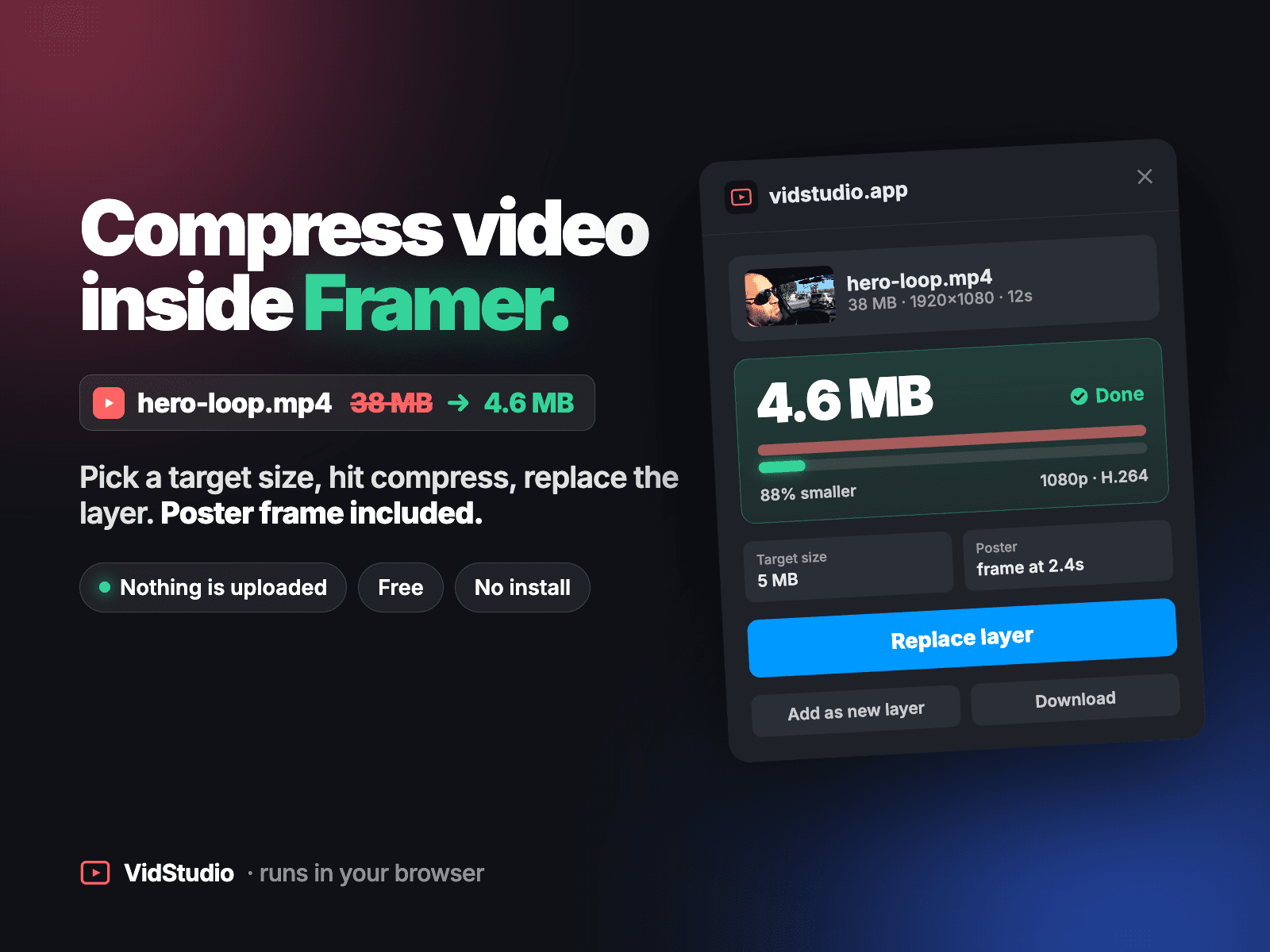
Framer serves uploaded videos as they are, so a 40 MB hero clip is a 40 MB download for every visitor. Framer's own guidance is to compress first, keep looping videos under 5 MB, use H.264 MP4, and add a poster image. This plugin does all of that in one step, inside the editor.
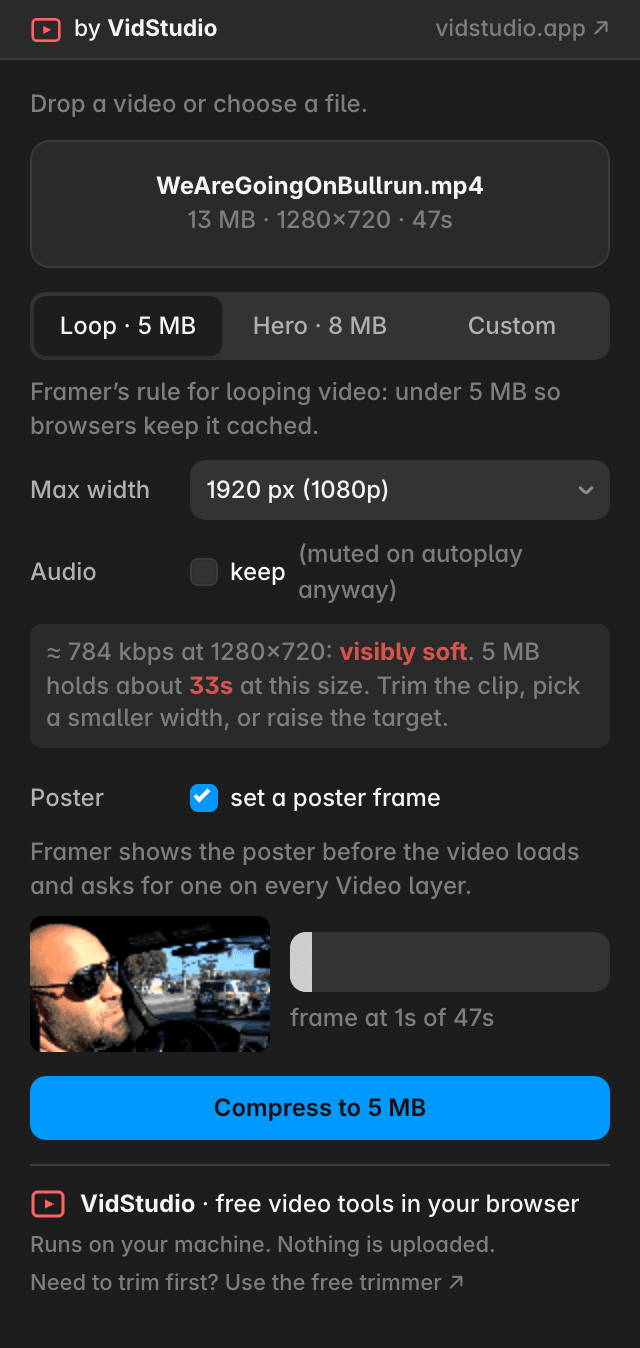
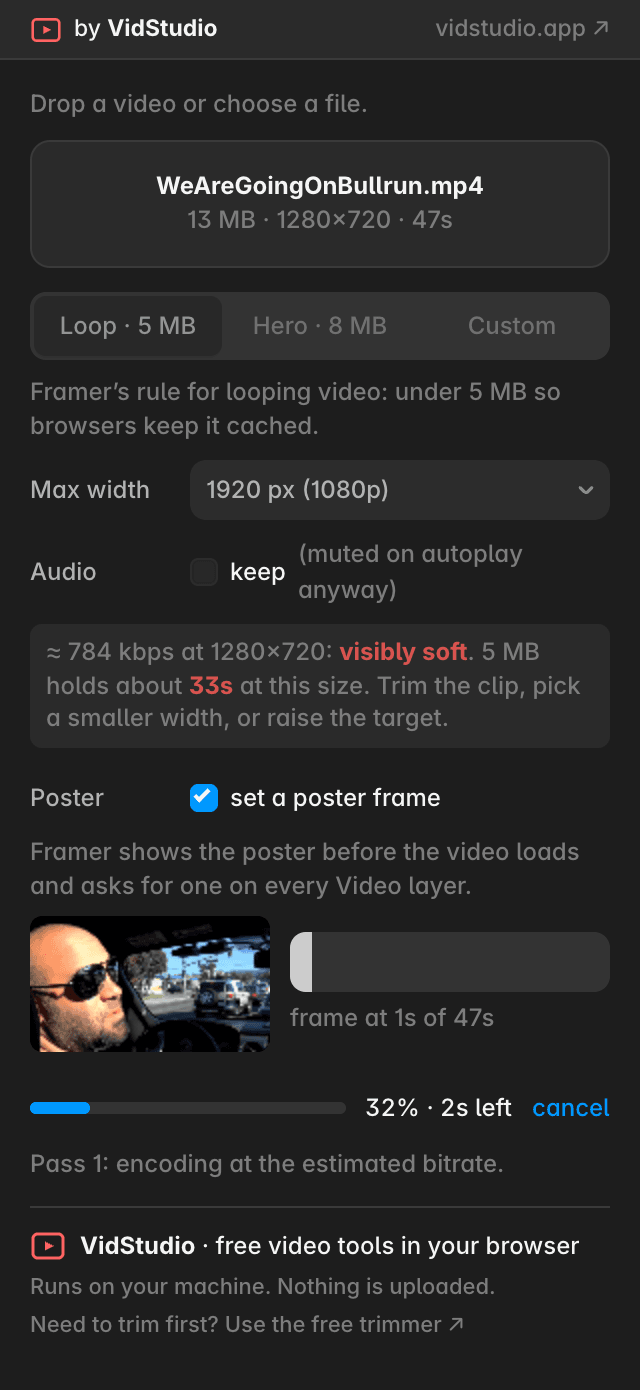
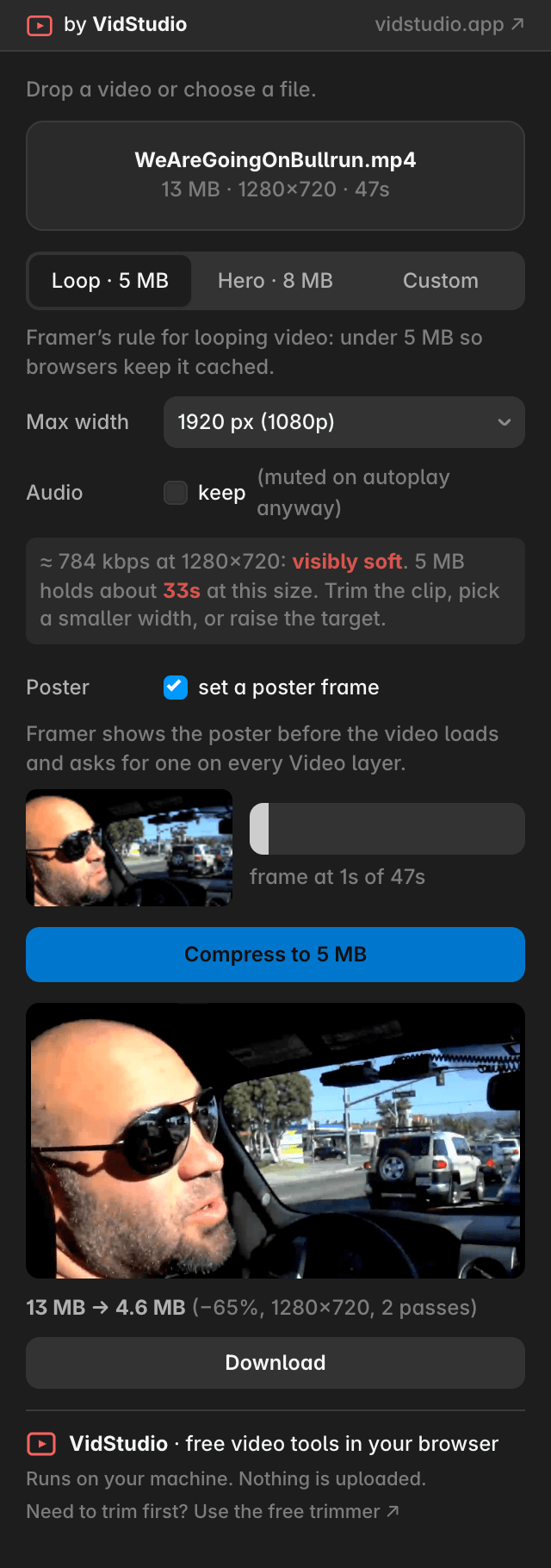
Select a Video layer or drop a file, pick a target size (Loop 5 MB, Hero 8 MB, or any number), and compress. The result replaces the layer in place, or goes in as a new layer, with the poster frame you chose already set. You can also download the file.
What you get
An H.264 MP4 at the size you asked for, with the faststart flag so playback begins before the download ends
Audio stripped by default (autoplay video is muted anyway), or kept if you want it
A quality estimate before you press the button, and a hint when a clip is too long for the target
A poster frame picked from the clip and set on the layer's Poster control
Optional max width: 1080p, 720p, 480p, or original
Private by design Everything runs on your own machine through your browser's video encoder. Your video is never uploaded to us or to anyone else. Works in the Framer desktop app and in Chrome, Edge and Safari 17 or newer.
Made by VidStudio, free video tools that run in your browser: https://vidstudio.app
The plugin sends anonymous usage counts to PostHog (opens, compressions started and finished, errors), with no cookies, no account and no video data, so we can see that it works. You can switch this off in the plugin's footer.