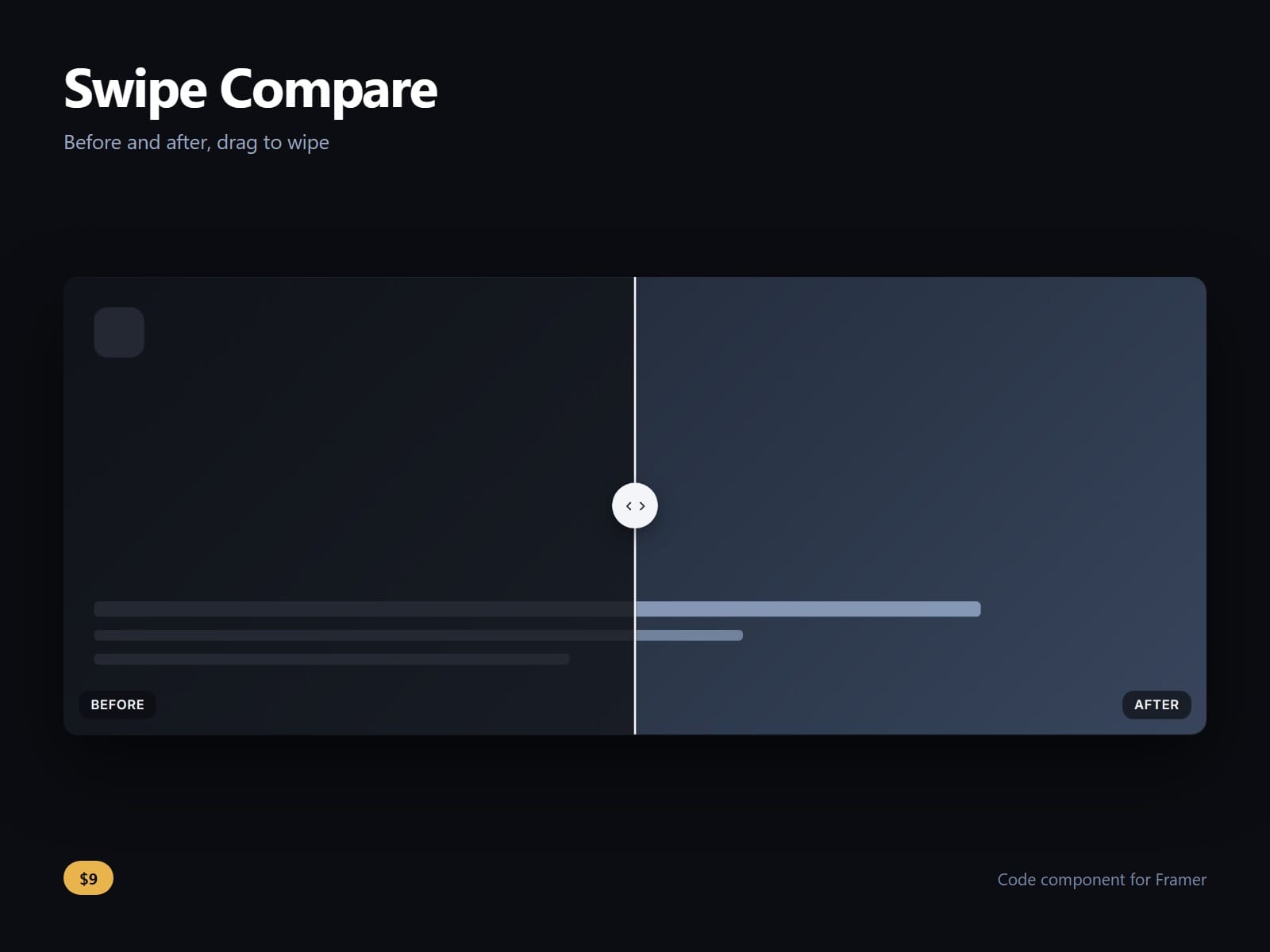
About Swipe Compare
A before and after slider for Framer: two layers, one split, drag the handle to wipe between them.
It takes two SLOTS, not two image URLs. Either side can be any Framer frame: a photograph, a section, a stack, a video, a whole layout. Comparing two designs is the same component as comparing two photographs.
It does not eat the page scroll. The touch axis is set to the one the split does not use, so on a phone a finger dragging down the page still scrolls the page while a finger dragging across still moves the split.
The handle is a real slider, not a decorated div: role=slider and aria-valuenow, arrow keys move it by a step you set, Home and End throw it to either end, and it has a visible focus ring. A keyboard visitor gets the same control as a pointer.
Horizontal or vertical. Captions on both sides fade out as the split closes over them. Start position, key step, divider, handle size, colour and icon, corner radius, label colours and the focus ring are all property controls, and follow-on-hover and drag-from-anywhere are each one switch.
Nudge plays once when the frame first scrolls into view, because a still before and after looks like a plain image. One control turns it off, and it is skipped for a visitor who asks for reduced motion.
No dependencies, no gesture library, and nothing loaded from a server.
After purchase you receive the component URL. In Framer, press Insert, choose Add Component URL, and paste it.
Licence: yours to use on your own sites and on client sites, commercially, with no attribution. Not for resale or redistribution: do not share the component URL, and do not publish the component or its code anywhere, paid or free. Full terms arrive with your purchase. Questions: me@majedesigns.dev