About SVG Particle Mesh
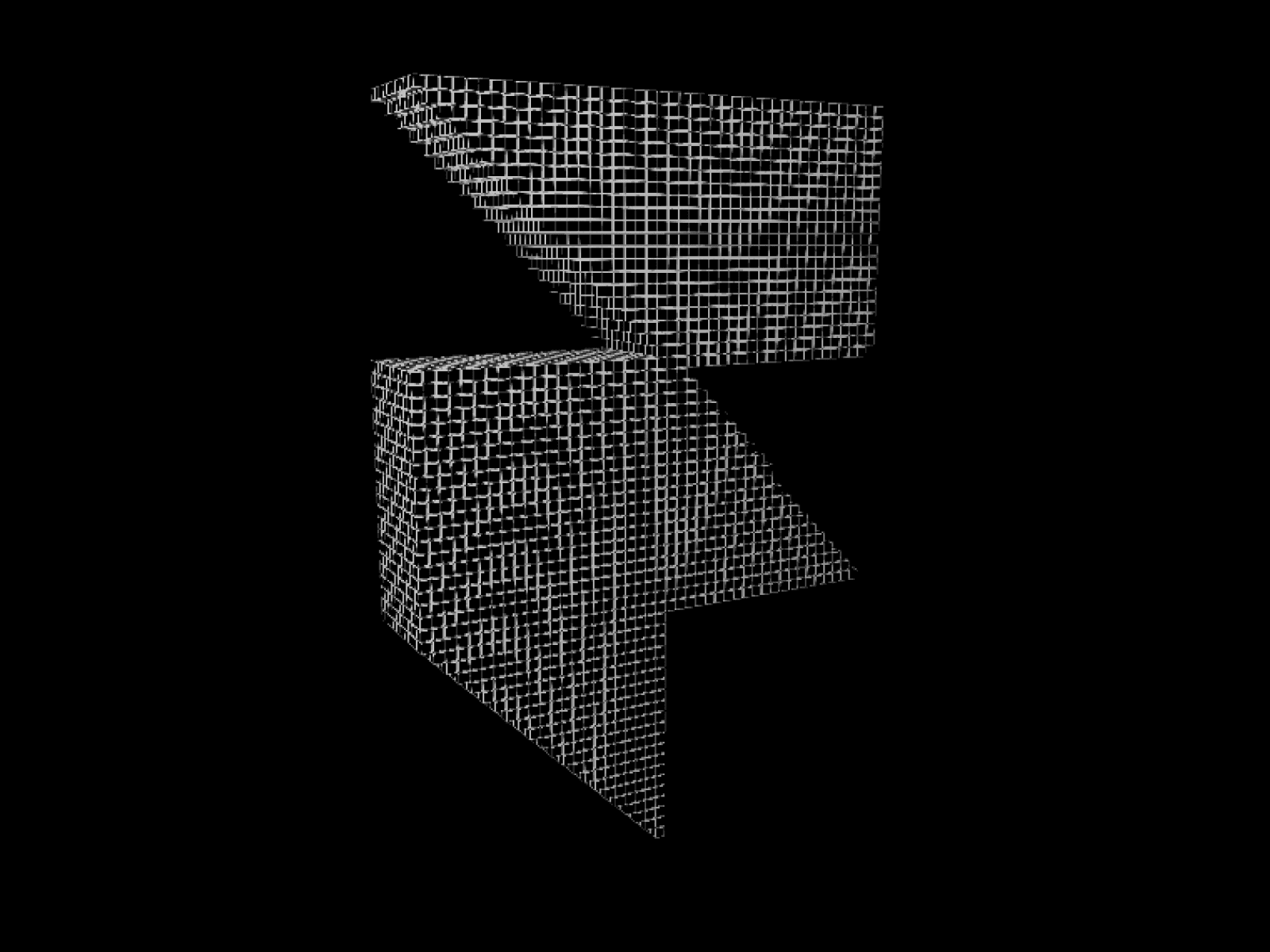
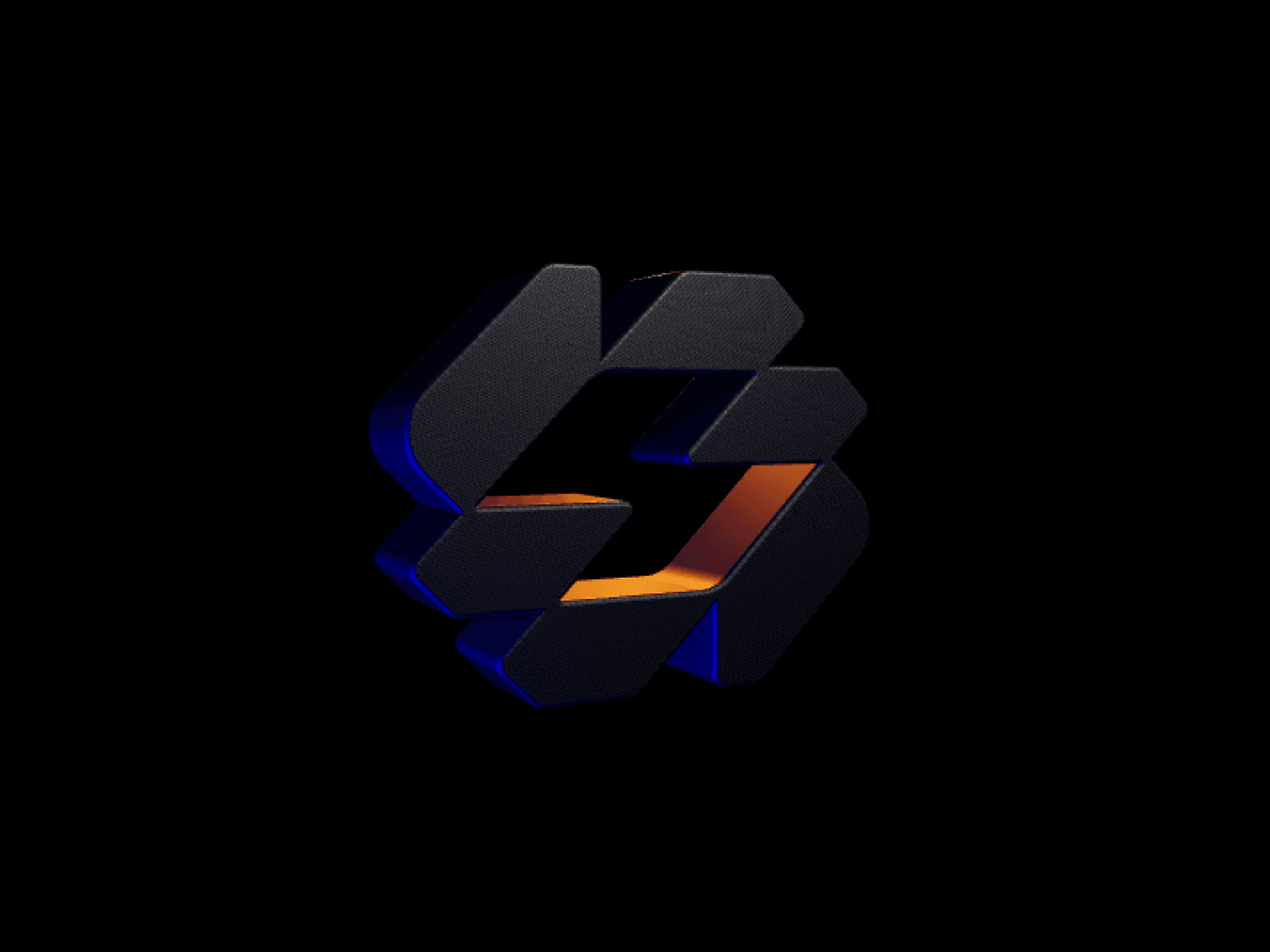
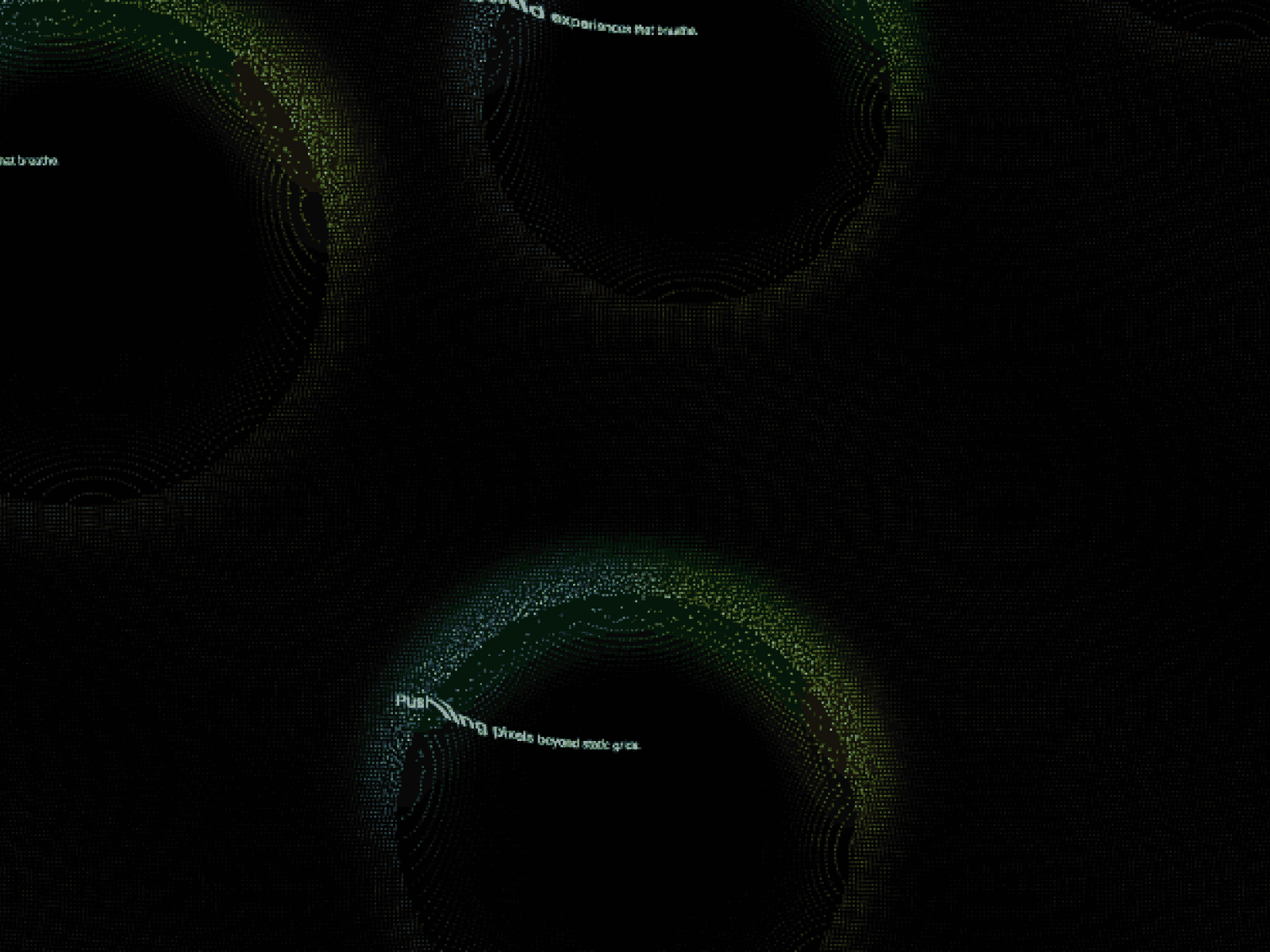
Transform static logos and vector artwork into interactive 3D particle fields with dynamic physics, live cursor repulsion, and smooth hardware-accelerated rendering.
Features
Real-time cursor repulsion and magnetic recovery physics
Custom SVG rasterization supporting contour outlines and solid fills
GLSL-powered additive blending with customizable dot size and glow
Built-in rising entrance animation with settled rest states
Dynamic color extraction directly from uploaded SVG artwork
High-performance WebGL pipeline supporting up to 80,000 points
Full mobile touch support with gesture interaction
Live front-end SVG file uploader for interactive user sandboxes
Automatic viewport detection with zero background GPU drain
Static renderer compliance with zero SSR flicker or hydration errors
Customization Options
SVG upload input with contour and fill sampling modes
Particle density count from 500 to 80,000 points
Outline detail resolution and shape bounding scale
Particle base color and native SVG multi-color toggle
Dot radius, dispersion scatter, and opacity controls
Cursor repulsion force, influence radius, and return speed
Minimal cursor ring toggle
Touch drag interaction toggle for mobile screens
Front-end visitor upload button and interface labels
Device pixel ratio and prefers-reduced-motion accessibility controls
How to Use
Drag and drop SVG Particle Mesh onto your Framer canvas
Upload your SVG logo, icon, or vector graphic in Artwork controls
Switch between Contour outline or Filled particle modes
Adjust the particle count, dot size, and brand color palette
Fine-tune cursor push force and return recovery physics
Publish your site for high-impact interactive vector visuals
Use Cases
Premium SaaS hero sections
Interactive agency and studio portfolio headers
AI product showcases and futuristic tech branding
Dynamic interactive logo sandboxes
Creative developer portfolios
Modern dark-mode landing pages
Interactive product feature highlights
Engaging brand icon displays