About Storytelling Text
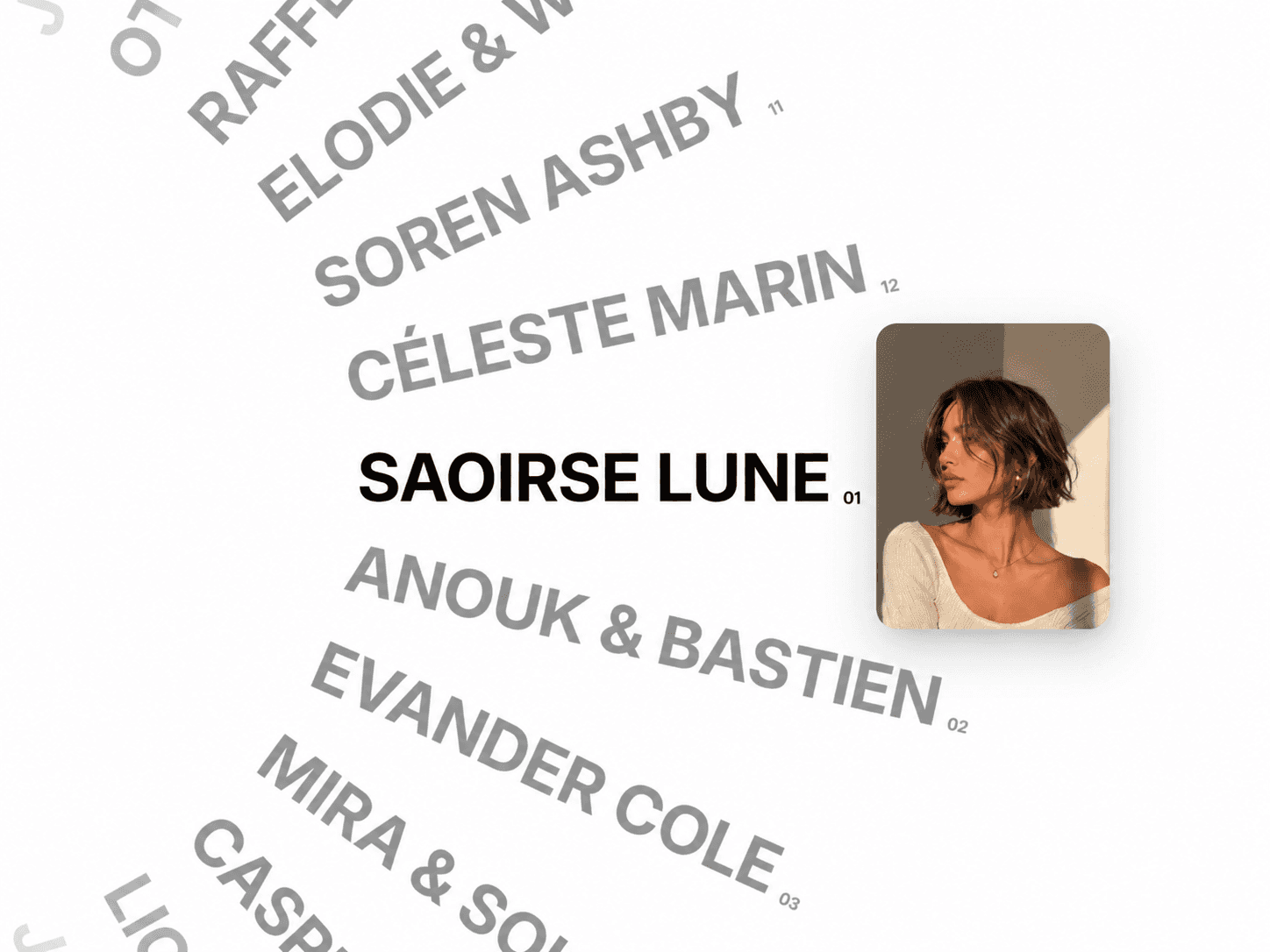
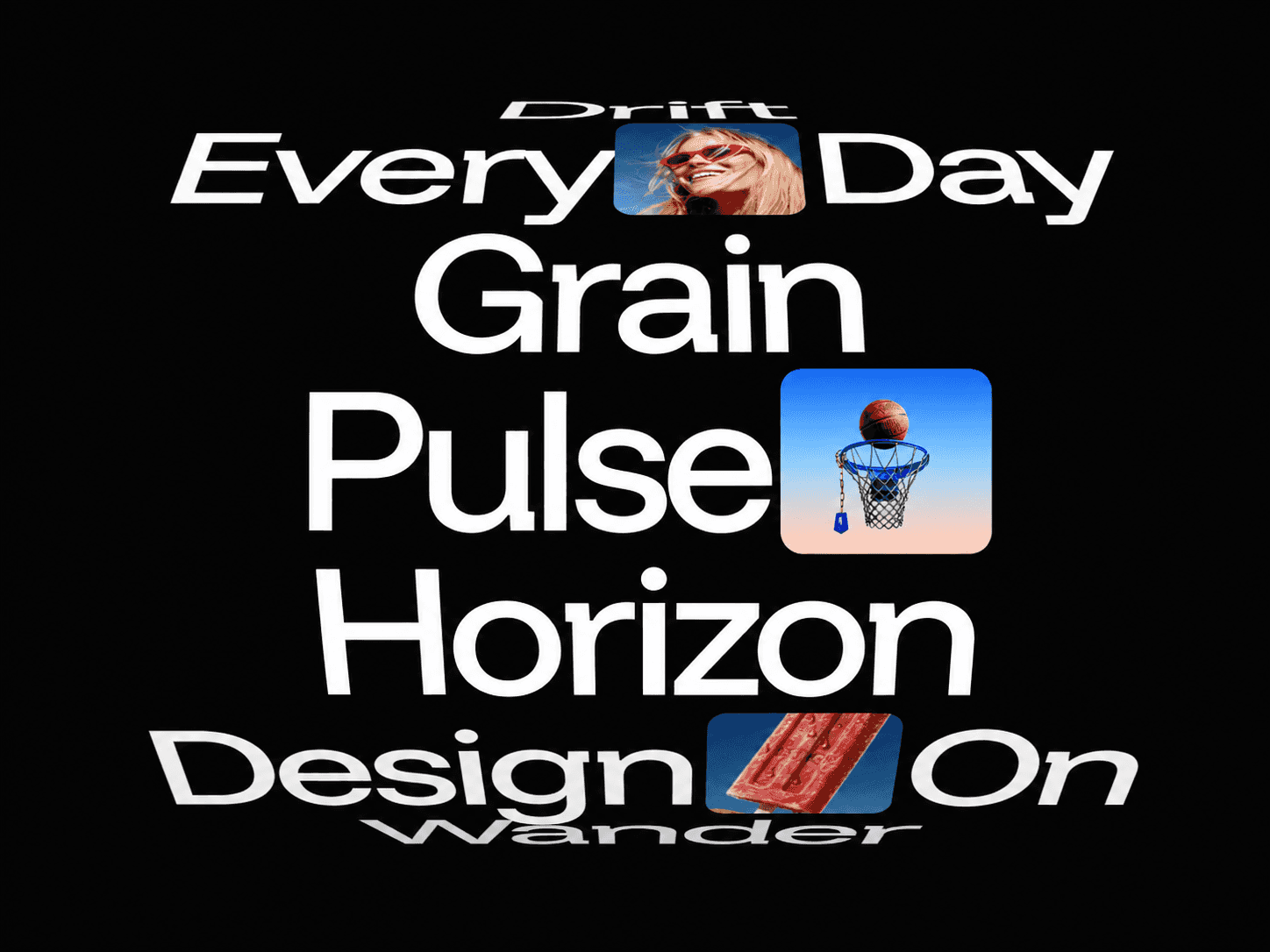
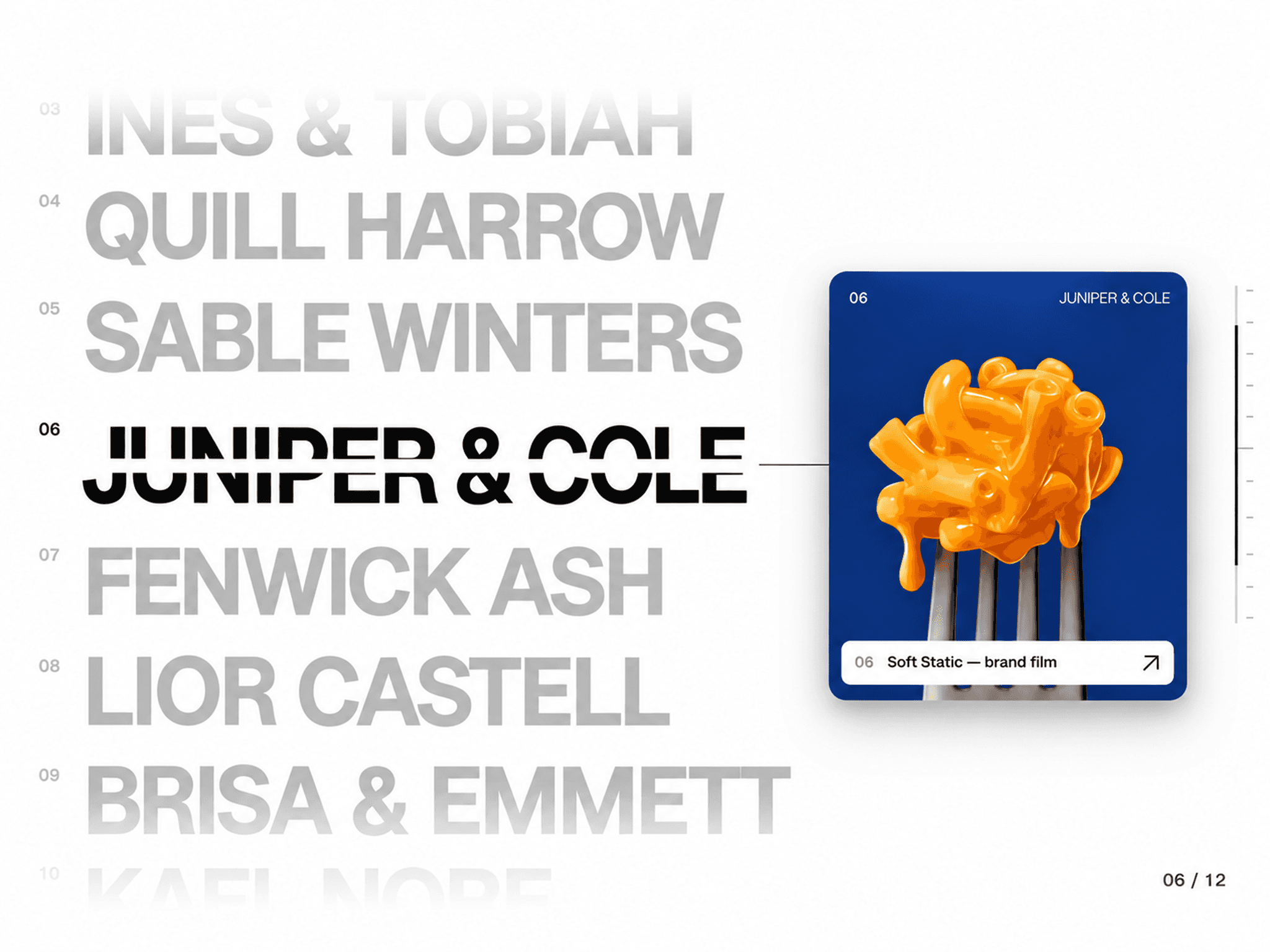
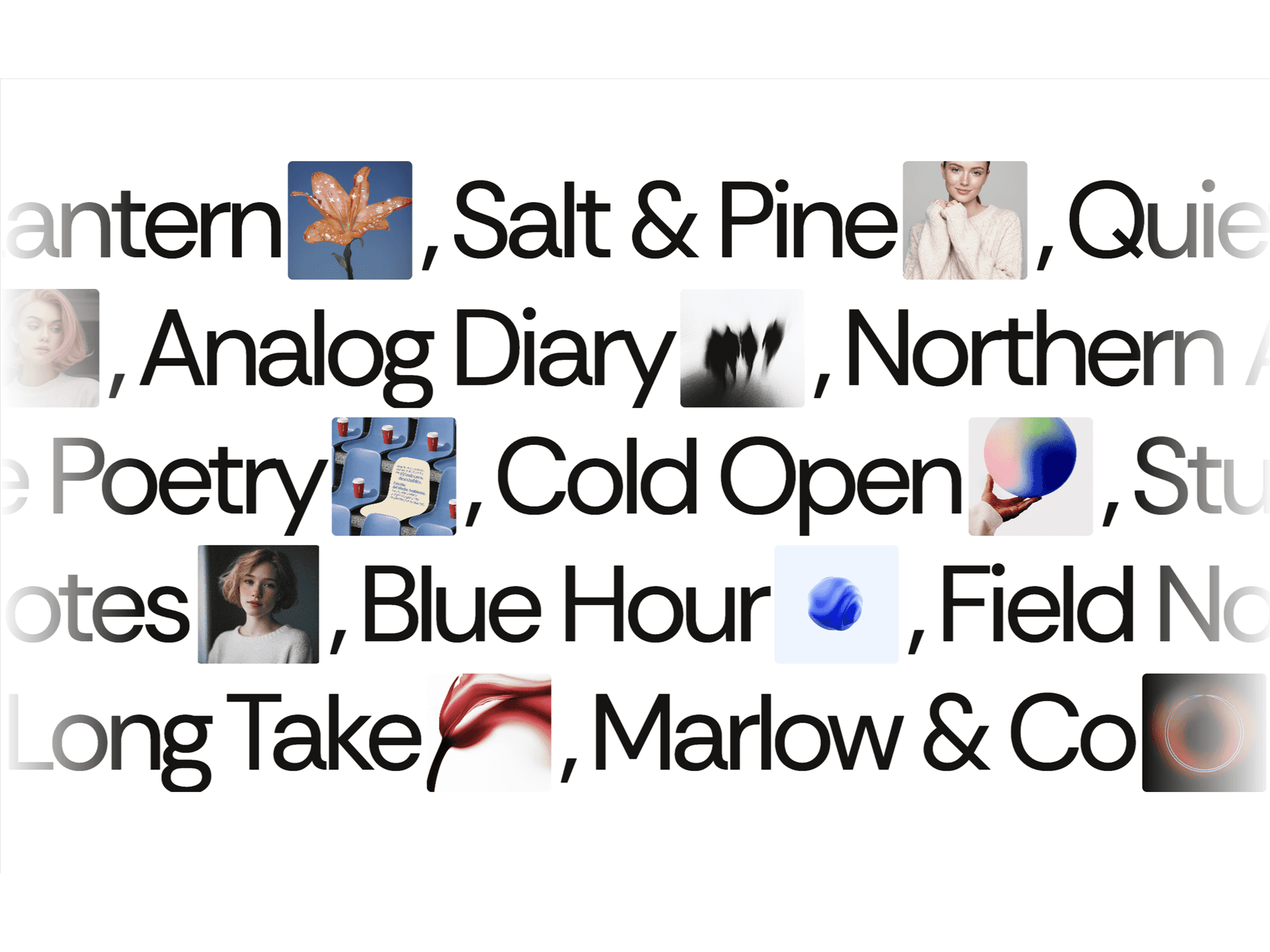
Storytelling Text transforms ordinary text into an interactive visual narrative for Framer. Connect specific words or phrases to images and reveal them as visitors move through your copy. Hovering over highlighted text brings its corresponding image into view beside the cursor with smooth, responsive motion, turning reading into a more immersive experience.
✦ Key Features
Word-Based Image Reveal - Connect specific words or phrases to individual images.
Cursor-Following Preview - Images appear beside the pointer and smoothly follow its movement.
Smart Positioning - Previews automatically reposition to stay within the visible screen.
Interactive Links - Turn highlighted words into clickable links with optional new-tab behavior.
Touch Support - Use preview-first or direct-link interactions on touch devices.
Custom Word Styling - Give individual phrases their own colors, hover colors, rules, and background treatments.
Hover Effects - Choose expressive text treatments including animated rules, tinting, and fill effects.
Custom Image Styling - Control preview size, ratio, radius, fit, opacity, rotation, shadow, and offset.
Fluid Motion - Customize image follow speed, smoothing, entrance, exit, and reveal scale.
Custom Cursors - Use pointer, crosshair, zoom, hidden, or custom image cursors for individual phrases.
✦ What You Can Create
Interactive editorial stories
Visual essays
Portfolio introductions
Travel journals
Case studies
Brand storytelling
Creative landing pages
Photography narratives
Interactive articles
✦ Turn Words Into Visual Moments
Storytelling Text connects typography, imagery, and interaction to create stories visitors can explore naturally, making every highlighted phrase an opportunity to reveal something more. Keywords: Storytelling Text, Interactive Text, Image Reveal, Hover Image, Visual Storytelling, Interactive Typography, Editorial Text, Cursor Image, Visual Essay, Framer Component