About Sticky Scroll
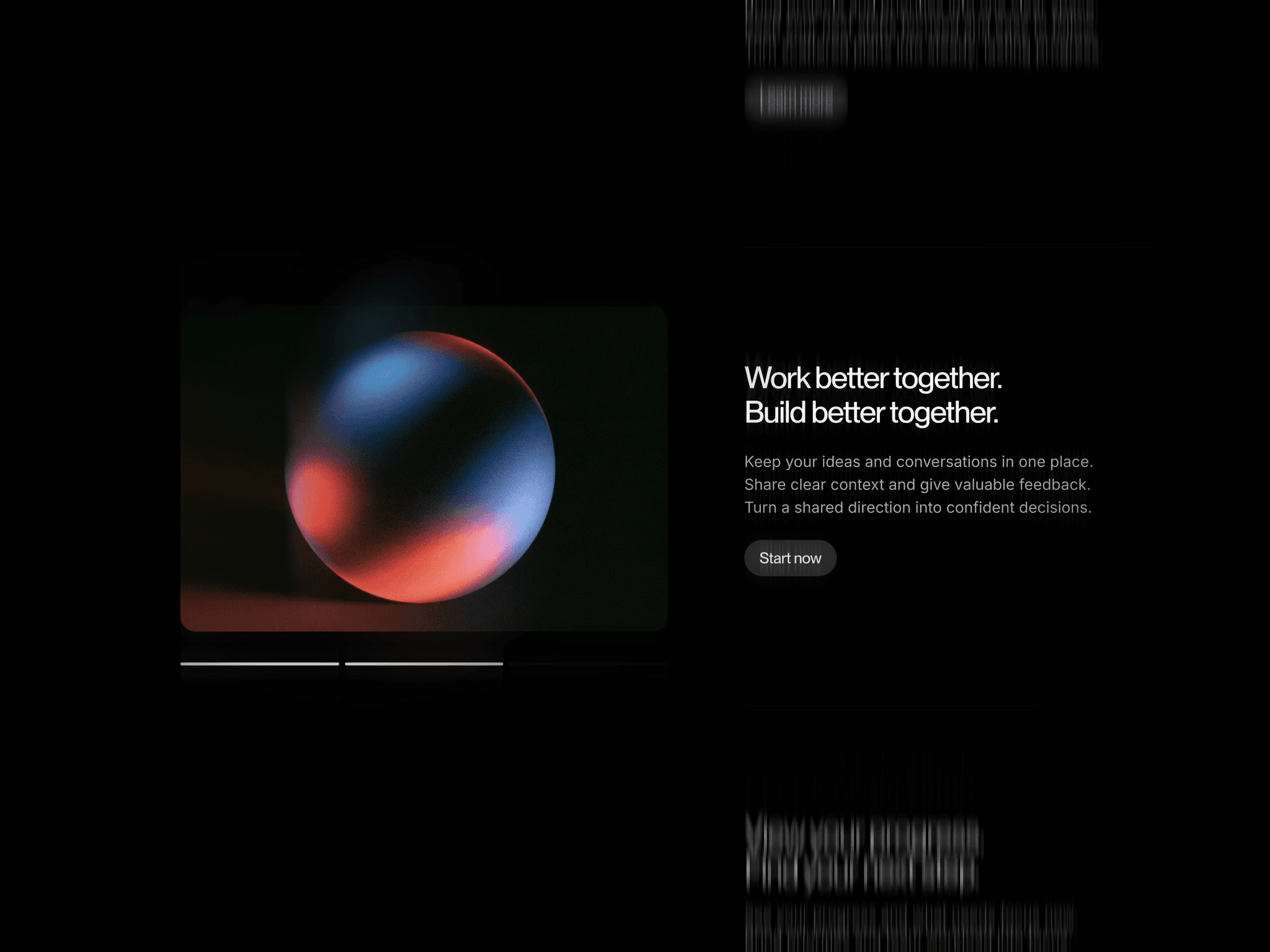
Sticky Scroll pairs a pinned image with three scrolling feature sections. As each section moves into focus, the image crossfades to its matching visual and the active text brightens. The image stays beside the content until the end of the component.
Three progress segments below the image fill as visitors scroll. Clicking a segment moves to its section, keeping the image, text, and progress synchronized in either direction.
What you can customize
Replace the images, headings, descriptions, and button labels to tell a different product story. Each of the three feature sections pairs its content with a matching image.
How to use
Copy the component from the Marketplace and paste it onto the canvas
Replace the three feature images and their matching text
Update the button labels and destinations
Preview the page and scroll through all three sections
Great for
Explaining a product’s key features
Walking through a service or process
Pairing case study details with supporting visuals
Presenting three parts of a product story