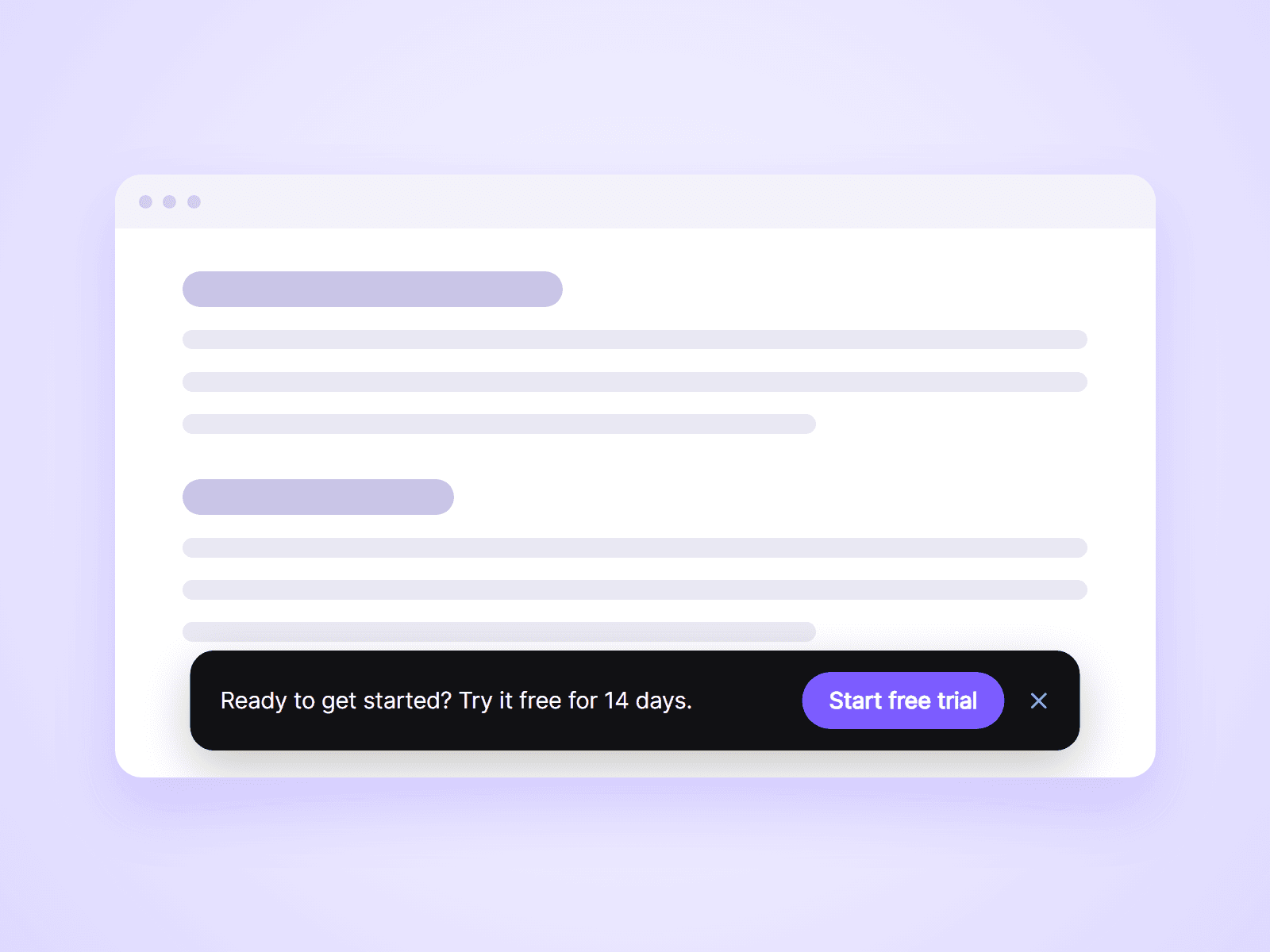
About Sticky CTA Bar
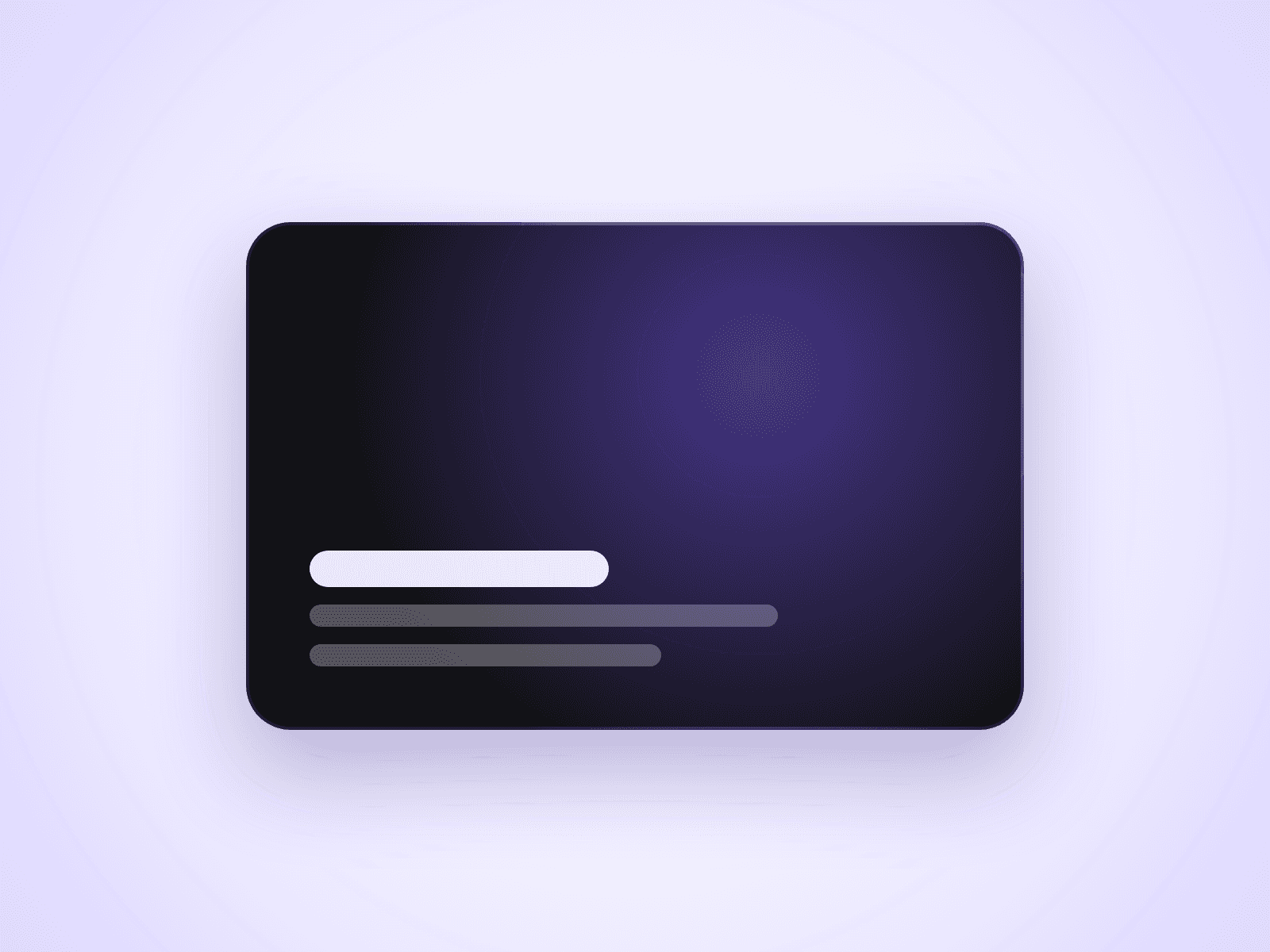
A bar with a short message and a button that slides in after the visitor scrolls, and stays at the edge of the screen while they read. Use it to keep your main call to action in view on long pages.
What you can customize
Everything is set from the property panel. No code needed.
- Message text, or your own Framer layer in its place
- Button label, link, colors and radius
- Show After: how far the visitor scrolls before the bar appears
- Hide Before End: hides the bar near the bottom, so it does not cover your footer
- Position: bottom or top of the screen
- Max width and inset, for a floating bar or one that touches the edges
- Fill, text color, radius, padding and shadow
- Close button, and how long the bar stays closed: until reload, for the visit, or for a number of days
- Font and slide-in transition
Details
- The bar hides again when the visitor scrolls back to the top.
- A closed bar is remembered in the visitor's own browser. Change the Bar ID to show it to everyone again.
- Only the bar catches clicks. The page beside it stays clickable.
- On narrow screens the button moves below the message, and the bar keeps clear of the home indicator on phones.
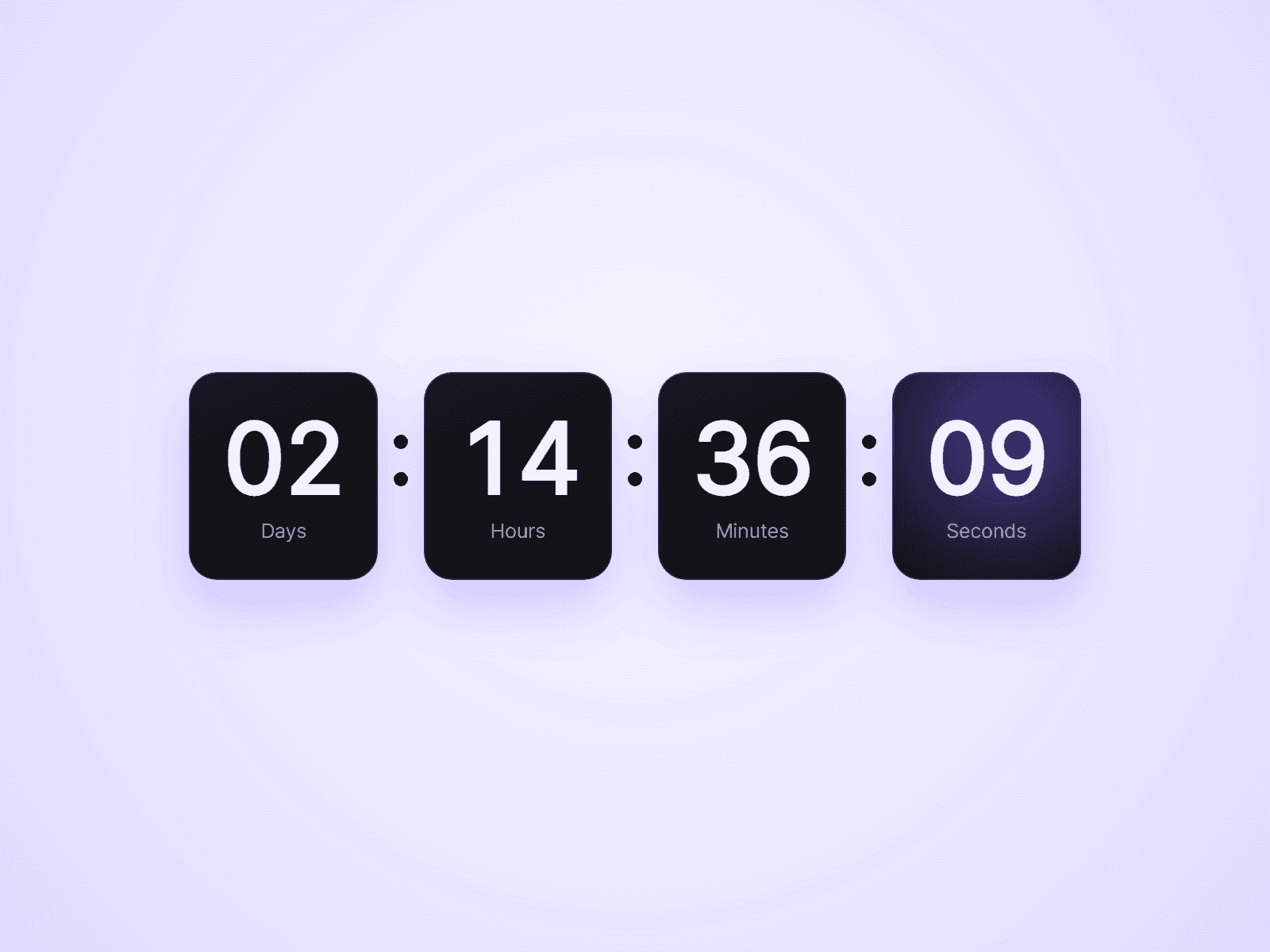
- Connect a Countdown Timer or any layer to Content to show it in the bar.
How to use
Add the component to your page and set its Position to Fixed, so the placeholder takes no room. Type your message, set the button label and link, and choose Show After. The canvas always shows the bar so you can style it. Open the preview and scroll down to see it slide in.
Code
This is a code component. Unlinking is not available, so the source cannot be viewed or edited. Updates arrive through the Update button in your Assets panel.
Support
Email joviseo1106@gmail.com. Replies usually take up to 3 business days. More components, including four free ones, are at https://joviseo.vercel.app