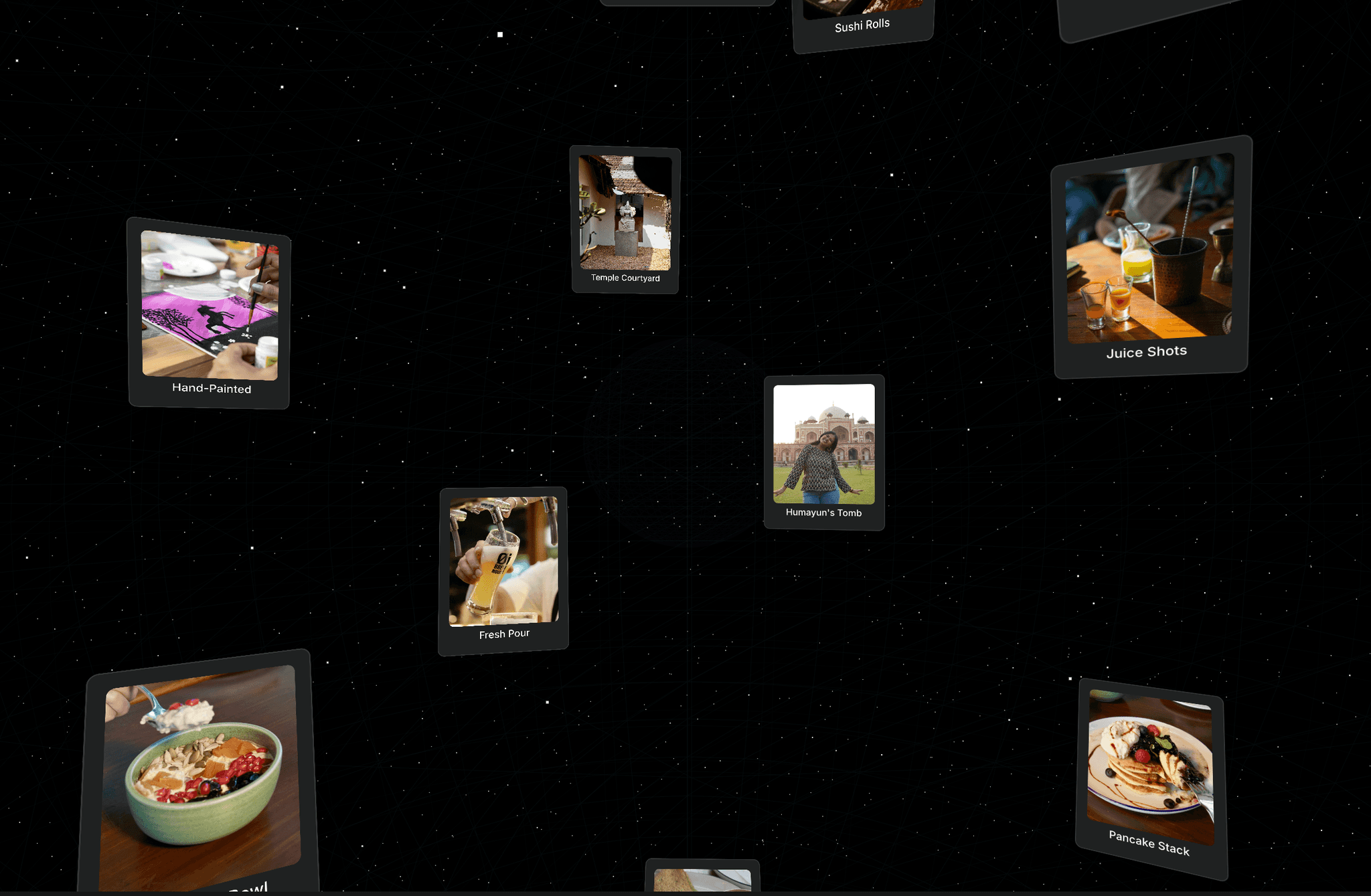
About Smooth Scroll Slider
Smooth Scroll Slider turns a set of images into a horizontal gallery that scrolls with the mouse wheel, trackpad or drag. As slides move right they grow up to 2.5×, and as they move left they shrink and fade into the background. Motion is eased, so it feels smooth.
Add your images, set the size and spacing, and choose how smooth and sensitive it feels. It loops endlessly by default, scales down for phones, and pauses when nothing is moving, so it doesn't use any resources while idle.
Features
Wheel, trackpad, drag and touch input
Slides grow, shrink and dim based on their position
Endless loop, or stops at the first and last slide
Right or left direction
Responsive mode that shrinks slides for tablet and phone
Option to turn off wheel control so normal page scrolling still works
Offset Y per image to adjust its crop
Respects "reduce motion" settings
Shows a still preview on the canvas
No outside code or libraries
Properties
Images (with Offset Y for each)
Slide Width, Slide Height
Responsive
Spacing
Direction
Loop
Smoothness
Sensitivity
Wheel
Radius
Dim
Background
How to use
Drag the component onto your page and set it to Fill width and 100vh height (or any fixed height).
Add your images in the Images list.
Adjust Slide Width/Height, Spacing and Smoothness to taste.
If the slider sits between other sections, turn off Wheel so visitors can scroll the page normally. Dragging still works.
Category: Media / Gallery (or Interactive / Sliders, whichever the form offers)
Tags: slider, carousel, gallery, scroll, drag, smooth, portfolio, images, interactive, showcase
Thumbnail tip: take a screenshot of your published Desktop view with a large slide on the right. A short screen recording of dragging the slider will sell it better than any still image.