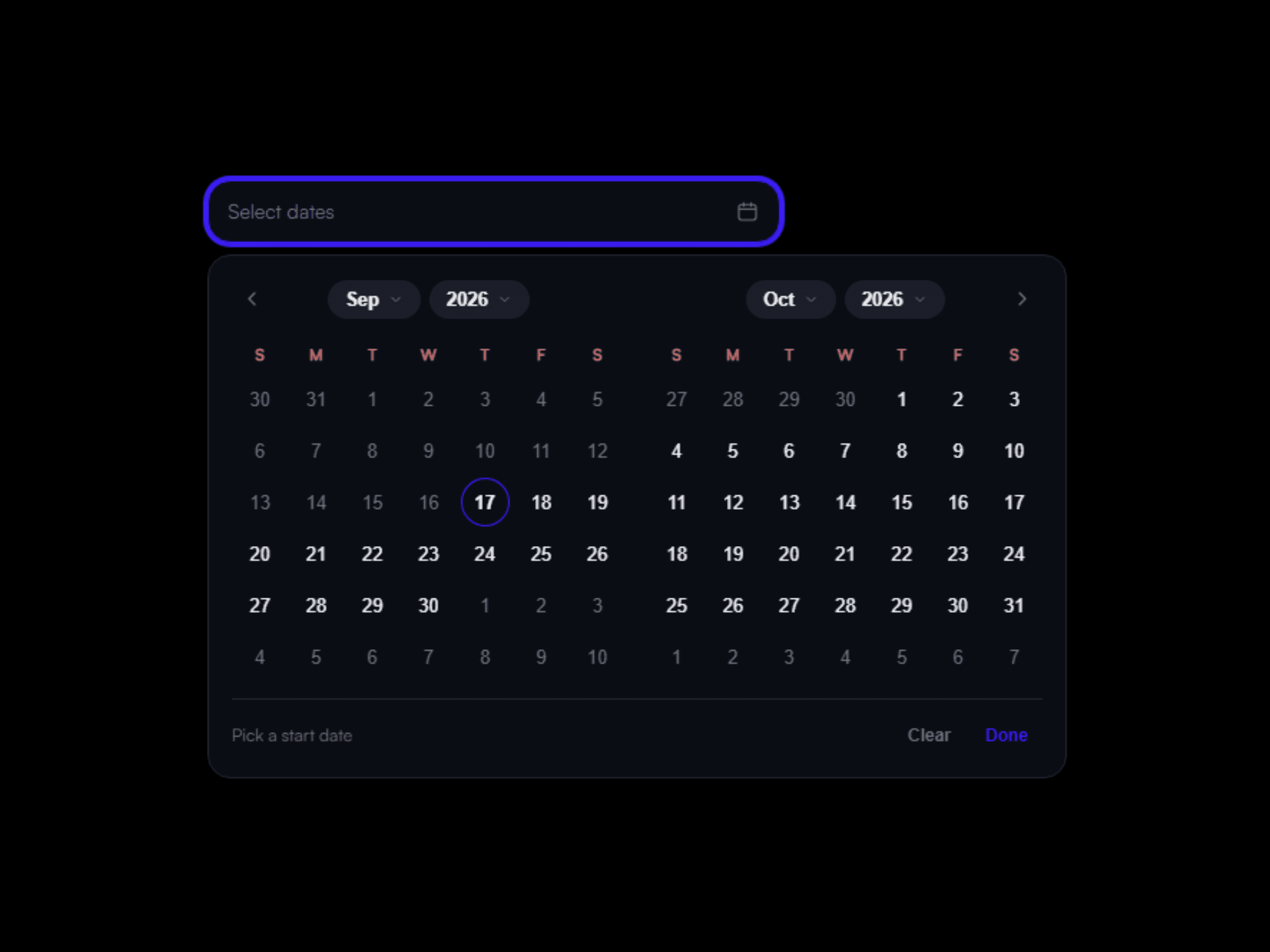
About Range Calendar Pro
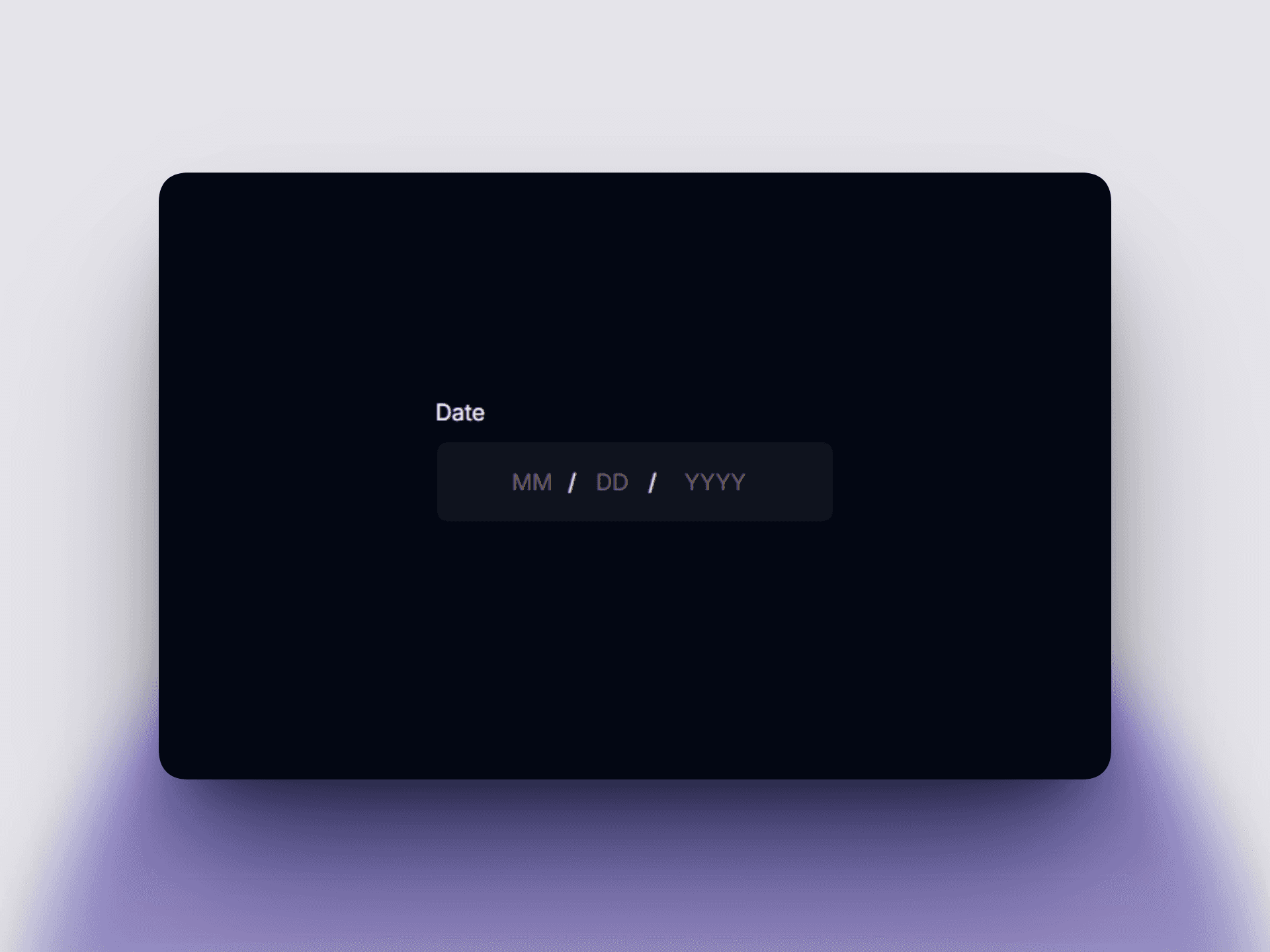
A polished, fully customizable date-range picker for Framer — perfect for bookings, reservations, rentals, event registrations, or any project needing a "check-in / check-out" style date selector.
Key features:
Clean popover calendar with smooth open/close animation
Select a start and end date with visual range highlighting
Show 1, 2, or 3 months at once, or auto-adjust based on space
Built-in month & year dropdowns for jumping to far-off dates in one click
Block off unavailable dates (already-booked days) — visible with a strikethrough but not selectable
Set minimum and maximum selectable dates
Choose whether a range can skip over unavailable dates or must snap back automatically
Built-in validation with a custom error message, plus optional helper text
Choose the submitted date format (ISO, US, EU, or long-form)
Supports different locales and calendar labeling systems (Gregorian, Buddhist, Japanese, etc.)
Use it standalone, or wire it to Framer Variables for full control
Every color, font, radius, and spacing detail is stylable — no code required
Fully responsive and touch-friendly
Works seamlessly with Framer's native Forms — no custom code needed. Drop it in, name your fields, and it submits alongside the rest of your form data automatically.
Whether you're building a hotel booking site, car rental page, event signup, or appointment scheduler, this component gives you a beautiful, production-ready date-range field in seconds.
So here's all you do:
Drag the component inside your Framer Form, just like any other field.
Name the fields — in the settings panel, set "Start Field Name" and "End Field Name" (e.g.
check_inandcheck_out).Done. When someone picks their dates and hits Submit, both dates travel with the rest of the form data.