About LaunchList Waitlist
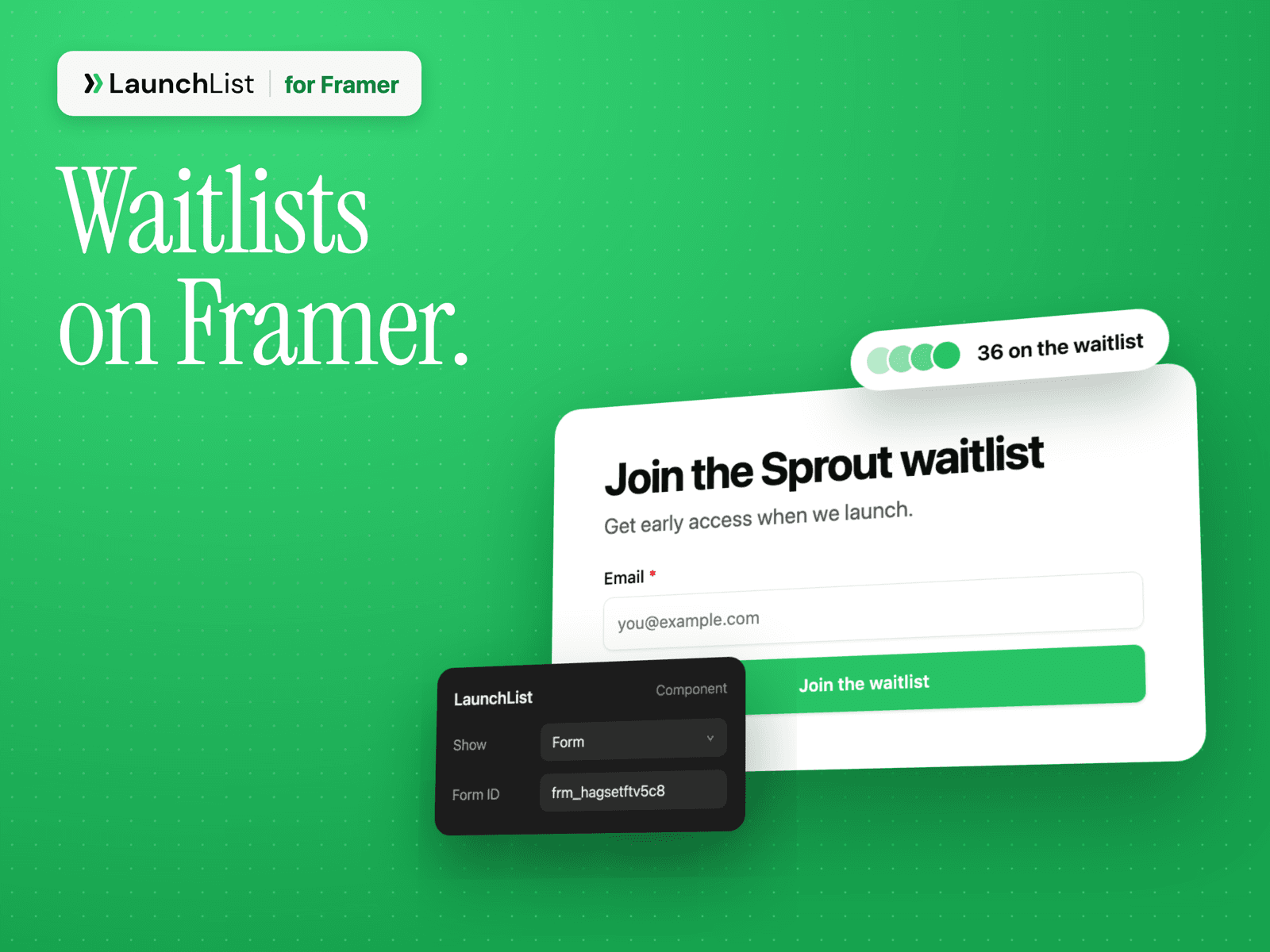
Add a LaunchList waitlist to your Framer site. Signups land in LaunchList, where each person gets their own referral link and a place in line.
What you can show
- Form: your LaunchList signup form, exactly as you designed it in LaunchList, including multi-step forms, extra fields and your colors.
- Widget: a live signup counter, a referral leaderboard, a milestone bar or a countdown.
- Updates: your latest product updates, for a changelog or "What's new" section.
Set up in a minute
1. Drag the LaunchList component onto your page.
2. Choose what to show: Form, Widget or Updates.
3. Paste your form ID from LaunchList → Embed & API. For a widget or updates, paste your project's public name.
4. Publish.
What happens after someone signs up
Choose it once in LaunchList: send them to their status page, send them to a page on your site, or show a message with their place and referral link.
Referrals that count
When someone shares their link, LaunchList credits the referral even if their friend lands on one page and signs up on another.
You need a LaunchList account. There's a free plan.