About Quire Wall
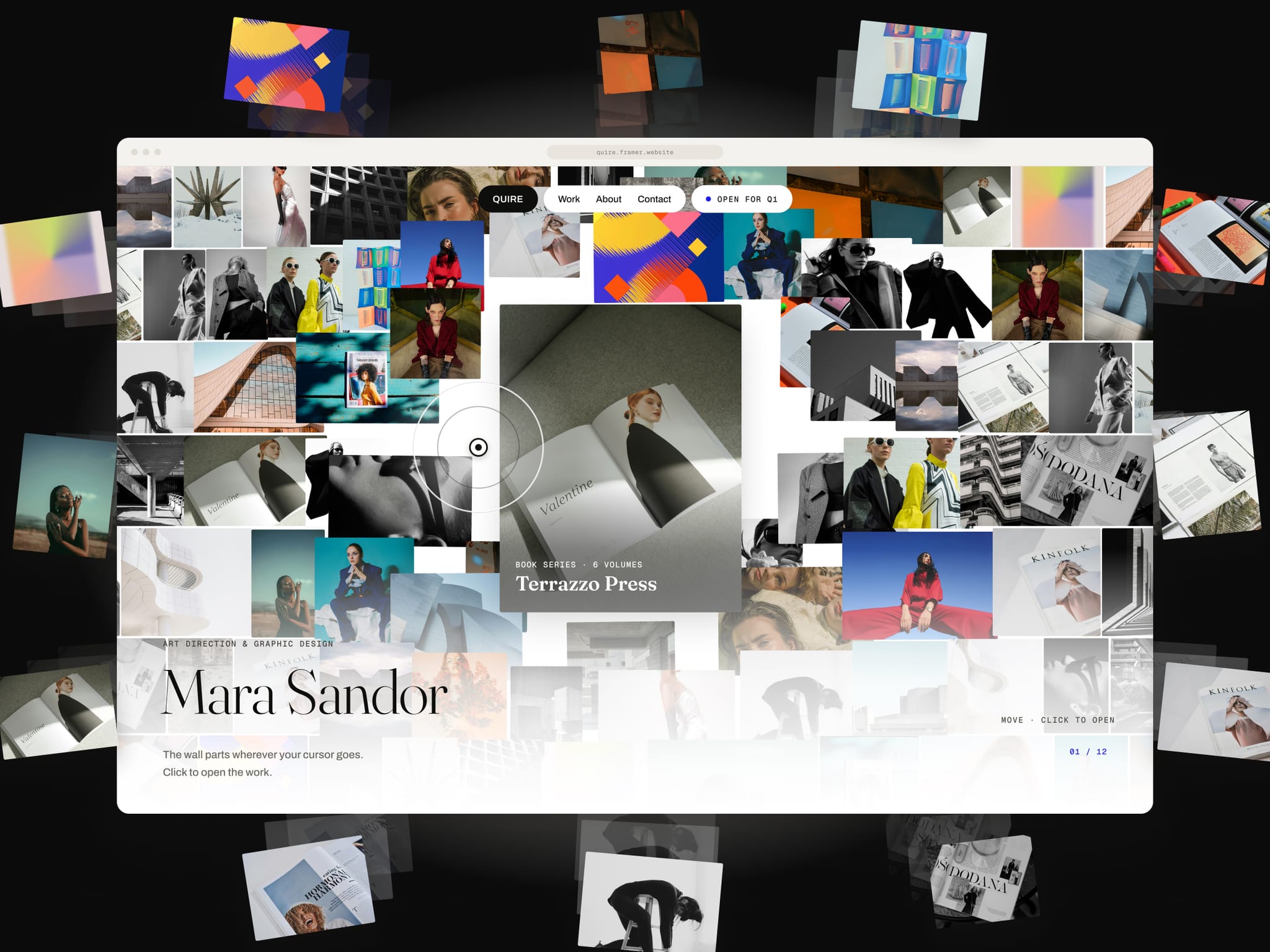
Quire Wall turns your work into the hero. Every project image sits in a wall that drifts slowly sideways. Move the cursor and the wall parts around it, and the tile under the gap becomes a card with that project's title. Click it and the wall pans, the tile travels to the centre and opens with a caption, share links and a button to the full case study.
Every tile is an image of one of your projects, so the card that opens always has the right title, caption and link.
Features
Cursor-void wall with smooth, soft displacement. It works by touch on phones and tablets
Opened state built in: title, image, caption, share rail (X, LinkedIn, email) and a case study button
Works with the Framer CMS. Connect a Collection List and you're done
Or add up to 24 projects in the properties panel, each with up to 5 images
Your fonts or the built-in trio (Fraunces, Archivo, Geist Mono)
8 colour controls, plus density, void size, push, drift, shuffle, corners and fade
Responsive with container queries, from 320px wide up
Keyboard accessible, respects reduced motion, one animation loop that pauses off screen
Full step-by-step documentation is included