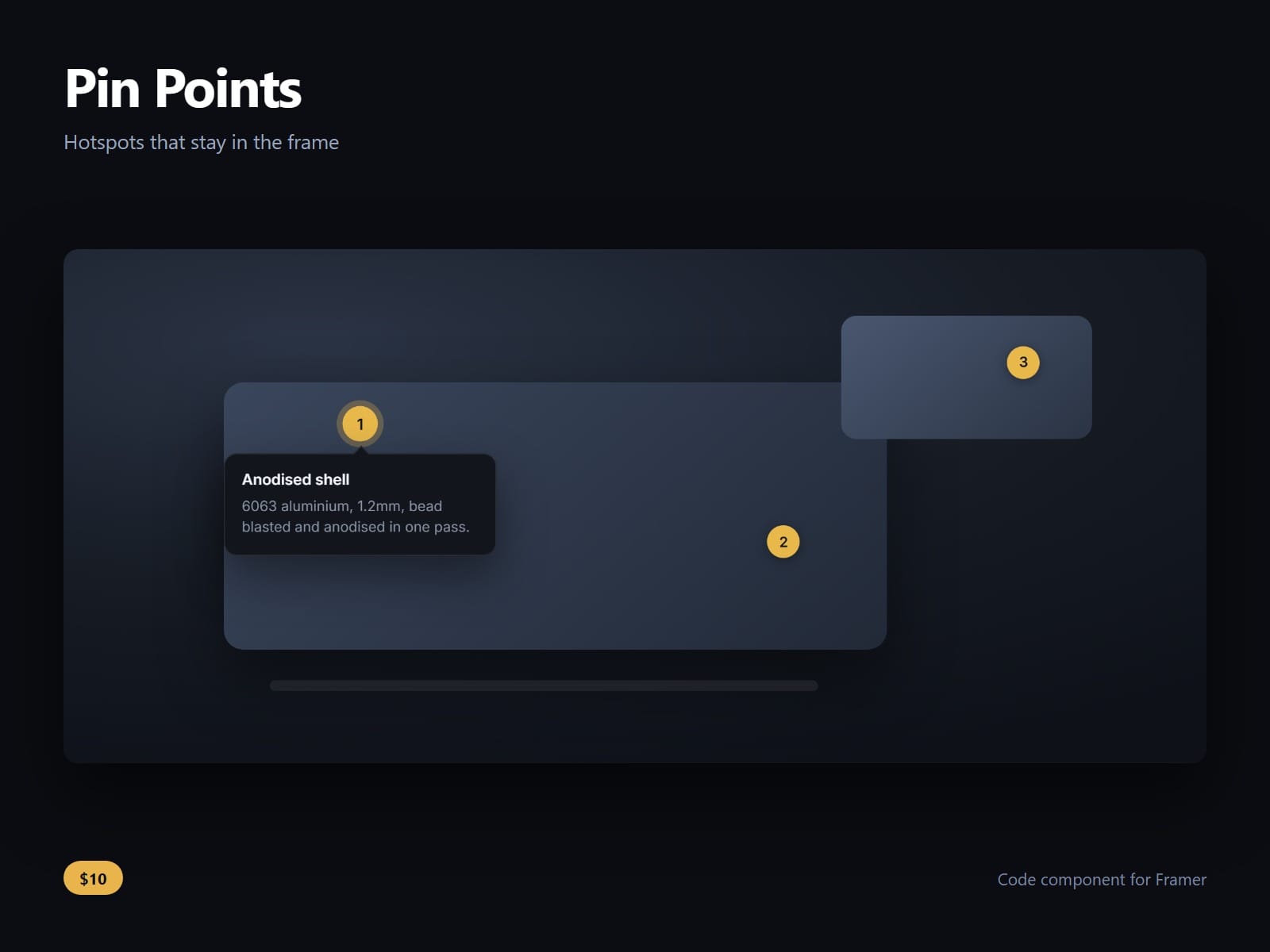
About Pin Points
Numbered pins on any picture, each opening a card that stays inside the frame.
The card is placed, not offset: it tries below the pin, then above, then either side, and takes the first position that fits whole. If a pin sits in a corner on a phone and nothing fits, the card is clamped into the frame and its tail moves to keep pointing at the pin. A card hanging off the edge is the defect that only turns up at the breakpoint nobody opened, so every pin position on a phone is swept against every card side.
It opens on tap, not hover, so it works on a phone. Hover is one switch for desktop, and a tap still opens even then.
Pins are real buttons in a labelled group. Tab reaches them, arrow keys move between them, Escape closes the open card, and each pin has a visible focus ring.
The picture is a Slot, an Image control, or neither. Drop any Framer frame in, point the image control at a file, or leave both empty and it draws its own scene, so it is finished the moment it lands on a canvas.
Every pin takes an x and y in per cent, a title, a body and a link, so pins stay where you put them at every breakpoint. Pin size, numbers, the pulse, card width, the gap, preferred side, radius, font and every colour are controls, and the pulse stops for a visitor who asks for less motion.
No dependencies, nothing fetched.
After purchase you receive the component URL. In Framer, press Insert, choose Add Component URL, and paste it.
Licence: yours to use on your own sites and on client sites, commercially, with no attribution. Not for resale or redistribution: do not share the component URL, and do not publish the component or its code anywhere, paid or free. Full terms arrive with your purchase. Questions: me@majedesigns.dev