About Phantom Image Trail
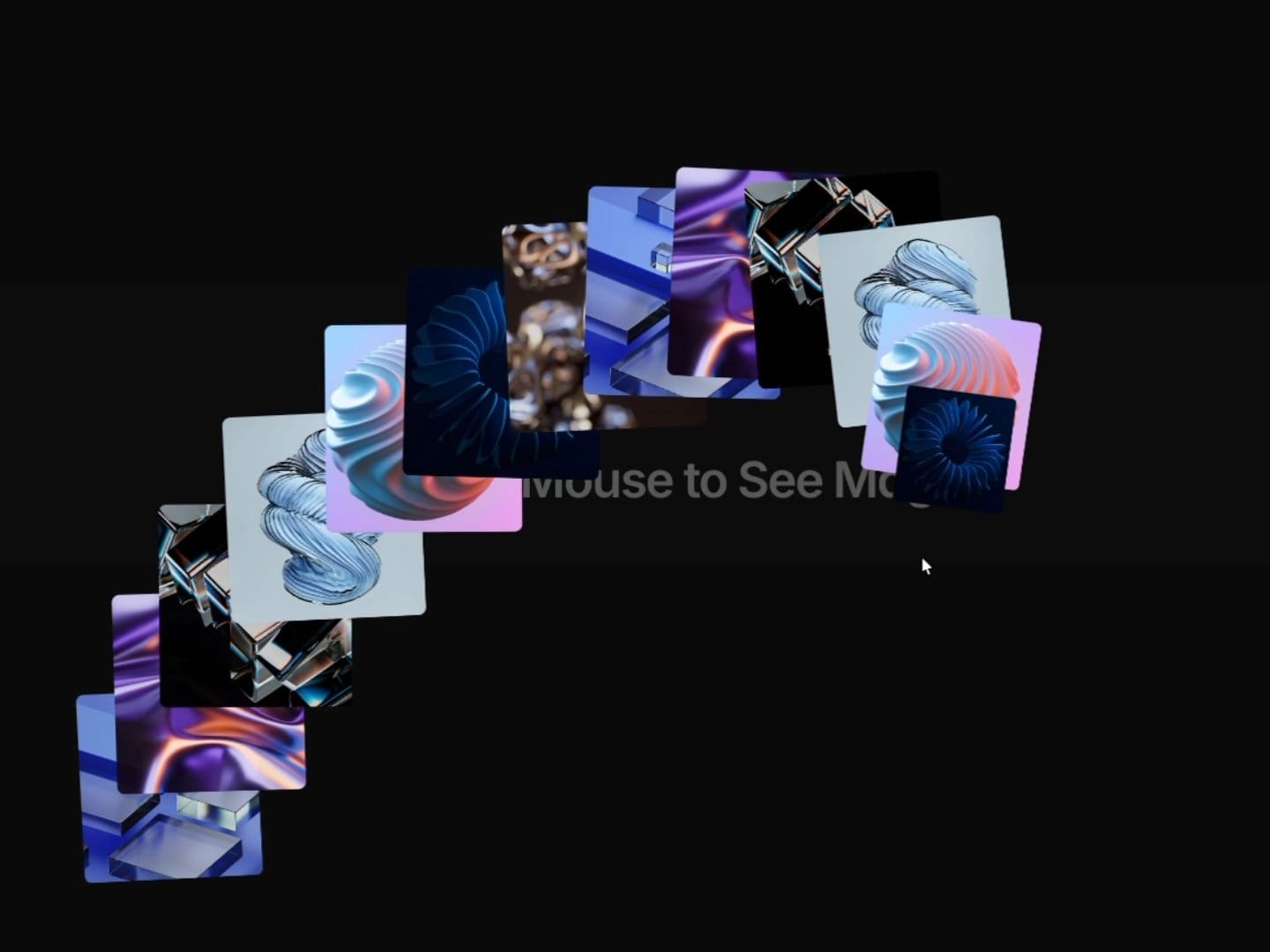
Images appear under the cursor as it moves across the frame, each one popping in and fading out. When the cursor rests, images keep spawning at a slower pace (optional). On touch devices, tapping spawns an image.
Key features:
Spawns an image each time the cursor travels a set distance (adjustable)
Optional idle spawning while the cursor rests, with its own timing
Smoothed cursor following (adjustable)
Adjustable pop-in and fade-out duration, easing, and start, end and exit scale
Optional random tilt on pop-in and exit
Up to 8 copies of the image set on screen at once
Tap to spawn on touch devices, or turn it off on mobile
Reacts only to the cursor inside its own frame, so several instances on a page don't interfere
Pauses off-screen and when the tab is hidden
Reduced motion and the Framer canvas show a still, diagonal trail of images
How to use:
Drop it into a frame; it fills the frame.
Add your images in Images.
Set Trigger Distance and the pop and fade timing.
Place content behind it; the frame is transparent.