About ThemeMedia
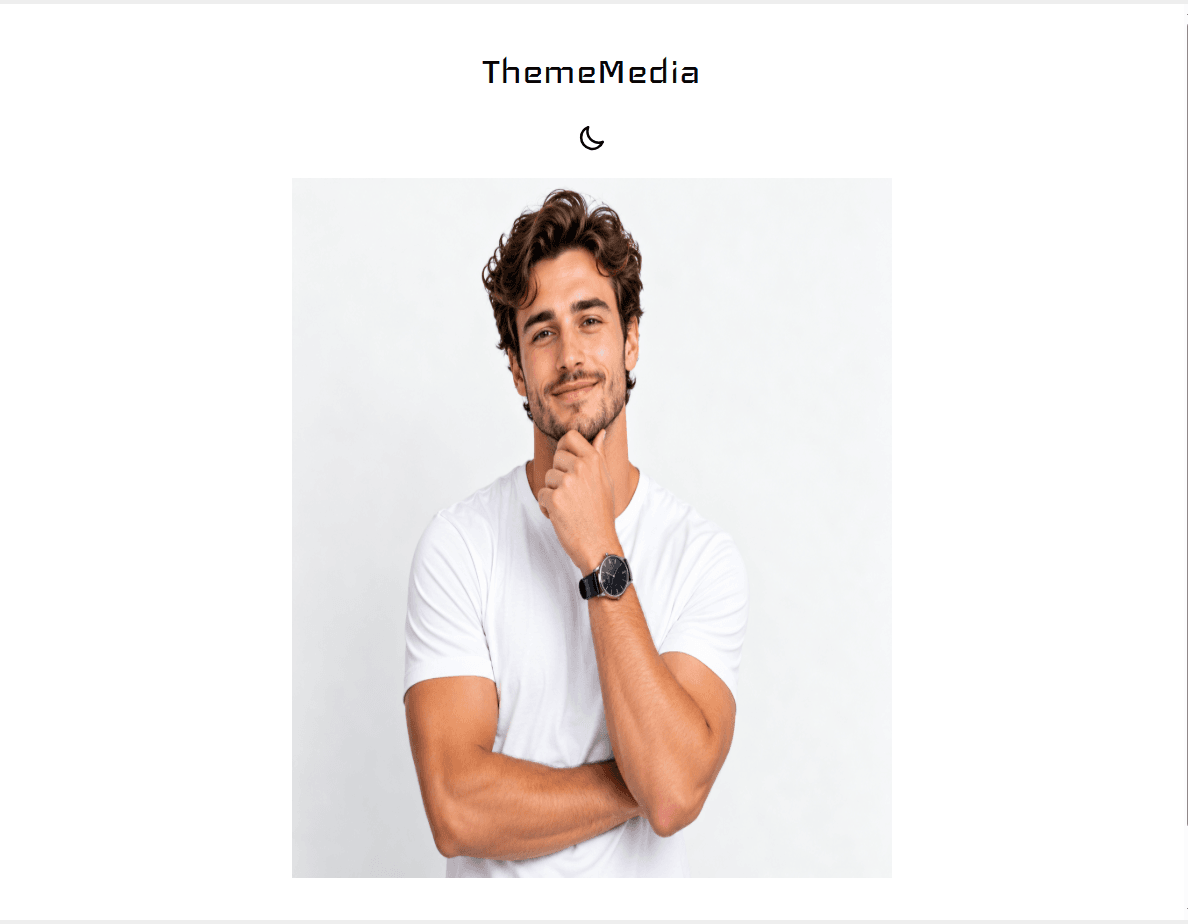
ThemeMedia lets you display different images or videos for light and dark themes in Framer. It automatically switches between your selected media when the visitor's theme changes.
Features
☀️ Light & dark media
🖼️ Image support
🎥 Video support
🖼️ Custom video posters
🌗 Framer & system theme support
✨ Smooth fade transitions
⚡ Lazy loading
▶️ Autoplay, mute & loop controls
🎛️ Optional video controls
📐 Contain, cover & fill options
How to use
Add ThemeMedia to your Framer project.
Upload your Light Media.
Upload your Dark Media.
Select whether each is an Image or Video.
If using video, optionally add a Poster image.
Configure autoplay, mute, loop, controls, transition, and fit settings.
You can mix media types, so your Light version can be an image while your Dark version is a video, or vice versa.