About MacBook Showcase CMS
About
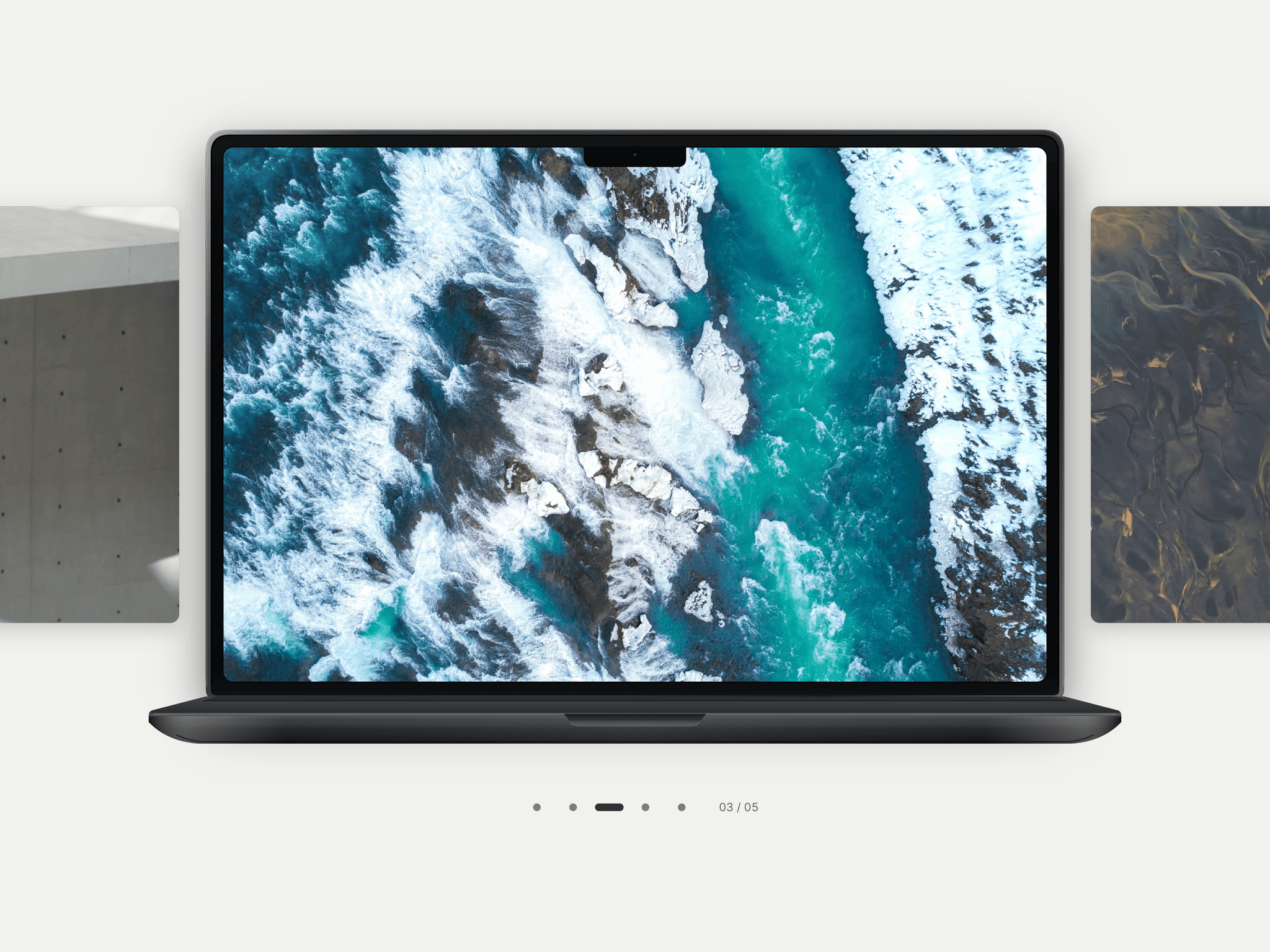
MacBook Showcase CMS is a responsive MacBook mockup and image/video carousel for Framer. Present screenshots, product demos and project stories with titles, descriptions and links. Visitors can drag, swipe or browse thumbnails, while slide or fade-and-scale transitions bring each screen into focus. Choose side-by-side or stacked layouts, with optional autoplay.
What you can customize
Use Framer property controls to edit media, text, categories, links, typography, colors, device styling, spacing and navigation. Adjust image fit, focal position, transitions and autoplay. Show or hide project details, arrows, thumbnails, the counter and progress line.
Add up to 50 manual entries or bind up to 30 slide slots to fields within one current CMS item. Set up CMS fields and bindings in your own project. Built as a code component with keyboard navigation and reduced-motion support; no code editing needed.
Great for (examples)
Just a few ideas, use it anywhere your work deserves a closer look:
Designer portfolios and agency project showcases
CMS case-study pages and studio portfolios
Website screenshots and redesign presentations
SaaS product demos and software walkthroughs
App interfaces and dashboard previews
Image galleries and video presentations
Photography collections and editorial projects
Product launches and feature showcases
Share your build
If you ship something cool with it, post it on X and tag me @Matthias_Oel, or send it over. I’d love to see what you create.
Need help?
Questions or feedback? Reach me anytime: matthias@lmvision.de or on X @Matthias_Oel.
Need a matching component?
Explore more ways to present your work inside a device: